
boAt PB0012
Manual Pengguna Fon Kepala Tanpa Wayar boAt Rockerz 512 ANC
Model: PB0012
1. Pengenalan
Thank you for choosing the boAt Rockerz 512 ANC Wireless Headphones. This manual provides essential information for setting up, operating, and maintaining your headphones. Please read it carefully to ensure optimal performance and longevity of your device.

Image: boAt Rockerz 512 ANC Wireless Headphones, Cosmic Black.
2. Kandungan Pakej
Pastikan semua item ada dalam pakej anda:
- boAt Rockerz 512 ANC Wireless Headphones
- Kabel Pengecasan
- Manual Pengguna
3. Persediaan
3.1 Mengecas Fon Kepala
Before first use, fully charge your headphones. The boAt Rockerz 512 ANC offers up to 80 hours of playback on a full charge.
- Connect the charging cable to the charging port on the headphones.
- Sambungkan hujung kabel yang satu lagi ke sumber kuasa USB (cth, penyesuai dinding, port USB komputer).
- The LED indicator will show the charging status. It will typically turn off or change color once fully charged.

Image: Headphones illustrating 80 hours of battery life.
3.2 Menghidupkan/Mematikan
- Untuk Menghidupkan: Tekan dan tahan butang Kuasa sehingga penunjuk LED menyala.
- Untuk Mematikan: Tekan dan tahan butang Kuasa sehingga penunjuk LED dimatikan.
3.3 Berpasangan Bluetooth
The headphones use Bluetooth v5.4 for a stable connection up to 10 meters.
- Pastikan fon kepala dimatikan.
- Tekan dan tahan butang Kuasa selama lebih kurang 5-7 saat sehingga penunjuk LED berkelip biru dan merah, menunjukkan mod berpasangan.
- Pada peranti anda (telefon pintar, komputer riba, tablet), dayakan Bluetooth dan cari peranti yang tersedia.
- Select "boAt Rockerz 512 ANC" from the list of devices.
- Setelah dipasangkan, penunjuk LED akan berkelip biru secara berkala.

Image: Close-up of headphone controls for power and pairing.
4. Arahan Operasi
4.1 Main balik Muzik
- Main/Jeda: Tekan butang Pelbagai fungsi sekali.
- Kelantangan: Tekan butang Volume +.
- Perlahankan suara: Tekan butang Kelantangan -.
- Lagu Seterusnya: Tekan dan tahan butang Kelantangan +.
- Trek Sebelumnya: Tekan dan tahan butang Kelantangan -.
4.2 Pengurusan Panggilan
- Jawab/Tamatkan Panggilan: Tekan butang Pelbagai fungsi sekali.
- Tolak Panggilan: Tekan dan tahan butang Berbilang fungsi selama 2 saat.
- Pembantu Suara: Double-press the Multi-function button to activate your device's voice assistant.
The integrated ENx Technology ensures clear voice transmission during calls, even in noisy environments.

Image: Illustration of ENx Technology for clear calls.
4.3 Active Noise Cancellation (ANC) & Ambient Mode
The headphones feature 40dB Hybrid ANC to reduce ambient noise and an Ambient Mode to stay aware of your surroundings.
- Aktifkan/Nyahaktifkan ANC: Press the ANC button once.
- Switch to Ambient Mode: Press the ANC button again to cycle through modes (ANC On, Ambient Mode, ANC Off).

Image: Person experiencing 40dB Hybrid Active Noise Cancellation.

Image: Person using Ambient Mode to stay aware of surroundings.
4.4 BEAST Mode (Low Latency Gaming)
Activate BEAST Mode for an ultra-low latency of 40ms, enhancing your gaming experience.
- Activate/Deactivate BEAST Mode: Refer to the specific button or combination on your headphones (usually a dedicated button or a long press of a volume button).
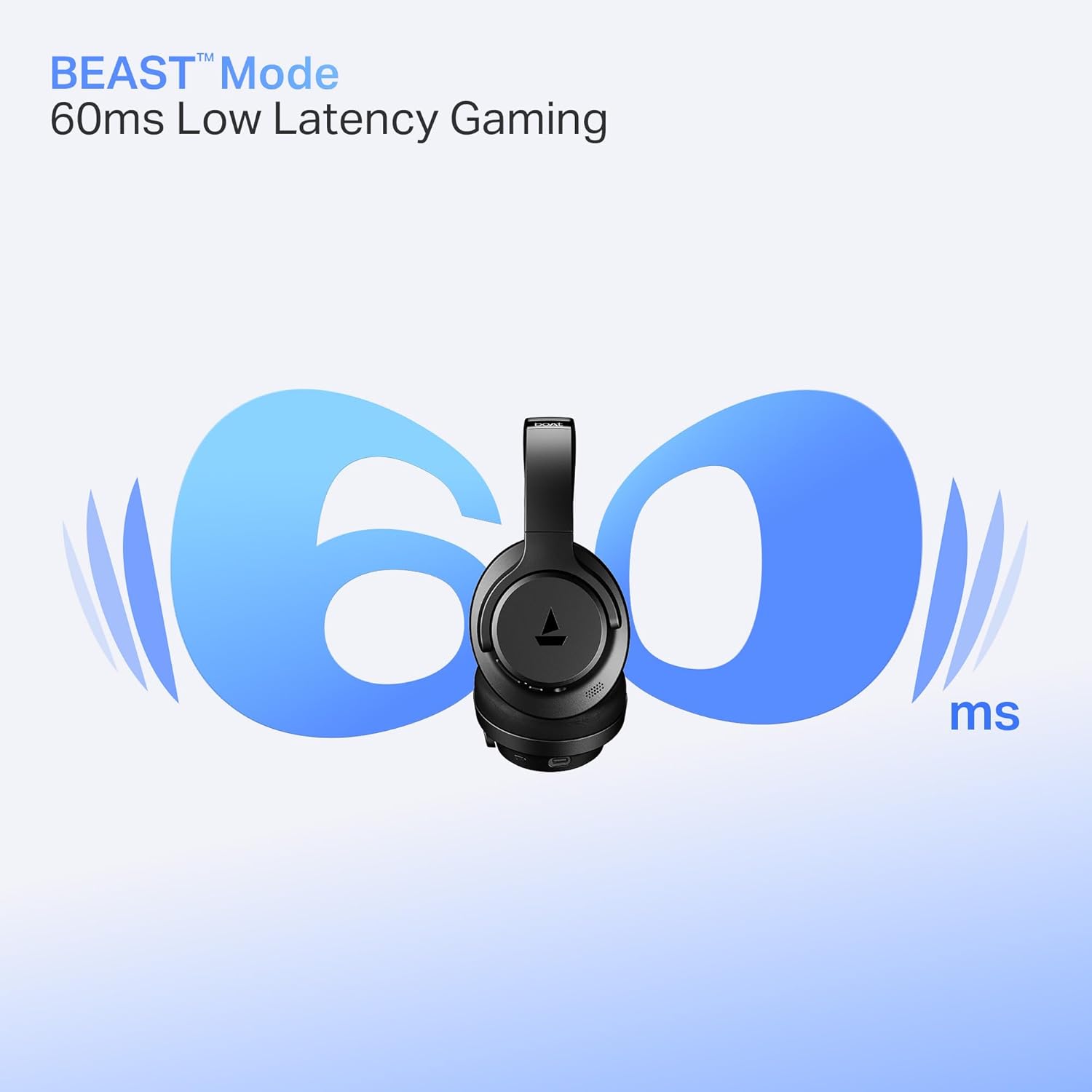
Image: Headphones illustrating BEAST Mode for low latency gaming.
4.5 boAt Hearables App Support
Enhance your experience by downloading the boAt Hearables App. The app provides additional features and controls for your headphones.
Image: Smartphone displaying the boAt Hearables App with a QR code for download. Scan the QR code or visit https://l.ead.me/bdAX6k untuk memuat turun aplikasi.
5. Penyelenggaraan
5.1 Pembersihan
Regular cleaning helps maintain the headphones' condition.
- Lap fon kepala dengan kain lembut dan kering.
- Jangan gunakan pembersih yang melelas, pelarut atau bahan kimia yang keras.
5.2 Penyimpanan
The headphones feature foldable earcups for convenient storage.
- Fold the earcups inward when not in use to save space and protect them.
- Simpan di tempat yang sejuk, kering, jauh dari suhu yang melampau dan cahaya matahari langsung.

Image: Headphones with earcups folded for storage.
5.3 Tahan Air
The headphones are IPX4 rated, meaning they are resistant to splashes of water. They are not waterproof and should not be submerged in water.
6. Penyelesaian masalah
If you encounter issues with your boAt Rockerz 512 ANC headphones, refer to the following common solutions:
- Tiada Kuasa: Ensure the headphones are fully charged. Connect them to a power source and check the charging indicator.
- Tidak boleh berpasangan: Make sure the headphones are in pairing mode (flashing blue and red LED). Ensure Bluetooth is enabled on your device and it is within the 10-meter range. Try forgetting the device on your phone and re-pairing.
- Tiada Bunyi: Check the volume levels on both the headphones and your connected device. Ensure the headphones are properly paired and connected.
- ANC Tidak Berfungsi Dengan Berkesan: Ensure the ANC feature is activated. In extremely noisy environments, some sounds may still be audible.
- Kualiti Panggilan Lemah: Ensure the microphone is not obstructed. Check your device's network signal. ENx Technology helps, but extreme background noise can still affect clarity.
7. Spesifikasi
| Ciri | Spesifikasi |
|---|---|
| Nama Model | Rockerz |
| Nombor Model | PB0012 |
| Teknologi Ketersambungan | Bluetooth |
| Versi Bluetooth | 5.4 |
| Julat Bluetooth | 10 Meter |
| Jenis Pemacu Audio | Pemandu Dinamik |
| Saiz Pemandu | 40mm |
| Kawalan Bunyi | Pembatalan Bunyi Aktif Hibrid (sehingga 40dB) |
| Hayat Bateri | Sehingga 80 Jam |
| Mod Kependaman Rendah | BEAST Mode (40ms) |
| Teknologi Mikrofon | Teknologi ENx |
| Tahap Ketahanan Air | IPX4 (Tahan Percikan) |
| Berat Barang | 250 Gram |
| Dimensi Produk | 17 x 7 x 20 cm |
| Peranti Serasi | Cellphones, Laptops, Tablets |
| Kaedah Kawalan | Butang Tekan |
| Pengeluar | Bayangkan Marketing Limited |
| Negara Asal | China |

Imej: Dalaman view highlighting the 40mm audio drivers.
8. Waranti dan Sokongan
8.1 Maklumat Waranti
Your boAt Rockerz 512 ANC headphones come with a standard manufacturer's warranty. Please refer to the warranty card included in your package or visit the official boAt webtapak untuk terma dan syarat terperinci.
8.2 Sokongan Pelanggan
For any queries, technical assistance, or warranty claims, please contact boAt customer support:
- e-mel: info@imaginemarketingindia.com
- Webtapak: Lawati boAt rasmi weblaman web untuk sumber sokongan dan Soalan Lazim.
Ask a question about this manual
Ask about setup, troubleshooting, compatibility, parts, safety, or missing instructions. Manuals+ will review the question and use this page’s manual context to help answer it.