
LongPlus X84
LongPlus 2K Vicohome Wireless Outdoor Security Camera Instruction Manual
Model: X84
pengenalan
This manual provides detailed instructions for the installation, operation, and maintenance of your LongPlus 2K Vicohome Wireless Outdoor Security Camera. Please read this manual thoroughly before using the product to ensure proper functionality and safety.

Image: Two LongPlus 2K Vicohome Wireless Outdoor Security Cameras, black, with water droplets, mounted on a wall bracket.
Kandungan Pakej
Sahkan bahawa semua item yang disenaraikan di bawah disertakan dalam pakej anda:
- Security Camera with Bracket
- Pek Skru
- Tetapkan Semula Jarum
- Kabel USB
- Panduan Mula Pantas
Ciri-ciri Produk
- AI Event Analysis: Identifies and differentiates between people, pets, vehicles, and packages to reduce false alarms.
- 3MP Color Night Vision: Captures clear color images in low light conditions up to 33 feet.
- PIR Motion Detection & Siren Alarm: Triggers an audio and strobe light alarm upon detecting humanoid motion.
- Storan Fleksibel: Menyokong sehingga 128GB kad Micro SD (tidak disertakan) dan storan awan pilihan.
- Perbincangan 2 Hala: Allows communication through the Vicohome app.
- 100% Wire-free: Battery-operated design for easy installation without wiring.
- Integrasi Rumah Pintar: Sesuai dengan Amazon Alexa.
- Bidang Luas View: 125 darjah viewsudut ing.
- Reka Bentuk Kalis Cuaca: IP65 dinilai untuk kegunaan luar.
Persediaan
1. Mengecas Kamera
Before initial use, fully charge the camera using the provided USB cable. The charging indicator light will show the charging status.
2. Pemasangan Aplikasi dan Penciptaan Akaun
- Download the "Vicohome" app from your smartphone's app store (iOS or Android).
- Buka apl dan ikut arahan pada skrin untuk membuat akaun dan log masuk.
3. Menyambung ke Wi-Fi
- Ensure your camera is powered on and near your Wi-Fi router.
- In the Vicohome app, tap the "+" icon to add a new device.
- Follow the app's instructions to connect the camera to your 2.4GHz Wi-Fi network. 5GHz networks are not supported.
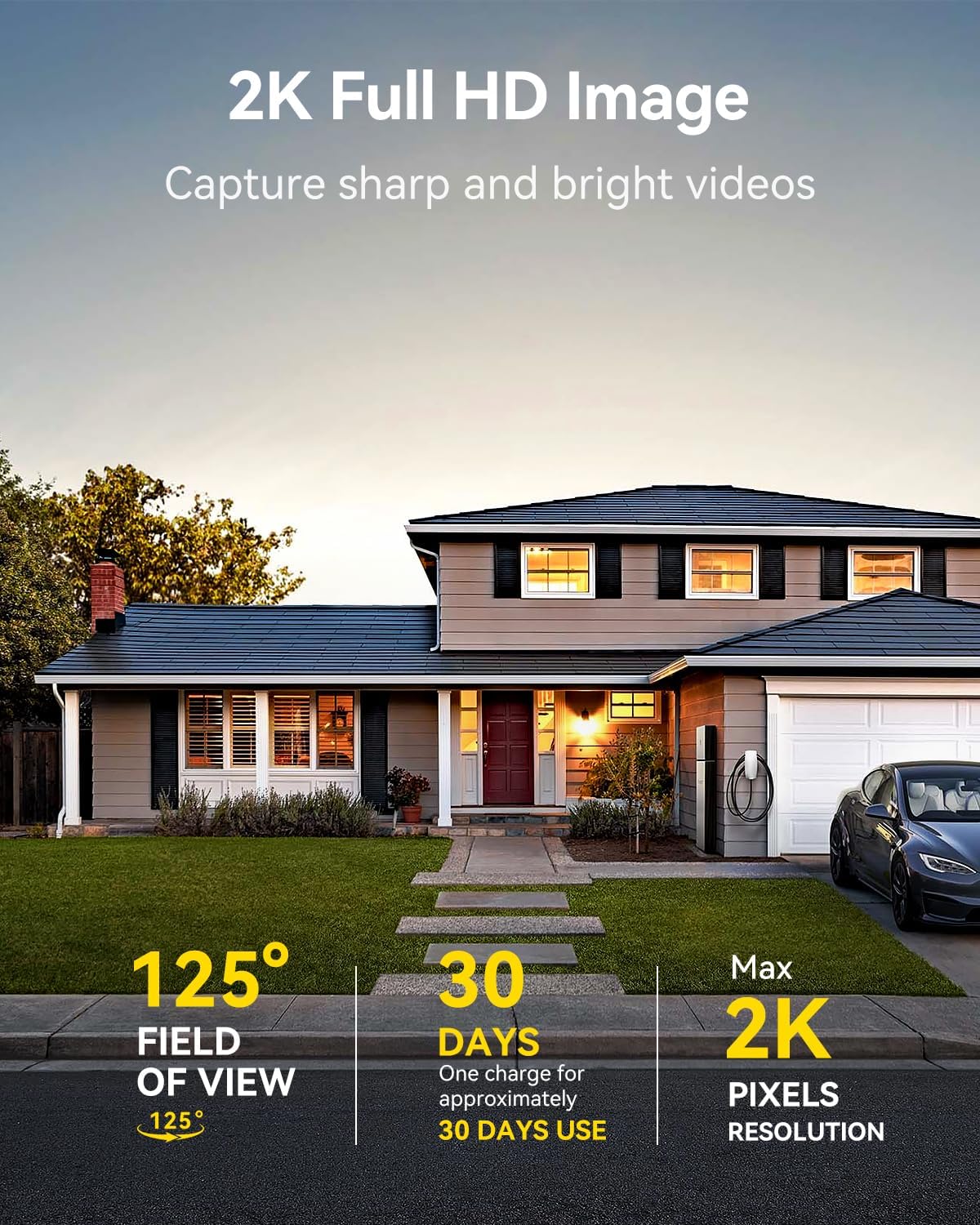
Image: A LongPlus security camera on a wooden table, illustrating its 2.4GHz WiFi connectivity.
4. Memasang Kamera
The camera can be mounted on a ceiling or wall. Choose a location that provides the desired viewing angle and is within Wi-Fi range.
- Mark the positions for drilling using the camera bracket as a template.
- Tebuk lubang pandu dan masukkan penambat dinding jika perlu.
- Secure the bracket to the surface using the provided screws.
- Attach the camera to the bracket and adjust the angle.

Image: A LongPlus security camera mounted on an outdoor wall, demonstrating its wire-free installation.
Operasi
1. Hidup View
Open the Vicohome app and select your camera to view the live feed. You can monitor your surroundings in real-time.

Image: A smartphone displaying the live feed from a LongPlus security camera, showing children playing in a yard.
2. Bicara Dua Hala
Dari siaran langsung view screen in the app, tap the microphone icon to initiate two-way communication. Speak into your phone to communicate with individuals near the camera.

Image: A person receiving a package at their front door, demonstrating the two-way talk feature of the LongPlus camera.
3. Motion Detection Settings
Configure motion detection sensitivity and define detection zones within the Vicohome app settings for your camera. This helps in reducing unwanted alerts.

Image: A man walking past a LongPlus security camera, illustrating motion detection and app alerts.

Imej: Sebuah udara view of a house with a pool, illustrating customizable motion detection zones for different objects.

Image: A house with a lawn, demonstrating the ability to set specific motion detection zones.
4. Penglihatan Malam
The camera automatically switches to color night vision in low light conditions, providing clear visibility.

Image: A LongPlus security camera mounted outdoors at night, showing its color night vision capability on a smartphone screen.
5. Rakaman dan Main semula
Recordings are stored on a Micro SD card (if installed) or in the cloud (subscription may be required). Access and playback recorded events through the Vicohome app's library section.

Image: A LongPlus camera with an SD card being inserted, illustrating local and cloud storage options.
6. Perkongsian Peranti
You can share access to your camera with other users through the Vicohome app, allowing multiple individuals to monitor the feed simultaneously.
7. Integrasi Rumah Pintar
The camera is compatible with Amazon Alexa. Follow the instructions in the Vicohome app or Alexa app to link your devices and use voice commands for monitoring.

Image: A person using an Amazon Echo Show to view the camera feed via Alexa voice commands.
Penyelenggaraan
1. Mengecas Bateri
Monitor the battery level through the Vicohome app. Recharge the camera when the battery is low to ensure continuous operation. If the camera is installed in a hard-to-reach location, consider using a compatible solar panel charger (sold separately) to reduce the frequency of manual charging.
2. Pengurusan Kad SD
If using a Micro SD card, ensure it is a genuine card and inserted correctly. Periodically review dan urus foo yang disimpantage. The card can be ejected with a gentle press.
3. Pembersihan
Gently wipe the camera lens and body with a soft, dry cloth to remove dust and debris. Avoid using harsh chemicals or abrasive materials.
Menyelesaikan masalah
| Masalah | Kemungkinan Punca | Penyelesaian |
|---|---|---|
| Kamera tidak bersambung ke Wi-Fi | Incorrect Wi-Fi password; camera too far from router; 5GHz Wi-Fi network used. | Verify Wi-Fi password. Move camera closer to router. Ensure you are connecting to a 2.4GHz Wi-Fi network. Reset the camera using the reset needle and try pairing again. |
| Penggera palsu yang kerap | High motion detection sensitivity; environmental factors (e.g., moving branches, insects). | Reduce motion detection sensitivity in the Vicohome app. Define specific detection zones to exclude irrelevant areas. |
| Hayat bateri pendek | Peristiwa pengesanan gerakan yang kerap; cuaca sejuk; hidup berterusan view penggunaan. | Reduce motion detection sensitivity. Limit live view sessions. Consider purchasing a solar panel charger for continuous power. Ensure the camera is fully charged before deployment. |
| Kualiti imej yang teruk pada waktu malam | Obstructions near the lens; insufficient ambient light for color night vision. | Ensure the camera lens is clean and free from obstructions. Verify that the night vision mode is active in the app settings. |
| Kad SD tidak merakam | SD card not inserted correctly; incompatible SD card; SD card full or corrupted. | Reinsert the SD card carefully. Use a genuine Micro SD card up to 128GB. Format the SD card through the app. Replace the SD card if corrupted. |
Spesifikasi
| Ciri | Perincian |
|---|---|
| Nombor Model | X84 |
| Penggunaan Dalaman/Luar | Dalaman, Luaran |
| Sumber Kuasa | Dikuasakan Bateri |
| Protokol Ketersambungan | Wi-Fi (2.4GHz) |
| Jenis Pengawal | Amazon Alexa, Vicohome App |
| Resolusi Tangkapan Video | 1440p (2K) |
| Resolusi Pegun Berkesan | 3 MP |
| Viewsudut | 130 Darjah |
| Julat Penglihatan Malam | 33 Kaki |
| Kadar Bingkai | 15 bingkai sesaat |
| bahan | ABS Berkualiti Tinggi |
| Tahap Ketahanan Air | IP65 (kalis air) |
| Saiz Maksimum yang Disokong Memori Flash | 128 GB (Mikro SD) |
| Dimensi Item (L x W x H) | 2.36 x 2.16 x 4 inci |
| Berat Barang | 1.59 paun (0.72 Kilogram) |
| Bateri | 1 bateri Lithium Ion diperlukan (termasuk) |
Sokongan
For technical assistance, troubleshooting beyond this manual, or warranty inquiries, please contact LongPlus customer support. Refer to the product packaging or the official LongPlus webtapak untuk maklumat hubungan.
Anda juga boleh melawat LongPlus Store on Amazon untuk maklumat dan sumber produk tambahan.
Ask a question about this manual
Ask about setup, troubleshooting, compatibility, parts, safety, or missing instructions. Manuals+ will review the question and use this page’s manual context to help answer it.