
1. Pengenalan
Thank you for choosing the Jufodrca 9.7-inch HD Touch Screen Car Radio. This system is designed to enhance your driving experience with advanced features and seamless integration into compatible Cadillac models. This manual provides essential information for installation, operation, and maintenance of your new car radio.
Keserasian: This car radio is compatible with Cadillac ATS, SRX, XTS, and CTS models manufactured between 2013 and 2018.
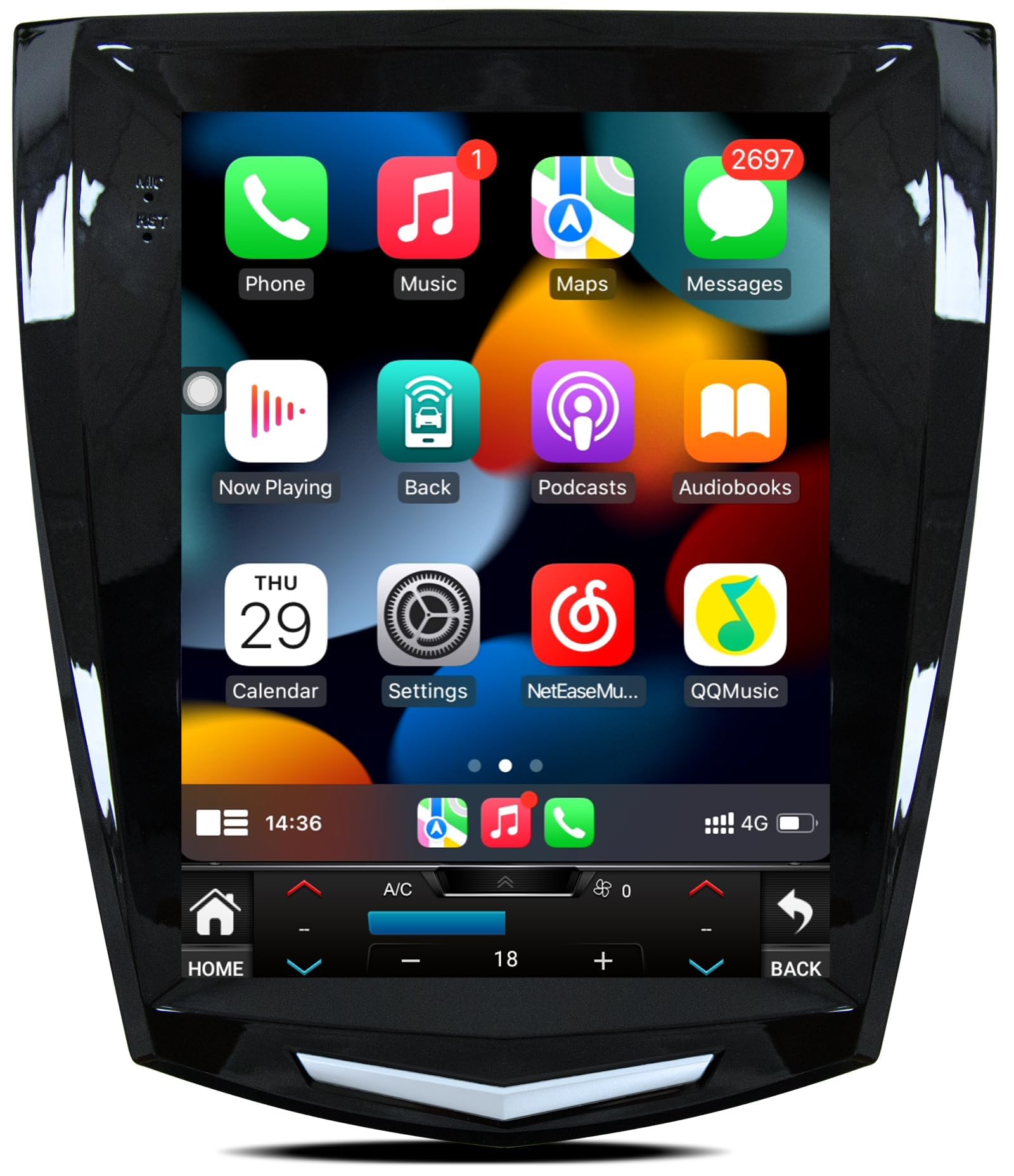
Image: The Jufodrca 9.7-inch Car Radio installed in a Cadillac dashboard, demonstrating its fit and modern interface. Insets show various Cadillac dashboard configurations, indicating which are compatible and which are not.
2. Kandungan Pakej
Sila sahkan bahawa semua item yang disenaraikan di bawah disertakan dalam pakej anda:
- 1x Car Radio Unit
- 1x Canbus Box
- 1x Kabel Kuasa
- 1x Kabel RCA
- 1x Crowbar (for trim removal)
- 2x USB Cables (6-pin and 4-pin)
- 1x Backup Camera
- 1x Antena GPS
- 1x Microphone (3.5mm)
- 1x Penyesuai Antena
3. Persediaan dan Pemasangan
This car radio features a plug-and-play design for simplified installation. A detailed wiring diagram is included with the product. For visual guidance, please refer to the installation video below.
3.1. Wiring Connections Overview
Before beginning installation, ensure the vehicle's power is off. Connect the following components to the main unit:
- Antena GPS: Connect the GPS antenna to the designated port on the back of the radio unit.
- Antena 4G: Connect the 4G antenna to its respective port.
- Rear Camera Signal Wire: Plug the 10-pin rear camera signal wire into the appropriate input.
- Kabel USB: Connect both the 6-pin and 4-pin USB cables to their ports.
- Kabel RCA: Connect the 20-pin RCA cable for audio/video inputs and outputs.
- mikrofon: Plug in the 3.5mm microphone for hands-free calling and voice commands.
- Kabel kuasa: Connect the main power cable to the unit.
- Kotak Canbus: Connect the Canbus box to the 8-pin connector on the power cable harness. This ensures proper communication with your vehicle's systems.
Always ensure all connections are secure before powering on the unit.
Video: A step-by-step guide demonstrating the connection of various cables and components to the Jufodrca car radio unit, including GPS antenna, 4G antenna, rear camera signal wire, USB cables, RCA cable, microphone, power cable, and Canbus box.
4. Arahan Operasi
4.1. CarPlay Wayarles & Android Auto
Connect your smartphone wirelessly via Bluetooth and Wi-Fi to access navigation, music, messaging, and voice commands directly on the 9.7-inch screen. This feature supports both Apple CarPlay and Android Auto.

Image: The car radio display showing the Wireless CarPlay and Android Auto interfaces, with examples of voice commands like "Hi Siri, call Lucy" and "OK Google, play music."
4.2. GPS Navigation & 5G WiFi
The unit includes built-in GPS navigation that functions offline with the provided GPS antenna. Connect to 5G WiFi for real-time navigation services and access to online map applications. The 5G WiFi offers faster internet speeds compared to 2.4G WiFi.

Image: The car radio screen displaying GPS navigation with a route and distance, and a separate panel illustrating 5G WiFi connectivity with icons for popular social media and streaming applications.
4.3. Bluetooth 5.0
Utilize Bluetooth 5.0 for stable, hands-free calls and seamless music streaming from your mobile device. The system supports quick pairing and reliable connections.

Image: A visual representation of Bluetooth 5.0 connectivity, showing a smartphone successfully paired with the car radio, along with icons indicating supported functions like GPS navigation, phone calls, and FM/RDS radio.
4.4. FM Radio & DSP Sound
The FM radio provides access to local broadcasts, news, and entertainment. The built-in Digital Sound Processor (DSP) allows for sound customization with a 32-band equalizer, optimizing your audio experience.
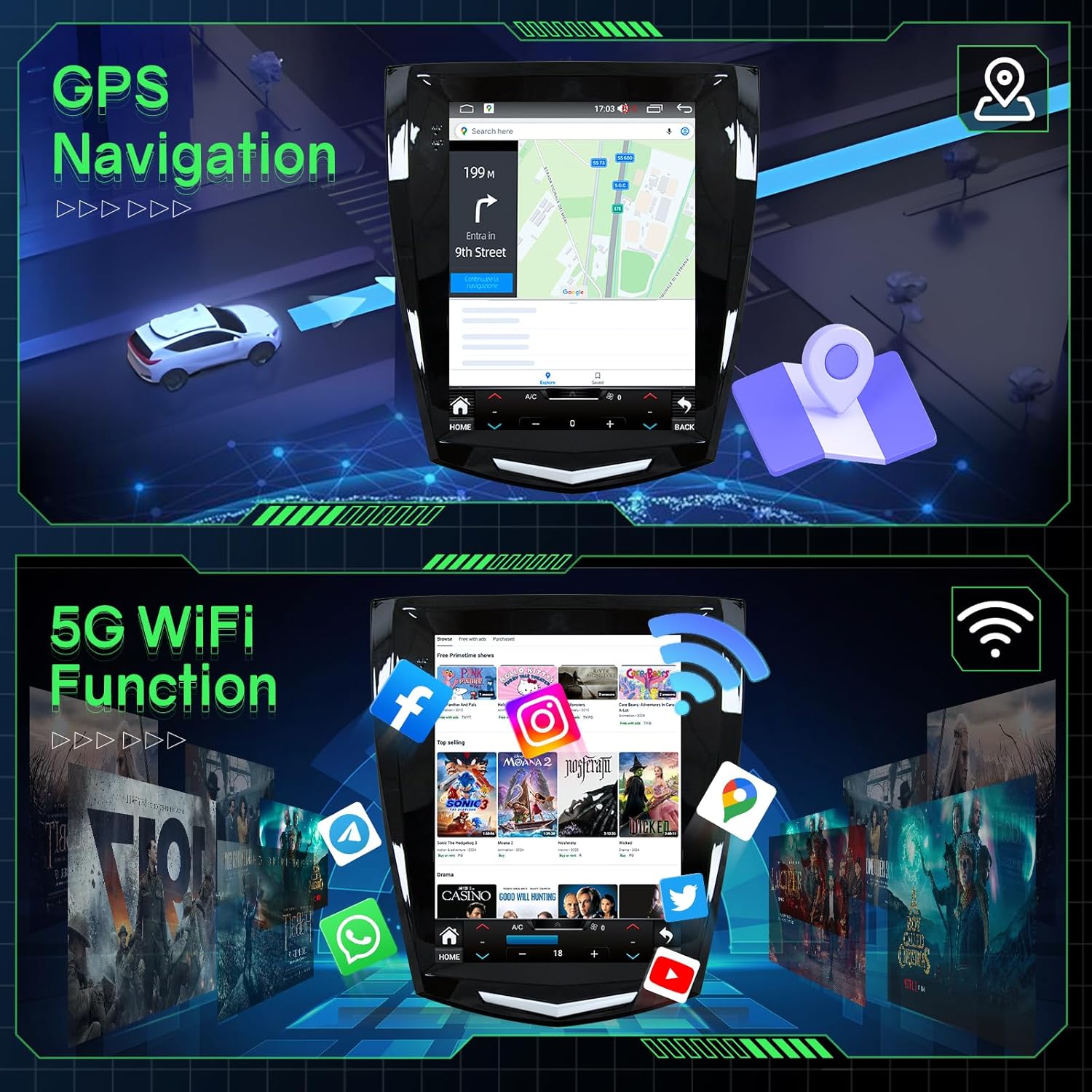
Image: The car radio displaying the FM radio interface with frequency selection. Below, a diagram illustrates the Digital Sound Processor (DSP) capabilities, highlighting sound quality and DSP adjustment features.
4.5. Steering Wheel Controls (SWC)
Maintain control of your media and volume without taking your hands off the steering wheel. The system supports integration with your vehicle's existing steering wheel controls.

Image: A car steering wheel with control buttons, and the car radio screen displaying the interface for learning and assigning functions to these steering wheel controls. A separate panel shows the view from a rear camera.
4.6. 1080P AHD Backup Camera
The included 1080P AHD backup camera automatically activates when you shift into reverse, providing a clear view kawasan di belakang kenderaan anda untuk tempat letak kereta dan manuver yang lebih selamat.
5. Spesifikasi
| Ciri | Penerangan |
|---|---|
| Jenama | Jufodrca |
| Nama Model | Jufodrca Car Radio |
| Saiz Skrin | 9.7 Inci |
| Jenis Paparan | LED, Capacitive Touch Screen |
| Resolusi | 1024x768 |
| Sistem Operasi | Android 13 |
| Pemproses | 8-Teras |
| RAM | 4GB |
| Storan Dalaman | 32GB |
| Ketersambungan | Bluetooth 5.0, USB, Wi-Fi (5G) |
| Sistem Navigasi | Built-in GPS (North America maps) |
| Ciri Audio | DSP, RDS, EQ, HiFi, FM Radio, Stereo Output |
| Ciri-ciri Tambahan | Wireless CarPlay, Android Auto, SWC, Mirror Link, 1080P Rear View Kamera |
| Dimensi Produk | 10.91"L x 5.87"W x 12.21"H |
| Berat Barang | 2.25 paun |
6. Penyelenggaraan
To ensure the longevity and optimal performance of your Jufodrca car radio, follow these maintenance guidelines:
- Pembersihan: Gunakan kain lembut dan kering untuk membersihkan skrin dan bahagian luarnya. Elakkan pembersih atau pelarut yang kasar yang boleh merosakkan permukaan.
- Kemas Kini Perisian: Periodically check for software updates to ensure you have the latest features and performance enhancements. Follow the on-screen instructions for any available updates.
- Suhu: Elakkan daripada mendedahkan unit kepada suhu yang melampau, panas dan sejuk, untuk tempoh yang lama.
- Sambungan: Ensure all cables and connections remain secure. Loose connections can lead to intermittent functionality.
7. Penyelesaian masalah
If you encounter any issues with your car radio, please refer to the following common troubleshooting steps:
- Tiada Kuasa: Periksa semua sambungan kabel kuasa. Pastikan penyalaan kenderaan dihidupkan. Sahkan fius dalam kabel kuasa.
- Tiada Bunyi: Check speaker connections. Ensure the volume is not muted or set too low. Verify audio settings in the system menu.
- Kehilangan Isyarat GPS: Pastikan antena GPS disambungkan dengan betul dan mempunyai jernih view dari langit. Gerakkan antena jika perlu.
- Isu Sambungan CarPlay/Android Auto: Ensure Bluetooth and Wi-Fi are enabled on your smartphone and the car radio. Try restarting both devices.
- Kamera Sandaran Tidak Dipaparkan: Check the 10-pin rear camera signal wire connection. Ensure the camera is receiving power and is properly installed.
- Kawalan Roda Stereng Tidak Berfungsi: Verify the Canbus box connection and ensure it is correctly configured in the system settings.
If these steps do not resolve the issue, please contact Jufodrca customer service for further assistance.
8. Waranti dan Sokongan
Jufodrca is committed to providing excellent customer support. If you have any questions regarding installation, functionality, or require technical assistance, please do not hesitate to contact our professional customer service team. We are always here to assist you.
For warranty information, please refer to the documentation provided with your purchase or contact customer support.