
OnePlus OnePlus Watch 3
OnePlus Watch 3 43mm Silver Steel User Manual
Comprehensive Guide for Your Smartwatch
1. Pengenalan
This user manual provides essential information for the safe and efficient operation of your OnePlus Watch 3 43mm Silver Steel. Please read this manual thoroughly before using the device to ensure proper functionality and to prevent damage. Keep this manual for future reference.
2. Apa yang ada di dalam Kotak
Sahkan bahawa semua item terdapat dalam pakej:
- OnePlus Watch 3 (43mm Silver Steel)
- Tali Jam
- Kabel Pengecasan
- Panduan Mula Pantas

Image: OnePlus Watch 3 43mm Silver Steel, front view with strap.
3. Produk Lebihview
3.1 Design and Components
The OnePlus Watch 3 features a 43mm round display encased in polished stainless steel. The crown and side button provide tactile control, complementing the touchscreen interface. The device is designed for comfortable wear with a fluoroelastomer band.
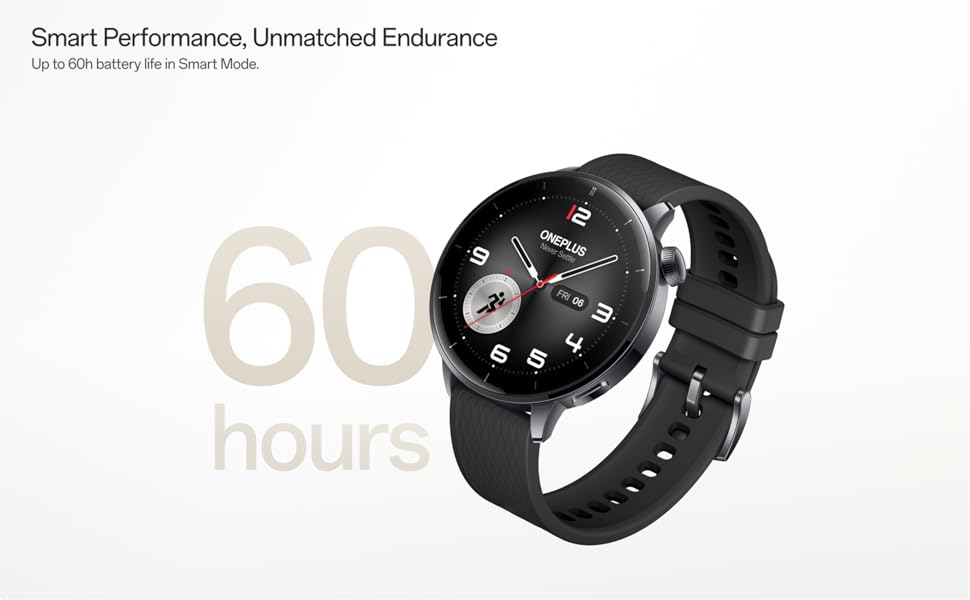
Image: OnePlus Watch 3 43mm Silver Steel, highlighting its refined design and polished stainless steel case.
3.2 Ciri-ciri Utama
- paparan: 1.32-inch round AMOLED touchscreen.
- Sistem pengendalian: WearOS.
- Storan: Storan dalaman 32GB.
- Ketersambungan: Bluetooth, Multi-GNSS (Beidou, GPS, Galileo, GLONASS, QZSS).
- Tahan Air: Penarafan IP68.
- Bateri: 345mAh Lithium-Ion, offering up to 60 hours in Smart Mode.
4. Persediaan
4.1 Pengecasan Awal
Before first use, fully charge your OnePlus Watch 3. Connect the charging cable to the watch's charging port and a compatible USB power adapter. The watch display will indicate charging status.
4.2 Menghidupkan/Mematikan
- Hidupkan kuasa: Press and hold the side button (crown) until the OnePlus logo appears.
- Matikan: Press and hold the side button, then select 'Power Off' from the options on the screen.
4.3 Berpasangan dengan Telefon Pintar Anda
- Ensure your smartphone has Bluetooth enabled and is connected to the internet.
- Download and install the Wear OS by Google app from your phone's app store.
- Open the Wear OS app and follow the on-screen instructions to pair your OnePlus Watch 3.
- Terima semua kebenaran yang diperlukan untuk kefungsian penuh.
5. Mengendalikan Jam Tangan
5.1 Navigasi
- Skrin sentuh: Leret ke atas, bawah, kiri atau kanan untuk menavigasi menu dan pemberitahuan. Ketik untuk memilih item.
- Mahkota: Rotate the crown to scroll through lists or adjust settings. Press the crown to return to the watch face or access the app drawer.
- Butang Sisi: Customizable for quick access to a specific app or function.
5.2 Menyesuaikan Muka Jam
To change your watch face, long-press on the current watch face and swipe left or right to browse available options. Tap to select. Additional watch faces can be downloaded via the Wear OS app or Google Play Store on your watch.
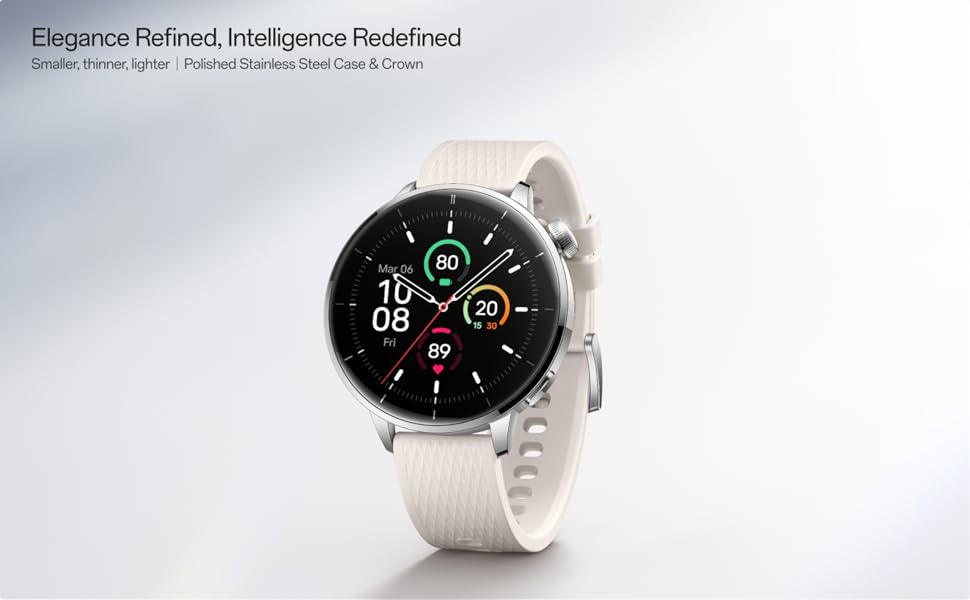
Image: Two OnePlus Watch 3 devices showing different watch faces, illustrating customization options.
6. Pemantauan Kesihatan
The OnePlus Watch 3 offers comprehensive health tracking features:
- Pemantauan Denyut Jantung: Continuous tracking of your heart rate throughout the day.
- Pengukuran Oksigen Darah (SpO2): On-demand and continuous blood oxygen level monitoring.
- Penjejakan Tidur: Memantau tidur stages, duration, and detects potential sleep breathing risks.
- Penjejakan Kitaran: For tracking menstrual cycles.
- Pemantauan Tekanan: Analyzes heart rate variability to estimate stress levels.

Image: The OnePlus Watch 3 and a smartphone screen showing various health metrics like daily activity, heart rate, and sleep data.
7. Penjejakan Kecergasan
The watch supports 11 professional fitness modes and provides fat burning evaluation. Utilize the built-in Multi-GNSS for accurate outdoor activity tracking.
- Penjejakan Aktiviti: Merekod langkah, jarak, kalori yang dibakar dan minit aktif.
- Mod Senaman: Select from various modes like running, cycling, swimming, and more for tailored tracking.
- Penjejakan GPS: Integrated GPS for precise route mapping during outdoor workouts.

Image: A person wearing the OnePlus Watch 3 during a cycling activity, demonstrating its use for fitness tracking.
8. Ciri Pintar
Running on WearOS, the OnePlus Watch 3 integrates seamlessly with your digital life:
- Pemberitahuan: Receive calls, messages, and app alerts directly on your wrist.
- Google Play Apps: Access a wide range of applications from the Google Play Store.
- Google Wallet: Make contactless payments.
- Kawalan Muzik: Kawal main balik muzik pada telefon pintar anda yang disambungkan.
- Pembantu Suara: Utilize Google Assistant for hands-free commands.

Image: The OnePlus Watch 3 screen showing multiple app icons, representing its WearOS ecosystem and access to Google Play apps.
9. Pengurusan Bateri
The OnePlus Watch 3 is equipped with a 345mAh battery, providing up to 60 hours of use in Smart Mode. Battery life can vary based on usage and settings.
- mengecas: Use the provided charging cable. A full charge takes approximately 30 minutes.
- Mod Penjimat Bateri: Enable this mode to extend battery life by limiting certain features.
- Tips for Extending Battery Life: Reduce screen brightness, disable always-on display, limit background app refresh, and turn off unnecessary notifications.
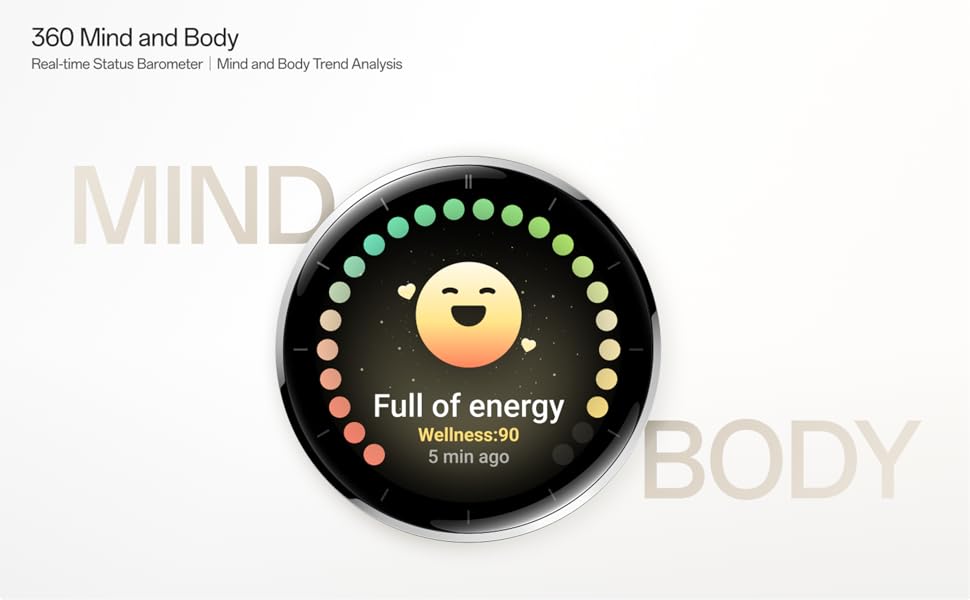
Image: The OnePlus Watch 3 with a large '60 hours' text, emphasizing its extended battery life in Smart Mode.
10. Penyelenggaraan
10.1 Pembersihan
Bersihkan jam tangan dan tali anda secara berkala untuk mengelakkan kerengsaan kulit dan mengekalkan fungsinya.
- Lap skrin jam tangan dan badan dengan kain lembut dan tidak berbulu.
- For the strap, use mild soap and water, then rinse thoroughly and dry completely before wearing.
- Elakkan menggunakan bahan kimia yang keras atau bahan yang melelas.
10.2 Tahan Air
The OnePlus Watch 3 has an IP68 water resistance rating. This means it is protected against dust and can withstand immersion in water up to 1.5 meters for 30 minutes. It is suitable for everyday use and activities like hand washing or light rain. Avoid using it for diving, high-pressure water activities, or in hot water/steam.
11. Penyelesaian masalah
If you encounter issues with your OnePlus Watch 3, try the following steps:
- Tonton Tidak Dihidupkan: Pastikan jam tangan dicas sepenuhnya.
- Isu Berpasangan: Check if Bluetooth is enabled on your phone and watch. Restart both devices and try pairing again.
- Bacaan Tidak Tepat: Pastikan jam tangan dipakai dengan kemas di pergelangan tangan anda, tidak terlalu ketat atau terlalu longgar. Bersihkan sensor di bahagian belakang jam tangan.
- App Crashes/Slow Performance: Restart the watch. If the issue persists, consider resetting the watch to factory settings (this will erase all data).
- Bateri Habis Cepat: Review petua pengurusan bateri dalam Bahagian 9.
For further assistance, refer to the official OnePlus support webtapak atau hubungi perkhidmatan pelanggan.
12. Spesifikasi
| Ciri | Spesifikasi |
|---|---|
| Nombor Model | OnePlus Watch 3 |
| Saiz Paparan | 1.32 inci |
| Jenis Paparan | AMOLED |
| Sistem Operasi | WearOS |
| Kapasiti Penyimpanan Memori | 32 GB |
| Ketersambungan | Bluetooth |
| GPS | Beidou, GPS, Galileo, GLONASS, QZSS |
| Kapasiti Bateri | 345 mAh Litium Ion |
| Tahan Air | IP68 |
| Berat Barang | 9.9 auns (0.28 Kilogram) |
| Dimensi Pakej | 4.72 x 4.69 x 2.56 inci |
13. Waranti dan Sokongan
For warranty information, please refer to the warranty card included with your product or visit the official OnePlus website. For technical support, software updates, and frequently asked questions, please visit the OnePlus support page:
Ask a question about this manual
Ask about setup, troubleshooting, compatibility, parts, safety, or missing instructions. Manuals+ will review the question and use this page’s manual context to help answer it.