
ThermoPro TP110
ThermoPro TP110 Refrigerator Thermometer User Manual
Model: TP110 | Jenama: ThermoPro
pengenalan
Terima kasih kerana membeliasing the ThermoPro TP110 Refrigerator Thermometer. This device is designed to accurately monitor temperatures in refrigerators, freezers, and other environments, ensuring optimal conditions for food storage and other applications. Please read this manual thoroughly before use to ensure proper operation and longevity of your device.
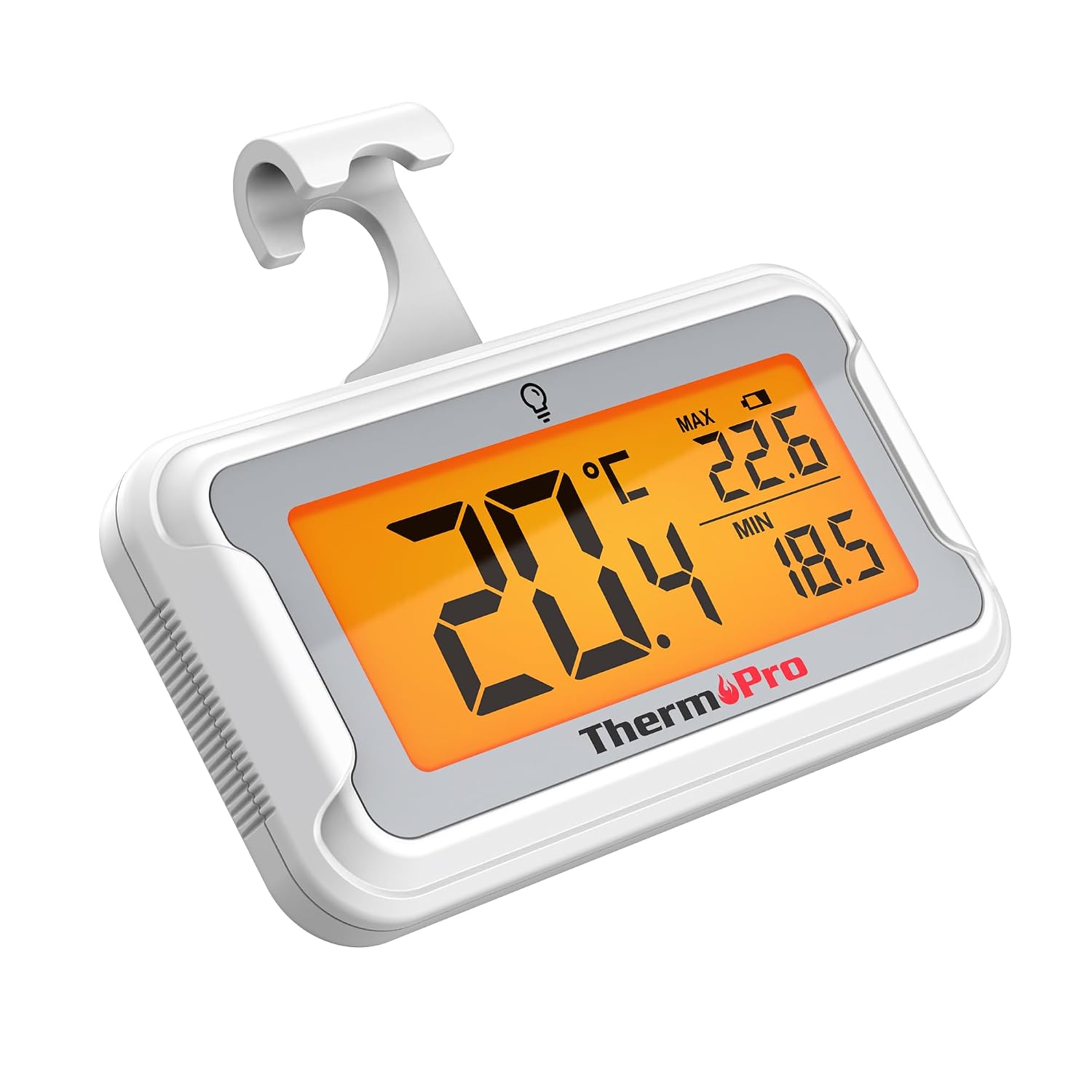
Image: The ThermoPro TP110 Refrigerator Thermometer, a compact white device with a large digital display showing temperature readings.
Ciri-ciri Utama
- Wide Temperature Range & High Accuracy: Measures from -30°C to 50°C (-22°F to 122°F) with an accuracy of ±0.5°C (±1°F).
- Kebolehbacaan Optimum: Features an oversized LCD screen with a bright backlight for easy reading, even in low-light conditions.
- Superior Waterproofing: IPX6 rated design ensures reliable operation in humid and cold environments.
- Rakaman Suhu Maks/Min: Tracks and displays the maximum and minimum temperatures over the last 24 hours, allowing you to monitor temperature fluctuations.
- Pelbagai Pilihan Peletakan: Equipped with a magnet, a hanging hook, and a kickstand for versatile placement.
- Penggantian Bateri Mudah: Designed with a rotating battery compartment for quick and tool-free battery changes.

Image: A comparison chart highlighting the ThermoPro TP110's features such as backlight, easy battery change, ±0.5°C precision, full screen, waterproof design, and MAX/MIN temperature tracking, contrasting it with other thermometers.
Kandungan Pakej
- 1 x ThermoPro TP110 Refrigerator Thermometer
- 1 x Bateri CR2032 (prapasang)
- 1 x Manual Pengguna
Persediaan
1. Pemasangan Bateri
The ThermoPro TP110 comes with a CR2032 battery pre-installed. If the display is not active or shows a low battery indicator, please replace the battery:
- Cari petak bateri di belakang termometer.
- Rotate the battery cover counter-clockwise to the "OPEN" position.
- Keluarkan bateri CR2032 lama.
- Masukkan bateri CR2032 baharu dengan bahagian positif (+) menghadap ke atas.
- Rotate the battery cover clockwise to the "LOCK" position to secure it.

Image: A three-step visual guide demonstrating how to easily replace the battery by rotating the cover to open, inserting a new battery, and rotating to lock.
2. Pilihan Penempatan
The thermometer offers three convenient placement options:
- Belakang Magnetik: Attach the thermometer to any metallic surface, such as a refrigerator door.
- Cangkuk Gantung: Use the integrated hook to hang the thermometer from a shelf or rack.
- Stand Lipat: Utilize the stand on the back to place the thermometer upright on a flat surface.

Image: Illustrations showing the thermometer used in different environments: a domestic refrigerator, a portable cooler, a car refrigerator, a refrigerated truck, and a wine cellar, demonstrating its versatility.
Arahan Operasi
1. Hidupkan/Mati Kuasa
The thermometer automatically powers on when the battery is installed. To turn it off, press and hold the power button (if available, otherwise it's always on). It features an automatic shutdown after 10 seconds of inactivity to conserve battery life, but will reactivate upon temperature change or button press.
2. Pemilihan Unit Suhu
Press the "°C/°F" button to switch between Celsius and Fahrenheit temperature displays.
3. Pengaktifan Lampu Latar
Touch the light bulb icon on the screen to activate the backlight for 10 seconds, improving visibility in dark conditions.
4. Max/Min Temperature Records
The thermometer automatically records the maximum and minimum temperatures over a 24-hour period. These values are displayed on the screen alongside the current temperature. The records reset every 24 hours or when the battery is replaced.

Image: The thermometer placed near raw meat in a refrigerator, showing current, maximum, and minimum temperatures. An accompanying graph illustrates the 24-hour temperature history, highlighting the highest and lowest points.
Penyelenggaraan
- Pembersihan: Lap termometer dengan iklanamp kain. Jangan rendamkannya di dalam air atau gunakan pembersih yang melelas.
- Penggantian Bateri: Replace the CR2032 battery when the low battery indicator appears on the display. Refer to the "Battery Installation" section for instructions.
- Storan: If storing for an extended period, remove the battery to prevent leakage. Store in a dry place away from extreme temperatures.

Image: The ThermoPro TP110 thermometer partially submerged in water, with water droplets splashing around it, illustrating its IPX6 waterproof rating.
Menyelesaikan masalah
| Masalah | Kemungkinan Punca | Penyelesaian |
|---|---|---|
| Tiada paparan atau paparan samar | Low or dead battery; battery inserted incorrectly. | Gantikan bateri CR2032, memastikan kekutuban yang betul. |
| Bacaan suhu tidak tepat | Thermometer placed too close to a heat source or vent; sensor obstruction. | Relocate the thermometer to a central area of the refrigerator/freezer, away from direct airflow or heat sources. |
| Lampu latar tidak berfungsi | Battery low; temporary malfunction. | Gantikan bateri. Jika masalah berterusan, hubungi khidmat pelanggan. |
Spesifikasi
| Ciri | Perincian |
|---|---|
| Julat Suhu | -30°C hingga 50°C (-22°F hingga 122°F) |
| Ketepatan | ±0.5°C (±1°F) |
| Jenis Paparan | LCD Digital dengan Lampu Latar |
| Penilaian Kalis Air | IPX6 |
| Sumber Kuasa | 1 x Bateri CR2032 (termasuk) |
| bahan | plastik |
| Dimensi (lebih kurang) | 8 sm (Panjang) |
| Ciri Khas | Large screen, High precision, Low battery indicator, Backlit, Waterproof, Max/Min record |

Image: A visual representation of the ThermoPro TP110's large LCD screen, showing its approximate dimensions of 8cm by 6cm, and highlighting the backlight feature.
Waranti dan Sokongan
ThermoPro menyediakan jaminan untuk produk ini terhadap kecacatan pada bahan dan mutu kerja. Untuk maklumat jaminan terperinci, pendaftaran produk atau sokongan teknikal, sila lawati ThermoPro rasmi webtapak atau hubungi perkhidmatan pelanggan mereka. Simpan resit pembelian anda sebagai bukti pembelian.
Pengeluar: ThermoPro
Negara Asal: China
For further assistance, please refer to the contact information provided on the ThermoPro official webtapak.
Ask a question about this manual
Ask about setup, troubleshooting, compatibility, parts, safety, or missing instructions. Manuals+ will review the question and use this page’s manual context to help answer it.