
pengenalan
This manual provides detailed instructions for the installation, operation, and maintenance of your GNCC W5PRO 2K Solar Security Camera. Please read this manual thoroughly before using the product to ensure proper function and safety.

Image: GNCC W5PRO 2K Solar Security Camera, showing the camera unit, solar panel, and a smartphone displaying live footage.
Ciri-ciri Produk
- Resolusi HD 2K: Menyediakan foo video yang jelas dan terperincitage.
- Solar Powered & Rechargeable Battery: Equipped with a solar panel for continuous charging and a built-in rechargeable battery.
- Kesambungan Wi-Fi Dwi-Jalur: Supports both 2.4GHz and 5GHz Wi-Fi networks for stable connection.
- Penglihatan Malam Warna: Penglihatan yang dipertingkatkan dalam keadaan cahaya malap.
- Pengesanan Gerakan PIR: Detects human, animal, and vehicle movement with real-time notifications.
- Audio Dua hala: Membolehkan komunikasi melalui kamera.
- IP65 Kalis Cuaca: Direka untuk kegunaan luaran, tahan habuk dan air.
- Smart Spotlight & Alert: Activates a spotlight and alarm upon motion detection.
- Pilihan Storan: Supports cloud storage and local SD card storage (up to 128GB).

Imej: Selesaiview of key features including Dual Band Wifi, Solar Charging, IP65 Waterproof, Colour Night Vision, Two-Way Audio, and PIR Motion Detection.
Panduan Persediaan
1. Caj Bateri Permulaan
Before installation, fully charge the camera's built-in battery using the provided charging cable and power adapter. This ensures optimal performance from the start.
2. Pemasangan Aplikasi dan Penciptaan Akaun
- Download the official GNCC application from your smartphone's app store (iOS or Android).
- Buka apl dan ikut arahan pada skrin untuk membuat akaun baharu atau log masuk jika anda sudah mempunyai akaun.
3. Berpasangan Peranti
- In the GNCC app, select "Add Device" and choose your camera model.
- Follow the in-app prompts to connect the camera to your 2.4GHz or 5GHz Wi-Fi network. Ensure your camera is within range of your Wi-Fi router.
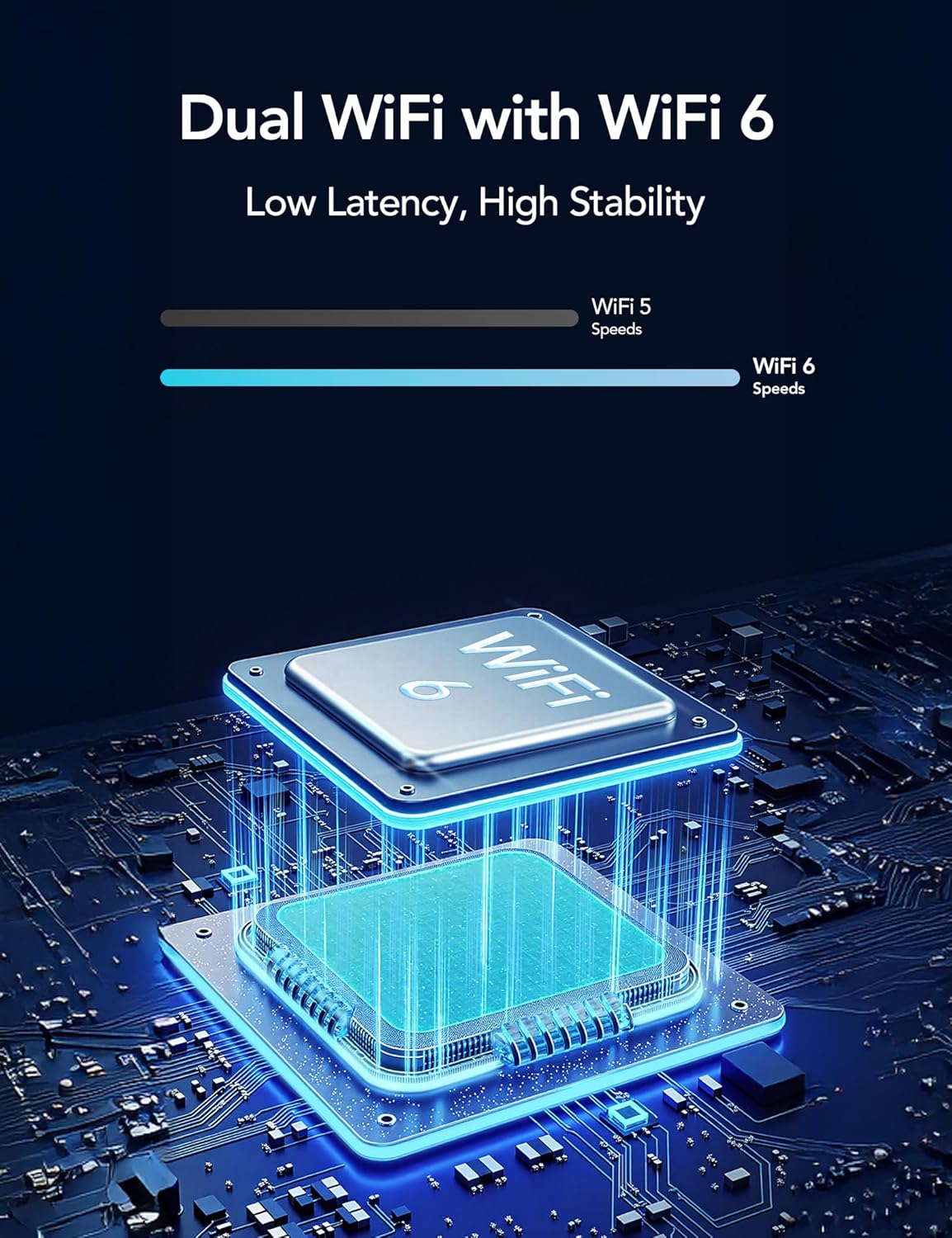
Image: Illustration of Dual WiFi with WiFi 6 technology, indicating low latency and high stability for network connection.
4. Pemasangan Fizikal
- Choose a suitable outdoor location for the camera and solar panel. The solar panel requires direct sunlight exposure for efficient charging.
- Mount the camera securely using the provided mounting screws and stand.
- Connect the solar panel to the camera using the 2-meter solar cable.

Image: A person installing the GNCC W5PRO camera on an exterior wall using a ladder, demonstrating easy installation.

Image: Details on solar panel charging, highlighting 2X solar speed, 10 minutes of charge for 24 hours of power, and a 2M solar cable. Note: Solar panel effectiveness depends on direct sunlight exposure.
Arahan Operasi
Langsung View dan Rakaman
Access the GNCC app to view hidup footage from your camera. You can manually record video or capture screenshots directly from the live view antara muka.
Pengesanan Pergerakan dan Makluman
The camera utilizes PIR (Passive Infrared) motion detection to identify movement from people, animals, and vehicles. When motion is detected, you will receive real-time notifications on your smartphone via the app.

Image: Illustration of PIR Smart Detection, showing the camera detecting a person, animal, and vehicle, with corresponding app notifications.
Audio Dua Hala
Use the two-way audio feature in the app to speak through the camera's speaker and listen to audio from the camera's microphone.
Smart Spotlight and Alert System
Configure the camera to activate its built-in spotlight and sound an alert upon detecting motion. This can be set for specific times or triggered by motion activation.

Image: The GNCC W5PRO camera activating its smart spotlight and alert system, illuminating an area and deterring potential intruders.
Pengurusan Storan
The camera supports both cloud storage and local storage via a Micro SD card (not included).
- Storan Awan: Offers 1-day event loop recording.
- Storan Kad SD: Supports up to 128GB Micro SD card for local recording.

Image: Illustration showing cloud storage for 1-day event loop recording and SD card storage up to 128GB. Micro SD card is not included.
Penyelenggaraan
- Pembersihan Panel Suria: Periodically clean the surface of the solar panel to ensure maximum sunlight absorption and charging efficiency.
- Kesihatan Bateri: While solar-powered, ensure the camera receives adequate sunlight. If the camera is in a shaded area for extended periods, occasional manual charging may be required.
- Kemas kini Firmware: Check the GNCC app regularly for firmware updates to ensure your camera has the latest features and security enhancements.
- Perlindungan Alam Sekitar: The camera is IP65 weatherproof, but avoid submerging it in water or exposing it to extreme temperatures beyond its operating range.
Menyelesaikan masalah
- Kamera Tidak Menyambung ke Wi-Fi:
- Ensure your Wi-Fi network is 2.4GHz or 5GHz and the camera is within range.
- Sahkan kata laluan Wi-Fi yang dimasukkan dalam apl adalah betul.
- Mulakan semula penghala Wi-Fi anda dan kamera.
- Kualiti Video Lemah:
- Check your Wi-Fi signal strength. A weak signal can affect video streaming quality.
- Pastikan lensa kamera bersih dan bebas daripada halangan.
- Pengesanan Pergerakan Tidak Berfungsi:
- Sahkan bahawa pengesanan gerakan diaktifkan dalam tetapan aplikasi.
- Laraskan tetapan sensitiviti pengesanan gerakan.
- Pastikan tiada halangan fizikal yang menghalang kamera view.
- Battery Not Charging via Solar Panel:
- Ensure the solar panel is positioned in direct sunlight for several hours daily.
- Bersihkan permukaan panel solar untuk menghilangkan sebarang kotoran atau serpihan.
- Check the connection cable between the solar panel and the camera.
Spesifikasi
| Ciri | Perincian |
|---|---|
| Nama Model | W5 Pro |
| Resolusi Tangkapan Video | 2K |
| Teknologi Ketersambungan | Wayarles (Wi-Fi) |
| Protokol Ketersambungan | Wi-Fi (2.4GHz & 5GHz) |
| Penggunaan Dalaman/Luar | Luar |
| Ciri Khas | 2 Way Audio, HD Resolution, Motion Sensor, Night Vision, Weather Proof |
| Jenis Pemasangan | Lekap di dinding |
| Sumber Kuasa | Rechargeable Battery, Solar Panel |
| Jenis Bateri | Built-in Rechargeable Lithium Ion |
| Dimensi Produk | 6 x 8.5 x 6cm; 210g |
| Komponen yang Disertakan | Charging Cable, Instruction Manual, Mounting Screw, Power Adapter, Stand |
| Rintangan Cuaca | IP65 |
Waranti dan Sokongan
For warranty information and technical support, please refer to the official GNCC website or contact their customer service directly. Details are typically provided on the product packaging or within the GNCC application.