
pengenalan
Welcome to the user manual for your new DORO Leva E30 4G Flip Phone. This guide provides essential information on how to set up, operate, maintain, and troubleshoot your device. The DORO Leva E30 is designed for ease of use, featuring a large 2.8-inch main screen, an external display, high-contrast keys, clear sound, and a dedicated Doro Secure button for emergencies. Please read this manual carefully to ensure optimal performance and safety.

Image: The DORO Leva E30 4G Flip Phone highlighting its simple, user-friendly design, dual screen, Doro Secure button, clear sound, hearing aid compatibility, large keys with voice feedback, and three speed dial keys.
Maklumat Keselamatan
- Always follow local regulations for mobile phone use, especially in hospitals, aircraft, or near medical devices.
- Jangan gunakan telefon semasa memandu.
- Jauhkan telefon daripada suhu yang melampau, cahaya matahari langsung dan kelembapan.
- Use only Doro-approved batteries, chargers, and accessories.
- Avoid exposing the phone to strong magnetic fields.
- Jangan cuba membuka atau membaiki telefon sendiri. Rujuk kakitangan servis yang berkelayakan.
Kandungan Pakej
Your DORO Leva E30 package typically includes:
- DORO Leva E30 4G Flip Phone
- Bateri
- Mengecas Buaian
- Panduan Mula Pantas
- Note: A USB-C charging cable and power adapter may not be included and might need to be purchased separately.
Persediaan
1. Memasukkan Kad SIM dan Bateri
- Tanggalkan penutup belakang telefon dengan berhati-hati.
- Insert your Nano SIM card into the designated slot, ensuring the gold contacts face downwards and the cut corner is correctly aligned.
- Masukkan bateri, jajarkan kenalan dengan kenalan di dalam telefon.
- Pasang semula penutup belakang sehingga ia terpasang dengan selamat di tempatnya.
2. Mengecas Telefon
- Connect the USB-C cable (if included or purchased separately) to the charging cradle and then to a power adapter.
- Place the phone in the charging cradle. Ensure it is seated correctly and the charging indicator appears on the screen.
- Allow the phone to charge fully before its first use.
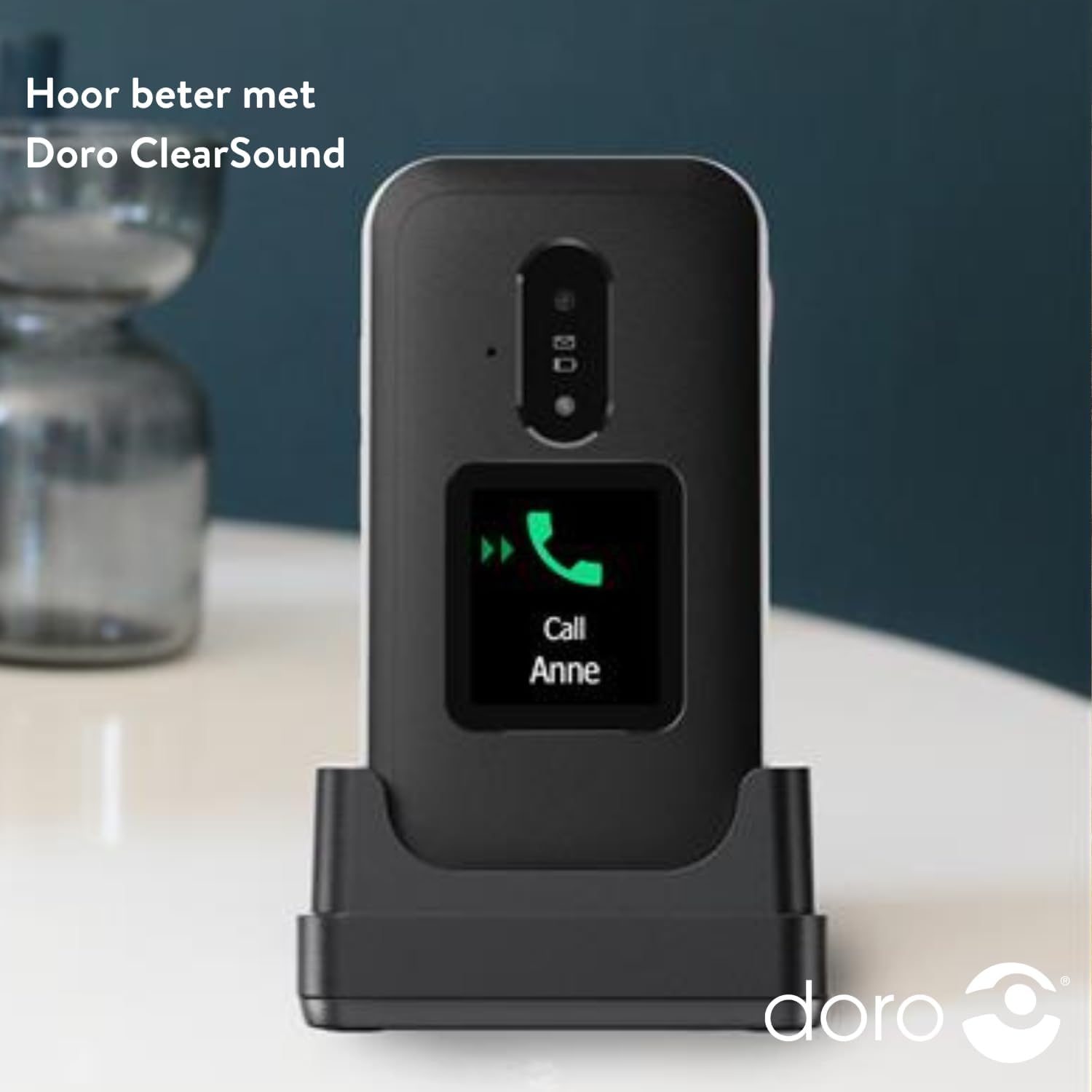
Image: The DORO Leva E30 phone resting in its charging cradle, demonstrating how to charge the device. The image also mentions "Hear better with Doro ClearSound".
3. Menghidupkan/Mematikan
- To power on, press and hold the red End Call/Power button until the Doro logo appears.
- To power off, press and hold the red End Call/Power button, then select 'Power off' from the options.
Arahan Operasi
Fungsi Panggilan Asas
- Membuat Panggilan: Enter the phone number using the keypad and press the green Call button.
- Menjawab Panggilan: When the phone rings, open the flip to answer, or press the green Call button. The external screen will display caller ID.
- Menamatkan Panggilan: Close the flip or press the red End Call button.
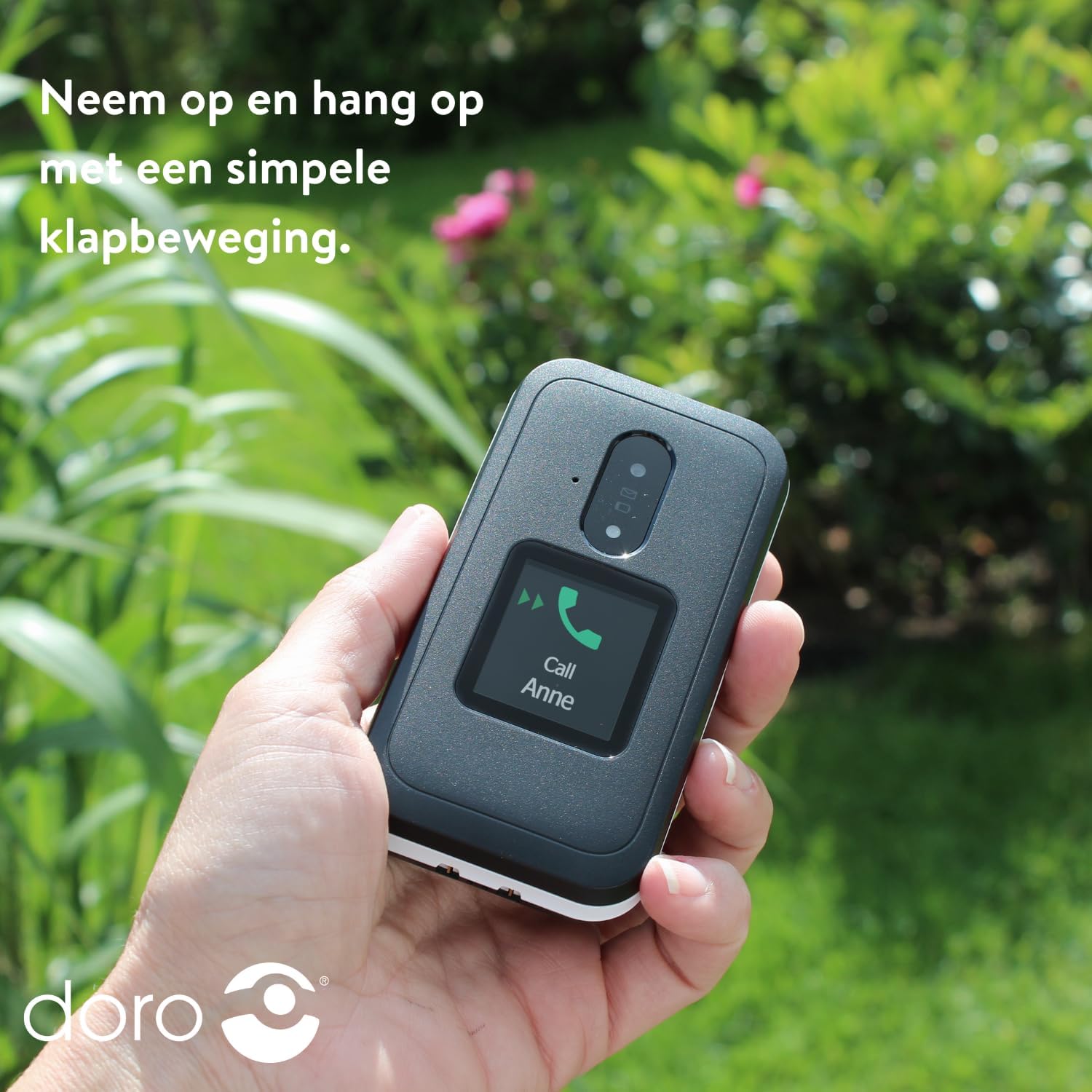
Image: A hand holding the DORO Leva E30, illustrating how to answer and end calls with a simple flip motion. The external screen shows an incoming call from "Anne".
Pemesejan
To send and receive text messages, navigate to the 'Messages' menu using the navigation keys and the 'OK' button. The large, high-contrast keys make typing easier.

Image: The DORO Leva E30 displaying its simple menu interface, with the 'Messages' icon prominently visible. Other icons for Doro Secure, Camera, Flashlight, and Splash-proof (IP54) are also shown.
Menggunakan Kamera
The phone includes a camera for taking photos. Access the camera from the main menu. Point the camera at your subject and press the designated button to capture an image.
Butang Selamat Doro
The Doro Secure button (often located on the back of the phone) is a key safety feature. When pressed and held, it can automatically call and send an SMS alert to pre-set emergency contacts. Ensure your emergency contacts are configured correctly in the phone settings.

Image: The DORO Leva E30, emphasizing its ergonomic design and the prominent Doro Secure button. The image also illustrates how the phone's well-spaced, high-contrast keys and large screen facilitate easy calling, texting, and photo-taking, and mentions the included charging station.
Paparan Luaran
The external display shows important information such as time, date, battery status, and caller ID for incoming calls without needing to open the phone.
Kawalan Kelantangan
Adjust the call volume using the dedicated volume buttons located on the side of the phone. Be mindful that these buttons can sometimes be accidentally pressed, so ensure the volume is set to your preferred level before and during calls.
Keserasian Alat Bantu Dengar
The DORO Leva E30 is designed to be compatible with hearing aids, providing a clearer audio experience for users with hearing impairments.
Lampu suluh
Activate the built-in flashlight feature from the phone's menu for convenient illumination when needed.
Splash Resistance (IP54)
The phone has an IP54 rating, meaning it is protected against dust ingress and splashing water from any direction. This does not mean it is waterproof; avoid submerging the phone in water.
Penyelenggaraan
- Pembersihan: Gunakan kain lembut dan kering untuk membersihkan permukaan telefon. Elakkan menggunakan bahan kimia yang keras atau bahan yang melelas.
- Penjagaan Bateri: To prolong battery life, avoid fully discharging the battery frequently. Charge the phone regularly, preferably using the provided charging cradle.
- Storan: Simpan telefon di tempat yang sejuk dan kering apabila tidak digunakan untuk tempoh yang lama.
Menyelesaikan masalah
| Masalah | Penyelesaian |
|---|---|
| Telefon tidak dihidupkan. | Ensure the battery is correctly inserted and fully charged. Try charging the phone for at least 30 minutes. |
| Tidak boleh membuat atau menerima panggilan. | Check if the SIM card is properly inserted. Ensure you have network coverage. Contact your service provider if the issue persists. |
| Kualiti panggilan yang lemah. | Move to an area with better network reception. Adjust the call volume. Ensure the speaker/microphone is not obstructed. |
| Bateri cepat habis. | Reduce screen brightness. Close unused applications. Limit background data usage. Ensure the phone is not in an area with poor signal, which can increase battery consumption. |
| Phone is unresponsive. | Remove the battery, wait a few seconds, and reinsert it to perform a soft reset. |
Spesifikasi
| Ciri | Perincian |
|---|---|
| Jenama | Doro |
| Nama Model | Leva E30 |
| Sistem Operasi | Sistem Operasi Mocor |
| Saiz Skrin | 2.8 Inci (Paparan Utama) |
| Resolusi | 320 x 240 piksel |
| Ketersambungan | 4G |
| Kapasiti Penyimpanan Memori | 17 GB (Internal, likely including OS) |
| warna | Hitam/Putih |
| Tahan Air | IP54 (kalis percikan) |
Waranti dan Sokongan
For detailed warranty information and customer support, please refer to the documentation included with your purchase or visit the official Doro webtapak. Terma dan syarat waranti mungkin berbeza mengikut wilayah dan peruncit.
You can often find additional support, FAQs, and contact information on the manufacturer's webtapak: www.doro.com