
GOBOULT B0FCSBLK42
GOBOULT Crown Smart Watch User Manual
Model: B0FCSBLK42
1. Pengenalan
Thank you for choosing the GOBOULT Crown Smart Watch. This manual provides essential information for setting up, operating, and maintaining your device. The GOBOULT Crown Smart Watch features a 1.95-inch HD display, Bluetooth calling, a functional rotating crown, and comprehensive health monitoring capabilities.
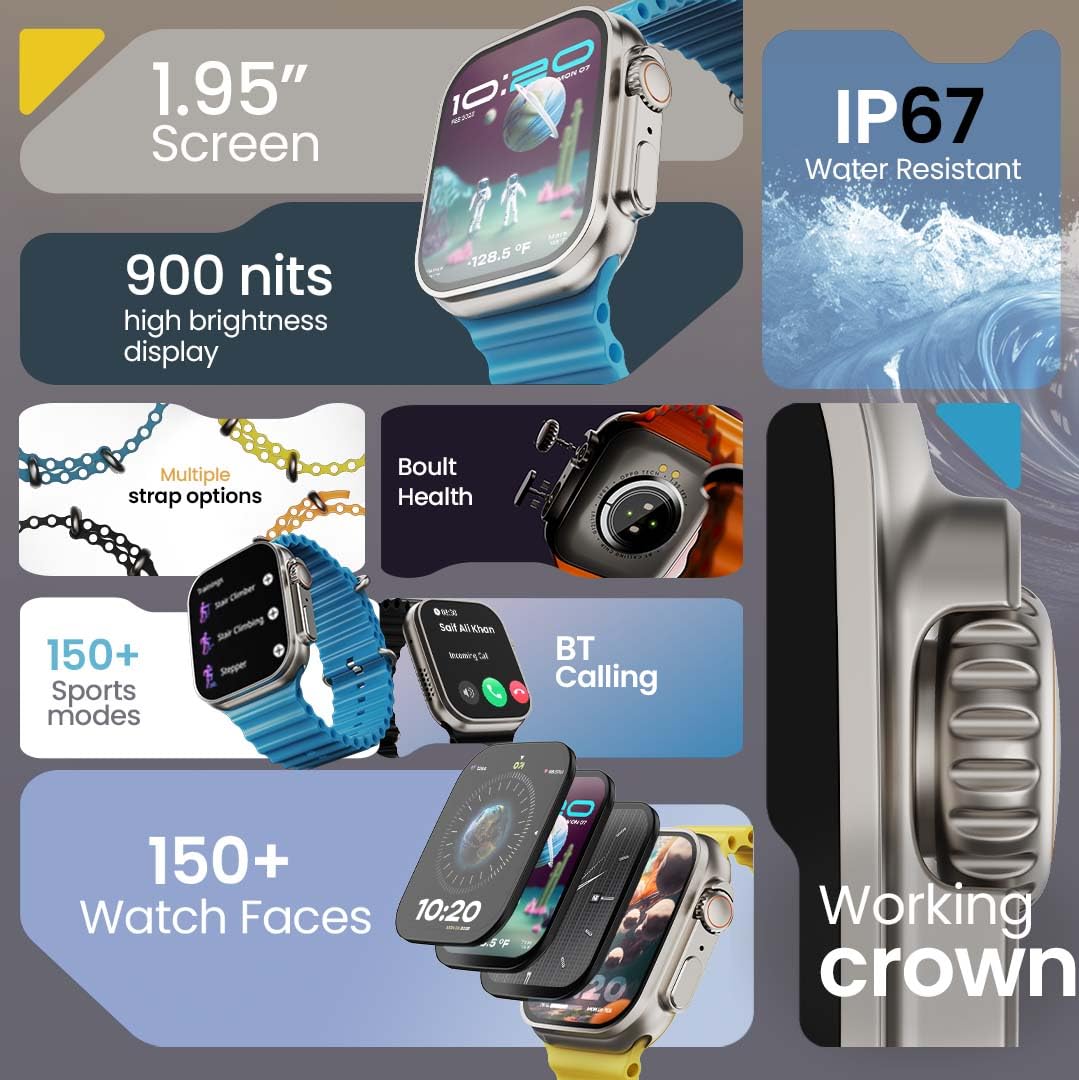
Imej 1.1: Selesaiview of the GOBOULT Crown Smart Watch highlighting its 1.95-inch screen, 900 nits brightness, IP67 rating, multiple strap options, Boult Health features, Bluetooth calling, 150+ sports modes, 150+ watch faces, and working crown.
2. Apa yang ada di dalam Kotak
Pastikan semua item berikut ada dalam pembungkusan produk anda:
- GOBOULT Crown Smart Watch
- Kabel Pengecasan
- Manual Pengguna
- Kad Waranti
3. Produk Lebihview
The GOBOULT Crown Smart Watch is designed with a premium zinc alloy frame and a vibrant 1.95-inch HD display. It features a functional rotating crown for intuitive navigation and a dedicated button for sports modes.
3.1 Komponen Utama
- Paparan HD 1.95-inci: Offers clear visuals with up to 900 nits brightness for excellent outdoor visibility.
- Working Rotating Crown: Used for scrolling, zooming, and navigating menus.
- Butang Sisi: Often dedicated for quick access to sports modes or other functions.
- Zinc Alloy Frame: Memberikan ketahanan dan rasa premium.
- Penderia: Located on the back for heart rate, SpO2, and other health monitoring.
- Mikrofon & Pembesar Suara: Integrated for Bluetooth calling and voice assistant functions.
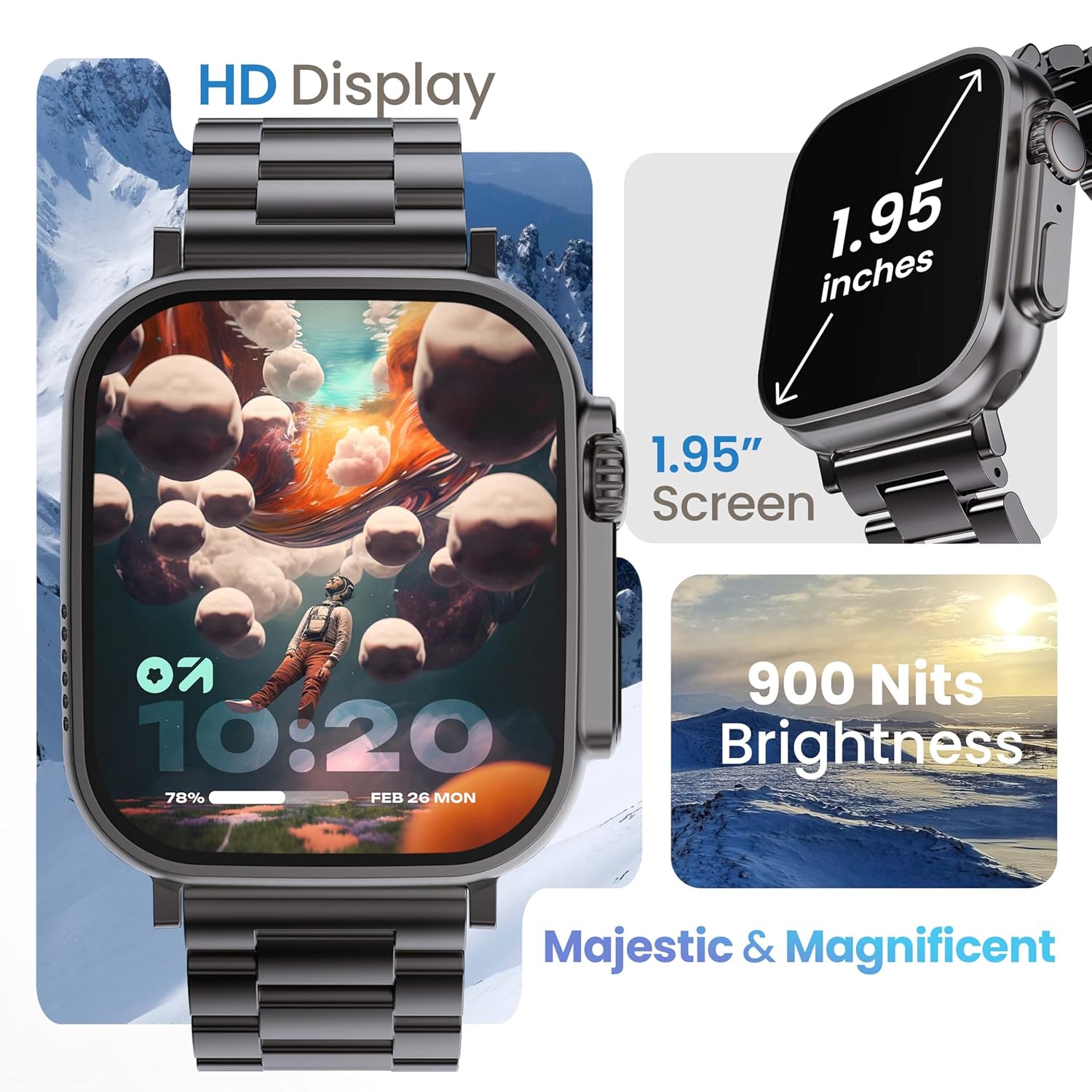
Image 3.1: The 1.95-inch HD display of the GOBOULT Crown Smart Watch, emphasizing its size and 900 Nits brightness for clear visibility.
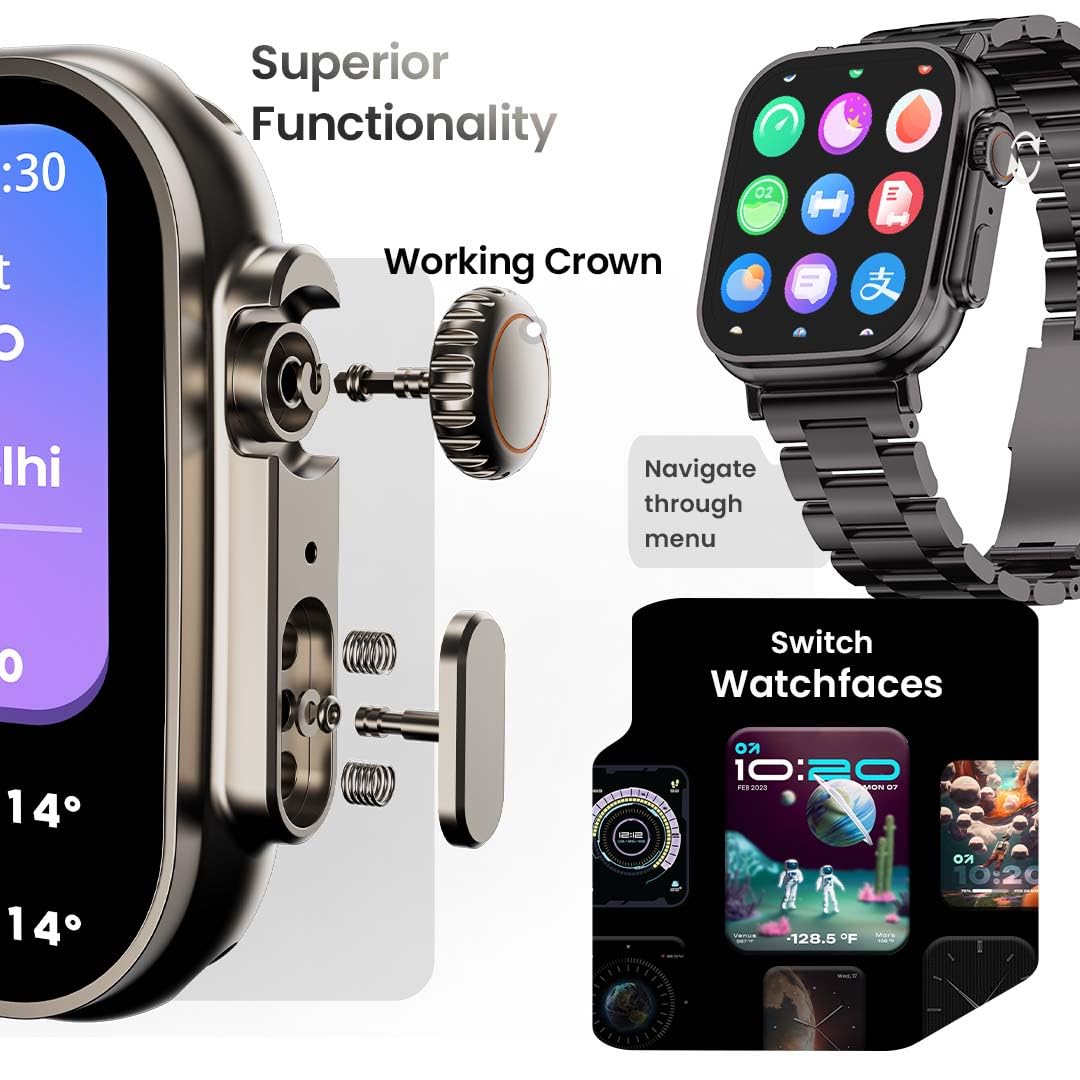
Imej 3.2: Terperinci view of the working crown on the GOBOULT Crown Smart Watch, illustrating its use for navigating menus and switching watch faces.
4. Persediaan
4.1 Mengecas Jam Tangan Pintar
- Connect the magnetic charging cable to the charging pins on the back of the watch.
- Palamkan hujung USB kabel ke dalam penyesuai kuasa USB standard (tidak disertakan) atau port USB komputer.
- Paparan jam tangan akan menunjukkan status pengecasan. Pengecasan penuh mengambil masa kira-kira 150 minit.
Nota: Pastikan pin pengecas bersih dan kering sebelum mengecas untuk mengelakkan kakisan.
4.2 Berpasangan dengan Telefon Pintar Anda
To unlock all features, pair your GOBOULT Crown Smart Watch with the companion app on your smartphone.
- Download the official GOBOULT companion app from your smartphone's app store (compatible with iOS and Android devices).
- Pastikan Bluetooth didayakan pada telefon pintar anda.
- Open the GOBOULT app and follow the on-screen instructions to create an account or log in.
- Pilih 'Tambah Peranti' atau 'Gandingkan Peranti Baharu' dalam aplikasi.
- The app will search for available devices. Select 'GOBOULT Crown' from the list.
- Sahkan permintaan berpasangan pada kedua-dua jam tangan dan telefon pintar anda.
Once paired, the watch will synchronize data with your phone, and you can customize settings through the app.
5. Arahan Operasi
5.1 Navigasi Asas
- Skrin sentuh: Leret ke kiri, kanan, atas atau bawah untuk menavigasi menu dan pemberitahuan. Ketik untuk memilih item.
- Mahkota Berfungsi: Rotate the crown to scroll through lists, zoom in/out, or switch watch faces. Press the crown to return to the home screen or access the app menu.
- Butang Sisi: Press to quickly access the sports mode menu.
5.2 Panggilan Bluetooth
The GOBOULT Crown Smart Watch supports Bluetooth calling (BT 5.2) with a built-in speaker and microphone.
- Ensure your watch is paired with your smartphone via Bluetooth.
- To make a call, access the dial pad on your watch or select a contact from your synchronized phonebook.
- To answer an incoming call, tap the green icon on the watch screen. To reject, tap the red icon.
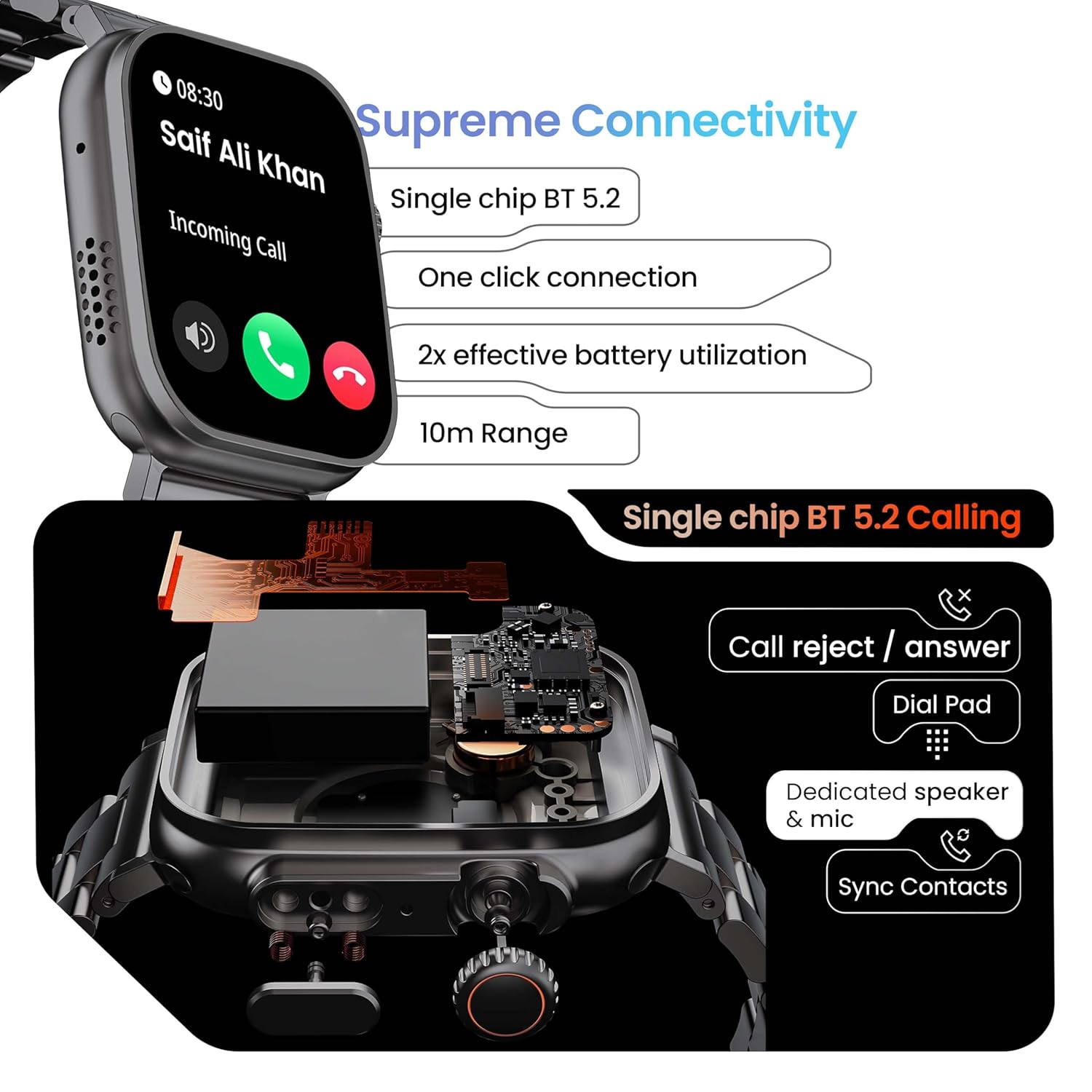
Image 5.1: Illustration of the Bluetooth 5.2 calling functionality on the GOBOULT Crown Smart Watch, including call reject/answer, dial pad, dedicated speaker & mic, and contact synchronization.
5.3 Mod Sukan
The watch offers over 120 sports modes to track various physical activities.
- Press the dedicated side button or navigate through the app menu to access 'Sports Modes'.
- Select your desired activity (e.g., Running, Cycling, Yoga, HIIT).
- The watch will begin tracking metrics such as duration, heart rate, calories burned, and steps.
- End the workout by following the on-screen prompts. Data will be synchronized with the app.

Image 5.2: The GOBOULT Crown Smart Watch actively tracking a workout, showing real-time data for heart rate, calories, and steps, with a dedicated button for sports modes.
5.4 Pemantauan Kesihatan
The watch provides continuous health tracking features.
- Pemantauan Denyut Jantung: Mengesan kadar denyutan jantung anda 24/7.
- Pemantauan SpO2: Mengukur tahap ketepuan oksigen darah.
- Analisis Tidur: Memantau corak dan kualiti tidur.
- Penjejak Aktiviti: Records steps, distance, and calories burned throughout the day.
- Amaran Sedentari: Mengingatkan anda untuk bergerak selepas tempoh tidak aktif.
- Penjejakan Kitaran Haid Wanita: Available through the companion app.
- Latihan pernafasan: Latihan pernafasan berpandu untuk relaksasi.
Access detailed health data and trends in the GOBOULT companion app.
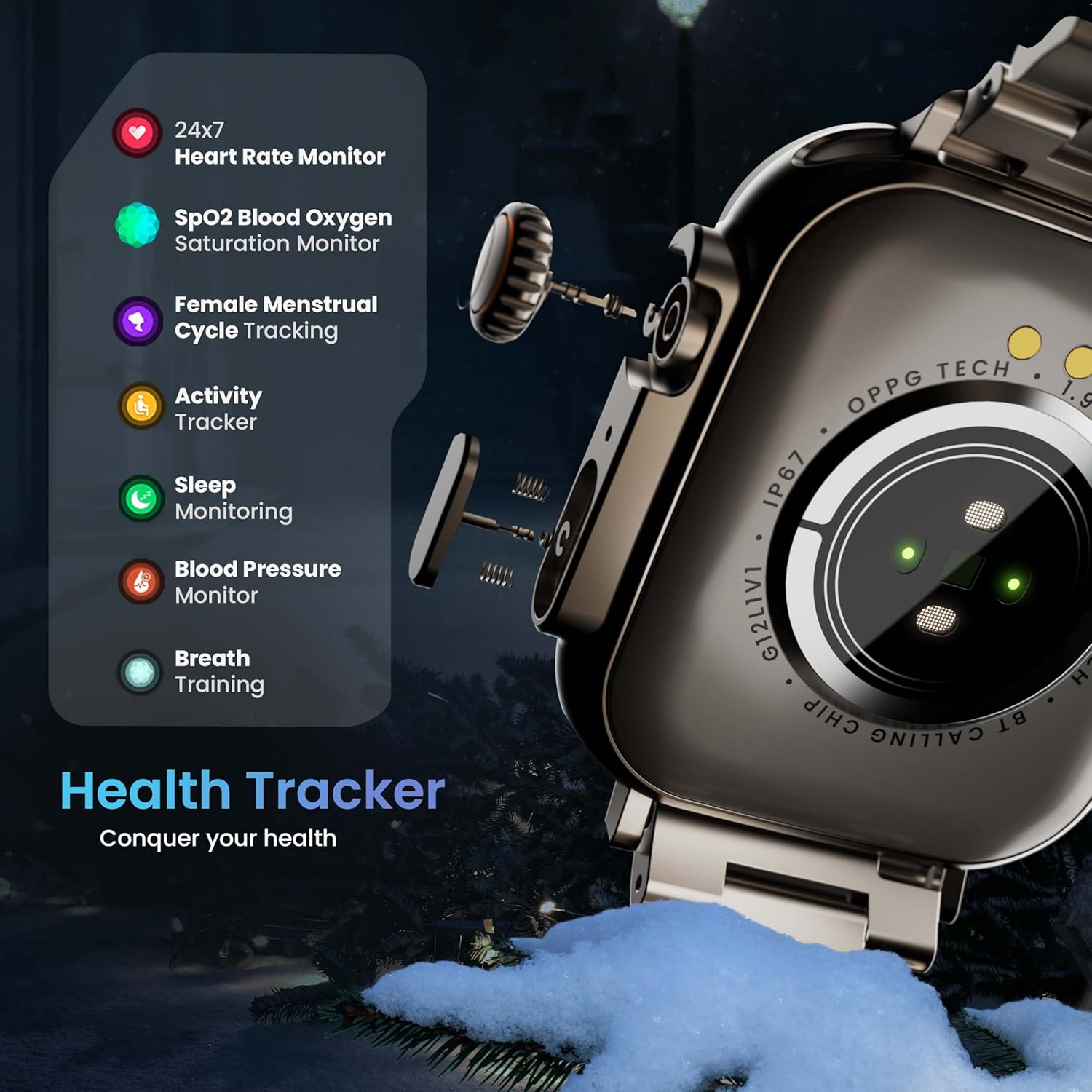
Image 5.3: The GOBOULT Crown Smart Watch highlighting its comprehensive health tracker capabilities, including 24x7 Heart Rate Monitor, SpO2 Blood Oxygen Saturation Monitor, Female Menstrual Cycle Tracking, Activity Tracker, Sleep Monitoring, Blood Pressure Monitor, and Breath Training.
5.5 Pembantu Suara AI
Interact with your watch using voice commands for quick tasks.
- Activate the AI Voice Assistant by a specific gesture or button press (refer to in-app settings for configuration).
- Speak your command clearly, such as "Hey Siri" or "Ok Google" (if connected to a compatible phone).
- The watch will process your request, allowing you to set reminders, check weather, or control smart home devices.
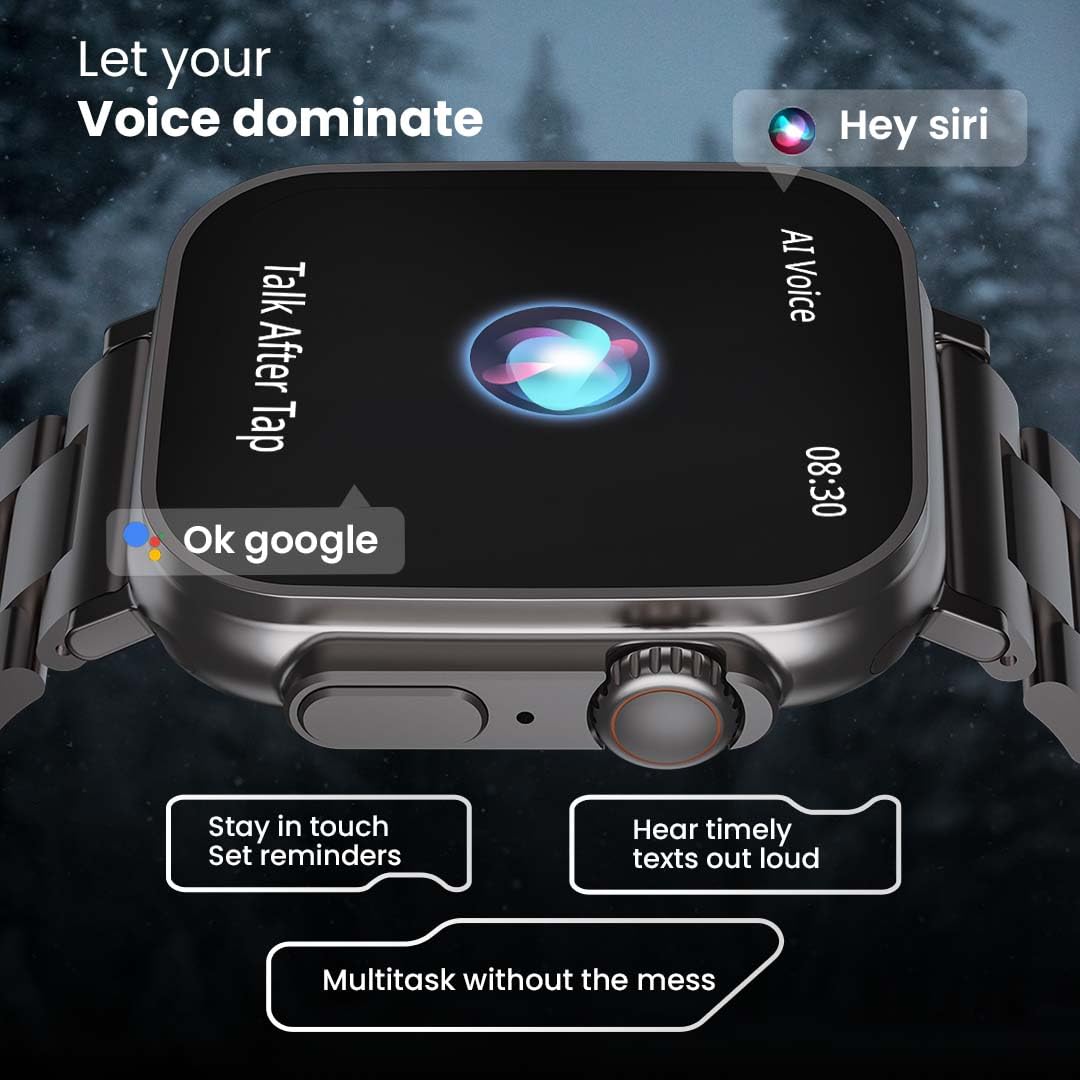
Image 5.4: The GOBOULT Crown Smart Watch interacting with AI Voice Assistants like Hey Siri and Ok Google, enabling users to stay in touch, set reminders, and hear timely texts aloud.
5.6 Watch Faces & Customization
Personalize your watch with over 100 cloud-based watch faces.
- Long-press the watch face on the home screen to quickly switch between pre-loaded faces.
- For more options, open the GOBOULT app and browse the 'Watch Faces' library.
- Download and apply new watch faces directly from the app.
5.7 Mini Games
The watch includes several mini-games for entertainment.
- Navigate to the 'Games' section in the app menu.
- Select a game (e.g., Young Bird, Hamster, Battleships, 2048) and follow the on-screen instructions to play.
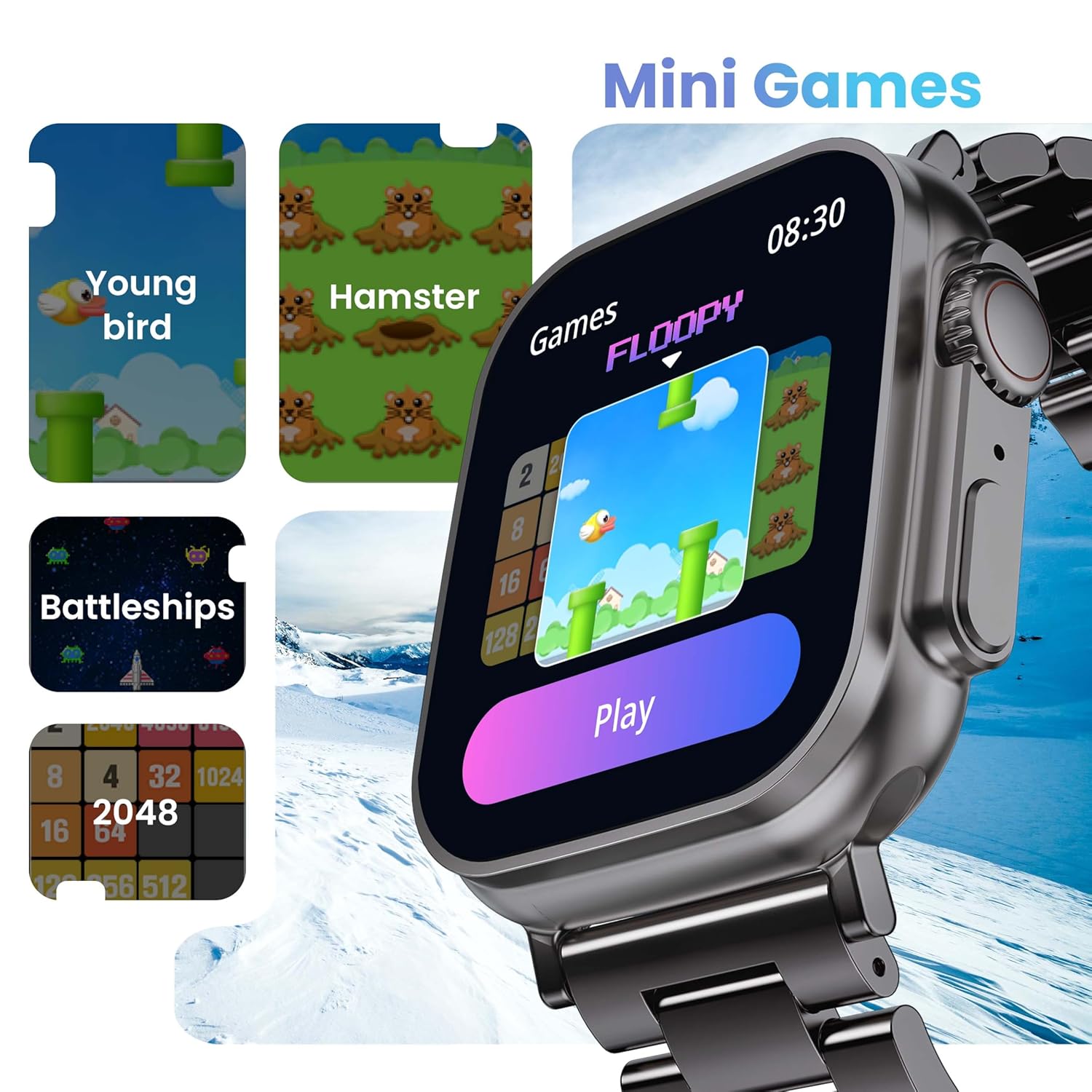
Image 5.5: The GOBOULT Crown Smart Watch showcasing its mini-games feature, including 'Young bird', 'Hamster', 'Battleships', and '2048'.
5.8 Cari Telefon Saya
Locate your paired smartphone using the watch.
- Go to the watch menu.
- Select the "Find Phone" option.
- The connected phone will ring or vibrate, helping you locate it.
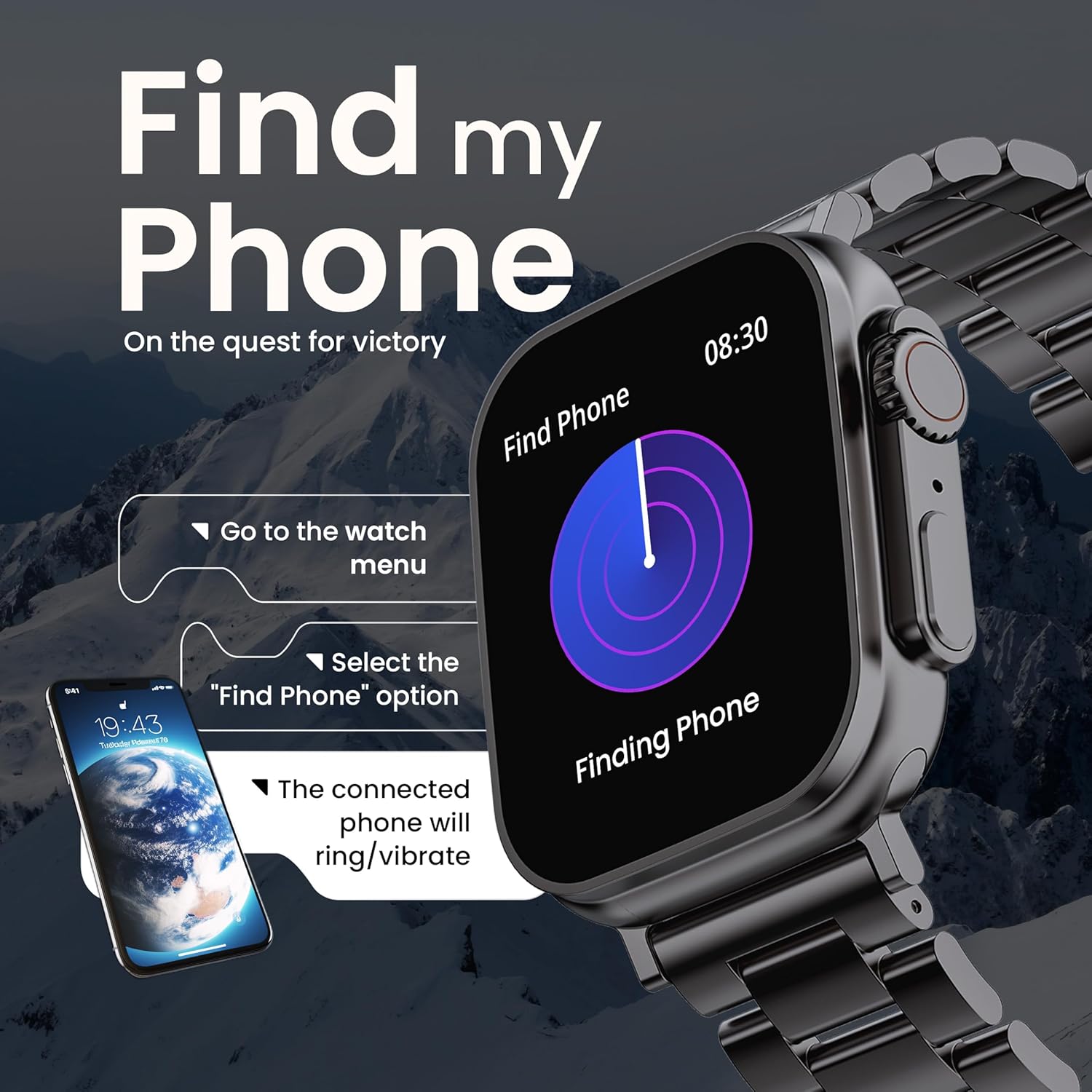
Image 5.6: The GOBOULT Crown Smart Watch illustrating the 'Find my Phone' feature, showing the steps to activate it and how the connected phone will respond.
6. Penyelenggaraan
6.1 Membersihkan Jam Tangan Pintar Anda
- Lap skrin jam tangan dan badan dengan kain lembut dan tidak berbulu.
- Untuk kotoran degil, dampLap kain sedikit dengan air. Elakkan menggunakan bahan kimia yang keras atau bahan yang melelas.
- Clean the charging pins regularly to ensure proper connection.
- If your watch has a stainless steel band, use the provided strap adjustment tool for any modifications.
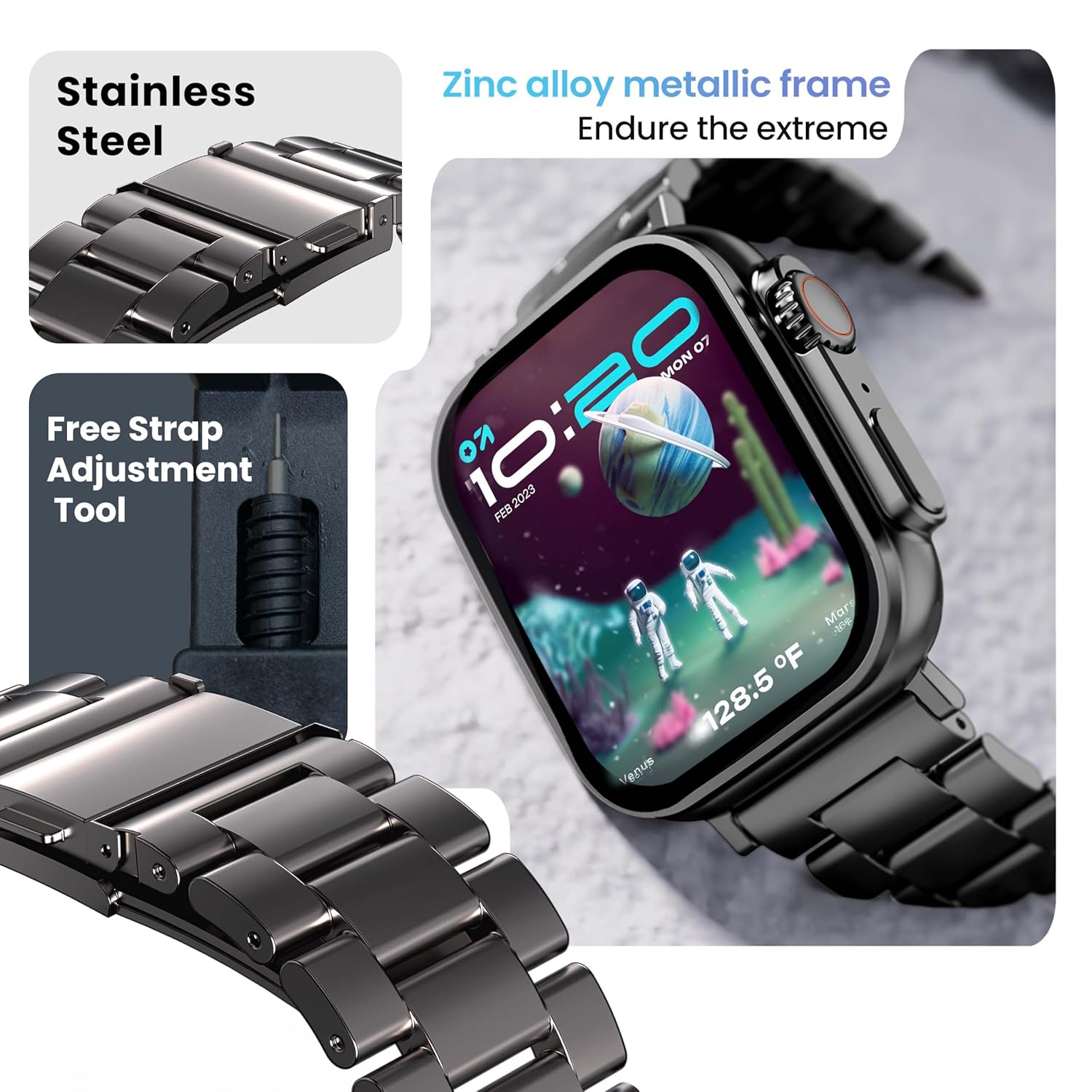
Image 6.1: The GOBOULT Crown Smart Watch featuring its stainless steel band and the included free strap adjustment tool for maintenance.
6.2 Tahan Air
The GOBOULT Crown Smart Watch has an IP67 waterproof rating.
- Penilaian IP67: This means the watch is dust-proof and can withstand submersion in water up to 1.5 meters for 30 minutes.
- It is suitable for daily use, such as washing hands or light rain.
- Avoid using the watch during swimming, diving, or in hot water (e.g., showers, saunas) as steam and high pressure can compromise the seal.
- Jangan tekan butang di bawah air.
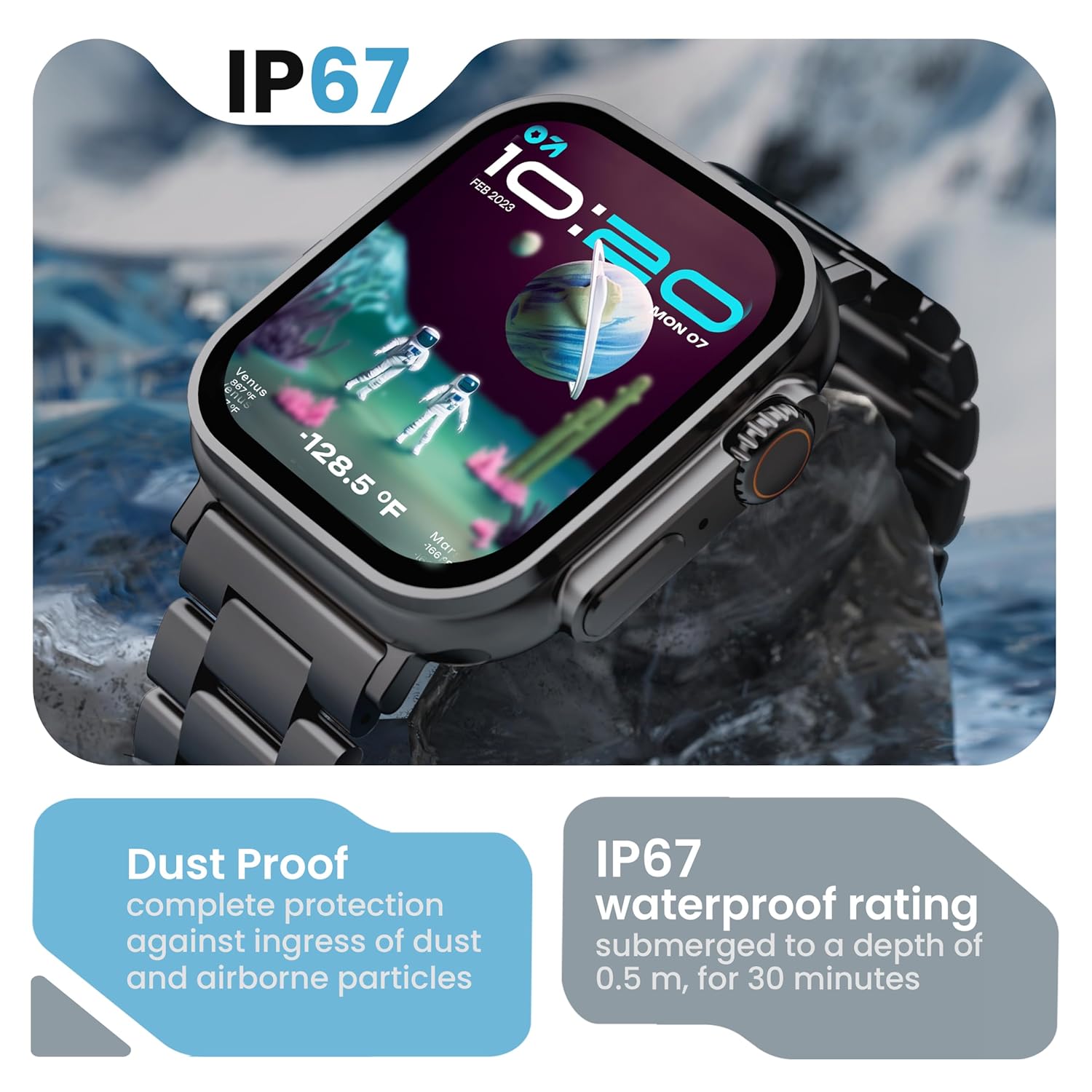
Image 6.2: The GOBOULT Crown Smart Watch emphasizing its IP67 rating, indicating complete protection against dust ingress and water submersion up to 0.5 meters for 30 minutes.
7. Penyelesaian masalah
If you encounter issues with your GOBOULT Crown Smart Watch, refer to the following common solutions:
| Masalah | Penyelesaian yang Mungkin |
|---|---|
| Jam tangan tidak dihidupkan | Pastikan jam tangan dicas sepenuhnya. Sambungkannya ke pengecas selama sekurang-kurangnya 30 minit. |
| Tidak boleh berpasangan dengan telefon pintar | Ensure Bluetooth is enabled on your phone. Restart both the watch and phone. Make sure the watch is within Bluetooth range. Check the app for pairing instructions. |
| Data kesihatan yang tidak tepat | Pastikan jam tangan dipakai dengan kemas di pergelangan tangan anda, tidak terlalu ketat atau terlalu longgar. Bersihkan kawasan sensor di bahagian belakang jam tangan. |
| Isu panggilan Bluetooth | Verify the watch is connected for both data and call audio in your phone's Bluetooth settings. Ensure microphone and speaker are not obstructed. |
| Skrin tidak bertindak balas | Mulakan semula jam tangan. Jika masalah berterusan, pastikan skrin bersih dan kering. |
| Hayat bateri pendek | Kurangkan kecerahan skrin, lumpuhkan pemberitahuan yang tidak perlu dan hadkan pemantauan kadar denyutan jantung berterusan jika tidak diperlukan. |
Jika masalah berterusan selepas mencuba penyelesaian ini, sila hubungi sokongan pelanggan.
8. Spesifikasi
Below are the technical specifications for the GOBOULT Crown Smart Watch (Model: B0FCSBLK42):
| Ciri | Perincian |
|---|---|
| Nombor Model | B0FCSBLK42 |
| Saiz Paparan | 1.95 Inci |
| Jenis Paparan | TFT |
| Maximum Display Brightness | 900 Nit |
| Teknologi Ketersambungan | Bluetooth 5.2 |
| Keserasian Sistem Pengendalian | Android Wear 1.0, iOS |
| Kapasiti Bateri | 300 Miliamp Jam (Litium Polimer) |
| Purata Hayat Bateri | Sehingga 7 Hari |
| Masa Pengecasan Bateri | 150 Minit |
| Penilaian Ketahanan Air | IP67 (Water Resistant up to 1.5 meters depth) |
| Jenis Bahan Band | Keluli Tahan Karat |
| Berat Barang | 40 Gram |
| Dimensi Item (D x W x H) | 40D x 38W x 6H Milimeter |
| Metrik Diukur | Blood Oxygen (SpO2), Distance, Heart Rate, Step Count |
| Aplikasi yang Disokong | Voice Assistant, Communication, Notifications |
| Jenis Pengawal | Pembantu Google, Siri |
9. Waranti dan Sokongan
9.1 Maklumat Waranti
The GOBOULT Crown Smart Watch comes with a Waranti Pengeluar 1 Tahun dari tarikh pembelian. Waranti ini meliputi kecacatan pembuatan. Sila simpan resit pembelian anda untuk tuntutan waranti.
9.2 Sokongan Pelanggan
For technical assistance, warranty claims, or any other inquiries, please contact:
- Pengeluar: Audio Boult
- Pengimport: Exotic Mile Pvt. Ltd.
- Maklumat Perhubungan Pengimport: B67 Kawasan Perindustrian Wazirpur, New Delhi 110052
Please refer to the warranty card included in your box for specific terms and conditions.