
1. Pengenalan
This manual provides detailed instructions for the installation, operation, and maintenance of your Loddery 9-Inch Android 13 Car Stereo Radio. This unit is designed specifically for Dodge Dart models manufactured between 2012 and 2016, offering advanced features such as Wireless & Wired CarPlay, Android Auto, built-in GPS, Wi-Fi, DSP, and support for a rearview kamera.
2. Kandungan Pakej
Sila sahkan bahawa semua item terdapat dalam pakej:
- Loddery 9-Inch Android 13 Car Stereo Unit
- Power Harness and Wiring Adapters
- Antena GPS
- Kabel USB
- Mikrofon Luaran
- belakangview Camera (if included in your specific package)
- Pendakap dan Skru Pemasangan
- Car Compass

3. Persediaan dan Pemasangan
Installation of this car stereo requires basic automotive electrical knowledge. If you are unsure about any steps, it is recommended to seek professional installation.
3.1 Semakan Pra-Pemasangan
- Pastikan penyalaan kenderaan dimatikan dan bateri dicabut sebelum dihidupkan.
- Confirm compatibility with your Dodge Dart (2012-2016).
3.2 Langkah Pemasangan
- Remove the Original Radio: Carefully remove the trim panels and screws securing the factory radio. Disconnect all wiring harnesses from the original unit.
- Sambungkan Wiring Harness: Connect the provided wiring harness to the vehicle's factory harness. Ensure all connections are secure. Connect the GPS antenna, USB cables, and external microphone.
- Pasang Belakangview Kamera (Pilihan): If installing the rearview camera, route the camera cable to the rear of the vehicle and connect it to the designated input on the stereo unit.
- Mount the New Unit: Attach the mounting brackets to the Loddery stereo unit. Slide the unit into the dashboard opening and secure it with screws.
- Sambung semula Bateri dan Ujian: Reconnect the vehicle's battery. Turn on the ignition and power on the stereo unit to test all functions (radio, audio, touch screen, GPS, Bluetooth, camera).
- Pasang semula Papan Pemuka: Once all functions are verified, reassemble the dashboard trim panels.


4. Arahan Operasi
4.1 Operasi Asas
- Hidupkan/Mati Kuasa: The unit typically powers on with the vehicle's ignition. A long press on the power button (if available) can manually turn it off or on.
- Antara muka skrin sentuh: Navigate through menus and applications using the capacitive touch screen.
- Kawalan Kelantangan: Adjust audio volume using the physical knobs/buttons on the unit or via steering wheel controls.
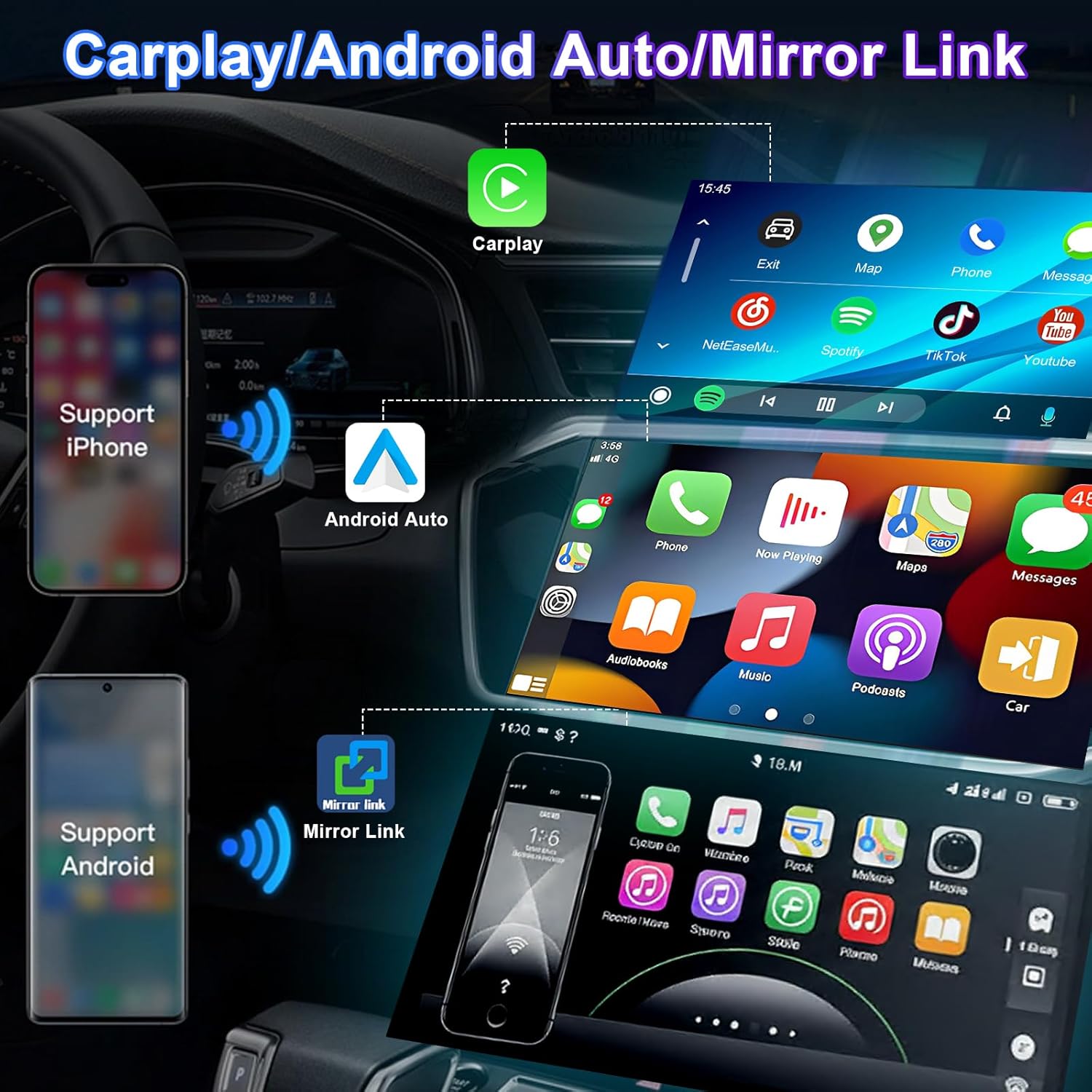
4.2 Wireless & Wired CarPlay / Android Auto
This unit supports both wireless and wired connections for Apple CarPlay and Android Auto, integrating your smartphone's features directly onto the stereo display.
- Sambungan Wayarles: Enable Bluetooth and Wi-Fi on your smartphone. Pair your phone with the car stereo via Bluetooth. Follow the on-screen prompts to initiate CarPlay or Android Auto wirelessly.
- Sambungan Berwayar: Sambungkan telefon pintar anda ke port USB stereo menggunakan kabel USB yang diperakui. Sistem akan mengesan dan melancarkan CarPlay atau Android Auto secara automatik.
- Kawalan Suara: Utilize Siri (for CarPlay) or Google Assistant (for Android Auto) for navigation, calls, messages, and music playback.

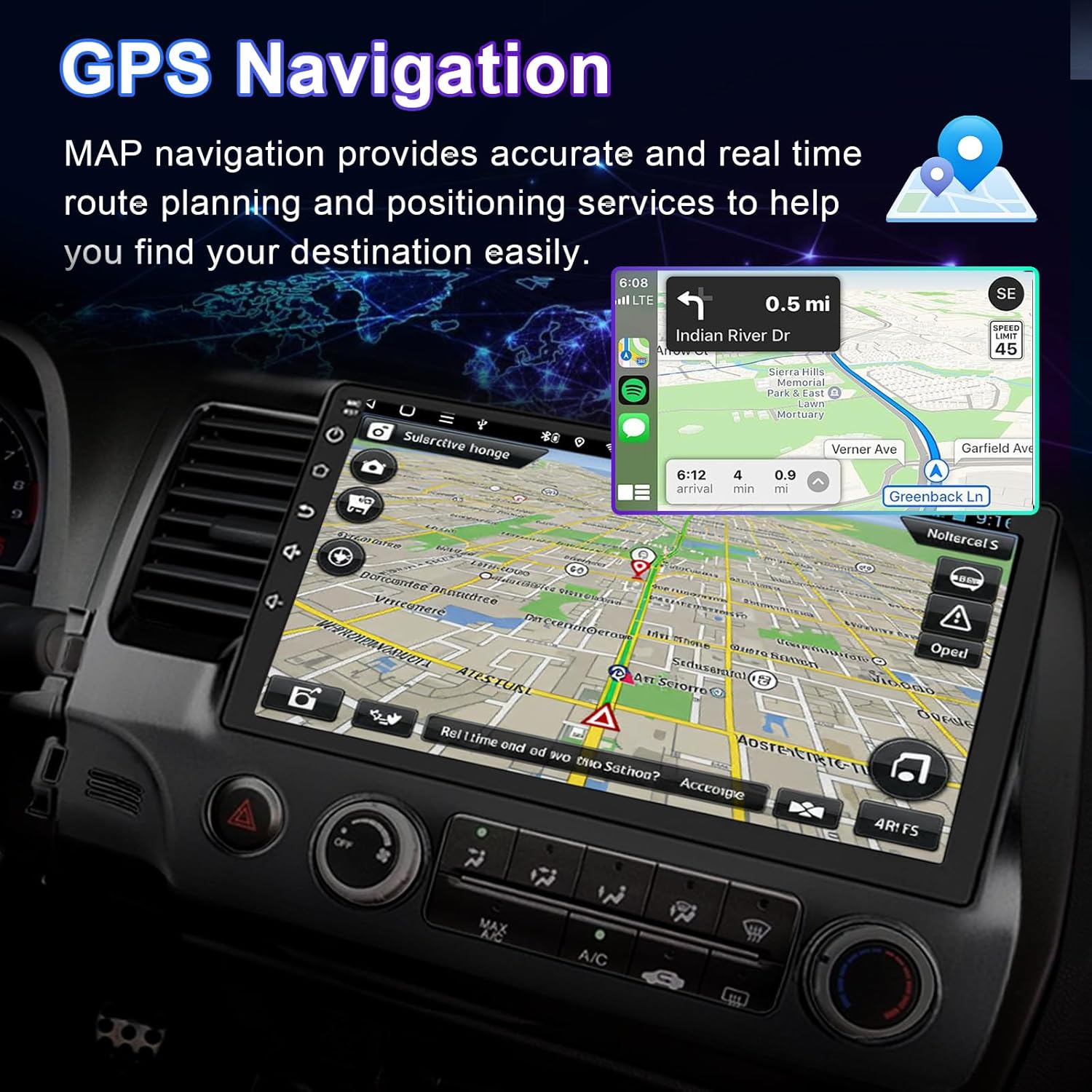
4.3 Navigasi GPS
The unit supports both offline and online navigation. Connect the included GPS module for accurate positioning.
- Peta Luar Talian: Pre-installed maps allow navigation without an internet connection.
- Navigasi Dalam Talian: Connect to Wi-Fi to download and use online navigation applications (e.g., Google Maps, Waze).
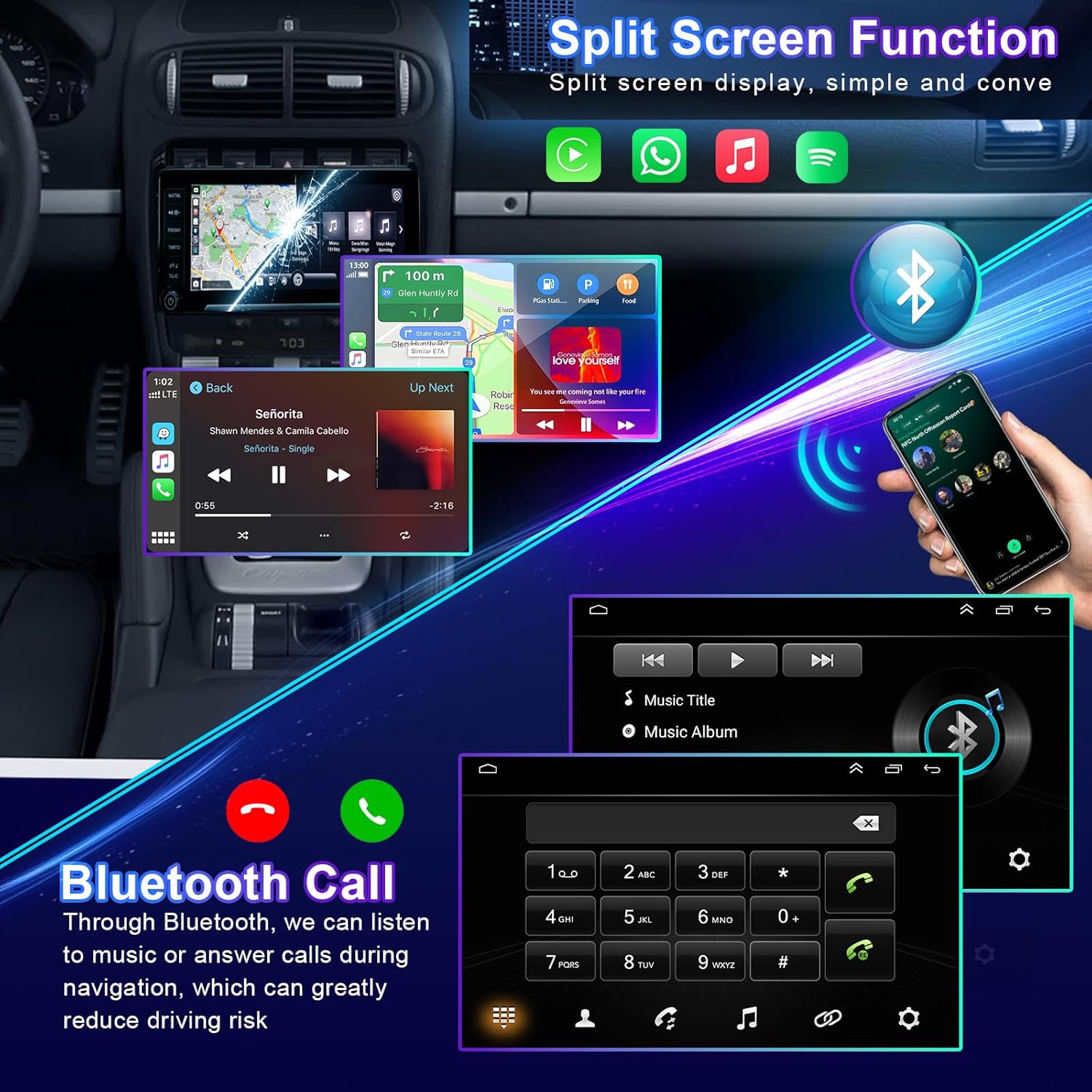
4.4 Kefungsian Bluetooth
Sambungkan telefon pintar anda melalui Bluetooth untuk panggilan bebas tangan dan penstriman audio.
- Berpasangan: Go to the Bluetooth settings on the stereo and your phone. Select the stereo's Bluetooth name from your phone's device list to pair.
- Panggilan Bebas Tangan: Make and receive calls directly from the stereo screen. Your phone's contacts can be synchronized.
- Penstriman Audio: Mainkan muzik dari telefon anda melalui pembesar suara kereta.
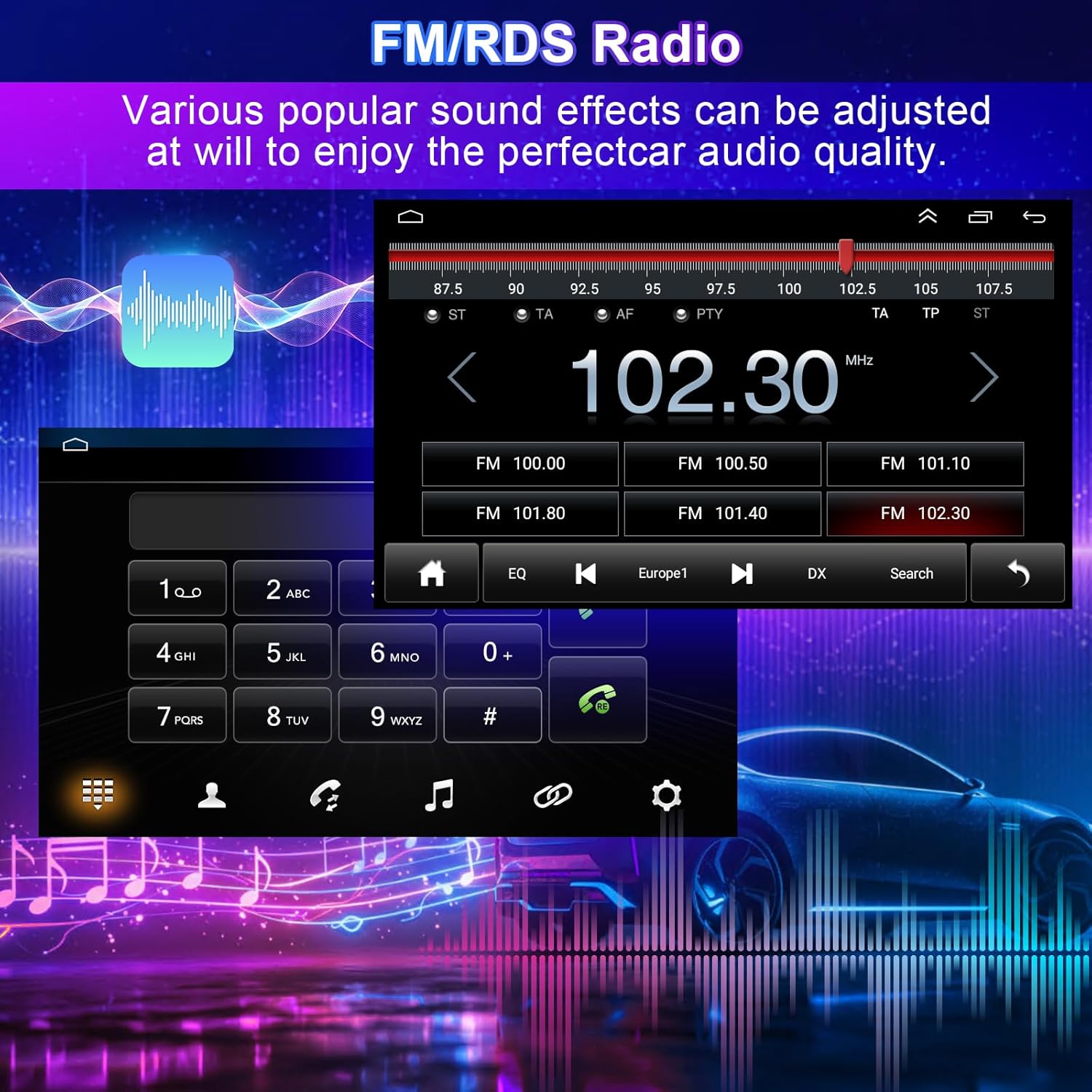
4.5 FM/RDS Radio
Access local radio stations with clear reception and RDS (Radio Data System) information.
- tuning: Use the touchscreen to scan for stations or manually tune to a specific frequency.
- Kesan Bunyi: Adjust various sound effects and equalizer settings to customize your audio experience.
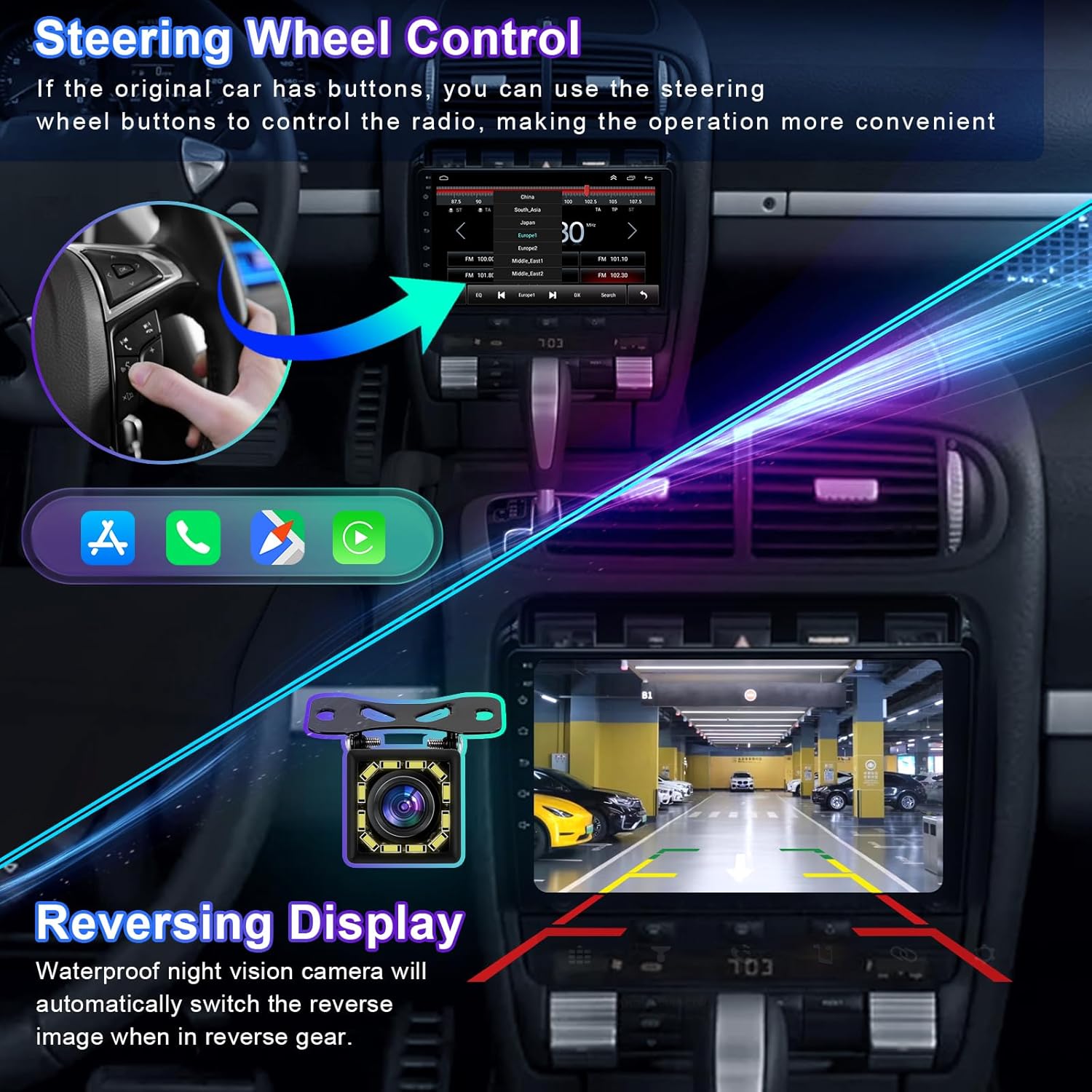
4.6 Kawalan Roda Stereng (SWC)
If your vehicle has existing steering wheel buttons, they can be configured to control the stereo, enhancing convenience and safety.
- Konfigurasi: Access the 'Steering Wheel Control' settings in the stereo's menu. Follow the on-screen instructions to map your vehicle's steering wheel buttons to specific functions (e.g., volume up/down, track skip, answer call).
4.7 Belakang View Input Kamera
Unit secara automatik memaparkan bahagian belakangview camera feed when the vehicle is shifted into reverse gear, aiding in safe parking and maneuvering.
- Paparan Automatik: The screen will switch to the camera view apabila gear undur dihidupkan.
- Garis panduan: Dynamic or static parking guidelines may be displayed to assist with parking.
4.8 Fungsi Skrin Pisah
Multitask by running two applications simultaneously on the screen, such as navigation and music playback.
- Pengaktifan: Refer to the system's user interface for specific gestures or menu options to activate split-screen mode.
4.9 Pautan Cermin
Mirror Link allows you to display your smartphone's screen directly onto the car stereo, supporting both iOS and Android devices via Wi-Fi or USB.
- Sambungan: Connect your phone via USB or Wi-Fi and select the Mirror Link option on the stereo. Follow the prompts on both devices to establish the connection.
5. Penyelenggaraan
Penyelenggaraan yang betul memastikan jangka hayat dan prestasi optimum stereo kereta anda.
- Pembersihan Skrin: Gunakan kain lembut dan tidak berbulu sedikit dampened with water or a screen cleaner specifically designed for electronic displays. Avoid harsh chemicals or abrasive materials.
- Kemas Kini Perisian: Periodically check for available software updates through the system settings (requires Wi-Fi connection) to ensure you have the latest features and bug fixes.
- Penjagaan Am: Elakkan daripada mendedahkan unit kepada suhu yang melampau, cahaya matahari langsung untuk tempoh yang lama, atau kelembapan yang berlebihan.
6. Penyelesaian masalah
Bahagian ini menangani isu biasa yang mungkin anda hadapi. Untuk masalah yang tidak disenaraikan di sini, sila hubungi sokongan pelanggan.
| Masalah | Kemungkinan Punca | Penyelesaian |
|---|---|---|
| Tiada Kuasa | Sambungan kuasa longgar, fius pecah, masalah bateri kenderaan. | Check power wiring harness connections. Inspect vehicle fuses. Ensure vehicle battery is charged. |
| Tiada Bunyi | Kelantangan terlalu rendah, redam diaktifkan, isu pendawaian pembesar suara, tetapan output audio yang salah. | Increase volume. Check if mute is active. Verify speaker connections. Adjust audio settings in the system menu. |
| Kehilangan Isyarat GPS | GPS antenna not connected, antenna obstructed, poor satellite reception. | Ensure GPS antenna is securely connected and placed in an unobstructed location (e.g., dashboard). Move to an open area for better reception. |
| Isu Sambungan Bluetooth | Telefon tidak dapat ditemui, pasangan salah, gangguan. | Ensure Bluetooth is enabled on both devices. Delete previous pairings and re-pair. Restart both devices. |
| CarPlay/Android Auto Tidak Dilancarkan | Incorrect USB cable, phone software issue, app not installed. | Use a certified USB cable. Ensure CarPlay/Android Auto is enabled on your phone. Update phone OS and apps. |
| Skrin sentuh Tidak Responsif | Pembekuan sistem, gangguan perisian sementara. | Restart the unit (if possible, by holding the power button). If persistent, a factory reset might be necessary (note: this will erase all user data). |
7. Spesifikasi
| Ciri | Spesifikasi |
|---|---|
| Nama Model | for Dodge Dart Radio 2012-2016 |
| Saiz Paparan | 9 Inci |
| Resolusi Skrin | 1280x720 (IPS Touchscreen) |
| Sistem Operasi | Android 13 |
| Teknologi Ketersambungan | Bluetooth, Ethernet, USB, Wi-Fi |
| Ciri Khas | Wireless & Wired CarPlay, Android Auto, Built-in GPS, DSP, Steering Wheel Control, Rear View Camera Support, Split Screen, Mirror Link, FM/RDS Radio |
| Komponen yang Disertakan | Car Stereo Unit, Wiring Harness, GPS Antenna, USB Cables, External Microphone, Car Compass |
| Berat Barang | 4.13 paun (1875 Gram) |
| Dimensi Pakej | 14.96 x 12.2 x 6.69 inci |
| Bateri Termasuk | Tidak |
8. Waranti dan Sokongan
Your Loddery car stereo comes with a manufacturer's warranty. For any questions or concerns regarding your product, please feel free to contact the seller or manufacturer directly. Please refer to your purchase documentation for specific warranty terms and contact information.
For technical assistance or further inquiries, please reach out to Loddery customer support through the platform where the product was purchased.