
1. Pengenalan
Thank you for choosing the XuanPad 1800 ANSI Smart Projector V18. This manual provides essential information for setting up, operating, and maintaining your projector. Please read it thoroughly before use to ensure optimal performance and safety.
2. Maklumat Keselamatan
To prevent fire, electric shock, or injury, always observe the following safety precautions:
- Jangan menyekat bukaan pengudaraan.
- Jangan dedahkan projektor kepada hujan atau lembapan.
- Jangan buka projektor casing; merujuk semua perkhidmatan kepada kakitangan yang berkelayakan.
- Elakkan pendedahan mata secara langsung kepada kanta projektor apabila lamp sedang aktif.
- Gunakan hanya lampiran/aksesori yang ditentukan oleh pengilang.
- Pastikan kord kuasa tidak berjalan atau tersepit.
3. Kandungan Pakej
Sahkan bahawa semua item terdapat dalam pakej anda:
- XuanPad 1080P Projector (V18)
- Kord HDMI
- Alat Kawalan Jauh
- Manual Pengguna
- Kord Kuasa
Video: Unboxing the XuanPad V18 Smart Projector. This video demonstrates the contents of the package, including the projector, remote, cables, and user manual.
4. Produk Lebihview
The XuanPad 1800 ANSI Smart Projector V18 is a compact and versatile home theater device designed for ease of use and high-quality projection. Key features include:
- Native 1080P Resolution: Delivers sharp and clear images.
- Sokongan 4K: Compatible with 4K content for enhanced viewing.
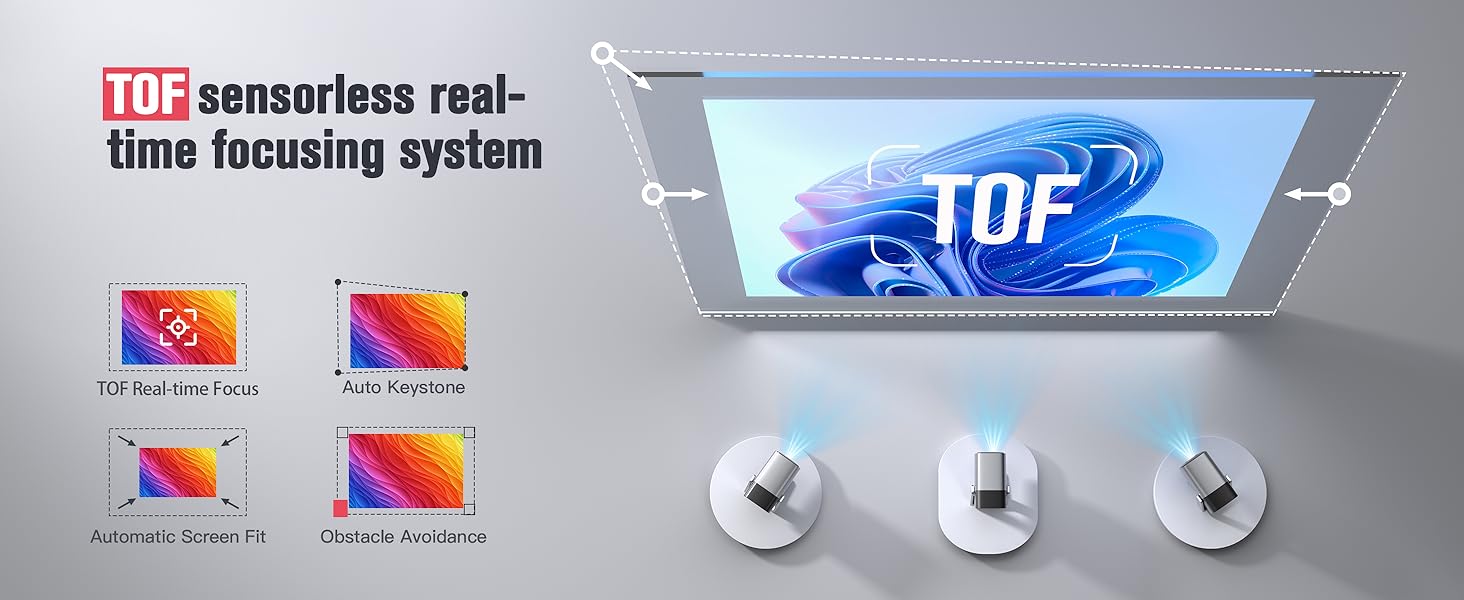
- TOF Real-time Autofocus: Ensures instant clarity without manual adjustments.
- Pembetulan Keystone Automatik: Corrects distorted images for a perfect rectangular display.
- Pendirian Boleh Putar 210°: Allows flexible projection angles, including ceiling projection.
- Apl Penstriman Terbina dalam: Preloaded with popular services like Netflix, YouTube, and Prime Video.
- Audio Dolby: Integrated for an immersive sound experience.
- Ultra-Fast WiFi 6 & Bluetooth 5.2: For seamless connectivity with networks and external audio devices.
4.1. Komponen Projektor
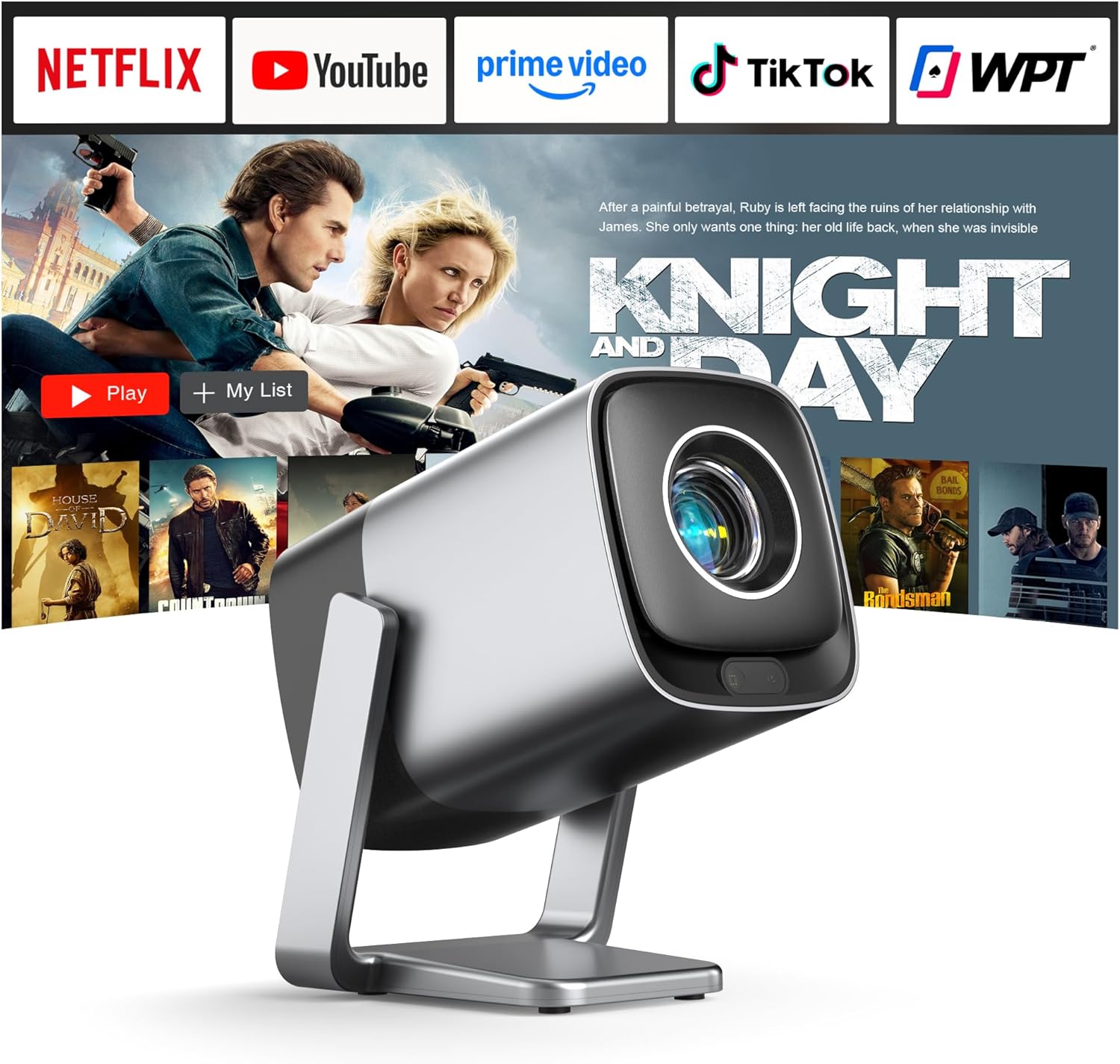
Imej: Depan view of the XuanPad V18 Smart Projector, showcasing reka bentuk dan lensanya yang padat.
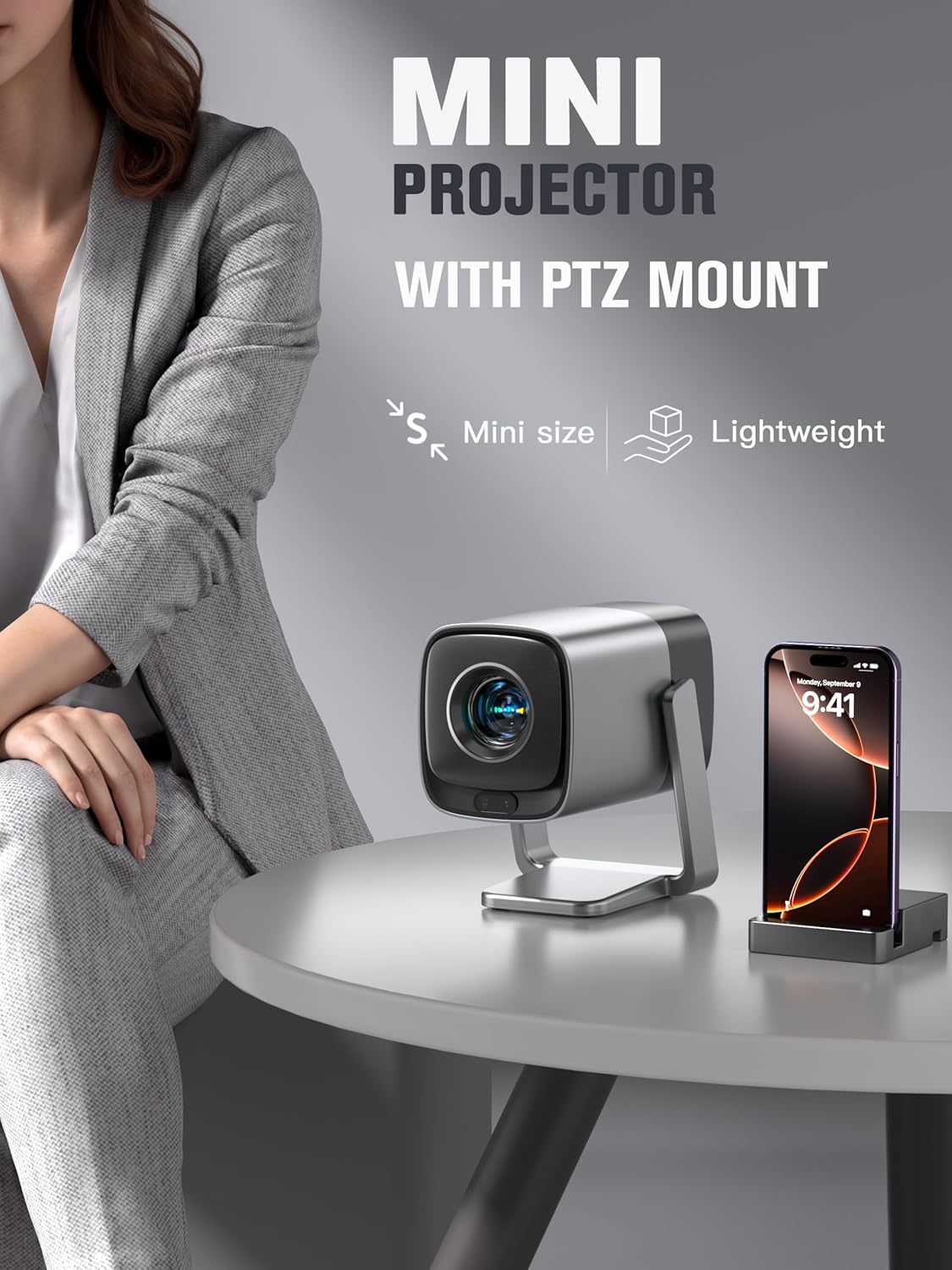
Image: The XuanPad V18 Mini Projector with its integrated rotatable stand, demonstrating its portability and flexible positioning.
4.2. Port dan Kawalan
The projector features various ports for connectivity:
- Port HDMI: Untuk menyambungkan peranti luaran seperti komputer riba, konsol permainan atau pemain Blu-ray.
- Port USB: Untuk memainkan media daripada pemacu USB.
- Bicu Audio 3.5mm: Untuk menyambungkan fon kepala atau pembesar suara luaran.
- Input Kuasa: Untuk menyambungkan penyesuai kuasa.
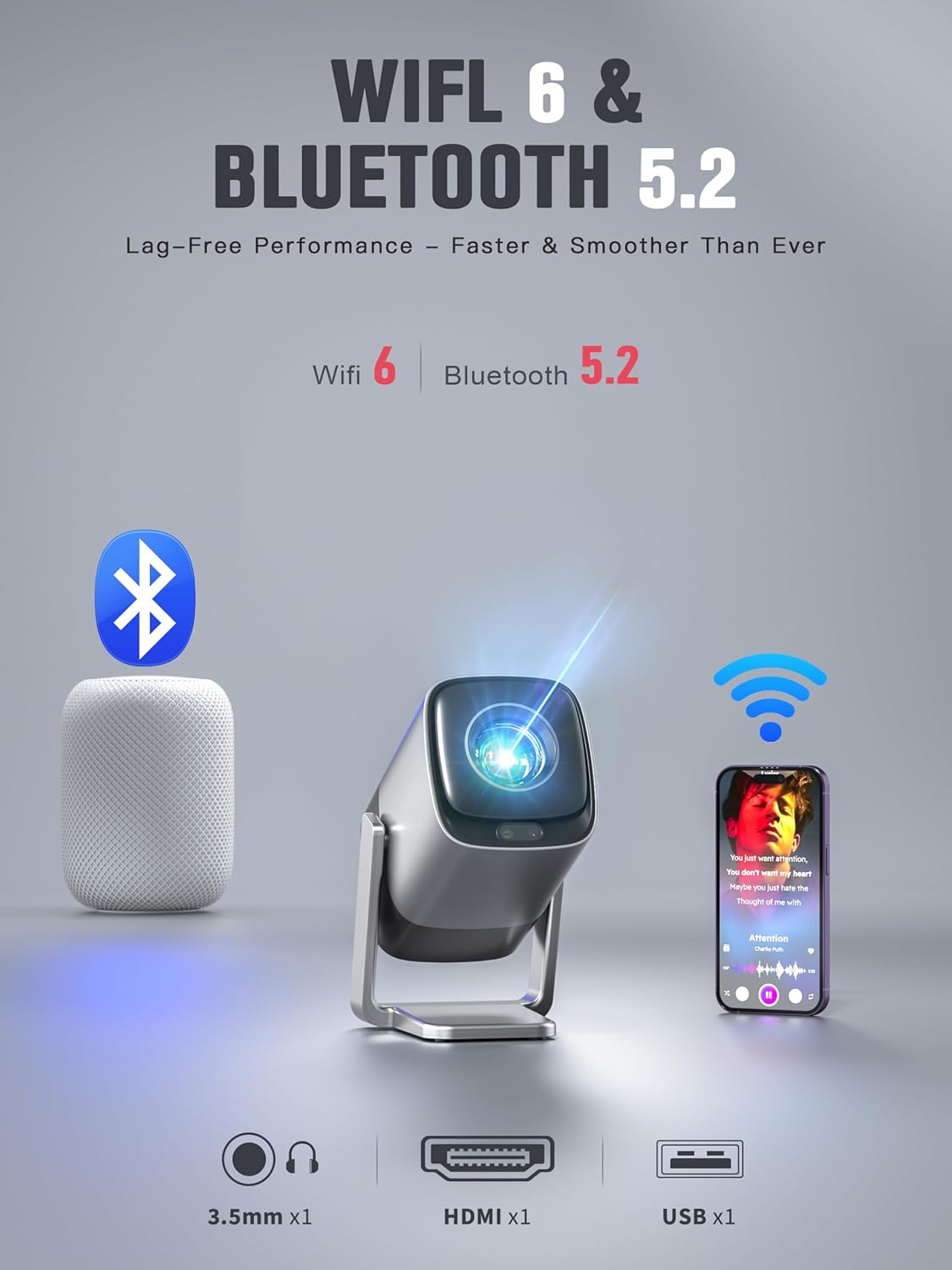
Imej: Belakang view of the XuanPad V18 Projector highlighting its connectivity options including 3.5mm Jack, HDMI, USB, WiFi 6, and Bluetooth 5.2.
Video: This video showcases the various features of the XuanPad V18, including its compact size, rotatable stand, and connectivity ports.
5. Persediaan
5.1. Penempatan Awal
Place the projector on a stable, flat surface. The 210° rotatable stand allows for flexible positioning, including projecting onto walls or ceilings. Ensure there are no obstructions in front of the lens.
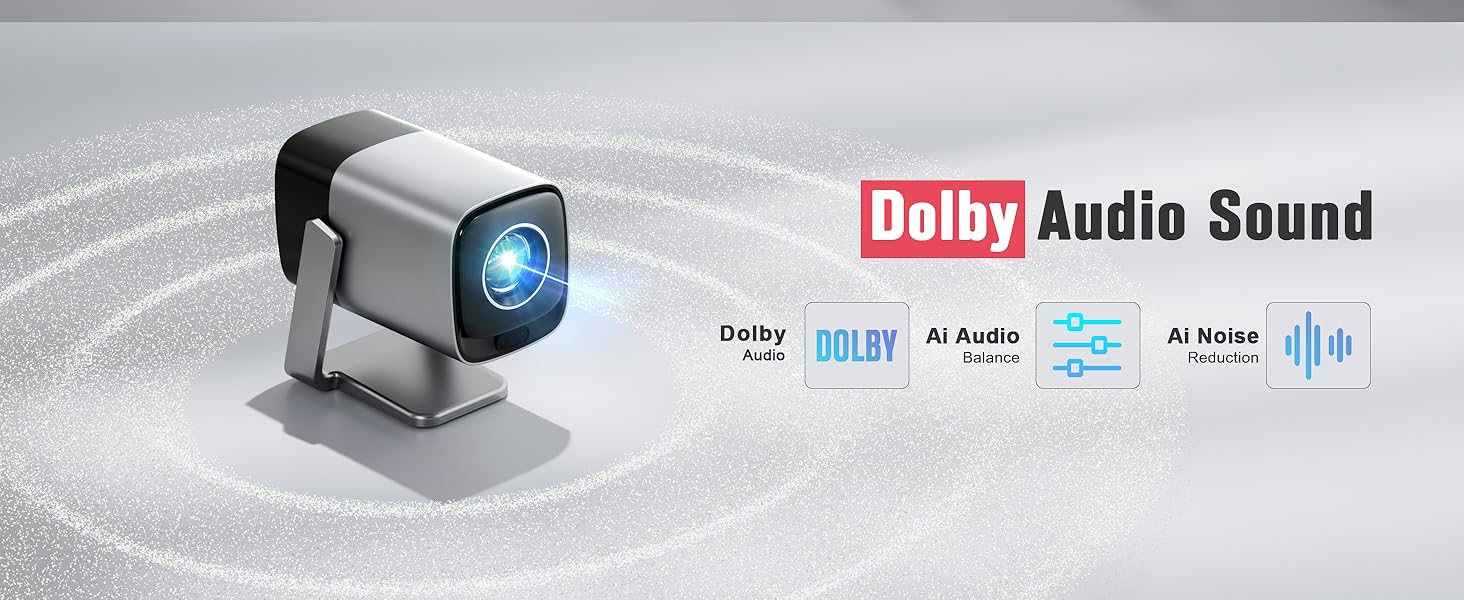
Image: The integrated 210° rotating stand of the XuanPad V18, illustrating its versatility for various projection angles.
5.2. Sambungan Kuasa
Connect the provided power cord to the projector's power input and then to a power outlet.
5.3. Penggunaan Kali Pertama
- Power on the projector using the power button or remote control.
- Ikut gesaan pada skrin untuk memilih bahasa dan wilayah pilihan anda.
- Sambung ke rangkaian Wi-Fi anda dengan memilih rangkaian anda dan memasukkan kata laluan.
- The projector will automatically perform TOF autofocus and keystone correction for a clear, rectangular image.
6. Arahan Operasi
6.1. Navigasi
Use the provided remote control to navigate the projector's interface. The directional buttons allow you to move between options, and the "OK" button confirms selections.
6.2. Built-in Streaming Apps
The XuanPad V18 comes preloaded with popular streaming applications. Access these directly from the home screen:
- Netflix
- Youtube
- Video Perdana
- And more, accessible via the App Store or Open Browser.
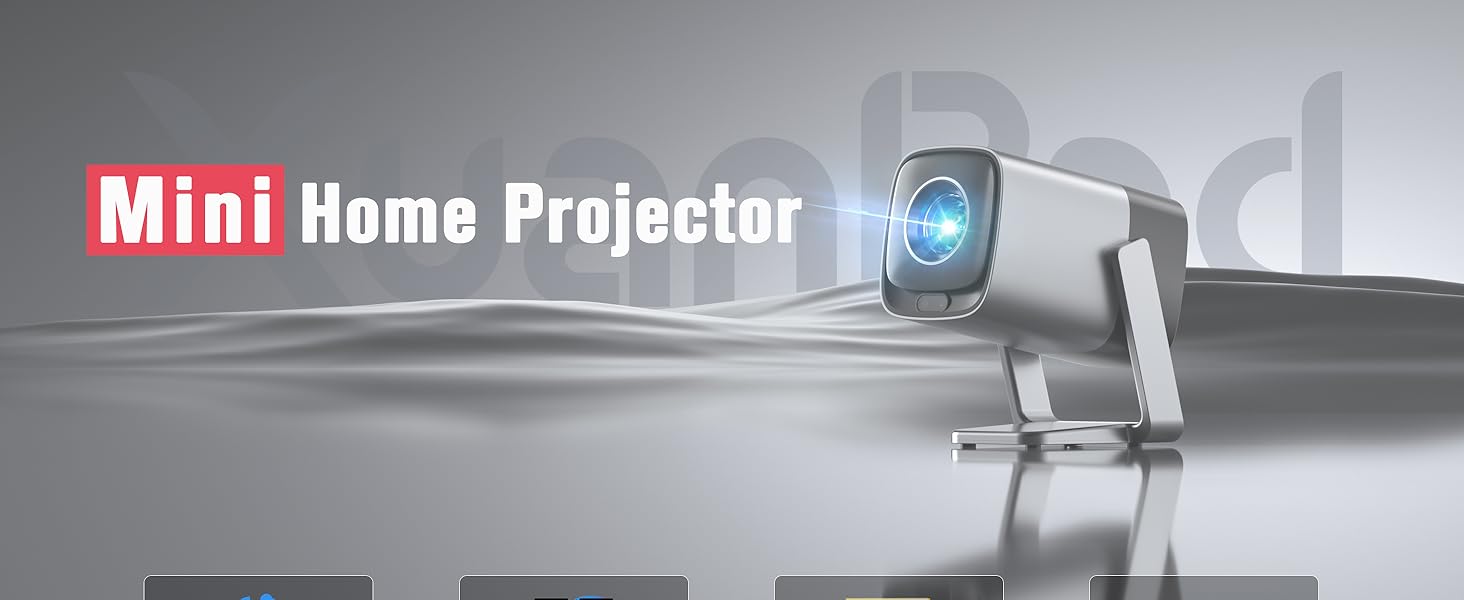
Image: The projector's home screen displaying pre-installed streaming applications like Netflix, YouTube, and Prime Video.
6.3. External Device Playback
Connect external devices using the HDMI or USB ports. Select the appropriate input source from the projector's menu to display content.
7. Ketersambungan
7.1. Sambungan Wi-Fi
The projector supports Wi-Fi 6 for fast and stable internet access. To connect or change Wi-Fi networks:
- Pergi ke tetapan > Rangkaian & Internet.
- Select your desired Wi-Fi network.
- Masukkan kata laluan dan sahkan.
7.2. Sambungan Bluetooth
Utilize Bluetooth 5.2 to connect external audio devices such as speakers or headphones.
- Pergi ke tetapan > Bluetooth.
- Ensure Bluetooth is enabled on both the projector and your external device.
- Pilih peranti anda daripada senarai untuk dipasangkan.
8. Pembetulan Fokus dan Keystone
The XuanPad V18 features advanced automatic adjustments for optimal image quality.
8.1. TOF Real-time Autofocus
The projector uses TOF (Time-of-Flight) technology to automatically focus the image in less than 1 second. This ensures a clear picture even if the projector is moved or repositioned.

Image: Diagram illustrating the TOF sensorless auto-adjustment feature, providing instant focus and clarity.
8.2. Automatic Keystone Correction
The projector automatically corrects image distortion (trapezoid effect) when placed at an angle to the screen. This ensures a perfectly rectangular image without manual intervention.
For fine-tuning or specific scenarios, manual keystone correction options are available in the settings menu.

Image: Visual representation of the TOF sensorless real-time focusing system, including auto keystone, automatic screen fit, and obstacle avoidance capabilities.
Video: A demonstration of the V18's projection display, showcasing its clarity and automatic adjustments in various settings.
9. Tetapan Audio
The projector is equipped with Dolby Audio for a rich and immersive sound experience. It features built-in Hi-Fi stereo speakers.
9.1. Pembesar Suara Terbina dalam
The integrated speakers provide clear and powerful audio for most viewing environments. Adjust the volume using the remote control.
9.2. Audio Luaran
For enhanced audio, connect external speakers or headphones via the 3.5mm audio jack or Bluetooth 5.2. Once connected, the projector's audio will output through the external device.

Image: The XuanPad V18 Projector highlighting its Dolby Audio Sound capabilities, including 5W loudspeaker and 3.5mm audio jack.
Imej: Terperinci view of the Dolby Audio Sound features, emphasizing built-in Dolby Atmos-Immersion without requiring extra speakers.
10. Penyelenggaraan
10.1. Membersihkan Lensa
Use a soft, lint-free cloth specifically designed for optical lenses to gently wipe the projector lens. Avoid using abrasive cleaners or excessive force.
10.2. Membersihkan Casing
Wipe the projector's exterior with a soft, dry cloth. Do not use liquid or aerosol cleaners directly on the unit.
10.3. Pengudaraan
Ensure the ventilation openings are clear of dust and debris to prevent overheating. Do not place the projector on soft surfaces that may block airflow.
11. Penyelesaian masalah
| Masalah | Penyelesaian yang Mungkin |
|---|---|
| Tiada gambar di skrin |
|
| Imej kabur |
|
| Distorted image (trapezoid) |
|
| Tiada bunyi |
|
| Isu sambungan Wi-Fi/Bluetooth |
|
12. Spesifikasi
- Jenama: XuanPad
- model: V18
- Resolusi Paparan: 1920 x 1080 (1080P Asli)
- Sokongan 4K: ya
- Kecerahan: 1800 ANSI Lumen
- Ciri Khas: TOF Real-time Focus, Built-in apps, 210° Rotatable Stand, Automatic Keystone Correction, Built-in Wi-Fi 6, Built-in Bluetooth 5.2, Dolby Audio, 50%-100% Zoom, Built-in Speaker, Portable Size
- Teknologi Ketersambungan: 3.5mm Jack, Bluetooth, HDMI, USB, Wi-Fi
- Berat Barang: 2.92 paun
- Dimensi Pakej: 10.83 x 8.78 x 6.81 inci
- Penggunaan yang Disyorkan: Indoor/Outdoor Cinema
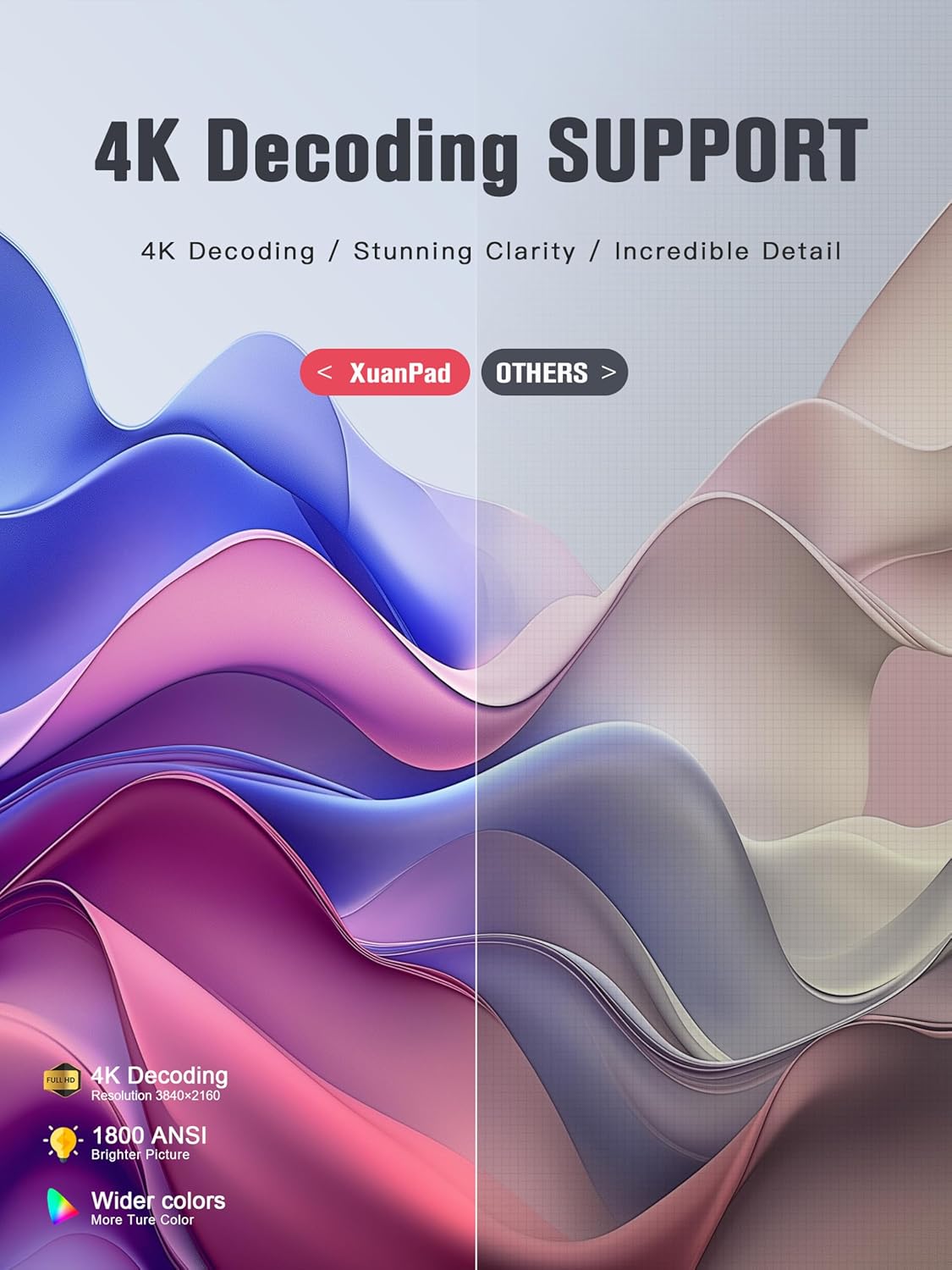
Image: The XuanPad V18 Projector highlighting its 4K Decoding Support, 1800 ANSI brightness, and wider color gamut for stunning clarity.
13. Waranti dan Sokongan
The XuanPad 1800 ANSI Smart Projector V18 comes with a manufacturer's warranty. Please refer to the warranty card included in your package for specific terms and conditions.
For technical support, troubleshooting assistance, or warranty claims, please contact XuanPad customer service through the contact information provided in your product documentation or on the official XuanPad webtapak.