
Questyle QCC Dongle Pro
Questyle QCC Dongle Pro User Manual
Model: QCC Dongle Pro
pengenalan
The Questyle QCC Dongle Pro is a revolutionary Bluetooth audio transmitter designed to bring high-resolution, lossless audio to a wide range of devices, including Apple iPhones, iPads, Macs, Android devices, Windows PCs, and popular gaming consoles like the Nintendo Switch and Sony PS5. It overcomes the limitations of native Bluetooth codecs on many platforms, enabling superior audio quality with support for LDAC, aptX, aptX HD, and aptX Adaptive codecs. This manual provides detailed instructions for setting up, operating, and maintaining your QCC Dongle Pro to ensure an optimal audio experience.
Apa yang ada dalam Kotak
- QCC Dongle Pro (USB-C)
- Penyesuai USB-A
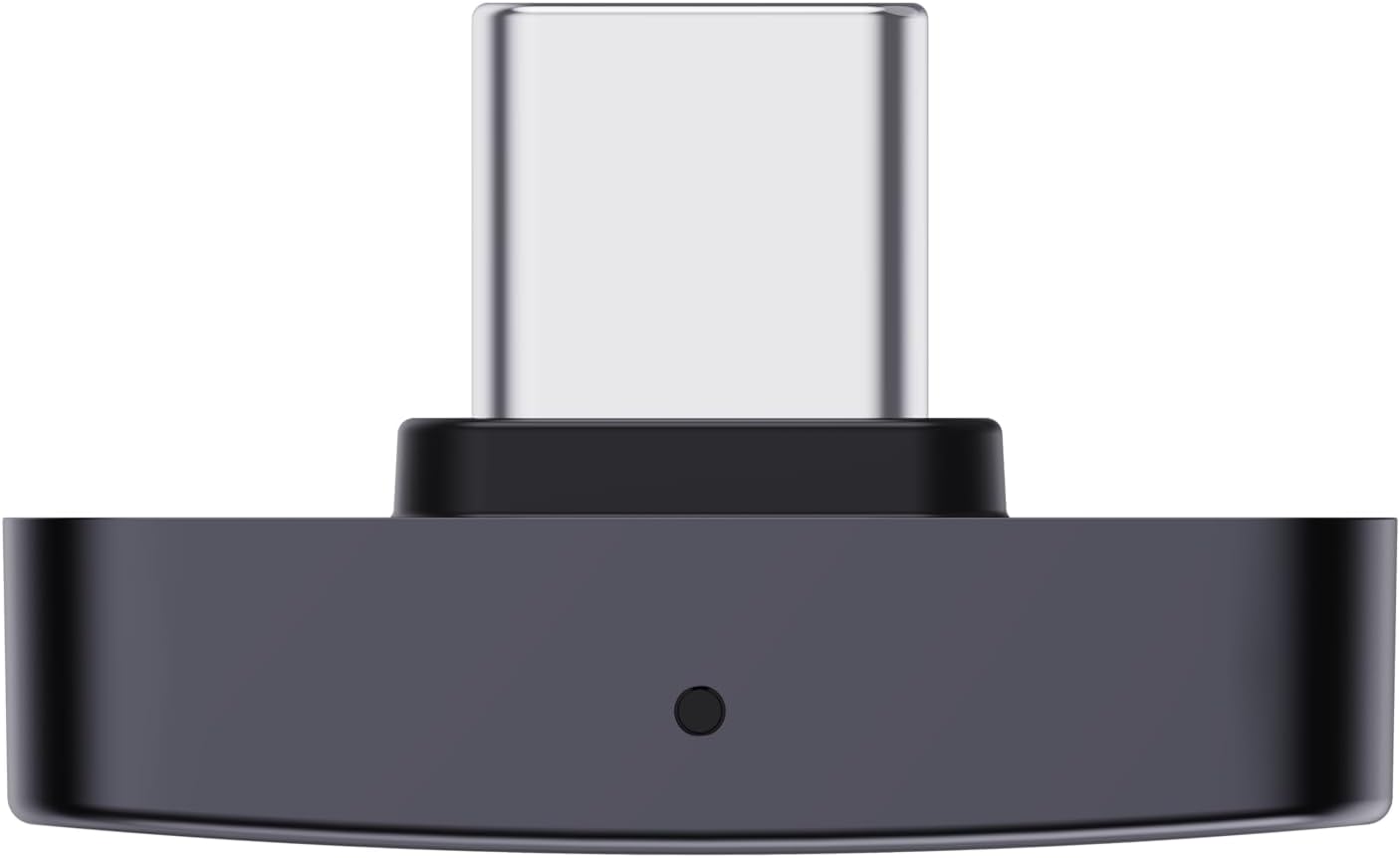
Produk Selesaiview


Persediaan
Sambungan Awal
- Sambungkan Dongle: Plug the QCC Dongle Pro directly into the USB-C port of your iPhone, iPad, Mac, Android device, Windows PC, Nintendo Switch, or PS5. If your device only has a USB-A port, use the included USB-A adapter.
- Hidupkan kuasa: The dongle will power on automatically upon connection.
- Berpasangan: Once connected, the QCC Dongle Pro will enter pairing mode. Activate Bluetooth on your desired headphones or speakers and select the QCC Dongle Pro from the list of available devices to establish a connection.
Apple MFi Certification
The QCC Dongle Pro is Apple MFi (Made For iPhone/iPad) certified. This certification ensures seamless compatibility with your Apple ecosystem, guaranteeing stable performance, optimal power consumption, and long-term compatibility with future iOS updates. It also protects against issues commonly associated with unverified accessories.
Arahan Operasi
Sokongan Audio Codec
The QCC Dongle Pro supports a wide range of high-quality Bluetooth audio codecs:
- LDAC: Sony's high-resolution audio codec, supporting up to 990kbps for near-lossless transmission. Ideal for Apple devices to bypass their native AAC/SBC limitations.
- aptX, aptX HD, aptX Adaptive: Qualcomm's suite of codecs offering high-resolution audio and ultra-low latency, especially beneficial for gaming.
- AAC & SBC: Standard Bluetooth codecs, ensuring broad compatibility.
Keserasian dengan Peranti
The QCC Dongle Pro is optimized for broad compatibility across various platforms:
Apple Devices (iPhone, iPad, Mac)
Enjoy Sony LDAC lossless audio on your Apple devices. Simply plug in the dongle and pair your LDAC-compatible headphones.

Windows & macOS Computers
For Windows 10 (version 1803 and later) and macOS, no additional drivers are required. The dongle extends Bluetooth support from basic SBC to lossless audio codecs, resolving issues with outdated or absent Bluetooth capabilities on computers.

Android Devices (5.1 and later)
The dongle connects easily and pairs stably with Android smartphones and tablets, improving Bluetooth performance and connection stability.
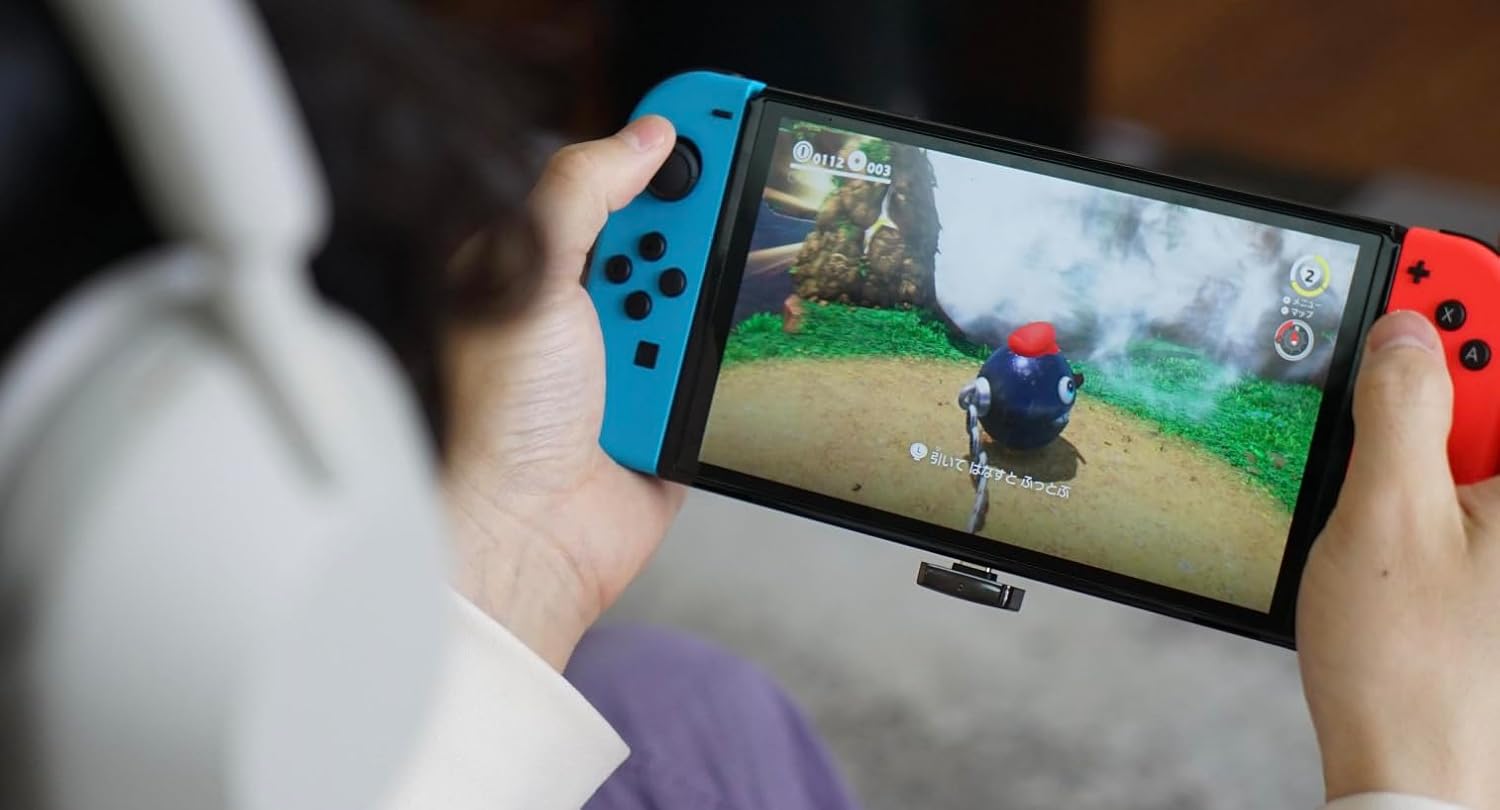
Gaming Consoles (Nintendo Switch, Sony PS5)
The QCC Dongle Pro overcomes the Bluetooth audio limitations of gaming consoles. With aptX Adaptive support, it delivers extremely low latency (down to 40ms) and high-resolution sound, ensuring perfect synchronization between audio and visuals for an immersive gaming experience. It also supports high-resolution voice chat for multiplayer sessions.
Note: To achieve low-latency performance, your headphones must also support aptX Adaptive and be based on the Qualcomm Gen 2 Sound platform.

Compatible LDAC Headphones
The QCC Dongle Pro is compatible with a wide range of LDAC-enabled headphones. Below is a list of some verified compatible models:
Audio Technica
- ATH-TWX7
- ATH-M50X LAB
- ATH-SQ1TW2
- M50XBT2 LAB
SONY
- WF-1000XM5
- WH-1000XM5
- WH-1000XM4
- WH-CH720N
- WH-ULT900N
- LinkBuds S
- WH-H910N
TEKNIK
- Technics AZ100
- Technics EAH-800
- Technics A800
- EAH-AZ80
- EAH-AZ40M2
Penyelenggaraan
The Questyle QCC Dongle Pro is designed for durability and requires minimal maintenance. To ensure its longevity and optimal performance:
- Keep the dongle clean and free from dust and debris. Use a soft, dry cloth for cleaning.
- Avoid exposing the dongle to extreme temperatures, humidity, or direct sunlight.
- Jangan cuba membuka atau membaiki peranti sendiri, kerana ini akan membatalkan jaminan.
Menyelesaikan masalah
Isu dan Penyelesaian Biasa
- Unstable Bluetooth Connection or Frequent Disconnections:
Ensure the dongle is securely plugged into your device. Try re-pairing the dongle with your Bluetooth headphones/speakers. Minimize interference from other wireless devices. - High Latency (Delay between Audio and Video):
For the lowest latency, ensure both the QCC Dongle Pro and your Bluetooth headphones/speakers support and are actively using the aptX Adaptive codec. Verify that your headphones are based on the Qualcomm Gen 2 Sound platform for optimal low-latency performance. - Tiada Output Audio:
Check that the dongle is correctly connected and paired. Ensure your audio output settings on your device (phone, computer, console) are set to the QCC Dongle Pro or the connected Bluetooth headphones. - Dongle Not Recognized by Computer:
For Windows 10 (version 1803 and later) and macOS, the dongle should be plug-and-play. Ensure your operating system is up to date. Try plugging the dongle into a different USB port.
Spesifikasi
| Ciri | Perincian |
|---|---|
| Jenama | Questyle |
| Model | QCC Dongle Pro |
| Versi Bluetooth | 5.4 |
| Codec yang Disokong | LDAC, aptX, aptX HD, aptX Adaptive, AAC, SBC |
| Pensijilan | Apple MFi, Snapdragon Sound |
| Ketersambungan | USB-C (with included USB-A adapter) |
| Keserasian | iOS, Android 5.1+, Windows 10 (1803+), macOS, Nintendo Switch, Sony PS5 |
| Latensi Rendah | Down to 40ms (with aptX Adaptive compatible headphones) |
Waranti dan Sokongan
Waranti Pengeluar
The Questyle QCC Dongle Pro comes with a Waranti pengilang selama 2 tahun. Waranti ini melindungi kecacatan pada bahan dan mutu kerja di bawah penggunaan biasa. Sila simpan bukti pembelian anda untuk tuntutan waranti.
Sokongan Pelanggan
For technical assistance, troubleshooting, or warranty inquiries, please contact Questyle customer support through their official website or the retailer from whom you purchased the product. Provide your product model and a detailed description of the issue for faster service.