
1. Pengenalan
Welcome to the user manual for your new boAt Rockerz 413 Bluetooth Over-Ear Headphones. These headphones are designed to provide a superior audio experience with features such as 60 hours of playback, powerful 40mm drivers, ENx Technology for clear calls, Dual Pairing for seamless device switching, and a low-latency BEAST Mode for gaming.
Please read this manual carefully to ensure proper use and to maximize the performance and longevity of your headphones.
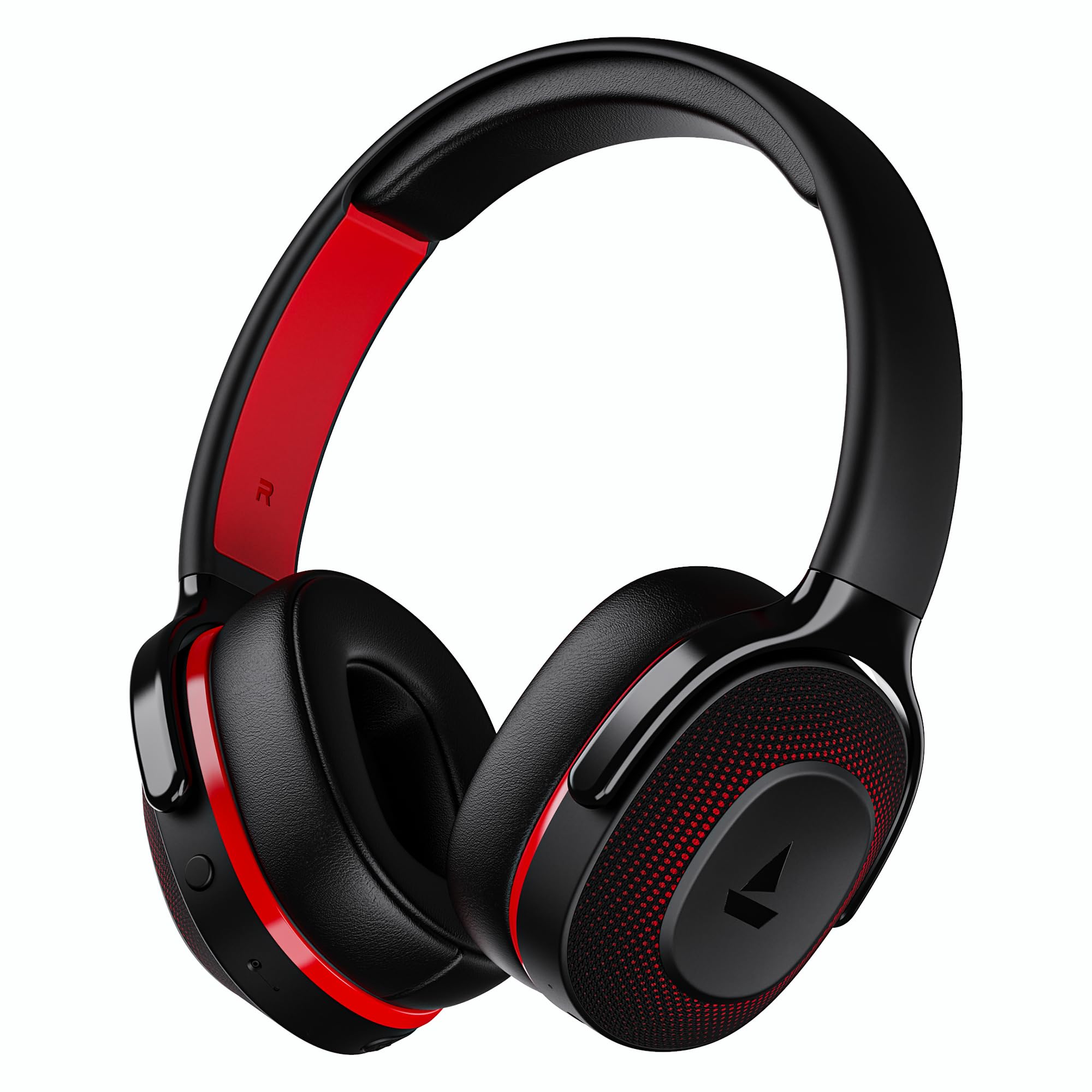
Image: boAt Rockerz 413 Bluetooth Headphones in Black & Red.
2. Apa yang ada di dalam Kotak
Upon opening your boAt Rockerz 413 package, you should find the following items:
- boAt Rockerz 413 Fon Kepala
- Kabel Pengecasan
3. Produk Lebihview dan Kawalan
Familiarize yourself with the physical components and controls of your headphones.

Imej: Jarak dekat view of the right ear cup, highlighting the easy access control buttons for power, volume, and mode selection. The headphones feature an adaptive fit design and support dual pairing with Bluetooth v5.2.
Butang Kawalan:
- Butang Kuasa: Tekan dan tahan untuk hidup/mati. Tekan sebentar untuk main/jeda.
- Kelantangan Naik (+): Tekan pendek untuk meningkatkan kelantangan. Tekan lama untuk trek seterusnya.
- Perlahankan suara (-): Tekan pendek untuk mengurangkan kelantangan. Tekan lama untuk trek sebelumnya.
- Butang pelbagai fungsi: (Specific function may vary, often for call management or voice assistant).
- Butang Mod: Activates BEAST Mode for low latency gaming.
4. Persediaan
4.1 Menghidupkan/Mematikan
- Untuk Menghidupkan: Tekan dan tahan Butang Kuasa selama lebih kurang 3 saat sehingga penunjuk LED menyala.
- Untuk Mematikan: Tekan dan tahan Butang Kuasa selama lebih kurang 5 saat sehingga penunjuk LED dimatikan.
4.2 Berpasangan Bluetooth
- Pastikan fon kepala dicas sepenuhnya sebelum penggunaan pertama.
- Power on the headphones. They will automatically enter pairing mode, indicated by a flashing LED light (e.g., blue and red alternating).
- Pada peranti anda (telefon pintar, tablet, komputer riba), dayakan Bluetooth.
- Cari untuk available Bluetooth devices and select "boAt Rockerz 413" from the list.
- Once connected, the LED indicator will show a steady blue light or flash slowly.
4.3 Berpasangan Dwi
The Rockerz 413 supports dual pairing, allowing you to connect to two devices simultaneously (e.g., a smartphone and a laptop). This enables seamless switching between audio sources without manual disconnection.
- Connect the headphones to the first device as described in section 4.2.
- Lumpuhkan Bluetooth pada peranti pertama. Fon kepala akan memasuki semula mod berpasangan.
- Sambungkan fon kepala ke peranti kedua.
- Dayakan semula Bluetooth pada peranti pertama. Fon kepala akan bersambung secara automatik ke kedua-dua peranti.
- Audio will play from the device that is actively playing content.
Image: The boAt Rockerz 413 headphones demonstrating their adaptive fit and the capability for dual pairing with Bluetooth v5.2.
5. Arahan Operasi
5.1 Main Balik Audio
- Main/Jeda: Tekan pendek Butang Kuasa.
- Lagu Seterusnya: Tekan lama butang Naikkan Kelantangan (+).
- Trek Sebelumnya: Tekan lama butang Kelantangan Turun (-).
- Kawalan Kelantangan: Short press Volume Up (+) or Volume Down (-) buttons.
5.2 Call Management (ENx Technology)
The boAt Rockerz 413 features ENx Technology, which enhances your voice and cancels surrounding noise for clear call quality.
- Jawab/Tamatkan Panggilan: Tekan sebentar Butang Pelbagai fungsi.
- Tolak Panggilan: Long press the Multi-function Button.
- Pembantu Suara: Double press the Multi-function Button (if supported by your device).

Image: The boAt Rockerz 413 headphones showcasing ENx Technology for enhanced call clarity.
5.3 BEAST Mode (Low Latency Gaming)
Activate BEAST Mode for a low-latency audio experience, ideal for gaming. This mode reduces audio delay to 60ms, providing synchronized sound with your gameplay.
- Activate BEAST Mode: Press the dedicated Mode Button. You may hear an audio prompt confirming activation.
- Deactivate BEAST Mode: Press the Mode Button again.

Image: boAt Rockerz 413 headphones shown alongside a smartphone displaying a game, emphasizing the 60ms low latency BEAST Mode for an immersive gaming experience.
5.4 boAt Signature Sound with 40mm Drivers
Experience rich and balanced audio with the boAt Signature Sound, delivered through powerful 40mm dynamic drivers. These drivers are engineered to provide clear highs, detailed mids, and deep bass for an enjoyable listening experience across various genres.

Image: An exploded diagram of the boAt Rockerz 413 ear cup, illustrating the internal 40mm drivers and components responsible for delivering boAt Signature Sound.
6. Mengecas
Your boAt Rockerz 413 headphones offer an impressive 60 hours of playback on a single charge.
- Sambungkan kabel pengecas yang disediakan ke port pengecasan pada fon kepala.
- Sambungkan hujung kabel yang satu lagi ke sumber kuasa USB (cth, penyesuai dinding, port USB komputer).
- The LED indicator will show a red light during charging.
- Once fully charged, the LED indicator will turn blue or off, depending on the model.
- Avoid using fast chargers or chargers with voltage exceeding 5V to prevent damage.

Image: Close-up of the boAt Rockerz 413 headphone ear cup, highlighting its 60 hours of playback capability.
7. Penyelenggaraan
Untuk memastikan jangka hayat dan prestasi optimum fon kepala anda, ikut garis panduan penyelenggaraan ini:
- Pastikan fon kepala kering. Jangan dedahkannya kepada air atau kelembapan berlebihan.
- Bersihkan kusyen telinga dan ikat kepala dengan kerap menggunakan kain lembut dan kering.
- Elakkan suhu yang melampau.
- Simpan fon kepala di tempat yang sejuk dan kering apabila tidak digunakan.
- Jangan cuba membuka atau mengubah suai fon kepala, kerana ini akan membatalkan jaminan.
8. Penyelesaian masalah
| Masalah | Penyelesaian yang Mungkin |
|---|---|
| Fon kepala tidak dihidupkan | Pastikan fon kepala dicas. Sambungkan ke sumber kuasa dan cuba lagi. |
| Tidak boleh berpasangan dengan peranti |
|
| Tiada suara atau kelantangan rendah |
|
| Call quality issues (ENx Tech) |
|
| Latency in gaming (BEAST Mode) |
|
9. Spesifikasi
| Ciri | Perincian |
|---|---|
| Jenama | botAt |
| Nama Model | Rockerz |
| Nombor Model | PB0019 |
| Penempatan Telinga | Atas Telinga |
| Faktor Bentuk | Atas Telinga |
| Kawalan Bunyi | Pembatalan Bunyi Aktif |
| Versi Bluetooth | 5.2 |
| Teknologi Tanpa Wayar | Bluetooth |
| Jenis Pemacu Audio | Pemandu Dinamik |
| Saiz Pemandu | 40 mm |
| Hayat Bateri (Purata) | 60 Jam |
| Kaedah Kawalan | Butang Tekan |
| Ciri-ciri Produk | ENx Technology, BEAST Mode, Dual Pairing |
| Peranti Serasi | Tablets, Desktops, Telephones, Cellphones, Laptops, Smart Speaker, Television |
| Kegunaan Khusus | Gaming, Music, Travel |
| bahan | Fabrik |
| Berat Barang | 300 Gram |
| Negara Asal | China |
10. Waranti
The boAt Rockerz 413 headphones come with a Waranti 1 tahun from the date of purchase. Please retain your proof of purchase for warranty claims. The warranty covers manufacturing defects but does not cover damage caused by misuse, accidents, unauthorized modifications, or normal wear and tear.
For detailed warranty terms and conditions, please refer to the official boAt webtapak atau hubungi sokongan pelanggan.
11. Sokongan
For further assistance, technical support, or warranty claims, please contact boAt customer service:
- Hubungan Pengilang: Imagine Marketing Ltd
- e-mel: info@imaginemarketingindia.com
boAt Hearables App
Enhance your experience by downloading the boAt Hearables App. Scan the QR code below or visit the provided link to access additional features, stream music, listen to audiobooks, and find user help guides.
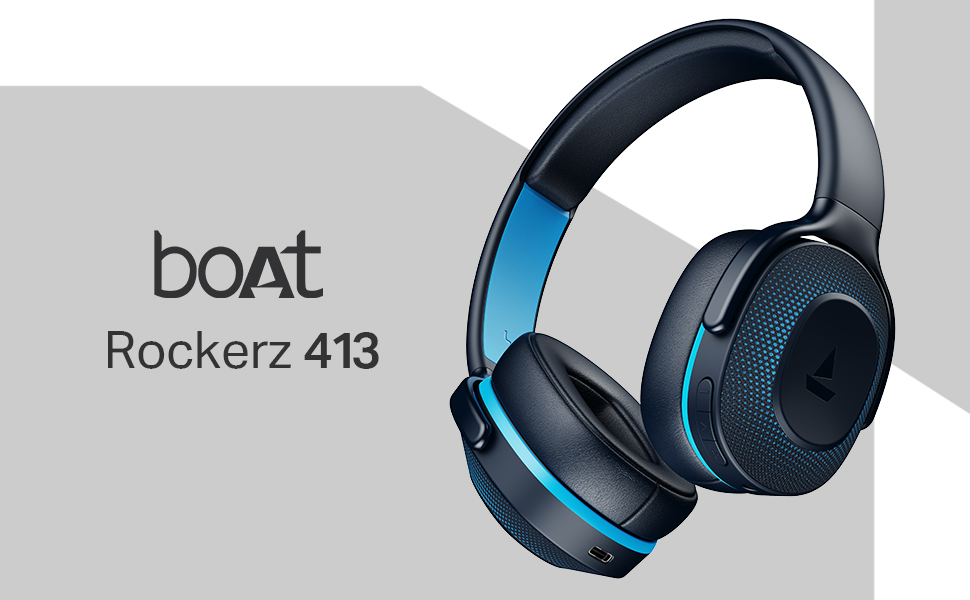
Image: A smartphone screen displaying a QR code for the boAt Hearables App, which allows users to stream music, listen to audiobooks, and access user guides.
Muat turun aplikasi di sini: boAt Hearables App Link