
pengenalan
Thank you for choosing the JOOAN W3-Dual Lens Outdoor Security Camera. This camera features a unique dual-lens design, providing comprehensive surveillance with 2K HD resolution. It supports both 2.4Ghz and 5Ghz dual-band WiFi, wired connectivity, PTZ rotation, two-way audio, and advanced motion detection with various alert options. This manual provides detailed instructions for installation, operation, and maintenance to ensure optimal performance and security.
Maklumat Keselamatan
- Ensure the camera is powered by the provided adapter and power cord. This device is not battery-powered.
- Install the camera in a location with stable WiFi signal for optimal performance.
- Avoid placing the camera near strong electromagnetic interference sources.
- Jangan cuba membuka atau mengubah suai kamera, kerana ini akan membatalkan jaminan dan boleh menyebabkan kerosakan.
- Ensure all cables are properly secured and protected from environmental elements.
- For outdoor installation, ensure the camera is securely mounted to prevent accidental falls.
Kandungan Pakej
Sahkan bahawa semua item terdapat dalam pakej anda:
- JOOAN W3-Dual Lens Security Camera (x1)
- Penyesuai Kuasa (x1)
- Kord Kuasa (x1)
- Screws Bag (x1)
- Manual Pengguna (x1)

Image: Contents of the JOOAN W3-Dual Lens Security Camera package, including the camera, power adapter, power cord, mounting screws, and user manual.
Produk Selesaiview
The JOOAN W3-Dual Lens camera features two independent lenses for comprehensive coverage. The upper lens is fixed, while the lower lens offers Pan-Tilt-Zoom (PTZ) functionality. It is designed for outdoor use with IP66 weather resistance.
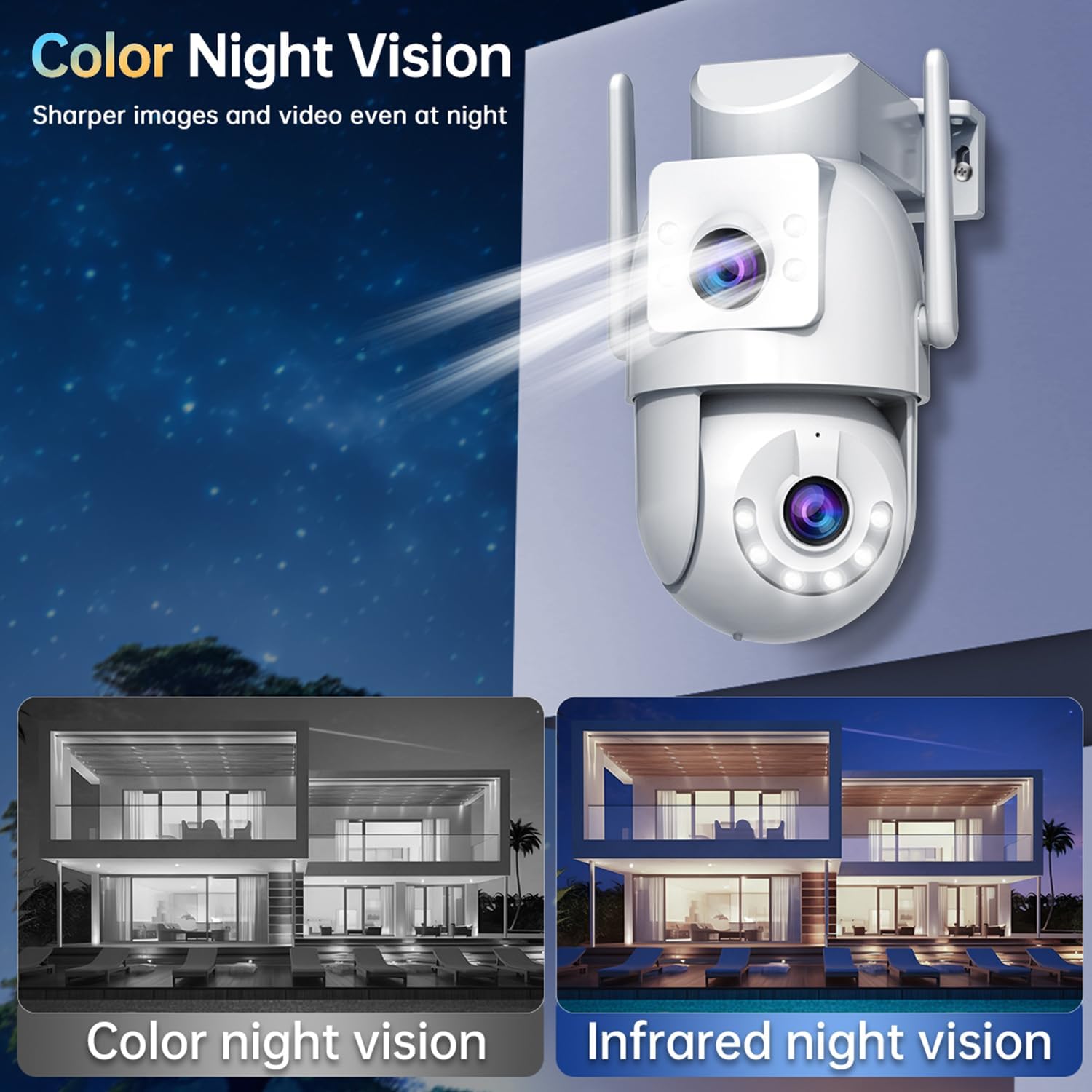
Imej: Depan view of the JOOAN W3-Dual Lens Security Camera, showing both lenses, LED lights, and antennas.

Imej: Jarak dekat view highlighting the MicroSD card slot and the reset button on the camera body.
Persediaan
1. Memasang Kamera
Kamera ini menyokong pemasangan siling dan dinding. Pilih lokasi yang menyediakan viewing angle and has a stable WiFi signal. The camera is IP66 weatherproof, suitable for outdoor installation.
- Use the included screws to securely attach the mounting bracket to your chosen surface.
- Pasang kamera pada pendakap pelekap.
- For ceiling mounting, the image can be flipped in the app settings if needed.

Imej: Cthamples of the camera installed on a wall and mounted on a ceiling, demonstrating its versatility.
2. Sambungan Kuasa
Connect the provided power adapter to the camera's power input and plug it into a standard electrical outlet. The camera requires a continuous power supply and is not battery-operated.

Image: The camera connected to a power outlet via its power cable and adapter.
3. Sambungan Rangkaian
The camera supports dual-band WiFi (2.4Ghz and 5Ghz) and wired Ethernet connection. Follow the in-app instructions to connect your camera to your home network.
- Sambungan WiFi: Open the app, select 'Add Device', and follow the prompts to connect to your WiFi network. Ensure your phone is connected to the same WiFi network during setup.
- Sambungan Berwayar: Connect an Ethernet cable from your router to the camera's Ethernet port. The camera will automatically attempt to connect to the network.
- Mod AP: If direct connection fails, the camera may enter AP (Access Point) mode, allowing you to connect directly to its WiFi hotspot for initial configuration.

Image: Illustrates the camera's support for 5G/2.4G WiFi, Bluetooth, and Wired connectivity.
4. Pemasangan Apl
Download the official JOOAN camera app from your smartphone's app store (iOS App Store or Google Play Store). Register an account and log in to begin adding your device.

Image: A smartphone displaying the live view from the JOOAN camera app, showing two camera feeds simultaneously.
5. Pemasangan Kad MicroSD
The camera supports MicroSD cards from 8GB to 256GB for local storage. Power off the camera before inserting or removing the MicroSD card.
- Locate the MicroSD card slot on the camera body.
- Masukkan kad MicroSD ke dalam slot dengan perlahan sehingga ia terkunci di tempatnya.
- Format the MicroSD card through the camera app settings after installation for proper functionality.
Arahan Operasi
1. Hidup View & Dual Lens Monitoring
Access the live feed from both lenses simultaneously through the app. The dual-lens design allows you to monitor two different areas at once, eliminating blind spots.
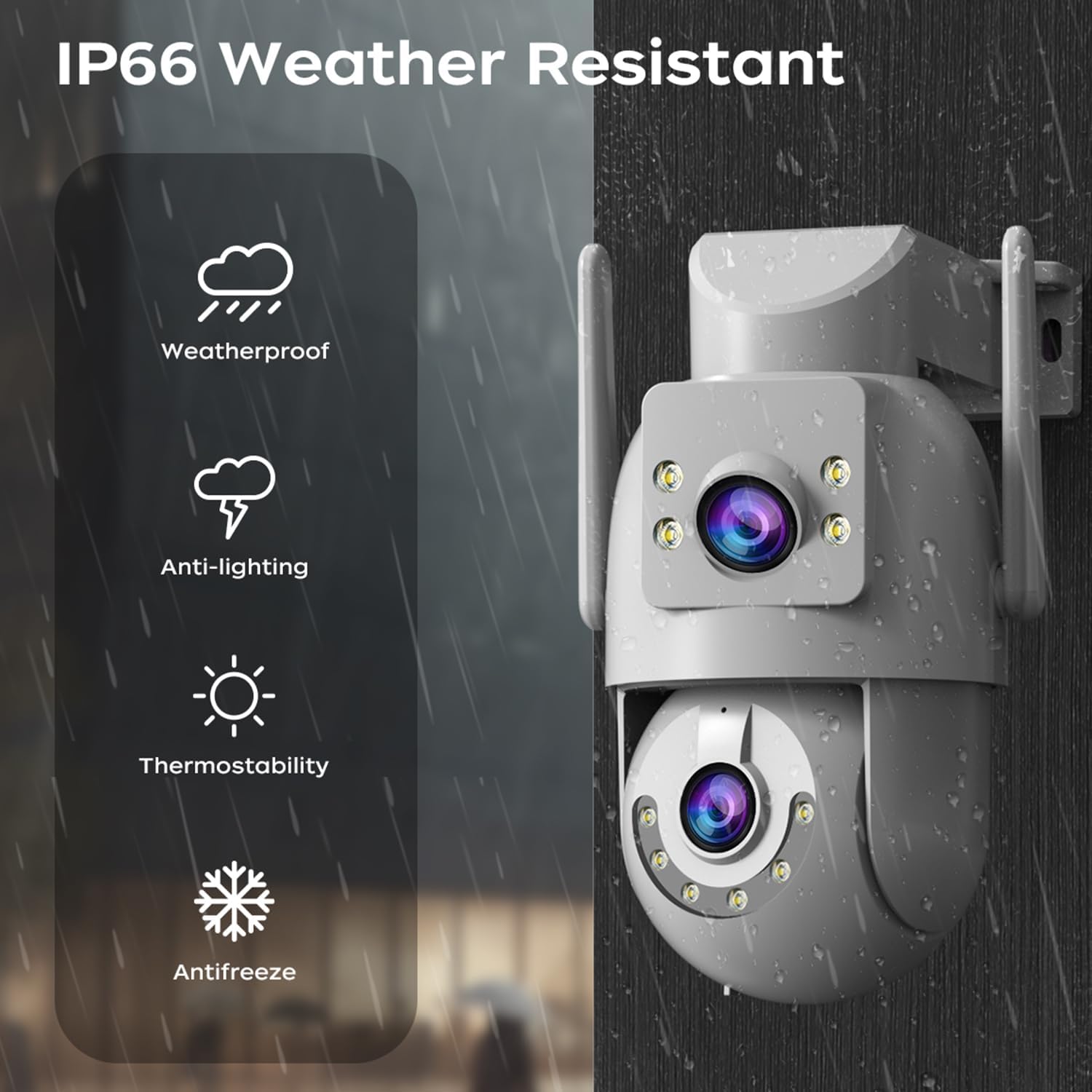
Image: A visual representation of the dual-lens camera monitoring two distinct areas simultaneously, displayed on a smartphone screen.
2. Kawalan PTZ
The lower lens offers Pan-Tilt-Zoom (PTZ) capabilities. Use the controls within the app to remotely adjust the camera's viewsudut ing.
- Roti: Rotate the camera horizontally up to 355 degrees.
- Condong: Adjust the camera vertically up to 90 degrees.
- Zum Digital: Pinch to zoom on the live feed for closer inspection.

Image: A smartphone screen showing PTZ controls, with arrows indicating the camera's pan and tilt movement.
3. Audio Dua Hala
Utilize the built-in microphone and speaker for two-way communication. This allows you to speak to visitors or deter intruders directly through the camera.
- Tap the microphone icon in the app to speak.
- Adjust audio volume as needed within the app.

Image: A person speaking into a smartphone, with a delivery person at the door, illustrating the two-way audio communication feature.
4. Mod Penglihatan Malam
The camera offers three night vision modes to suit different lighting conditions:
- Infrared Night Vision (B/W): Memberikan imej hitam putih yang jelas dalam kegelapan sepenuhnya menggunakan LED inframerah.
- Penglihatan Malam Warna Penuh: Utilizes white LEDs to provide full-color images at night.
- Penglihatan Malam Warna Pintar: The camera automatically switches from infrared to full-color vision when motion is detected, providing detailed color footage apabila diperlukan.
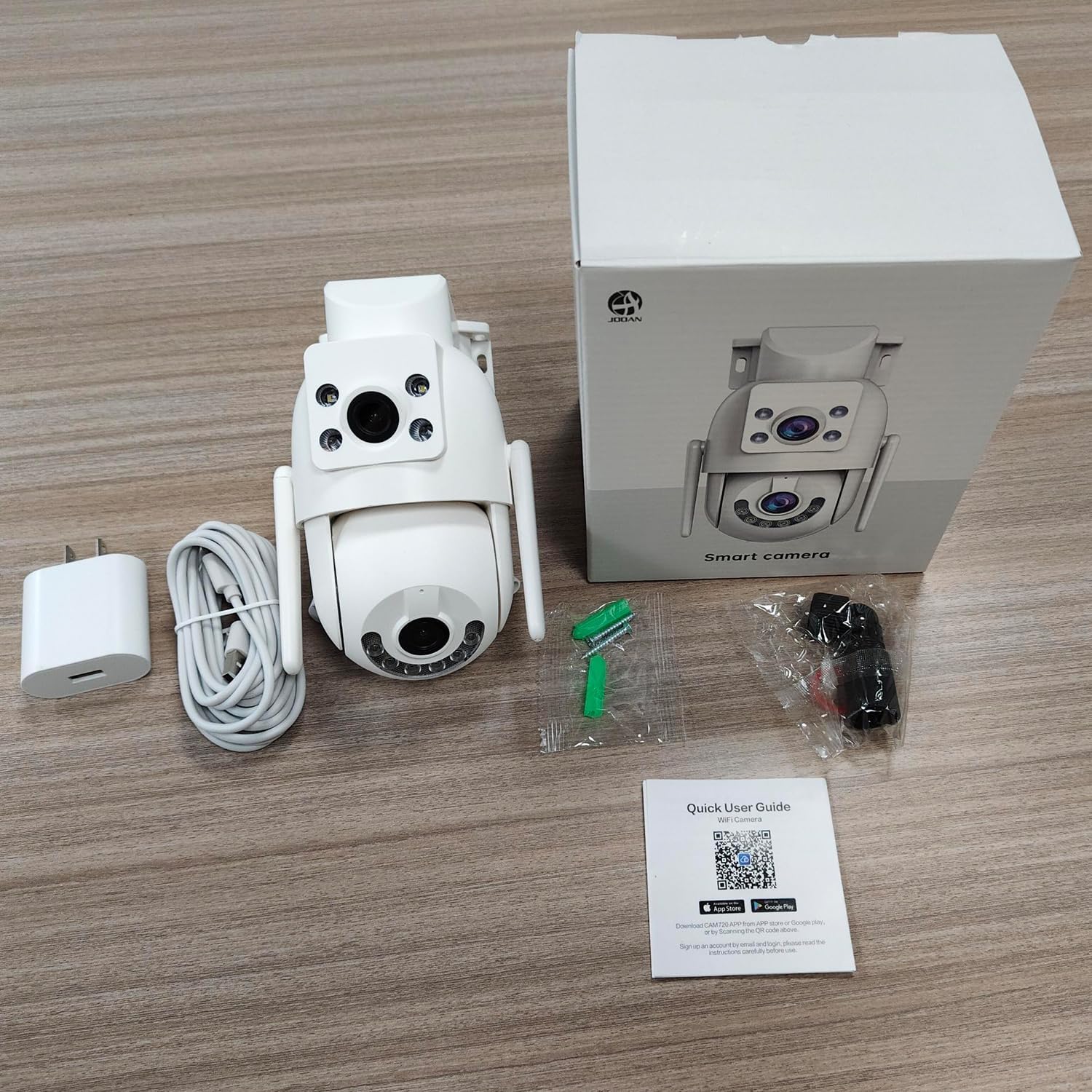
Image: Comparison of color night vision and infrared night vision, showing sharper and more detailed images in color at night.

Imej: Visual examples of Infrared Night Vision, Full Color Night Vision, and Smart Color Night Vision modes.
5. Pengesanan & Amaran Gerakan
The camera features advanced motion and sound detection capabilities. Customize detection zones, sensitivity, and alert types within the app.
- Pengesanan Pergerakan: Receive instant push notifications to your phone when motion is detected.
- Pengesanan tangisan: Alerts you to unusual sounds, such as crying, in the monitored area.
- Light & Sound Alarm: Configure the camera to activate a floodlight and/or siren upon detection to deter intruders.
- Customized Setup: Adjust detection methods, sensitivity levels, specific detection areas, and alert schedules.

Image: An illustration showing motion detection in action, with an alert notification on a smartphone.

Image: Depicts the camera's motion detection triggering a floodlight and siren, with a notification appearing on a phone.
6. Penjejakan Auto
Enable auto-tracking for the PTZ lens. When motion is detected, the camera will automatically pan to follow the moving object within its field of view.

Image: A visual demonstration of the auto-tracking feature, showing the camera panning to follow a moving person.
7. Pilihan Storan
The camera supports two primary storage methods for recorded footage:
- Storan Kad MicroSD: Records continuously or based on events to a locally installed MicroSD card (8-256GB, not included).
- Storan Awan: Offers secure cloud storage for alarm records. This allows you to access footage even if the camera is lost or damaged. Cloud storage typically requires a subscription.

Image: Icons representing cloud storage and MicroSD card storage, with a visual of the MicroSD card slot on the camera.

Image: Illustrates MicroSD card storage and cloud storage options for recording and playback.
8. Sharing Access
You can share camera access with family members or trusted individuals through the app, allowing multiple users to view suapan langsung dan terima makluman.

Imej: Berbilang individu viewing the camera feed on their smartphones, demonstrating the sharing feature.
9. Integrasi Rumah Pintar
The JOOAN W3-Dual Lens camera is compatible with smart home platforms like Amazon Alexa, allowing for voice control and integration into your smart home ecosystem.
- Follow the instructions in the app to link your camera with your Alexa account.
- Gunakan arahan suara untuk view the camera feed on compatible smart displays.

Image: A person interacting with an Alexa-enabled device to view the camera feed, indicating smart home compatibility.
Penyelenggaraan
- Pembersihan: Regularly wipe the camera lenses with a soft, dry cloth to ensure clear image quality. Do not use harsh chemicals.
- Kemas kini Firmware: Check the app periodically for firmware updates. Keeping your camera's firmware up-to-date ensures optimal performance, security, and access to new features.
- Bekalan Kuasa: Ensure the power connection remains secure and free from damage.
Menyelesaikan masalah
| Isu | Penyelesaian yang Mungkin |
|---|---|
| Kamera luar talian | Check WiFi signal strength, ensure power supply is connected, restart camera and router. |
| Tidak dapat menyambung ke WiFi | Ensure correct WiFi password, try 2.4Ghz network if 5Ghz fails, move camera closer to router, reset camera. |
| Kualiti imej yang lemah | Clean the camera lenses, check network bandwidth, ensure adequate lighting for night vision. |
| Tiada amaran pengesanan gerakan | Verify motion detection is enabled in app settings, adjust sensitivity, check alert schedule. |
| Kad MicroSD tidak merakam | Ensure card is inserted correctly, format card in app, check card capacity and health. |
Spesifikasi
| Ciri | Perincian |
|---|---|
| Nombor Model | W3-U |
| Resolusi Tangkapan Video | 3 MP (2K*2) |
| Teknologi Ketersambungan | Wi-Fi (2.4Ghz/5Ghz), Wired (Powerline) |
| Sumber Kuasa | Elektrik Bertali arus (5V, 7.5W) |
| Jenis Pemasangan | Pemasangan Siling, Pemasangan Dinding |
| Viewsudut | 360 Darjah (PTZ) |
| Ciri Khas | Dual Lens, 2-Way Audio, Motion Detection, Auto Tracking, Color Night Vision, IP66 Weatherproof |
| Penyimpanan | Kad MikroSD (8-256GB), Storan Awan |
| Peranti Serasi | Telefon Pintar (Android/iOS) |
| Berat Barang | 1.15 paun |
| Dimensi | 6.93 x 5.79 x 4.29 inci |
Waranti dan Sokongan
JOOAN products come with a standard manufacturer's warranty. For specific warranty details, please refer to the warranty card included in your package or contact JOOAN customer support.
If you encounter any issues or have questions regarding your JOOAN W3-Dual Lens Security Camera, please contact our customer support team. Contact information can typically be found on our official website or within the camera app's 'About Us' section.