
1. Pengenalan
This manual provides essential information for the safe and effective use of your RunStar Digital Bathroom Scale. Designed for accurate body weight measurement, this scale features high-precision sensors, a clear LED display, and a durable tempered glass platform. Please read this manual thoroughly before use and retain it for future reference.
2. Kandungan Pakej
- 1x RunStar Digital Bathroom Scale (Model BG2403)
- 3x Bateri AAA
- 1x Manual Arahan
3. Persediaan
3.1 Pemasangan Bateri
- Buka petak bateri di bahagian bawah penimbang.
- Masukkan 3 bateri AAA, pastikan kekutuban (+/-) yang betul.
- Tutup petak bateri dengan selamat.
3.2 Penempatan Skala
Place the scale on a hard, flat surface for accurate readings. Avoid carpets or uneven flooring, as this can affect precision.
3.3 Penukaran Unit
To switch between pounds (lb) and kilograms (kg), locate the unit conversion button on the underside of the scale. Press it to toggle between the desired units.

Image: Underside of the scale, highlighting the unit conversion switch and anti-slip foot pads.
4. Operasi
4.1 Mengambil Pengukuran
- Step onto the scale with bare feet. The scale will automatically turn on.
- Stand still on the scale until your weight is displayed and stabilized.
- Penimbang akan dimatikan secara automatik selepas beberapa saat tidak aktif.

Image: The RunStar Digital Bathroom Scale with its LED display showing a weight reading.
4.2 Penentukuran Auto
The scale features auto-calibration. For the most accurate first reading or after moving the scale, step on it briefly to activate, then step off. Wait for the display to show "0.0" before taking your measurement.
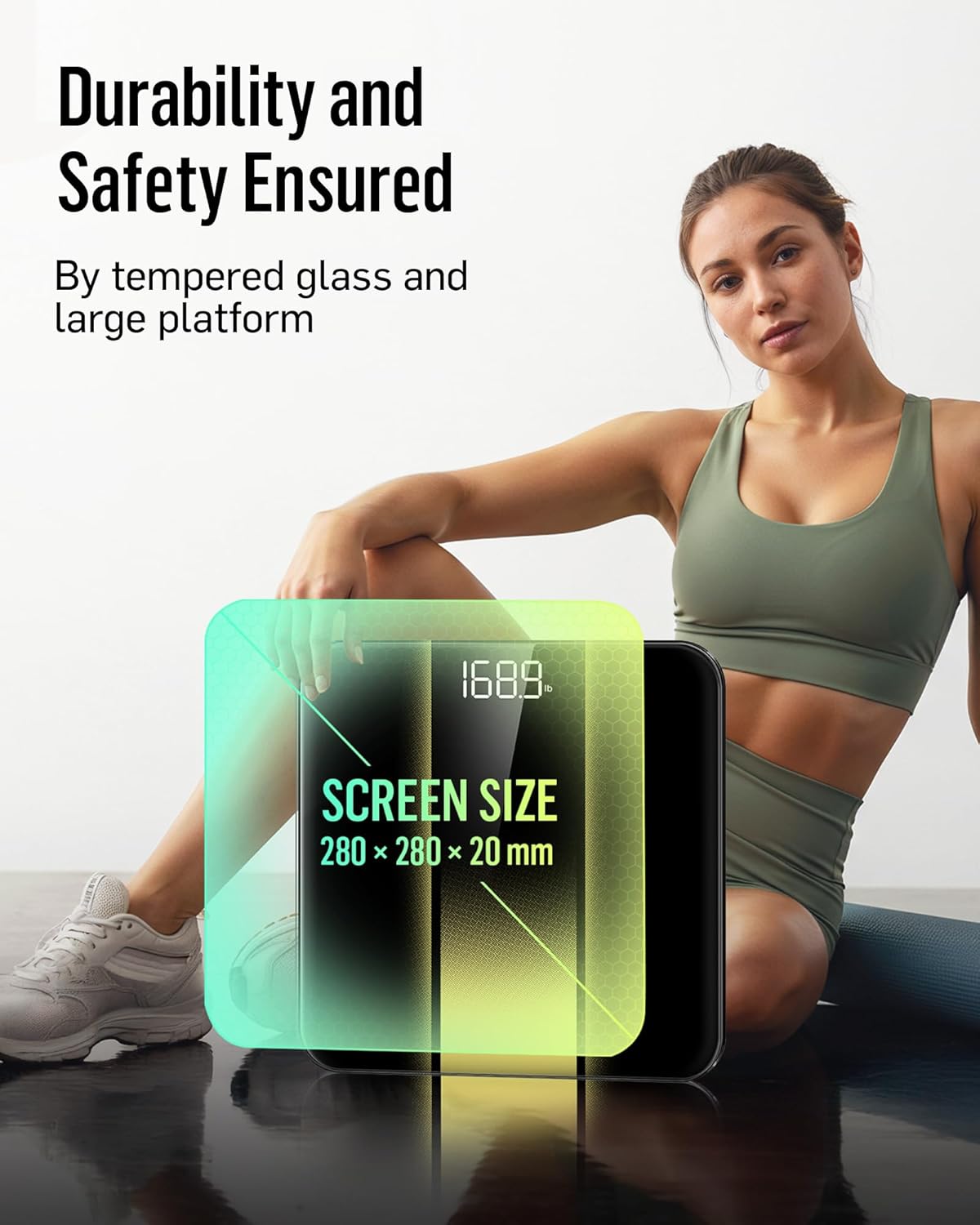
Image: Close-up of the scale's display, illustrating the auto-calibration and clear number visibility.
5. Penyelenggaraan
5.1 Pembersihan
Lap penimbang dengan iklanamp kain dan detergen ringan. Jangan gunakan pembersih yang kasar atau rendam penimbang di dalam air.
5.2 Penyimpanan
Simpan penimbang di tempat yang sejuk dan kering. Elakkan suhu yang melampau atau cahaya matahari langsung.
5.3 Penggantian Bateri
When the low battery indicator appears on the display, replace all three AAA batteries simultaneously to ensure optimal performance.
6. Penyelesaian masalah
| Masalah | Penyelesaian |
|---|---|
| "Lo" dipaparkan | Low battery. Replace all batteries. |
| "Err" displayed | Overload. The maximum weight capacity is 400 lb (180 kg). |
| Bacaan tidak tepat | Ensure the scale is on a hard, flat surface. Re-calibrate by stepping on and off the scale. Ensure feet are bare and centered. |
| Skala tidak dihidupkan | Periksa pemasangan bateri dan pastikan bateri tidak kehabisan kuasa. |
7. Spesifikasi
| Ciri | Perincian |
|---|---|
| Jenama | RunStar |
| Model | BG2403 |
| Kapasiti Maksimum | 400 lb / 180 kg |
| Peningkatan Pengukuran | 0.1 lb / 0.05 kg |
| Jenis Paparan | Paparan Lampu Belakang LED |
| Bahan Pelantar | Kaca Merah 6mm |
| Sumber Kuasa | 3x Bateri AAA |
| Ciri Khas | High Precision Sensors, Auto-Calibration, Auto On/Off, Low Battery Indicator, Overload Indicator |
| Dimensi | Approximately 11 x 11 inches (platform size) |
8. Maklumat Keselamatan Penting
- Jangan gunakan penimbang pada permukaan basah atau licin.
- Jangan melompat pada skala.
- Keep the scale away from water and heat sources.
- This scale is for household use only and not for medical diagnosis.
9. Waranti dan Sokongan
RunStar products are manufactured to high-quality standards. For warranty information or technical support, please refer to the contact details provided on the product packaging or visit the official RunStar webtapak.
10. Produk Lebihview Video
Video: Tamatview of the RunStar Digital Bathroom Scale, demonstrating its features such as the interactive screen, high precision, and app synchronization capabilities.