
pengenalan
Thank you for choosing the AlfaBot F2 Steam Cleaner. This manual provides essential information for the safe and efficient operation, maintenance, and troubleshooting of your new steam cleaner. Please read it thoroughly before first use and keep it for future reference.
The AlfaBot F2 is designed for deep cleaning and sanitizing various sealed hard floor surfaces using high-temperature steam, effectively eliminating 99.9% of bacteria without chemical residues.
Arahan Keselamatan Penting
Sentiasa ikuti langkah berjaga-jaga keselamatan asas apabila menggunakan peralatan elektrik untuk mengurangkan risiko kebakaran, renjatan elektrik atau kecederaan.
- Baca semua arahan sebelum menggunakan perkakas.
- Jangan arahkan wap ke orang, haiwan atau soket elektrik.
- Use only distilled or demineralized water in the water tank.
- Do not leave the steam cleaner unattended while powered on.
- Unplug the appliance from the power outlet when not in use and before servicing.
- Jauhkan perkakas daripada kanak-kanak.
- Jangan rendamkan perkakas dalam air atau cecair lain.
- Do not use the appliance on unsealed hardwood floors or surfaces sensitive to heat and moisture.
Komponen Produk
Familiarize yourself with the parts of your AlfaBot F2 Steam Cleaner.
- Main Unit (handle, water tank, body)
- Cleaning Head with Dual Rotating Pads
- Microfiber Cleaning Pads (6 included, 2 types)
- Kord Kuasa
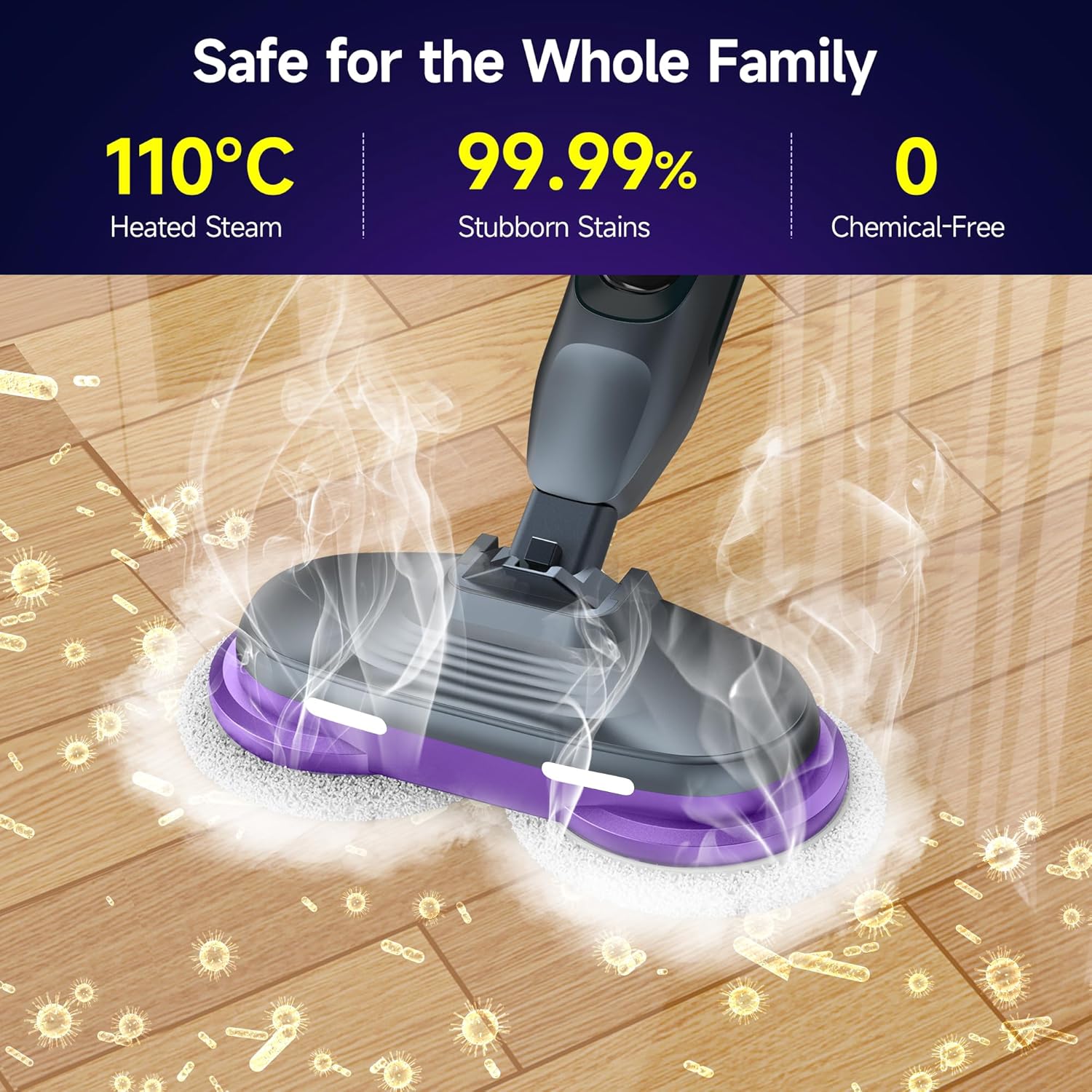
Image: The AlfaBot F2 Steam Cleaner, showing its main components including the handle, water tank, and cleaning head with rotating pads.
Persediaan dan Perhimpunan
- Pasang Pemegang: Insert the handle into the main body of the steam cleaner until it clicks securely into place.
- Pasang Pad Pembersihan: Secure the microfiber cleaning pads to the bottom of the cleaning head. Ensure they are properly aligned and attached. The product includes 2 types of cleaning cloths, 4 pieces in total, and 6 washable microfiber cleaning pads.
- Isi Tangki Air:
- Locate the water tank cap.
- Open the cap and fill the 450 ml water tank with distilled or demineralized water. Do not overfill.
- Tutup penutup dengan selamat.

Imej: Dari dekat view of the 450 ml water tank on the AlfaBot F2, showing the 'MAX' fill line. This tank allows for up to 30 minutes of continuous steam.
- Sambungkan Kuasa: Palamkan kord kuasa ke salur keluar elektrik yang dibumikan.
Arahan Operasi
The AlfaBot F2 features 4 cleaning modes to suit different needs and floor types.

Image: The handle of the AlfaBot F2 Steam Cleaner, highlighting the On/Off button, Steam button, and Speed control button for selecting cleaning modes.
- Hidupkan kuasa: Press the On/Off button to turn on the steam cleaner. The device will begin heating up.
- Masa Pemanasan: The steam cleaner heats up in approximately 30 seconds, indicated by a light or sound (refer to LED display for specific indicators).
- Pilih Mod Pembersihan: Use the Speed control button to cycle through the 4 available cleaning modes. These modes adjust steam intensity and pad rotation speed for various floor types and cleaning tasks.
- Aktifkan Steam: Tekan butang Steam untuk melepaskan stim.
- Mulakan Pembersihan: Move the steam cleaner slowly and steadily across the floor surface. The dual rotating microfiber pads, combined with 110°C high-temperature steam, will effectively clean and sanitize. The 90° swivel head and LED headlights assist in reaching under furniture and illuminating hidden debris.
- Operasi Berterusan: The 450 ml water tank provides up to 30 minutes of continuous steam. Refill as needed.
- Matikan: After cleaning, press the On/Off button to turn off the appliance and unplug it from the power outlet.

Image: The AlfaBot F2 Steam Cleaner actively cleaning a floor, demonstrating the powerful dual-motor system with rotating microfiber pads and steam emission. The pads spin at 230 revolutions per minute.

Image: The AlfaBot F2 Steam Cleaner effectively tackling different types of floor stains, including surface dust, residue, grease, and grime, using the power of steam.

Image: The AlfaBot F2 Steam Cleaner's cleaning head, illustrating its LED headlights for illuminating hidden debris and its 90-degree adjustable mop angle for reaching corners and under furniture.

Image: The AlfaBot F2 Steam Cleaner in use on a wooden floor in a home setting, with a dog nearby, highlighting its chemical-free operation for a safe environment for families and pets.

Image: An illustration showing the AlfaBot F2 Steam Cleaner's applicability to various floor surfaces such as hardwood, marble, tile, laminate, and vinyl, and its ability to clean different stains like splotches, tea stains, honey, wine stains, dust, glue stains, footprints, and pigment stains.
Image: The AlfaBot F2 Steam Cleaner emphasizing its safety features: 110°C heated steam, 99.99% effectiveness against stubborn stains, and chemical-free operation, making it safe for the whole family.
Penyelenggaraan dan Penjagaan
Regular maintenance ensures optimal performance and extends the life of your steam cleaner.
- Tangki Air Kosong: After each use, unplug the appliance and allow it to cool. Empty any remaining water from the tank.
- Pad Mikrofiber Bersih: Remove the microfiber cleaning pads. They are washable and reusable. Machine wash them with similar colors and air dry. Do not use bleach or fabric softeners.
- Padam Unit: Lap bahagian luar pembersih wap dengan iklanamp kain. Jangan gunakan pembersih yang kasar.
- Penyahkerak (Secara Berkala): If you notice reduced steam output or mineral buildup, descale the unit. Consult the manufacturer's website or contact support for specific descaling instructions.
- Storan: Store the steam cleaner in a cool, dry place. Ensure the power cord is neatly wrapped.
Menyelesaikan masalah
If you encounter issues with your AlfaBot F2 Steam Cleaner, refer to the following common problems and solutions:
| Masalah | Kemungkinan Punca | Penyelesaian |
|---|---|---|
| Tiada wap atau keluaran wap rendah. |
|
|
| Unit tidak dihidupkan. |
|
|
| Air bocor dari unit. |
|
|
If the problem persists after trying these solutions, please contact AlfaBot customer support.
Spesifikasi Produk
| Ciri | Perincian |
|---|---|
| Nombor Model | F2 |
| Dimensi (L x W x H) | 16.7 x 36.5 x 120 cm |
| Berat Barang | 3.8 Kilogram |
| Kapasiti Tangki Air | 450 mililiter |
| Masa Pemanasan | 30 Saat |
| Suhu Maksimum | 110 Darjah Celsius |
| Sumber Kuasa | Elektrik Bertali |
| Ciri Khas | 30s for Steam, Chemical-Free, 4 Cleaning Modes, Suitable for various floor types, 450ml Water Tank, Powerful Dual-Motor System |
| Permukaan yang Disyorkan | Sealed hardwood, tile, marble, granite, linoleum |
| Komponen yang Disertakan | 2 types of cleaning cloths (4 pieces total), 6 washable microfiber cleaning pads |
Waranti dan Sokongan
For warranty information, product registration, or technical support, please visit the official AlfaBot webtapak atau hubungi bahagian perkhidmatan pelanggan mereka. Simpan resit pembelian anda sebagai bukti pembelian untuk tuntutan waranti.
Maklumat Hubungan: Please refer to the packaging or the official AlfaBot webtapak untuk mendapatkan butiran hubungan yang paling terkini.