
1. Pengenalan
This manual provides detailed instructions for the setup, operation, and maintenance of your HiSpyCam S120 Dual Lens Hidden Camera DIY Module. Please read this manual thoroughly before using the device to ensure proper functionality and to maximize its capabilities. This device is designed for discreet surveillance and monitoring in various indoor and outdoor environments.
2. Apa yang ada di dalam Kotak
- Modul Kamera
- Kabel Pengecas USB
3. Produk Lebihview
The HiSpyCam S120 DIY Module is a compact surveillance device. Familiarize yourself with its components:

Imej 3.1: Berakhirview of the HiSpyCam S120 DIY Module, highlighting the camera lenses, Micro SD Card Slot, USB port, Reset button, and ON/OFF switch.
- Kanta Kamera: Dual lenses for wide-angle viewing.
- Slot Kad Mikro SD: Untuk penyimpanan rakaman tempatan (menyokong sehingga 256GB, kad tidak disertakan).
- Port USB: For charging the device and continuous power supply.
- Butang Tetapkan Semula: Used to restore factory settings or restart the device.
- Suis ON / OFF: Menghidupkan atau mematikan peranti.
4. Panduan Persediaan
Follow these steps to set up your HiSpyCam S120:
- Cas Peranti: Connect the camera module to a power source using the provided USB charging cable. Ensure it is fully charged before first use.
- Masukkan Kad SD Mikro: If local storage is desired, insert a compatible Micro SD card (up to 256GB, not included) into the Micro SD Card Slot.
- Muat turun Apl: Scan the QR code in the included instructions or search for the recommended application (e.g., 'HomeEye' as mentioned in customer reviews) on your smartphone's app store.
- Hidupkan kuasa: Luncurkan suis ON/OFF ke kedudukan 'ON'.
- Sambungkan ke Rangkaian: The camera supports multiple connection methods. Refer to the 'Connectivity' section for detailed instructions on connecting via Wi-Fi or direct hotspot.

Imej 4.1: Illustration of the three primary connection methods for the camera module.
5. Arahan Operasi
Once set up, operate your camera via the dedicated smartphone application.
- Langsung View: Buka aplikasi dan pilih kamera anda untuk view hidup footage.
- Mod Rakaman:
- Rakaman Berterusan: Records continuously to the Micro SD card.
- Rakaman Diaktifkan Pergerakan: Merakam hanya apabila gerakan dikesan, menjimatkan ruang storan.
- Timing Video: Schedule specific times for recording.
- Mengakses Footage: Dirakam footage boleh diakses dan diulangviewed through the app, either from the Micro SD card or cloud storage (if subscribed).
- Mod Privasi: Activate privacy mode via the app to temporarily disable recording and live viewing.
6. Ketersambungan
The HiSpyCam S120 offers flexible connectivity options:
- Wi-Fi Connection (2.4GHz): Connect the camera to your home or office 2.4GHz Wi-Fi network for remote access and control via the app. The smart network switching technology ensures uninterrupted monitoring even during WiFi outages.
- Camera's Hotspot (AP Mode): For direct, local connection without an internet router, the camera can generate its own Wi-Fi hotspot. Connect your smartphone directly to this hotspot for local viewing dan kawalan.
- Kad SD mikro: Record directly to a Micro SD card for local storage without requiring any network connection.
7. Ciri-ciri Utama
7.1 Full HD 1080P Resolution & Dual-Lens Innovation
Experience clear video quality with Full HD 1080P resolution. The advanced dual-lens system provides a wider coverage area compared to single-lens cameras, enhancing surveillance capabilities day and night.

Imej 7.1: Visual comparison demonstrating the wider field of view provided by the dual-lens system.
7.2 Smart Cloud Storage & Local Backup
The camera supports both secure cloud storage (subscription optional) for automatic backup of footage and continuous local recording to a Micro SD card (up to 256GB). Access your recordings anytime, anywhere through the encrypted platform.
7.3 AI-Powered Motion Alerts
Equipped with advanced motion detection technology, the camera intelligently identifies movement and sends instant notifications to your smartphone. This feature helps minimize false alarms while ensuring you are alerted to important activity.
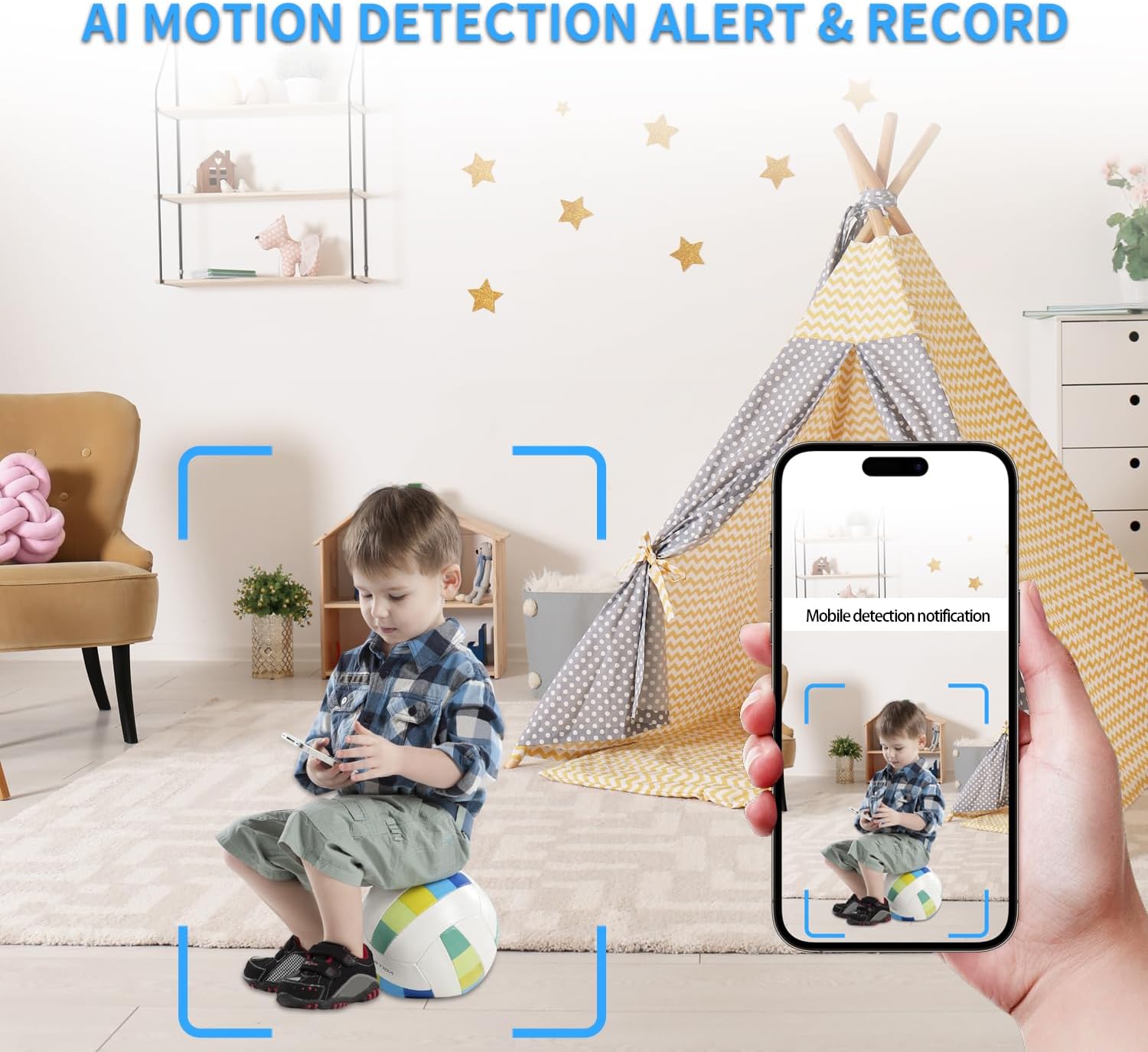
Imej 7.2: Example of an AI motion detection alert received on a smartphone.
7.4 Remote Access on the App
Monitor your space remotely from anywhere using the dedicated smartphone application. The app allows for live viewing, main balik foo yang dirakamtage, and control over camera settings.

Imej 7.3: A user accessing live camera feed remotely via the smartphone app.
7.5 Lebar Viewing Angle and Multi-User Access
The dual lenses provide a wide viewing angle for comprehensive coverage. The system also supports multi-user access, allowing multiple individuals to view the camera feed and receive notifications.

Imej 7.4: Visual representation of various app functionalities including notifications, motion detection, wide coverage, and multi-user support.
8. Penyelenggaraan
- mengecas: Recharge the camera using the provided USB cable when the battery is low. For continuous operation, keep it plugged into a power source.
- Pengurusan Kad SD: Kerap membuat sandaran foo pentingtage from the Micro SD card. Format the card periodically to maintain optimal performance.
- Pembersihan: Gently clean the camera lenses with a soft, dry cloth to ensure clear image quality. Avoid using harsh chemicals.
- Kemas kini Firmware: Check the app regularly for any available firmware updates to ensure your device has the latest features and security enhancements.
9. Penyelesaian masalah
- Kamera Tidak Menyambung ke Wi-Fi:
- Pastikan rangkaian Wi-Fi anda ialah 2.4GHz. Kamera ini tidak menyokong rangkaian 5GHz.
- Semak ketepatan kata laluan Wi-Fi.
- Gerakkan kamera lebih dekat dengan penghala Wi-Fi.
- Reset the camera using the reset button and try connecting again.
- Kualiti Video Lemah:
- Ensure the camera lenses are clean.
- Check network stability for live streaming.
- Adjust video resolution settings in the app if available.
- Pengesanan Pergerakan Tidak Berfungsi:
- Sahkan pengesanan gerakan didayakan dalam tetapan apl.
- Laraskan tahap kepekaan.
- Pastikan kamera view tidak terhalang.
- Hayat Bateri Pendek:
- Battery life is approximately 70-90 minutes on a full charge. For extended use, keep the camera connected to a power source.
- Frequent motion detection events or continuous live viewing can drain the battery faster.
- Kad SD Tidak Merakam:
- Ensure the SD card is correctly inserted and formatted (FAT32 recommended).
- Check if the SD card is full; delete old footage or replace the card.
- Sahkan tetapan rakaman dalam apl.
10. Spesifikasi
| Ciri | Perincian |
|---|---|
| Nama Model | Dual Lens DIY Module (S120) |
| Resolusi Tangkapan Video | 1080p |
| Teknologi Ketersambungan | Wayarles (Wi-Fi) |
| Protokol Ketersambungan | Wi-Fi (2.4GHz) |
| Sumber Kuasa | Dikuasakan Bateri |
| Jenis Bateri | 1 bateri Polimer Litium (termasuk) |
| Jenis Pengawal | Apl |
| Viewsudut | 120 Darjah |
| Kadar Bingkai | 15-20 frames per second |
| Sokongan Storan | Up to 256GB Micro SD Card (Not Included) |
| Jenis Makluman | Gerak Sahaja |
| Jenis Fokus | Auto Fokus |
| Dimensi Produk | 1 x 1 x 1 inci |
| Berat Barang | 3.84 auns |
| Penggunaan Dalaman/Luar | Dalaman, Luaran |
11. Waranti dan Sokongan
All HiSpyCam Security Cameras come with a premium 1-Year Full Warranty and lifetime technical support. Our customer service team is available 24/7 and guarantees a response within 2 hours. We also offer a 30-Day Money Back guarantee and a 365-Day Free Replacement promise.
For technical assistance or warranty claims, please contact HiSpyCam customer support through the contact information provided with your product packaging or on the official HiSpyCam webtapak.