
1. Pengenalan
This manual provides detailed instructions for the setup, operation, and maintenance of your RECOTAC Sense Cellular Trail Camera. Please read this manual thoroughly before using the camera to ensure proper functionality and optimal performance.

Image: RECOTAC Sense Cellular Trail Camera, front view.
2. Apa yang ada di dalam Kotak
Sahkan bahawa semua komponen terdapat dalam pakej:
- Camera & Antenna
- Tali Pemasangan
- Manual Arahan
- Panduan Mula Pantas
- SIM Card (pre-installed)
Video: Unboxing of the RECOTAC Sense Camera, showing all included components.
3. Produk Lebihview
Familiarize yourself with the key components of your RECOTAC Sense Cellular Trail Camera.
3.1 Komponen Luaran

Image: Diagram illustrating the external parts of the camera, including the antenna connector, IR LEDs, lens, light sensor, PIR sensor, and latch.
- Penyambung Antena: Untuk memasang antena luaran.
- LED IR: 54pcs 940nm no-glow infrared LEDs for night vision.
- Kanta: Menangkap imej dan video.
- Sensor Cahaya: Mengesan tahap cahaya ambien untuk bertukar antara mod siang dan malam.
- Sensor PIR: Sensor Inframerah Pasif untuk pengesanan gerakan.
- Selak: Selamatkan perumahan kamera.
- 1/4" Nut Hole: For mounting the camera on a tripod or other accessories.
- mikrofon: Records audio with video.
3.2 Internal Components and Ports

Image: Diagram illustrating the internal components and ports of the camera, including the SD card slot, power switch, test button, and battery compartment.
- Slot Kad SD: For inserting a Micro SD card (up to 512GB, not included).
- Slot Kad SIM: The SIM card is pre-installed.
- Suis kuasa: Three positions: ON, SETUP, OFF.
- Butang Ujian: Used to take a test photo and verify app connectivity.
- Butang Format: For formatting the inserted SD card.
- Petak Bateri: Memegang 8 bateri AA.
- Lampu Penunjuk: Provide status for mode, battery, SD card, signal, and account.
- Kod QR: For adding the camera to the mobile application.

Image: Diagram showing the USB-C port (for data transfer only) and DC power supply port.
- Port USB-C: For data transfer purposes only.
- Bekalan Kuasa DC: For connecting an external power source, such as a solar panel (not included).
- Set Semula Lubang: Untuk tetapan semula kilang.
4. Panduan Persediaan
4.1 Pemasangan Bateri
- Open the camera latch.
- Insert 8 AA batteries into the battery compartment. Ensure correct alignment of positive (+) and negative (-) poles. For optimal performance, use Duracell Max alkaline or Rayovac UltraPro alkaline batteries.
- Close the camera latch securely.
4.2 Pemasangan Kad SD
- With the camera latch open, locate the SD card slot.
- Masukkan kad Mikro SD (sehingga 512GB, tidak disertakan) ke dalam slot sehingga ia berbunyi klik pada tempatnya.
4.3 Pemasangan Antena
- Screw the provided antenna onto the antenna connector at the top of the camera.
- Ensure it is finger-tight for a secure connection.
4.4 Mobile Application Setup
- Download the "RecoTac" app from your smartphone's app store (Android or iOS).
- Open the app and create an account. Follow the on-screen prompts for registration, including email verification.
- Once logged in, click "Add a camera".
- Scan the QR code located inside the camera's battery compartment to link your camera to your account.
- Give your camera a name and confirm.
5. Operasi
5.1 Menghidupkan dan Pemilihan Mod
The camera has three power switch positions:
- MATI: Kamera dimatikan.
- PENYEDIAAN: Allows access to camera settings and testing.
- ON: Camera is fully operational and will capture photos/videos based on settings.
To begin setup, switch the power to the "SETUP" position. Observe the indicator lights for status.
5.2 Memformat Kad SD
It is recommended to format the SD card before first use and periodically thereafter.
- With the camera in "SETUP" mode, press and hold the "SD Format" button until the SD indicator light flashes yellow.
- Release the button. The light will turn solid green once formatting is complete.
5.3 Taking a Test Photo/Video
To verify camera functionality and app connectivity:
- Ensure the camera is in "SETUP" mode.
- Press the "Test" button. The camera will capture a photo.
- Check the indicator light under the Mode section. It will flash green while the photo is being sent to the app and will stay solid once the upload is complete.
- Open the RecoTac app on your phone. Navigate to the "Cloud" or "Gallery" section to confirm the photo was captured and stored. If the photo appears, your camera is working correctly.
Tip: If the indicator flashes cyan rapidly, the photo might not have been sent due to a weak signal or a card error. Check the network signal or format the card.
5.4 Switching to ON Mode
After completing setup and testing, switch the power switch to the "ON" position to begin automatic capturing based on your configured settings.

Image: Screenshot of the RecoTac app showing the "Capture Now" option for instant live preview.
6. Spesifikasi
| Ciri | Perincian |
|---|---|
| Nama Model | rasa |
| Nombor Model | SYRA0001-BN-US |
| Resolusi Pegun Berkesan | 32 MP |
| Resolusi Tangkapan Video | 1296p |
| Teknologi Ketersambungan | Wireless (Cellular) |
| Protokol Ketersambungan | Selular |
| Sumber Kuasa | Battery Powered (8 AA) or Solar Powered (solar panel not included) |
| Julat Penglihatan Malam | 100 Feet (54pcs 940nm No-Glow IR LEDs) |
| Kecepatan Pencetus | 0.2 saat |
| Tahap Ketahanan Air | IP66 (kalis air) |
| Jenis Memori Denyar | SD (up to 512 GB supported) |
| Julat Suhu Operasi | -13°F hingga +140°F (-25°C hingga +60°C) |
| Dimensi (L x W x H) | 5.11 x 3.74 x 3.15 inci |
| Berat Barang | 1.03 paun |
| bahan | Akrilonitril Butadiene Styrene (ABS), Plastik |

Image: The camera is designed to withstand various weather conditions, including rain and snow, with an IP66 rating.
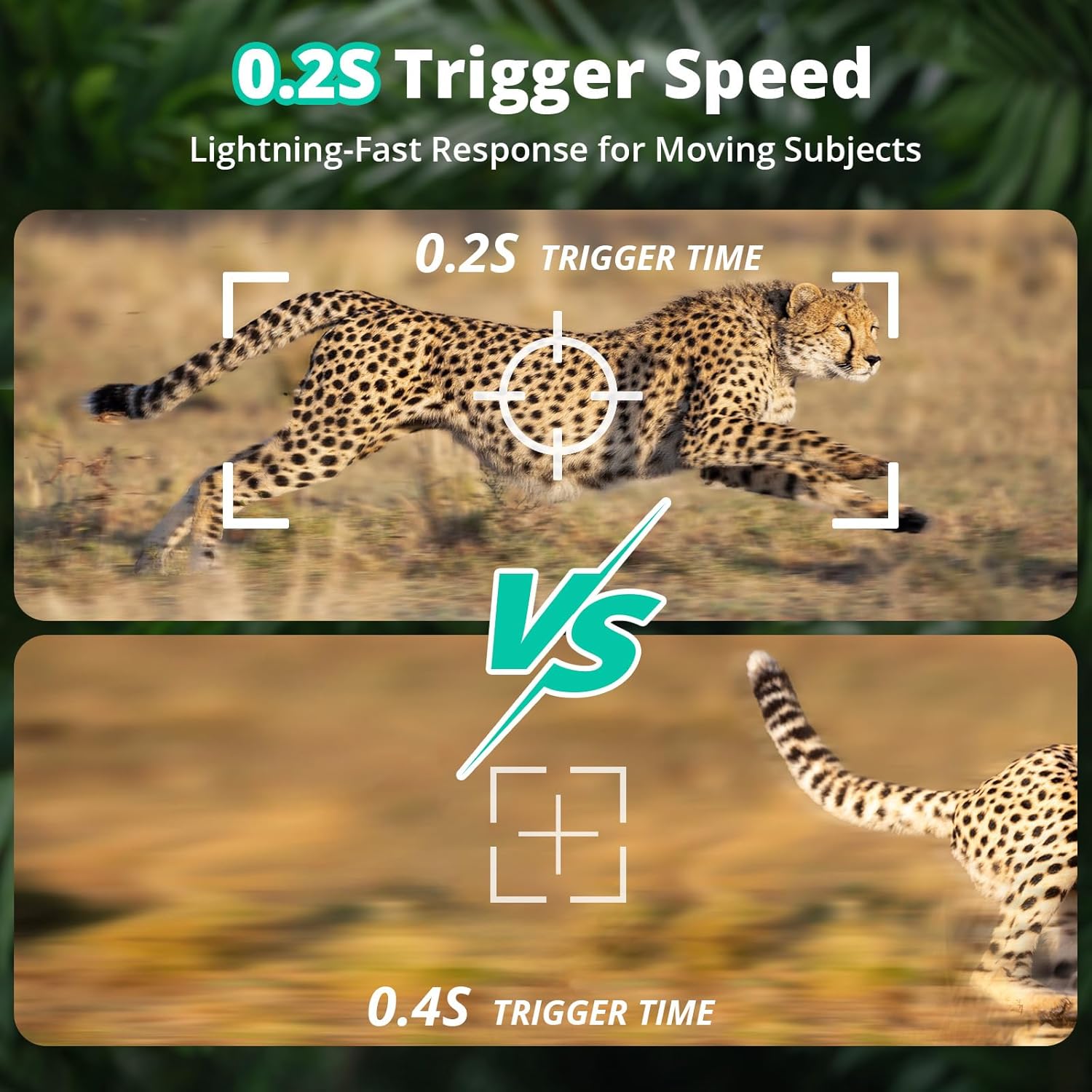
Image: Comparison showing the camera's fast 0.2-second trigger speed for capturing moving subjects.
7. Penyelenggaraan
- Pembersihan: Use a soft, dry cloth to clean the camera lens and housing. Avoid abrasive cleaners.
- Hayat Bateri: The camera operates on 8 AA batteries. Battery life varies based on usage, temperature, and battery quality. Consider using a compatible solar panel (not included) for extended operation.
- Kad SD: Regularly check the SD card for available space and format it periodically to maintain optimal performance.
- Kemas kini Firmware: Check the RecoTac app for any available firmware updates to ensure your camera has the latest features and improvements.
8. Penyelesaian masalah
- Kamera tidak dihidupkan:
- Pastikan bateri dimasukkan dengan betul dengan kekutuban yang betul.
- Check if batteries are fully charged.
- Verify the power switch is in the "ON" or "SETUP" position.
- No photos/videos captured:
- Check if the SD card is inserted correctly and has sufficient space.
- Format kad SD.
- Ensure the camera is in "ON" mode.
- Verify PIR sensor sensitivity settings in the app.
- Photos/videos not appearing in the app:
- Check cellular signal strength (indicator lights).
- Ensure your data plan is active and has available data.
- Confirm the camera is properly linked to your account in the app.
- If the indicator flashes cyan rapidly, check network signal or format the SD card.
- Kualiti penglihatan malam yang buruk:
- Ensure the IR LEDs are not obstructed.
- Check battery level, as low power can affect IR performance.
9. Waranti dan Sokongan
For warranty information and technical support, please refer to the official RECOTAC website or contact customer service through the RecoTac application.