
PNZEO W8
PNZEO W8 Compact Indoor Smart Home Security Camera User Manual
Model: W8
Brand: PNZEO
1. Pengenalan
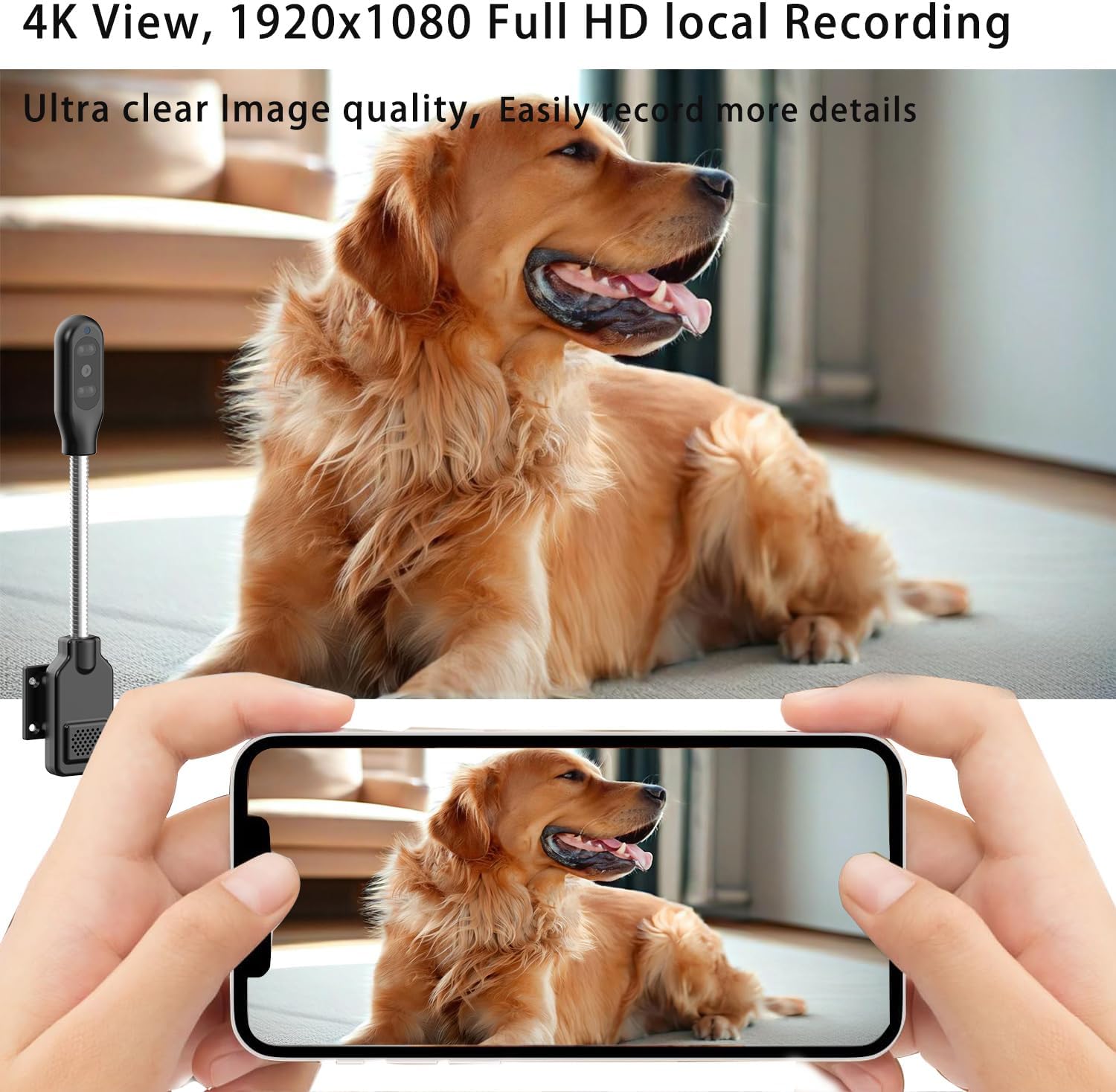
Thank you for choosing the PNZEO W8 Compact Indoor Smart Home Security Camera. This manual provides detailed instructions for setting up, operating, and maintaining your camera to ensure optimal performance and security for your home, pets, or loved ones. The W8 camera features 4K Ultra HD resolution, enhanced night vision, two-way audio, smart motion detection, and supports both 5GHz and 2.4GHz dual-band Wi-Fi connectivity.
2. Maklumat Keselamatan
Sila baca dan fahami semua arahan keselamatan sebelum menggunakan produk ini. Kegagalan mematuhi arahan ini boleh mengakibatkan renjatan elektrik, kebakaran atau bahaya lain.
- This device is designed for indoor use only. Avoid exposure to water, moisture, or extreme temperatures.
- Pastikan sumber kuasa stabil dan dalam volum yang ditetapkantage (DC=5V/1A).
- Do not attempt to disassemble, repair, or modify the camera. Refer all servicing to qualified personnel.
- Keep the camera and its accessories out of reach of children and pets.
- Unplug the camera during lightning storms or when unused for long periods.
- The camera requires continuous power via a USB-C cable. It does not have an internal battery.
3. Produk Lebihview
The PNZEO W8 camera is designed for discreet and flexible placement. Its unique gooseneck design allows for easy adjustment and positioning.

Rajah 3.1: Product Parameter Diagram showing Light sensitive LED, IR LED, HD lens, Micro SD card slot, Reset button, Fixed base, Loudspeaker, and Power interface.

Rajah 3.2: Dimensions of the PNZEO W8 camera and its flexible gooseneck, illustrating its compact size and bendable design.
Kandungan Pakej:
- PNZEO W8 Camera Body
- Pangkalan Tetap
- Kabel Kuasa USB-C
- Manual Pengguna
Nota: A Micro SD card (up to 256GB) and a power adapter are not included and must be purchased separately.
4. Persediaan
4.1 Pemasangan Aplikasi
To control and monitor your PNZEO W8 camera, you need to download the companion application.
- Scan the QR code provided in the included user manual or search for "MTCam" or "iWFcam" in your mobile device's app store (available on iOS and Android).
- Muat turun dan pasang aplikasi.
- Daftar akaun baharu atau log masuk jika anda sudah mempunyai akaun.
4.2 Menghidupkan Kamera
- Connect the provided USB-C power cable to the camera's power interface.
- Plug the other end of the USB-C cable into a 5V/1A USB power adapter (not included) and then into a wall outlet.
- The camera will power on and indicate its status via an LED light.
4.3 Sambungan Wi-Fi
The PNZEO W8 supports both 5GHz and 2.4GHz Wi-Fi networks for flexible connectivity.

Rajah 4.1: The PNZEO W8 camera supports both 5GHz and 2.4GHz Wi-Fi bands, offering faster transmission speeds and wider range.
- Open the installed app on your smartphone.
- Follow the in-app instructions to add a new device. This typically involves selecting your Wi-Fi network and entering the password.
- Ensure your phone is connected to the same Wi-Fi network you intend to connect the camera to during the setup process.
- The camera's LED indicator will change once successfully connected to Wi-Fi.
4.4 Pemasangan Kad Mikro SD (Pilihan)
For local storage and continuous recording, insert a Micro SD card (up to 256GB, not included).

Rajah 4.2: The camera supports local loop storage via a Micro SD card (up to 256GB, not included) for 24/7 continuous recording or motion detection recording.
- Locate the Micro SD card slot on the camera body (refer to Figure 3.1).
- Gently insert the Micro SD card into the slot until it clicks into place. Ensure the correct orientation.
- The app will prompt you to format the SD card if it's new or not formatted for the camera. Follow the instructions to format it within the app.
5. Arahan Operasi
5.1 Pemantauan Jauh
Setelah disambungkan, anda boleh view hidup footage from your camera anytime, anywhere via the app.
Rajah 5.1: The camera's app interface showing live view, sound, talkback, record video, and snapshot options.

Rajah 5.2: Illustrates remote viewing capabilities for various scenarios such as home, baby and pet monitoring, and office surveillance.
5.2 Audio Dua Hala
Kamera ini mempunyai mikrofon dan pembesar suara terbina dalam, yang membolehkan komunikasi dua hala.
- Dalam siaran langsung view interface, tap the microphone icon to speak through the camera's speaker.
- Ketik ikon pembesar suara untuk mendengar audio dari persekitaran kamera.
5.3 Pengesanan Gerakan & Makluman
The camera utilizes smart perceive technology to detect motion and send real-time alerts to your phone.

Rajah 5.3: Example of a motion detection alarm notification received on a smartphone.
- Dayakan pengesanan gerakan dalam tetapan apl.
- Adjust sensitivity levels as needed to minimize false alarms.
- When motion is detected, you will receive an instant notification on your phone, and the camera can automatically record video to the Micro SD card.
5.4 Penglihatan Malam
Equipped with infrared lights and smart light sensors, the camera provides clear night vision.

Rajah 5.4: Comparison of day and night vision, showing the camera's ability to capture clear images in low light conditions using IR night vision.
- Penglihatan malam diaktifkan secara automatik dalam keadaan cahaya malap.
- The camera provides a night vision range of up to 8 meters.
5.5 Rakaman dan Main semula
The camera supports 24/7 continuous recording and motion-triggered recording to a Micro SD card.
- Ensure a Micro SD card is properly installed and formatted.
- Access recorded videos through the app's playback feature.
- Videos are encrypted for privacy and security.
6. Penyelenggaraan
- Pembersihan: Gunakan kain lembut dan kering untuk membersihkan kanta dan badan kamera. Jangan gunakan pembersih cecair atau aerosol.
- penempatan: Place the camera in a location where it is protected from direct sunlight, rain, and extreme temperatures.
- Kemas kini Firmware: Regularly check the app for firmware updates to ensure optimal performance and security.
- Pengurusan Kad SD: Semula secara berkalaview and back up important recordings from your Micro SD card. The card will loop record, overwriting older footage when full.
7. Penyelesaian masalah
| Masalah | Kemungkinan Punca | Penyelesaian |
|---|---|---|
| Kamera tidak dihidupkan. | Tiada bekalan kuasa atau kabel/penyesuai yang rosak. | Ensure the USB-C cable is securely connected to a 5V/1A power adapter and a working outlet. Try a different power adapter or USB port. |
| Tidak dapat menyambung ke Wi-Fi. | Incorrect Wi-Fi password, camera too far from router, or network interference. | Double-check Wi-Fi password. Move camera closer to the router. Ensure your router supports 2.4GHz or 5GHz and that the camera is connecting to the correct band. Reset the camera and try again. |
| Poor audio quality (muffled/tinny). | Environmental noise, microphone/speaker obstruction, or software issue. | Ensure no obstructions near the microphone/speaker. Reduce background noise. Check for app updates. |
| Camera gets hot during operation. | Normal operation for compact electronics, but excessive heat can indicate an issue. | Ensure adequate ventilation around the camera. If it becomes excessively hot to touch or malfunctions, discontinue use and contact support. |
| SD card not recognized or recording. | SD card not inserted correctly, not formatted, or faulty. | Reinsert the SD card. Format the SD card via the app. Try a different, compatible Micro SD card (up to 256GB). |
| Motion alerts are too sensitive/frequent. | Sensitivity settings are too high, or environmental factors (e.g., shadows, moving curtains). | Adjust motion detection sensitivity in the app settings. Reposition the camera to avoid areas with frequent non-threatening movement. |
8. Spesifikasi
| Ciri | Perincian |
|---|---|
| Nama Model | W8 |
| Jenama | PNZEO |
| Teknologi Ketersambungan | Wayarles (Wi-Fi) |
| Sokongan Wi-Fi | Dwi-Jalur 5GHz & 2.4GHz |
| Resolusi Tangkapan Video | 1080p, 4K |
| Kadar Bingkai | 30 bingkai sesaat |
| Julat Penglihatan Malam | 8 Meter |
| Ciri Khas | Local Recording, HD Resolution, Night Vision, 2-Way Audio, Motion Sensor |
| Penyimpanan | Kad SD Mikro (sehingga 256GB, tidak disertakan) |
| Sumber Kuasa | Corded Electric (DC=5V/1A) |
| Jenis Pengawal | IOS, Android (via App) |
| Dimensi (L x W x H) | 9.25 x 1.18 x 0.59 inci |
| Berat Barang | 6.7 auns |
| bahan | Akrilonitril Butadiena Stirena (ABS) |
| Penggunaan Dalaman/Luar | Luaran, Dalaman |
9. Waranti dan Sokongan
For warranty information and technical support, please refer to the contact details provided with your product packaging or visit the official PNZEO webtapak. Simpan resit pembelian anda sebagai bukti pembelian untuk tuntutan waranti.
Ask a question about this manual
Ask about setup, troubleshooting, compatibility, parts, safety, or missing instructions. Manuals+ will review the question and use this page’s manual context to help answer it.