
pengenalan
The Synology DS425+ is a 4-bay Network Attached Storage (NAS) device designed for efficient data management, synchronization, backup, and surveillance. This manual provides comprehensive instructions for setting up, operating, maintaining, and troubleshooting your DS425+ to ensure optimal performance and data integrity.
Penerangan Video: An official introduction to the Synology DS425+ 4-bay NAS, highlighting its key features and capabilities for data storage and management.
Persediaan
Follow these steps for initial setup of your Synology DS425+.
1. Pemasangan Drive
The DS425+ features four front-loading, hot-swappable drive bays for easy installation and replacement of 3.5-inch or 2.5-inch drives. Ensure drives are compatible with the model's official compatibility list for optimal performance and support.
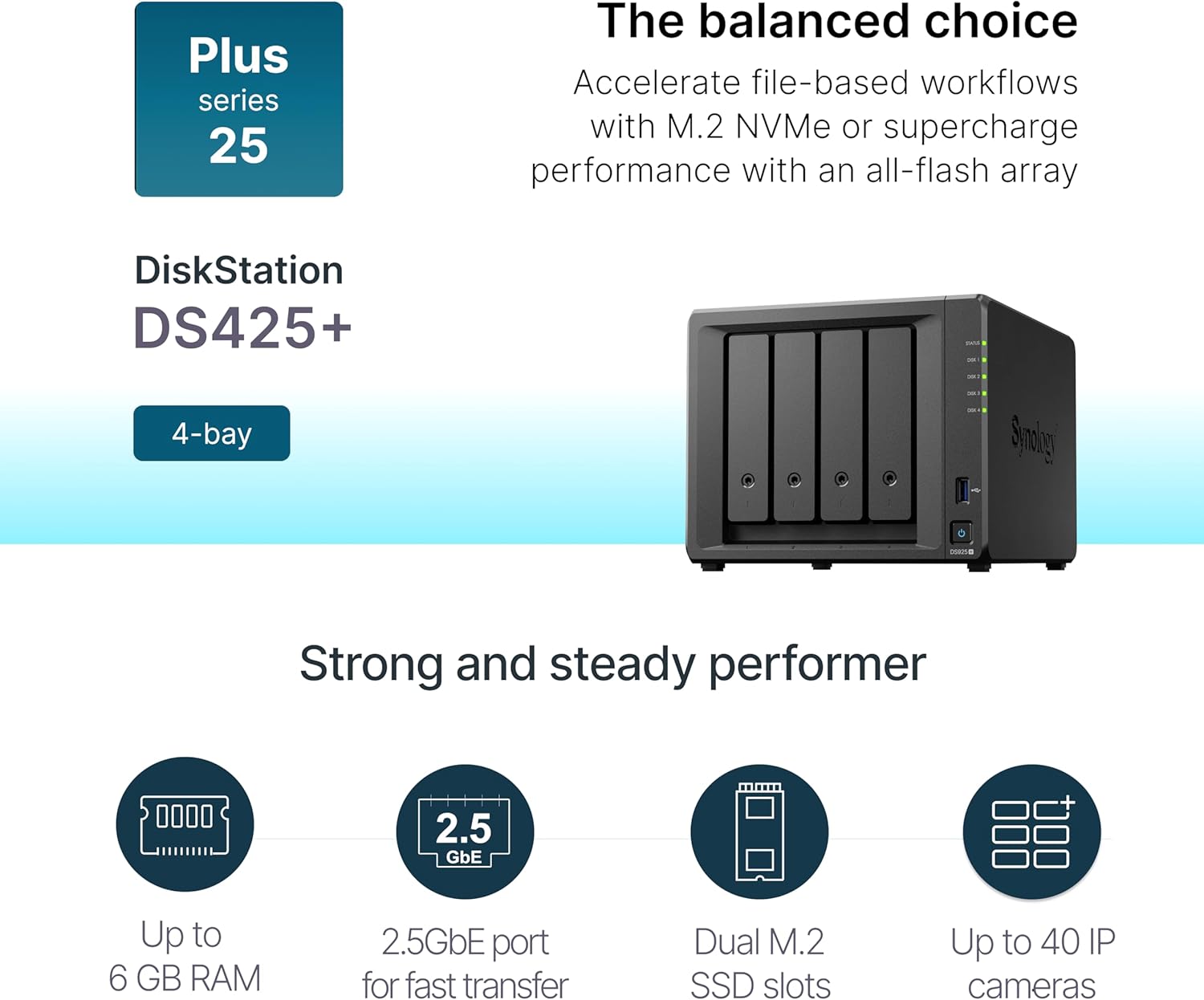
Penerangan Imej: Depan view of the Synology DS425+ showing its four accessible drive bays and status indicators.

Penerangan Imej: A close-up of a desktop NAS unit with Synology-branded drives being inserted into the bays, illustrating the drive installation process.
2. Sambungan Rangkaian
Connect your DS425+ to your network using the available Ethernet ports. The device includes one 2.5GbE port for fast data transfers and one 1GbE port.

Penerangan Imej: belakang view of the Synology DS425+ showing the two Ethernet ports (LAN1 2.5GbE, LAN2 1GbE), USB ports, and power input.

Penerangan Imej: A terperinci view of the rear panel of the Synology DS425+, highlighting the 2.5GbE and 1GbE network ports and a USB port.
3. Memory and SSD Cache
The DS425+ supports up to 6 GB of RAM and includes two M.2 SSD slots for creating an SSD cache or all-flash storage pools. SSD caching can significantly accelerate random read/write IOPS and reduce latency for frequently accessed files.
Penerangan Imej: A close-up of an M.2 SSD labeled 'Synology Enterprise Series SSD' installed on a circuit board, indicating the SSD cache capability of the NAS.
Beroperasi
The Synology DS425+ operates on Synology DiskStation Manager (DSM), a web-based operating system that provides a user-friendly interface for managing your NAS.
1. Data Management and Synchronization
DSM offers robust solutions for file and photo management, allowing you to store, organize, and access your data from anywhere. Features include:
- Private cloud NAS-to-NAS synchronization.
- Hybrid cloud synchronization across various locations.
- Synchronization with public cloud providers.

Penerangan Imej: Two Synology NAS devices are shown side-by-side, illustrating their powerful synchronization capabilities for data across different locations.
2. Data Protection and Backup
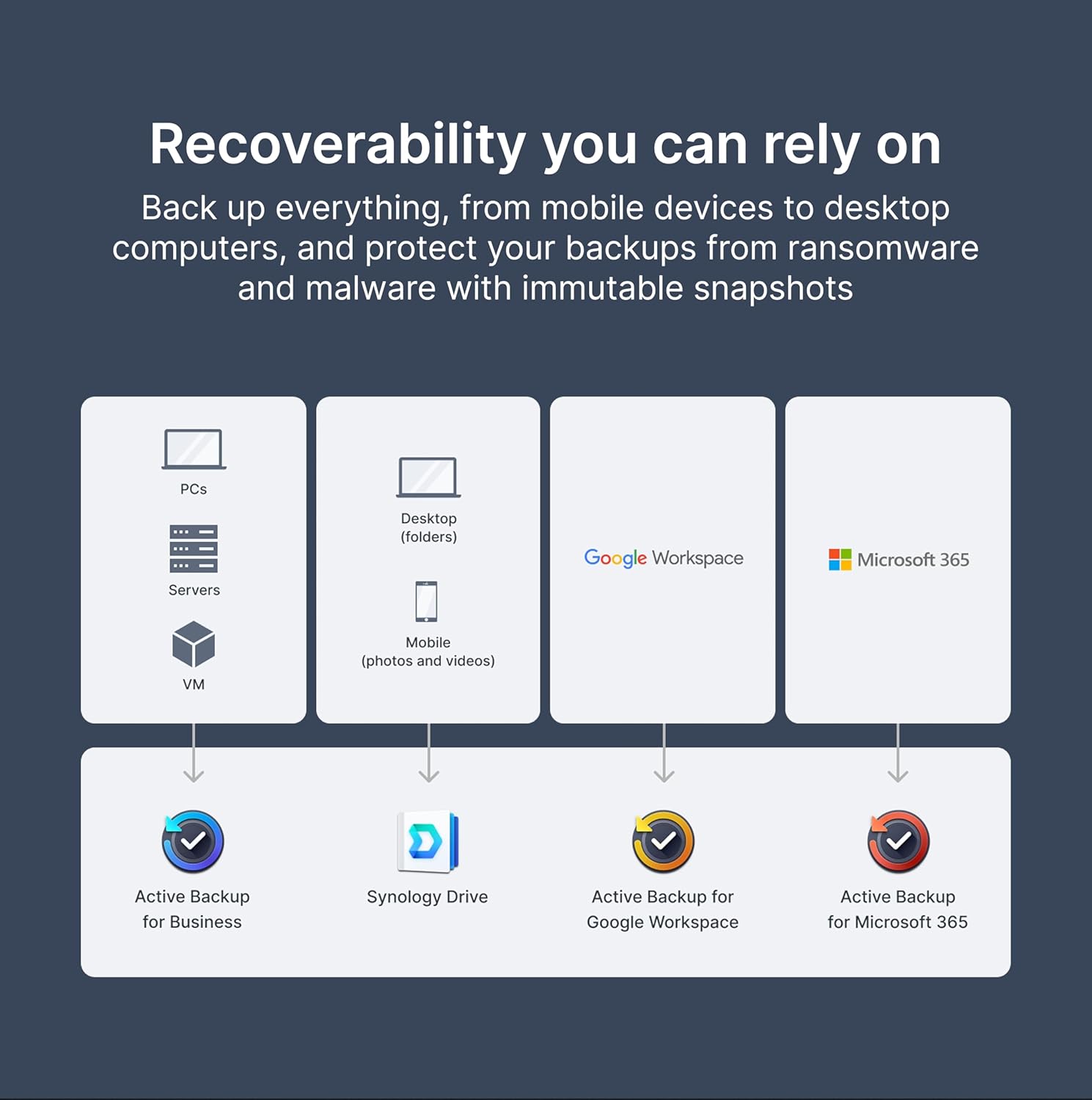
Protect your data with comprehensive backup solutions. The DS425+ supports backing up data from mobile devices, desktop computers, and offers protection against ransomware and malware through immutable snapshots.
- Sandaran Aktif untuk Perniagaan
- Synology Drive
- Sandaran Aktif untuk Google Workspace
- Sandaran Aktif untuk Microsoft 365

Penerangan Imej: A diagram illustrating the comprehensive backup capabilities of Synology NAS, showing various data sources (PCs, servers, mobile, cloud services) being backed up to different Synology solutions.
3. Surveillance Station
Utilize the Synology Surveillance Station for robust video surveillance. The DS425+ supports up to 40 IP cameras with a total recording capacity of 1200 frames per second (FPS) using H.265 encoding.
4. Virtualization Solution
The DS425+ serves as an all-in-one hub for storing and hosting Virtual Machines (VMs) and containers, with seamless integration with major platforms like VMware, Hyper-V, and Docker.
Penyelenggaraan
Regular maintenance ensures the longevity and optimal performance of your Synology DS425+.
1. Kemas Kini Perisian Tegar
Ensure automatic firmware updates are enabled in DSM to keep your system secure and benefit from the latest features and performance enhancements.
2. Drive Compatibility
For the DS425+, it is recommended to use Synology-branded drives to ensure long-term stability, data integrity, and seamless compatibility. Using validated drives can lead to fewer support issues.
Penerangan Video: This video explains the benefits of using Synology-branded HDDs and SSDs, emphasizing their purpose-built design for Synology systems, rigorous testing, and optimized performance for NAS workloads.
3. RAID Repair
Fine-tuned firmware enables more efficient RAID recovery processes, contributing to faster data restoration in case of drive failure.
4. Energy Efficiency and Noise
The DS425+ is designed to be energy-efficient and operates quietly, with quiet modes available to minimize noise output.
Menyelesaikan masalah
If you encounter issues with your Synology DS425+, refer to the Synology Knowledge Base or contact Synology Support. Using validated Synology drives can reduce the number of potential issues and expedite support resolution.
Spesifikasi
| Ciri | Perincian |
|---|---|
| Jenama | Synology |
| Nombor Model | DS425+ |
| Drive Bays | 4 |
| Rangkaian | 1 x 2.5GbE, 1 x 1GbE |
| Ingatan | Up to 6 GB (upgradeable) |
| SSD Cache Slots | 2 x M.2 NVMe |
| Max. Storage Capacity | 80 TB (with 20TB drives) |
| Dimensi (LxWxH) | 8.78 x 7.83 x 6.54 inci (223 x 199 x 166 mm) |
| Berat Barang | 4.81 paun |
| bahan | Logam, Plastik |
Waranti dan Sokongan
The Synology DS425+ comes with a 3-year limited hardware warranty. An additional 2 years of warranty can be obtained with the Extended Warranty Plus program, extending coverage up to 5 years. For technical assistance, visit the official Synology support webtapak atau hubungi perkhidmatan pelanggan mereka.
For more information and resources, please visit the Synology Store.