
SCULPFUN C1
SCULPFUN C1 Mini 3W Laser Engraving Machine User Manual
Model: C1
1. Pengenalan
The SCULPFUN C1 Mini Laser Engraving Machine is a compact and portable 3W laser engraver designed for high-precision engraving on various materials. Featuring an ultra-fine 0.04mm laser spot, it is ideal for detailed photo engravings and intricate designs. This machine is pre-assembled for immediate use, making it suitable for beginners and creative professionals alike. Its robust safety features and broad software compatibility ensure a reliable and versatile engraving experience.
2. Arahan Keselamatan Penting
- Keselamatan Laser: Always wear the provided protective glasses when the laser is operating. Never look directly at the laser beam.
- Pengudaraan: Operate the machine in a well-ventilated area to dissipate smoke and fumes produced during engraving.
- Bahaya Kebakaran: Do not leave the machine unattended during operation, especially when engraving flammable materials. Keep a fire extinguisher nearby.
- Kanak-kanak dan Haiwan Kesayangan: Keep children and pets away from the engraving machine during operation.
- Hentian kecemasan: Familiarize yourself with the power switch location for quick shutdown in emergencies.
- Magnetic Protective Cover: Ensure the magnetic protective cover is correctly installed to filter harmful wavelengths (100–500 nm).
- Suis Had: The machine is equipped with X and Y axis limit switches for precise positioning and safe operation.
3. Kandungan Pakej
Sahkan bahawa semua item terdapat dalam pakej:
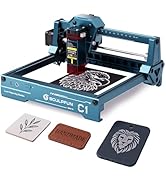
Image: Contents of the SCULPFUN C1 Mini Laser Engraver package.
- C1 Body
- Kepala Laser
- Metal Protective Plate
- Acrylic Focusing Sheet
- Manual Pengguna
- Penyesuai Kuasa
- Alat Pembaikan
- Kabel Data
- Cermin Mata Pelindung
- Metal Business Card (sample)
- Kraft Paper (sample)
- Plywood (sample)
- Kain Pembersih
4. Produk Lebihview
The SCULPFUN C1 features a compact design with clearly labeled ports and safety mechanisms.

Image: SCULPFUN C1 Mini Laser Engraver with key components and dimensions labeled.
Komponen Utama:
- Kepala Laser: The core component for engraving, featuring a 3W single-beam laser.
- X and Y Axis: Movement system for precise laser positioning.
- Suis Had: Located on X and Y axes for automatic reset and safety.
- Magnetic Protective Cover: Red, removable cover over the laser head to filter harmful light and aid in smoke evacuation.
- Pelabuhan Kuasa: Menyambungkan penyesuai kuasa.
- Port Data: Connects to your computer for software control.
- Suis kuasa: Menghidupkan/mematikan peranti.
- Lampu Penunjuk: Shows the device's operational status.
5. Panduan Persediaan
The SCULPFUN C1 Mini is designed for quick and easy setup, being largely pre-assembled.
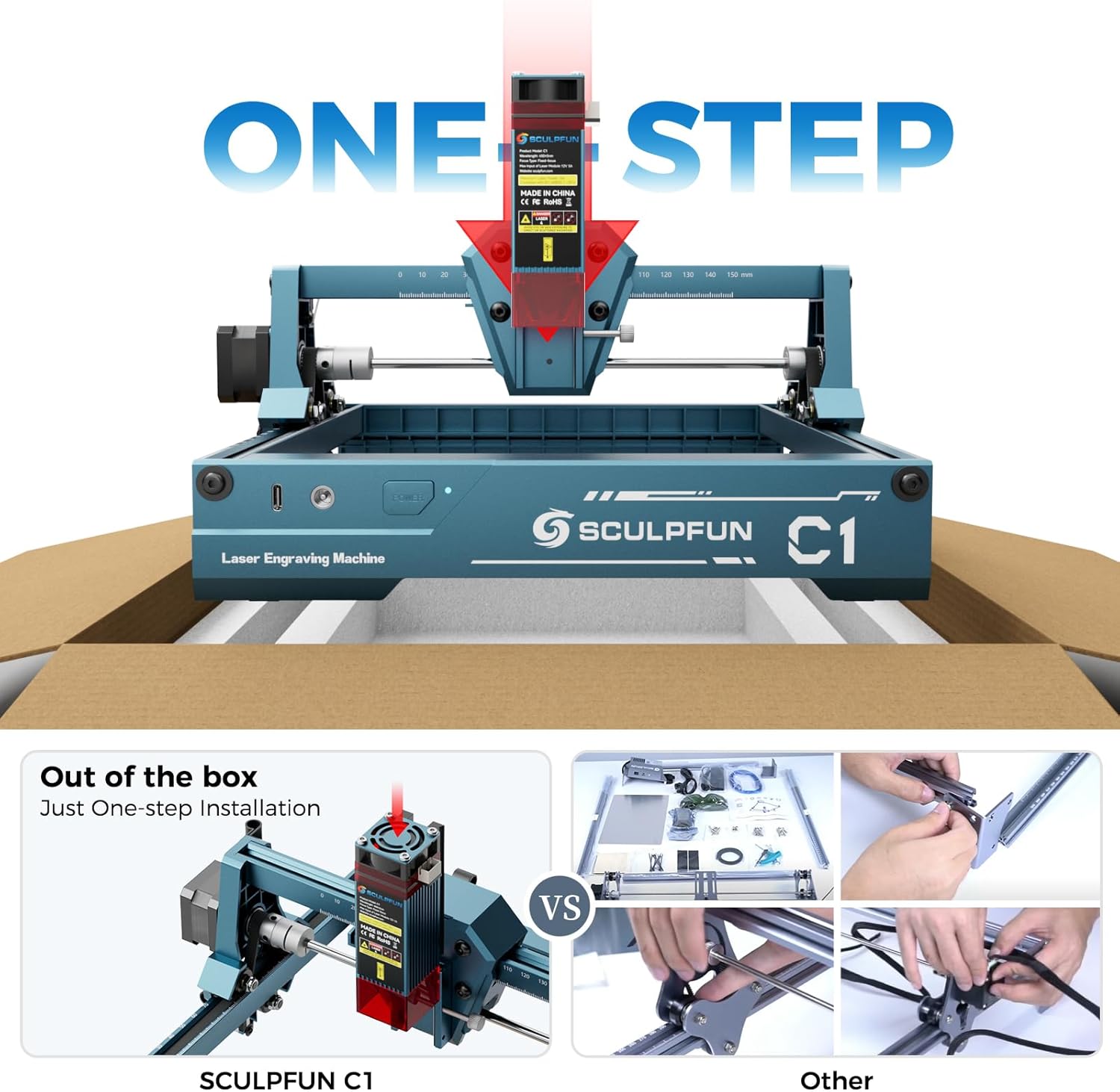
Image: The SCULPFUN C1 Mini is ready to use out of the box with minimal assembly.
- Bongkar: Carefully remove the SCULPFUN C1 Mini from its packaging.
- penempatan: Letakkan mesin di atas permukaan yang stabil dan rata di kawasan yang mempunyai pengudaraan yang baik.
- Sambungkan Kuasa: Plug the power adapter into the Power Port on the machine, then into a suitable power outlet.
- Connect Data: Connect the data cable from the Data Port on the machine to your computer.
- Pasang Perisian: Install the recommended engraving software (LightBurn or LaserGRBL) on your computer. Refer to the software's documentation for installation instructions.
- Pakai Cermin Mata Pelindung: Always put on your protective glasses before turning on the machine.
6. Arahan Operasi
6.1 Keserasian Perisian
The SCULPFUN C1 Mini is compatible with popular laser engraving software:
- LightBurn: Professional laser control software (additional purchase may be required).
- LaserGRBL: Free and open-source software with an easy-to-use interface.
Both software options are compatible with Windows and macOS operating systems. Supported image formats include JPG, PNG, BMP, GIF, SVG, and AI.

Image: Software compatibility and supported file formats for the SCULPFUN C1 Mini.
6.2 Proses Ukiran
- Sediakan Bahan: Place your material (e.g., wood, acrylic, paper) within the engraving area (150 x 130 mm). Ensure it is flat and secured.
- Focus the Laser: Use the acrylic focusing sheet to set the correct focal length for optimal engraving quality.
- Load Design: Open your chosen software (LightBurn or LaserGRBL) and load your desired image or design.
- Laraskan Tetapan: Configure engraving parameters such as speed, power, and line interval (recommended 0.04–0.06 mm for ultra-fine details).
- Mula Mengukir: Initiate the engraving process from the software. Monitor the machine closely.

Image: Demonstrating the 0.04mm ultra-fine laser spot for high-precision engraving.
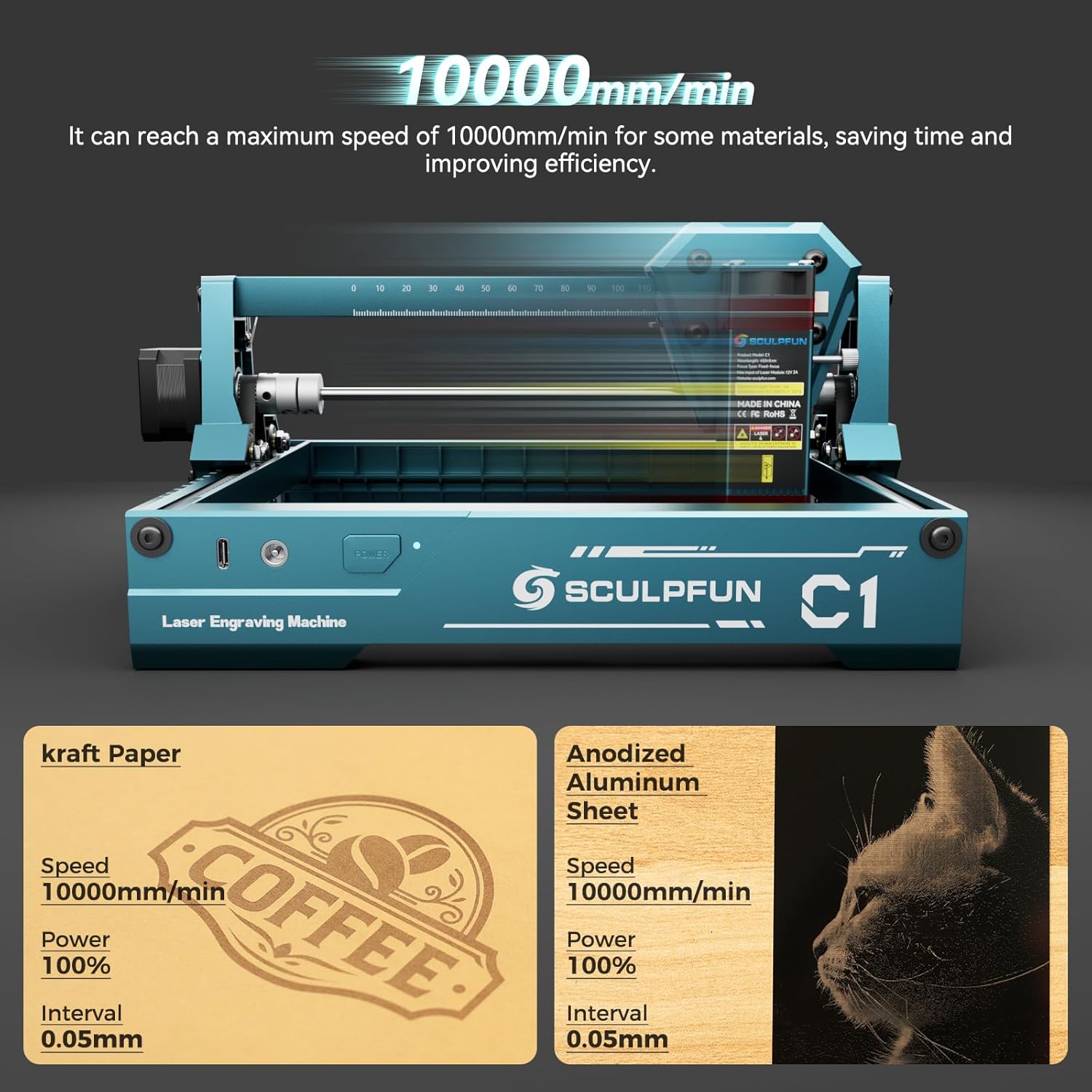
Image: High-speed engraving capabilities of the SCULPFUN C1 Mini.
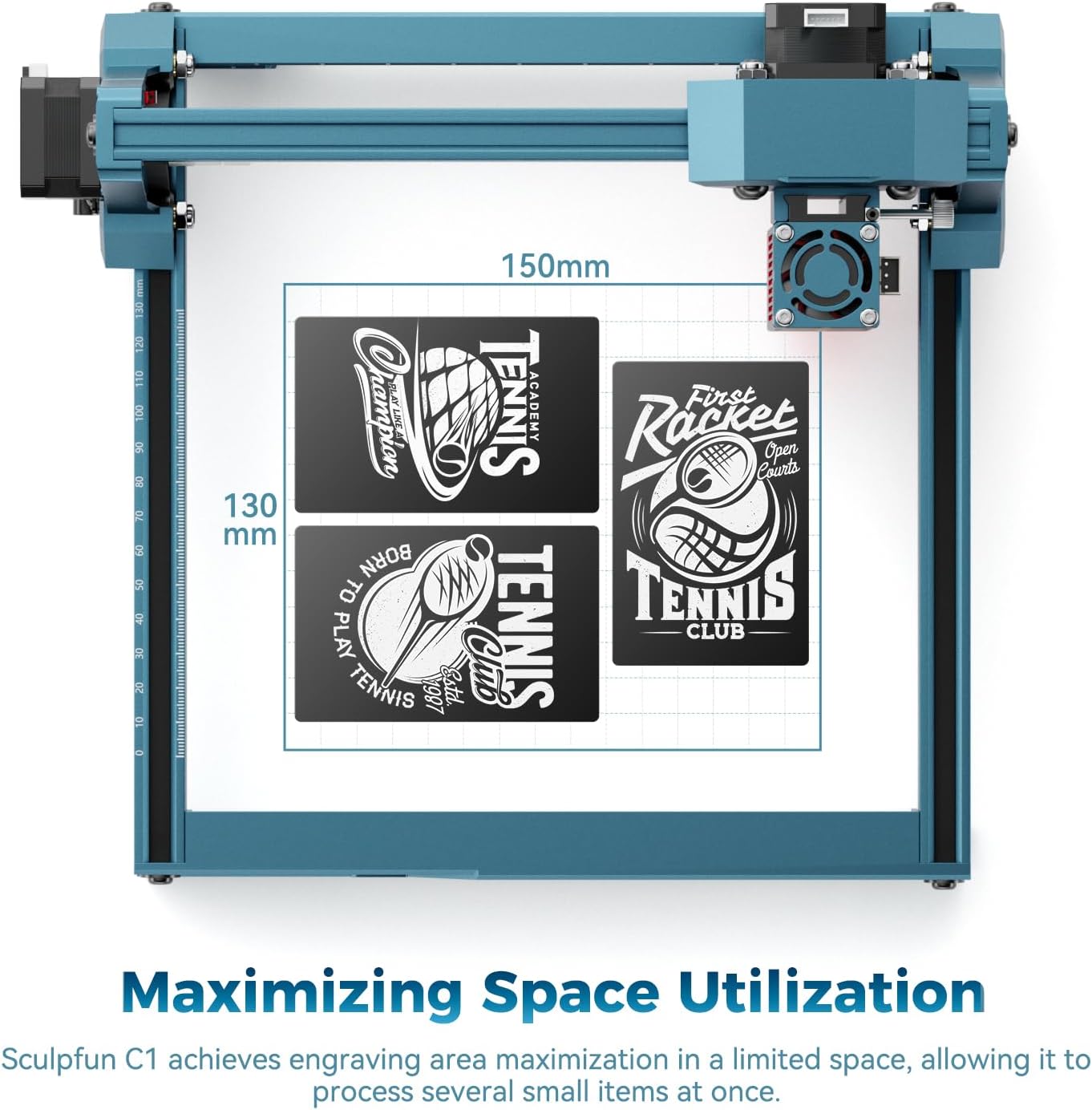
Image: Optimized engraving area of 150 x 130 mm.
7. Penyelenggaraan
- Lensa Laser Bersih: Regularly clean the laser lens using the provided cleaning cloth to ensure optimal performance and prevent smoke residue buildup. The smoke exhaust outlet helps keep the lens clean during operation.
- Semak Sambungan: Periodically inspect all cable connections for security.
- Pastikan Kawasan Bersih: Maintain a clean working environment around the machine to prevent dust and debris from affecting its operation.

Image: Magnetic protective cover and smoke exhaust system for lens maintenance.
8. Penyelesaian masalah
| Masalah | Kemungkinan Punca | Penyelesaian |
|---|---|---|
| Laser tidak menembak | Power cable loose, software not connected, laser head not properly seated. | Check power and data connections. Ensure software is connected and laser head is securely in place. |
| Kualiti ukiran yang teruk | Incorrect focal length, dirty lens, incorrect power/speed settings, material not flat. | Adjust focal length. Clean the laser lens. Optimize power and speed settings for the material. Ensure material is flat. |
| Mesin tidak bergerak | Data cable loose, software error, limit switch engaged. | Verify data cable connection. Restart software and machine. Check if any limit switches are triggered. |
| Bunyi luar biasa semasa operasi | Loose components, debris in moving parts. | Inspect for loose screws or foreign objects. Ensure smooth movement of axes. |
9. Spesifikasi
| Ciri | Perincian |
|---|---|
| Model | C1 (CARC1) |
| Kuasa Laser | 3W (single-beam) |
| Ketepatan Ukiran | 0.04 mm ultra-fine spot |
| Recommended Line Interval | 0.04–0.06 mm |
| Kawasan Ukiran | 150 x 130 mm |
| Kelajuan Ukiran Maksimum | 10000 mm/min |
| Dimensi Produk (Anggaran) | 290 mm (W) x 250 mm (D) x 140 mm (H) |
| Berat badan | 1.05 kg |
| Sumber Kuasa | AC |
| Keserasian Perisian | LightBurn, LaserGRBL |
| Keserasian OS | Windows, macOS |
| Format Gambar yang Disokong | JPG, PNG, BMP, GIF, SVG, AI |
10. Waranti dan Sokongan
Untuk maklumat jaminan, sokongan teknikal atau pertanyaan perkhidmatan, sila rujuk laman web rasmi SCULPFUN. webtapak atau hubungi peruncit anda. Simpan resit pembelian anda sebagai bukti pembelian untuk tuntutan waranti.
Ask a question about this manual
Ask about setup, troubleshooting, compatibility, parts, safety, or missing instructions. Manuals+ will review the question and use this page’s manual context to help answer it.