
maysida TW824-6
maysida Extra Large Rechargeable Dance Mat
Model: TW824-6
pengenalan
This manual provides essential instructions for the safe and effective use of your maysida Extra Large Rechargeable Dance Mat. Please read this manual thoroughly before operating the product and retain it for future reference.
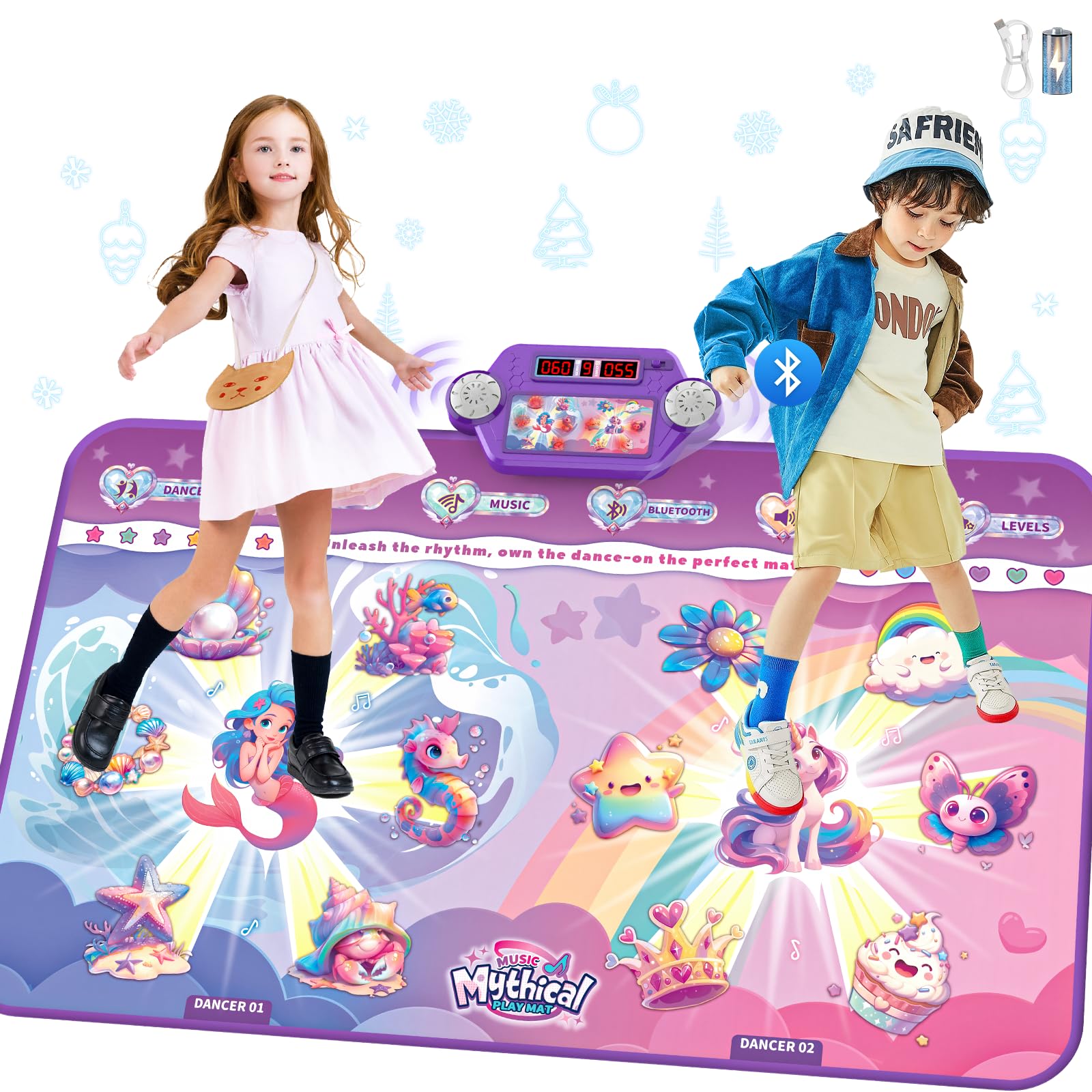
Image: The maysida Extra Large Rechargeable Dance Mat, featuring vibrant mermaid and unicorn designs, ready for play.
Maklumat Keselamatan
- Bahaya tercekik: Bahagian kecil. Tidak sesuai untuk kanak-kanak di bawah umur 3 tahun.
- Ensure the dance mat is placed on a flat, stable surface to prevent slips and falls during use.
- Keep the mat away from water and excessive moisture, except during cleaning as instructed.
- Do not attempt to modify or disassemble the product. Repairs should only be performed by qualified personnel.
- Sentiasa awasi kanak-kanak semasa bermain untuk memastikan penggunaan yang selamat.
Kandungan Pakej
Your maysida Extra Large Rechargeable Dance Mat package includes:
- 1 x Dance Mat
- 1 x Kabel Pengecas USB
- Manual Pengguna (dokumen ini)
Persediaan
- Bongkar: Carefully remove the dance mat and all accessories from the packaging.
- Terbuka: Lay the dance mat flat on a clean, dry, and level surface. Ensure there are no wrinkles or obstructions.
- caj: Connect the provided USB charging cable to the mat's charging port and to a suitable USB power source (e.g., phone charger, computer USB port). The mat features a 1200mAh rechargeable battery, providing over 4 hours of continuous playtime on a full charge. Please charge the mat fully before first use.
- Hidupkan kuasa: Locate the power button on the control panel and press it to turn on the dance mat.
- Berpasangan Bluetooth (Pilihan): To play custom music, press the Bluetooth button on the control panel. On your mobile device, enable Bluetooth and select "Dance_Mat" from the list of available devices to pair.
Video: A demonstration of unboxing, setting up, and initial use of the maysida dance mat, including Bluetooth pairing.
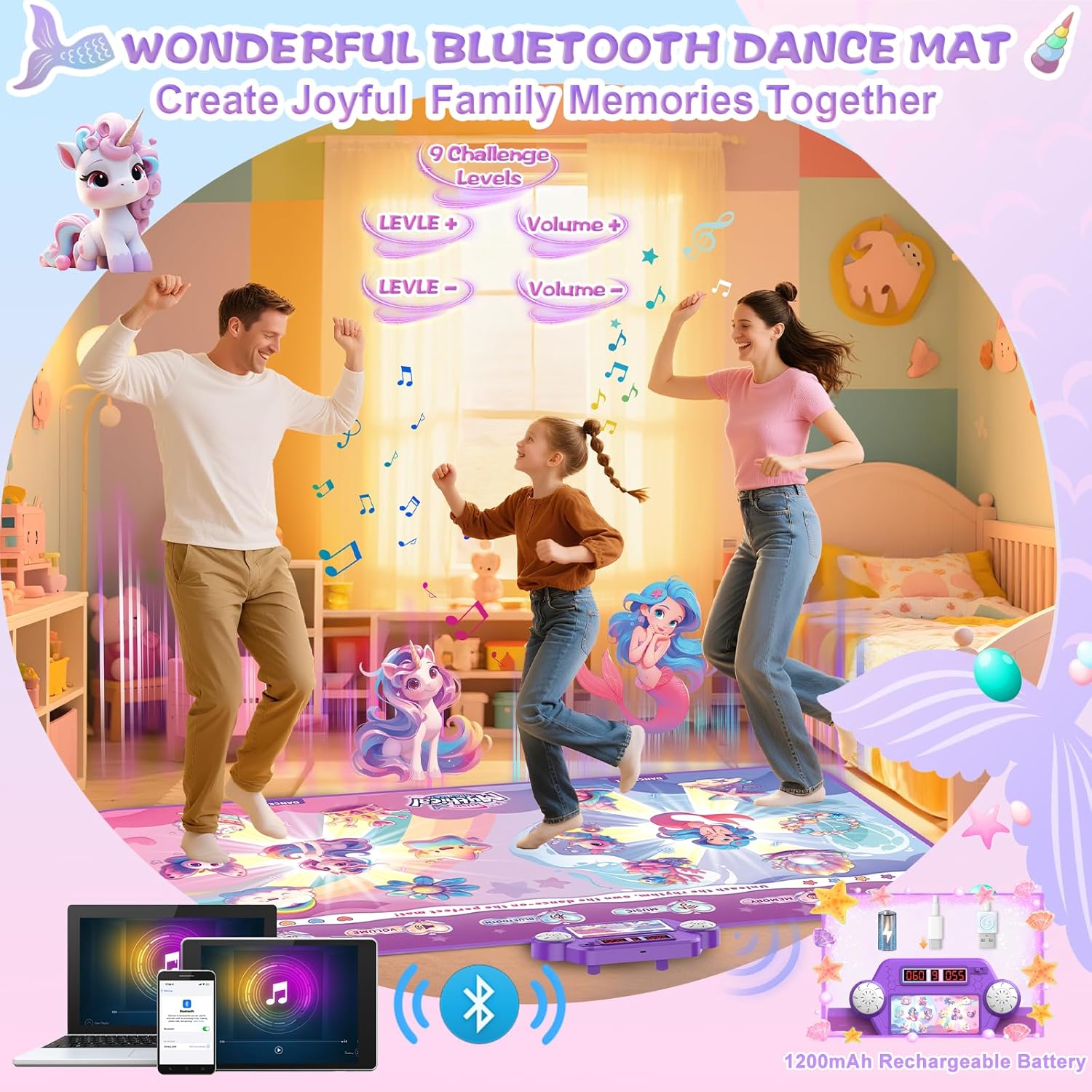
Image: A family enjoying the dance mat, illustrating the Bluetooth connectivity feature for personalized music.
Mod Pengendalian
The maysida dance mat offers 2x4 innovative modes for solo or duo play:
- Mod Tarian Percuma: Features 1-9 difficulty levels. Follow the light-up prompts on the mat to dance along.
- Mod Instrumen: Explore 3 unique modes to spark musical talent:
- Dance & Instrument Mode: Follow rhythm lights while interacting with instrument sounds.
- Mod Piano: Play melodies using the mat's keys.
- Mod Main Percuma: The 12 keys mimic drums and piano, allowing for creative musical expression.
- Connect Device Mode: Use this mode when connected via Bluetooth to play custom music and create your own dance challenges.
- Mod Memori: Offers 1-10 training levels to enhance memory and reflexes by repeating sequences.
Gunakan Kelantangan dan Tahap buttons on the control panel to adjust sound and difficulty settings.
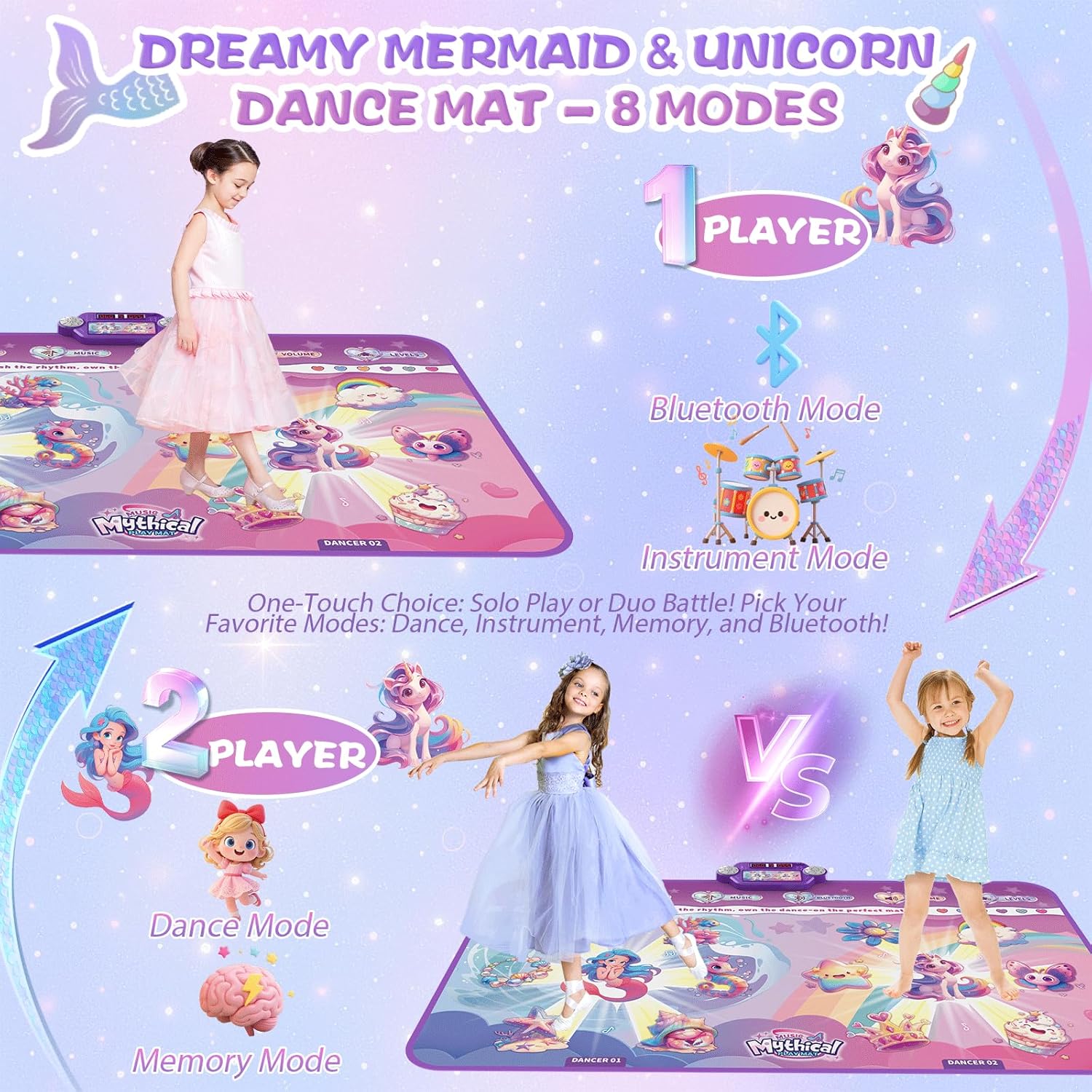
Image: The dance mat illustrating both single and dual-player options, with different game modes highlighted.

Image: Children engaging with the instrument modes on the dance mat, featuring drum and piano sounds.
Penjagaan dan Penyelenggaraan
- Pembersihan: The mat features a nano waterproof coating, allowing for quick and easy cleaning. Simply wipe the surface with a damp cloth and dry within 3 seconds. Do not immerse the control panel in water.
- Storan: The dance mat is designed to fold easily to an A4 size, making it convenient for storage and portability. Store in a cool, dry place away from direct sunlight.
- Penjagaan Bateri: To prolong battery life, avoid completely draining the battery frequently. Charge the mat regularly, even if not in use for extended periods.

Image: Visual representation of the dance mat's waterproof, non-slip, and easy-to-fold design for convenient maintenance and storage.
Menyelesaikan masalah
If you encounter any issues with your dance mat, please refer to the following common solutions:
- Mat Tidak Dihidupkan: Ensure the mat is fully charged. Connect it to the USB charger and wait for the charging indicator to show a full charge.
- Tiada Bunyi/Kelantangan Rendah: Check the volume settings on the control panel. If using Bluetooth, ensure your connected device's volume is also turned up.
- Isu Kesambungan Bluetooth: Make sure the mat is in Bluetooth pairing mode. On your device, try forgetting the "Dance_Mat" device and re-pairing. Ensure no other devices are interfering with the connection.
- Unresponsive Areas on Mat: Ensure the mat is laid flat without creases. Power off and restart the mat.
Jika masalah berterusan, sila hubungi sokongan pelanggan.
Spesifikasi
| Ciri | Perincian |
|---|---|
| Nama Jenama | maysida |
| Nombor Model | TW824-6 |
| Penerangan Julat Umur | Kids/Children/Boys/Girls 3+ |
| Jenis Bahan | Premium ABS & PEVA |
| Bilangan Pemain | Sehingga 3 |
| Sumber Kuasa | Rechargeable battery pack (1 D battery included) |
| Mod Operasi | Manual |
| Saiz | 150 × 90 cm (approximately 59.1 × 35.5 inches) |
| Berat Barang | 1.05 Kilogram |
| Komponen yang Disertakan | Tikar tarian |
Maklumat Waranti
For detailed warranty information, please refer to the product packaging or contact your retailer. Keep your proof of purchase for any warranty claims.
Sokongan Pelanggan
If you have any questions, require assistance, or need further troubleshooting, please contact maysida customer service through the retailer's platform or the official maysida webtapak.
Ask a question about this manual
Ask about setup, troubleshooting, compatibility, parts, safety, or missing instructions. Manuals+ will review the question and use this page’s manual context to help answer it.