
pengenalan
This manual provides essential information for the assembly, operation, maintenance, and troubleshooting of your Deli Gaming Table E91511. Please read these instructions carefully before assembly and use to ensure proper function and longevity of your product.
Amaran Keselamatan
- Sentiasa pasang meja mengikut arahan yang diberikan.
- Ensure the desk is properly anchored to the floor to prevent tipping, especially when using heavy setups.
- Be cautious when moving the desk, as it may require two people due to its size and weight.
- Jangan bebankan meja melebihi kapasiti berat yang ditetapkan.
- Jauhkan bahagian kecil daripada kanak-kanak semasa pemasangan.
Kandungan Pakej
Before beginning assembly, verify that all components are present and undamaged. Refer to the included assembly instructions for a detailed list of parts and hardware. Typically, the package includes:
- Desktop surface (Metal and Composite)
- Desk legs (K-type carbon steel frame)
- Crossbars and support beams
- Assembly hardware (screws, bolts, washers)
- Assembly tools (if included, otherwise standard tools like a screwdriver may be required)
- Manual arahan
Persediaan dan Perhimpunan
The Deli Gaming Table E91511 is designed for quick assembly with minimal tools. Follow the step-by-step instructions provided in the separate assembly guide included with your product. Ensure you have adequate space for assembly and consider having a second person assist with lifting and positioning larger components.
Langkah Perhimpunan Agung:
- Buka bungkusan semua komponen dan letakkannya di atas permukaan yang bersih dan lembut untuk mengelakkan calar.
- Attach the K-shaped table legs to the main support frame using the provided hardware. Ensure all connections are secure.
- Carefully place the desktop surface onto the assembled leg frame. Align the pre-drilled holes.
- Secure the desktop to the frame using the remaining hardware. Do not overtighten.
- Verify all screws and bolts are tightened and the desk is stable before placing any equipment on it.

Image: Close-up of the K-shaped table legs, demonstrating the stable structure.
Arahan Operasi
The Deli Gaming Table E91511 offers a spacious and stable surface for various uses, including gaming, streaming, home office work, and student workstations.
- Wider Gaming Surface: The 120 cm width accommodates dual monitors or extra peripherals, providing ampruang untuk persediaan anda.
- Reka bentuk ergonomik: The desk is designed for comfortable use, allowing for extended periods of activity without discomfort.
- Pengurusan Kabel: Utilize the integrated 3D cable management box (if applicable) to keep your cables organized and your workspace tidy.
- Kapasiti Menanggung Beban: The desk is engineered for heavy setups and consistent use. Ensure weight is distributed evenly.
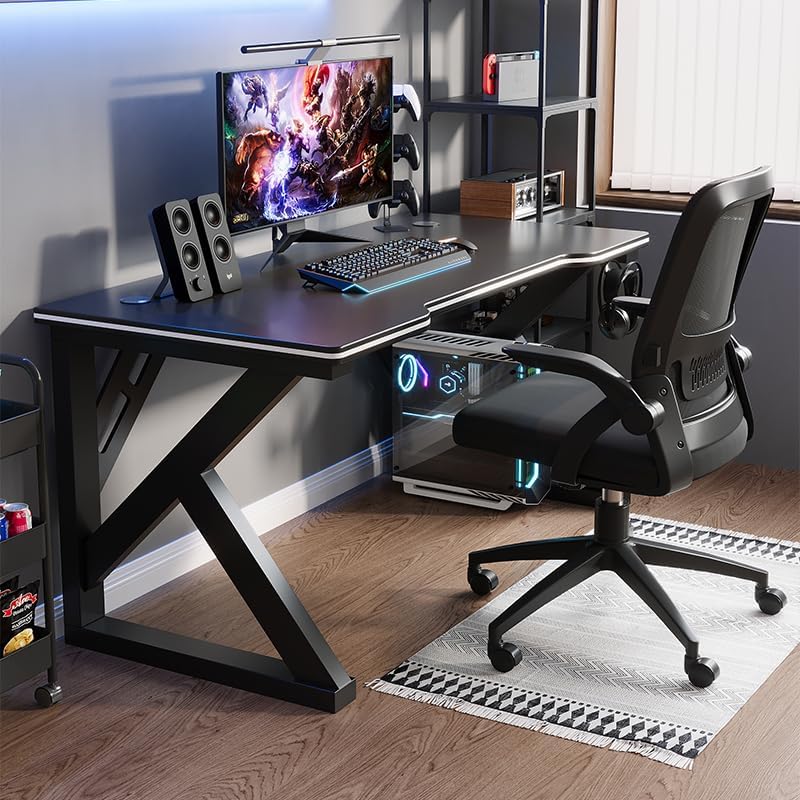
Image: A gaming setup on the Deli Gaming Table, illustrating its spacious surface.

Imej: Atas ke bawah view of a user at the Deli Gaming Table, highlighting ergonomic design.
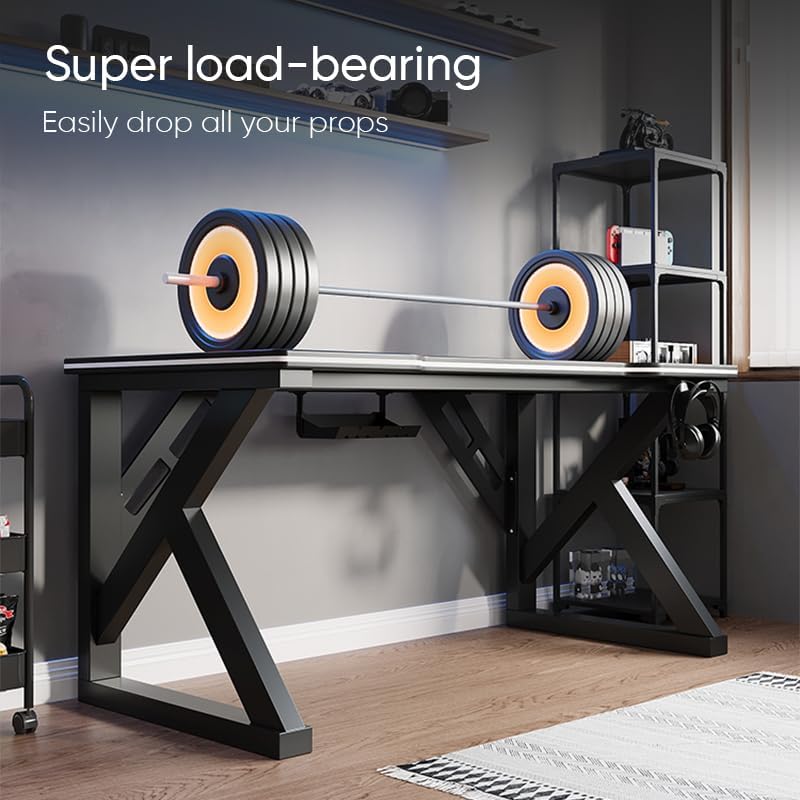
Image: The Deli Gaming Table demonstrating its load-bearing capability.
Penyelenggaraan
Regular maintenance will help preserve the appearance and functionality of your Deli Gaming Table.
- Pembersihan: Lap permukaan dan kaki meja dengan kain lembut,amp cloth. Avoid abrasive cleaners or harsh chemicals that could damage the painted finish or material.
- Tumpahan: Bersihkan tumpahan dengan segera untuk mengelakkan pewarnaan atau kerosakan pada permukaan.
- Pemeriksaan perkakasan: Periksa semua skru dan bolt secara berkala untuk memastikan ia kekal ketat. Ketatkan semula jika perlu untuk mengekalkan kestabilan.
- Pencegahan Karat: While the desk is made of metal, prolonged exposure to moisture can lead to rust. Keep the desk in a dry environment and wipe away any moisture promptly.
Menyelesaikan masalah
Desk is unstable or wobbly:
- Pastikan semua skru dan bolt pemasangan diketatkan sepenuhnya.
- Check that the desk is on a level surface. Adjust floor glides if present.
- Verify that all parts are correctly assembled according to the instruction manual.
Parts are missing or damaged:
- Review the package contents list in your assembly manual.
- Contact customer support with your model number and a description of the missing or damaged part.
Kesukaran dengan pemasangan:
- Re-read the assembly instructions carefully, paying attention to diagrams.
- Pastikan anda menggunakan perkakasan yang betul untuk setiap langkah.
- If issues persist, consider seeking assistance from another person.
Spesifikasi

Image: Dimensions of the Deli Gaming Table.
| Ciri | Perincian |
|---|---|
| Nombor Model | E91511 |
| Dimensi (W x D x H) | 120 cm x 60 cm x 75 cm |
| warna | Hitam |
| Jenis Bahan | Metal and Composite (E1 grade material) |
| Bahan Bingkai | K-type Carbon Steel Frame |
| Jenis Selesai | Dilukis |
| Berat Barang | 13000 Gram |
| Perhimpunan Diperlukan | ya |
| Penggunaan yang Disyorkan | Gaming, Streaming, Home Office, Student Workstation |
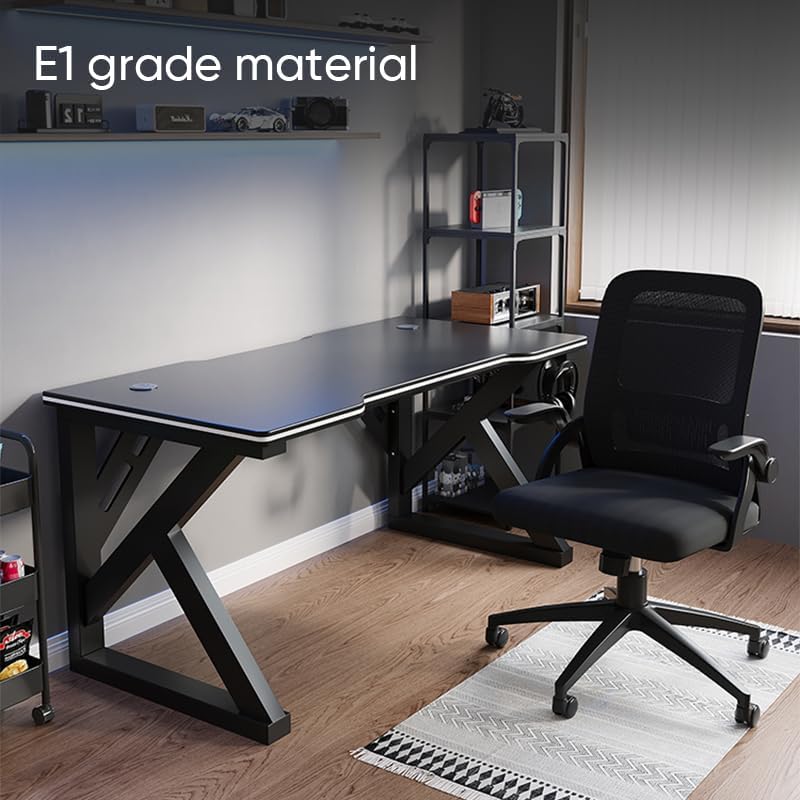
Image: The Deli Gaming Table highlighting E1 grade material.
Maklumat Waranti
For specific warranty details regarding your Deli Gaming Table E91511, please refer to the warranty card included with your purchase or visit the official Deli webtapak. Terma jaminan biasanya meliputi kecacatan pembuatan di bawah keadaan penggunaan biasa.
Sokongan Pelanggan
If you have any questions, require assistance with assembly, or need to report a missing/damaged part, please contact Deli customer support through the following channels:
- Webtapak: Visit the official Deli weblaman web untuk sumber sokongan dan borang hubungan.
- e-mel: Rujuk dokumentasi pembelian anda untuk alamat e-mel khidmat pelanggan.
- telefon: Semak pembungkusan produk atau dokumen rasmi weblaman web untuk nombor telefon khidmat pelanggan.
Please have your model number (E91511) and proof of purchase ready when contacting support.