
1. Pengenalan
This manual provides essential information for setting up, operating, and maintaining your ASUS AiO V440 All-in-One PC. Please read this guide thoroughly before using your device to ensure proper functionality and longevity. The ASUS AiO V440 is designed for business, education, and everyday use, offering a blend of performance and convenience.
2. Kandungan Pakej
Sahkan bahawa semua item terdapat dalam pakej anda:
- ASUS AiO V440 All-in-One PC
- Papan Kekunci Tanpa Wayar
- Tetikus Optik Tanpa Wayar
- Penyesuai Kuasa
- Dokumentasi (manual ini, kad jaminan)
3. Panduan Persediaan
3.1 Membongkar dan Meletakkan
Carefully remove the ASUS AiO V440 from its packaging. Place the unit on a stable, flat surface with adequate ventilation around the back and sides. Avoid placing it near heat sources or in direct sunlight.
3.2 Menyambung Peranti
- Sambungan Kuasa: Connect the power adapter to the DC-in port on the back of the AiO, then plug the power cord into an electrical outlet.
- Papan Kekunci dan Tetikus Wayarles: Insert batteries into the wireless keyboard and mouse. The devices are typically pre-paired with the AiO. If not, follow the pairing instructions provided with the peripherals.
- Sambungan Rangkaian (Pilihan): For a wired internet connection, connect an Ethernet cable to the RJ45 Gigabit Ethernet port on the back. For wireless, the system supports Wi-Fi 6E.
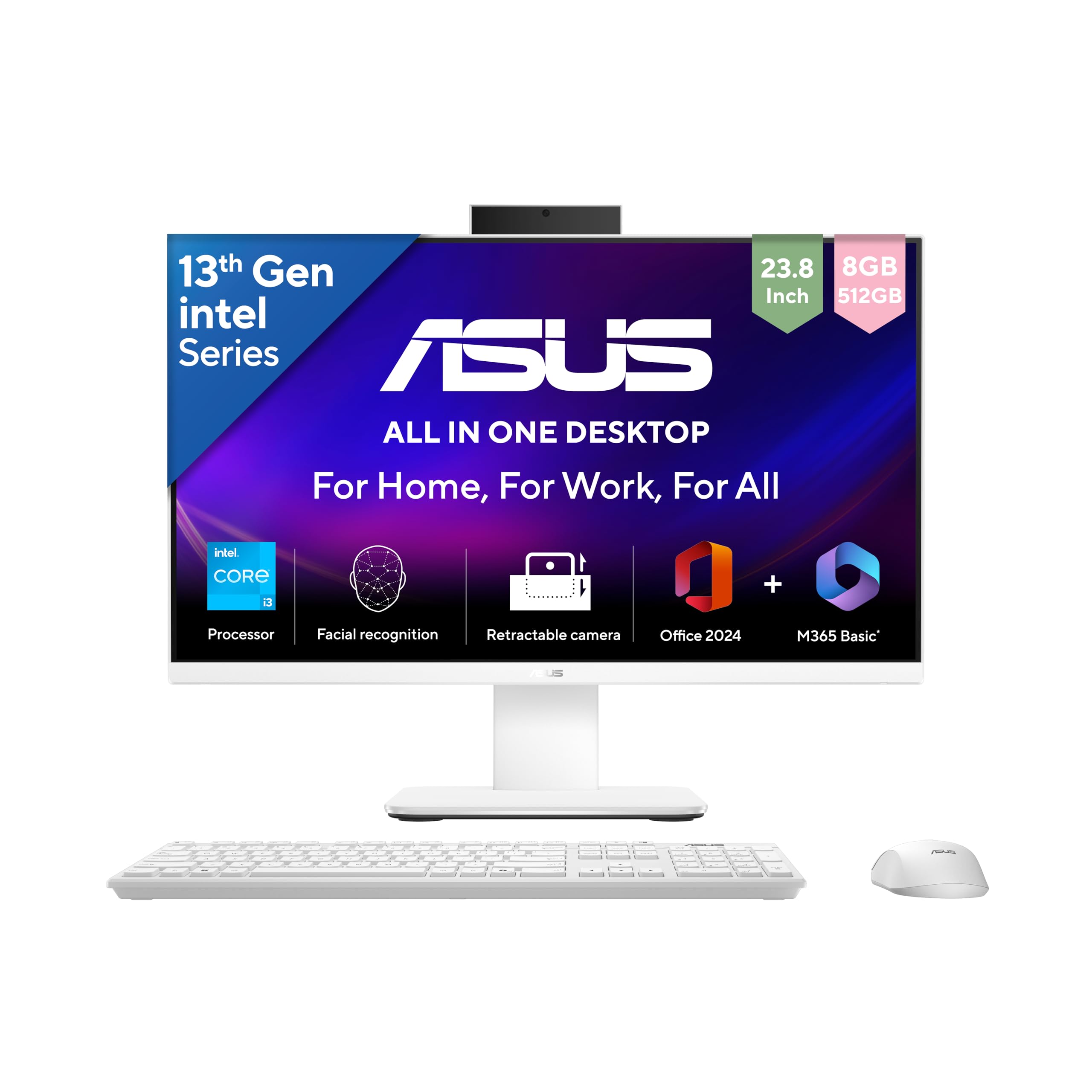
Image: The ASUS AiO V440 All-in-One PC, shown with its included wireless keyboard and mouse, ready for setup.
3.3 Kuasa Awal Hidup
Press the power button, usually located on the bottom right side or back of the display. The system will boot up, and you will be guided through the Windows 11 Home setup process.
4. Operating Your ASUS AiO V440
4.1 Windows 11 Home
Your ASUS AiO V440 comes with Windows 11 Home pre-installed. Familiarize yourself with the Windows 11 interface, including the Start Menu, Taskbar, and File Explorer. Microsoft provides extensive online resources for navigating Windows 11.
4.2 Pre-installed Software
The system includes Microsoft 365 Basic with 100GB Cloud Storage for 1 Year and Office Home 2024 with lifetime validity. Activate these software packages as prompted during initial setup or upon first launch.

Image: The ASUS AiO V440 display showcasing the Windows 11 interface and highlighting the pre-installed Microsoft 365 Basic and Office Home 2024 software.
5. Ciri-ciri Utama
5.1 Prestasi
The ASUS AiO V440 is powered by an Intel Core i3-1315U Processor (1.2 GHz, up to 4.5 GHz, 6 cores) and features Integrated Intel Graphics. It comes with 8GB DDR5 RAM and a 512GB M.2 NVMe PCIe 4.0 SSD for fast and efficient operation.
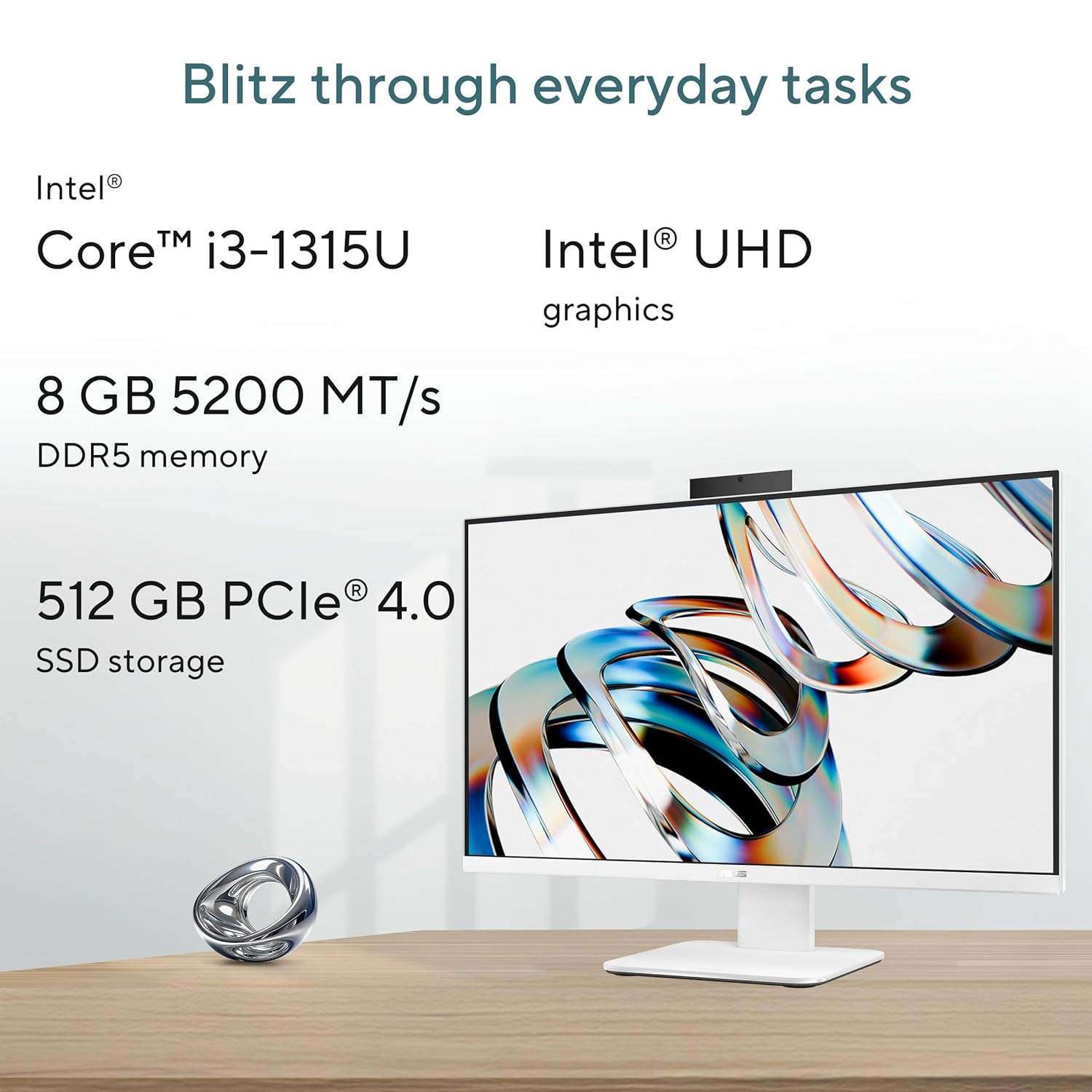
Image: Visual representation of the ASUS AiO V440's core specifications, including its Intel Core i3 processor, integrated graphics, DDR5 memory, and SSD storage, emphasizing its capability for everyday tasks.
5.2 Paparan
Experience clear visuals on the 23.8-inch FHD (1920 x 1080) anti-glare display with 250 nits brightness and a 100Hz refresh rate. The display is TÜV Rheinland-certified for eye care, offering a comfortable viewing experience with 178° PS-wide-viewsudut-sudut.

Image: The ASUS AiO V440 display showcasing its vibrant visuals and key display features like FHD resolution, wide viewing angles, anti-glare coating, and eye care certification.
5.3 Ketersambungan
The AiO V440 offers comprehensive connectivity options:
- Side I/O Ports: 1x Kensington lock, 1x 3.5mm combo audio jack, 1x USB 2.0 Type-A.
- Port I/O Belakang: 1x DC-in, 1x RJ45 Gigabit Ethernet, 1x HDMI in 1.4, 1x HDMI in & HDMI out 1.4, 1x USB 3.2 Gen 1 Type-C, 3x USB 3.2 Gen 1 Type-A.
- wayarles: Ultrafast Wi-Fi 6E for reliable network connectivity.

Imej: Terperinci view of the ASUS AiO V440's side and back input/output ports, illustrating its extensive connectivity options for various peripherals and network connections.
5.4 Kamera dan Audio
The integrated Retractable 1080p HD Camera ensures privacy when not in use. For enhanced communication, the system features AI Noise Cancellation to reduce background noise during calls.

Image: The ASUS AiO V440 demonstrating its smart conferencing capabilities, including ASUS AI Cameras with Windows Studio effects and AI Noise Cancellation for clear communication.
5.5 Keselamatan
The retractable camera provides instant privacy by allowing you to physically hide the camera. A Kensington lock slot is included for physical security, helping to prevent theft in public or shared environments.

Image: The ASUS AiO V440 illustrating its security features, including the retractable camera for privacy and the Kensington Nano lock slot for physical theft prevention.
6. Penyelenggaraan dan Penjagaan
To ensure the longevity and optimal performance of your ASUS AiO V440, follow these maintenance guidelines:
- Pembersihan: Gunakan kain lembut dan tidak berbulu untuk membersihkan skrin dan permukaan luar. Untuk kesan degil, gosok sedikitampbersihkan kain dengan air atau pembersih skrin yang tidak kasar. Elakkan bahan kimia yang keras.
- Pengudaraan: Ensure that the ventilation openings on the device are not blocked to prevent overheating.
- Kemas Kini Perisian: Regularly update your Windows operating system and drivers to ensure security and performance.
- Pengurusan tenaga: Use the provided power adapter. Unplug the device during electrical storms or when not in use for extended periods.
7. Penyelesaian masalah
This section addresses common issues you might encounter with your ASUS AiO V440.
| Masalah | Penyelesaian yang Mungkin |
|---|---|
| PC tidak dihidupkan. | Ensure the power adapter is securely connected to both the AiO and a working electrical outlet. Try a different outlet. |
| Wireless keyboard/mouse not working. | Check batteries in the keyboard and mouse. Ensure the USB receiver (if applicable) is plugged into a USB port. Try re-pairing the devices according to their specific instructions. |
| Display quality appears low or blurry. | Verify the display resolution is set to 1920 x 1080 pixels in Windows display settings. Ensure graphics drivers are up to date. |
| Tiada bunyi dari pembesar suara. | Check volume levels in Windows. Ensure no headphones are plugged into the audio jack. Update audio drivers. |
| Isu sambungan Internet. | For Wi-Fi, check your router and network settings. For wired, ensure the Ethernet cable is properly connected. Restart your router and the AiO. |
8. Spesifikasi Teknikal
| Ciri | Spesifikasi |
|---|---|
| Jenama | ASUS |
| Nombor Model | V440VAB-KWPC001WS |
| Sistem Operasi | Windows 11 Home |
| Pemproses | Intel Core i3-1315U (1.2 GHz, up to 4.5 GHz, 6 cores) |
| Grafik | Grafik Intel Bersepadu |
| Paparan | 23.8-inch FHD (1920 x 1080), 100Hz, Anti-glare, 250 nits |
| RAM | 8GB DDR5 |
| Penyimpanan | 512GB M.2 NVMe PCIe 4.0 SSD |
| Kamera | Retractable 1080p HD Camera |
| Ketersambungan | Wi-Fi 6E, Gigabit Ethernet |
| Pelabuhan I/O | 1x USB 2.0 Type-A, 3x USB 3.2 Gen 1 Type-A, 1x USB 3.2 Gen 1 Type-C, 2x HDMI (in/out), 1x RJ45, 1x 3.5mm combo audio jack, 1x Kensington lock |
| Dimensi (Item) | 54.1 x 1.7 x 41.6 Sentimeter |
| Berat (Item) | 6.9 Kilogram |
| Peranti yang disertakan | Wireless Keyboard, Wireless Mouse |
9. Maklumat Waranti
This genuine ASUS AiO comes with a 1-year Global Warranty dan Onsite Domestic Warranty from ASUS. This warranty covers manufacturing defects and does not cover physical damage. To activate your warranty, please register on the ASUS brand webtapak.
10. Sokongan dan Maklumat Hubungan
For product-related queries, technical assistance, or warranty claims, please contact ASUS support:
- Nombor Bebas Tol: 18002090365 (Monday - Saturday, 09:00 AM - 18:00 PM)
- e-mel: rc_india@asus.com
- Sokongan Webtapak: Visit the official ASUS support page for drivers, FAQs, and service center locations: https://www.asus.com/in/support

Image: ASUS support information, highlighting the '4A Guarantee' and providing contact details and a QR code for accessing the support webtapak.