
1. Pengenalan
This manual provides essential information for the safe and effective operation of your NBD 4K Digital Camera. Please read it thoroughly before use and retain it for future reference. The NBD 4K Digital Camera is designed for capturing high-resolution photos and videos with ease, featuring advanced functions for various shooting scenarios.
2. Kandungan Pakej
Sahkan bahawa semua item yang disenaraikan di bawah disertakan dalam pakej anda:
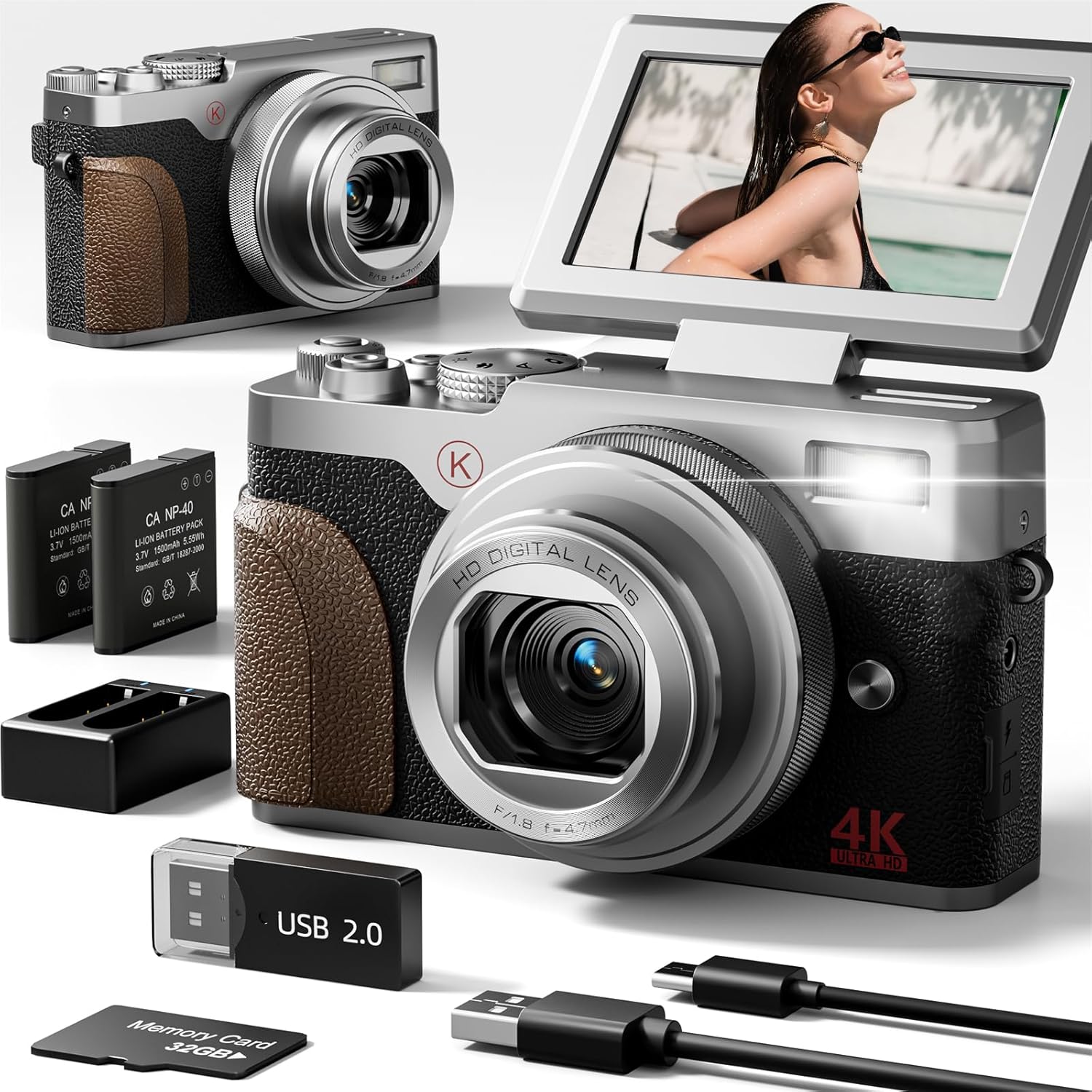
- NBD 4K & 48MP Camera
- 2 x Bateri Litium Ion
- Pangkalan Pengecasan Bateri
- Kad SD 32GB
- Kabel USB
- Camera Neck Rope

3. Kamera Lebihview
The NBD 4K Digital Camera is a compact and user-friendly device. It features a 180° flip screen for versatile shooting angles, a 4.7mm F/1.8 lens, and intuitive controls for easy operation.
4. Persediaan Awal
4.1 Memasukkan Bateri dan Kad SD
- Cari penutup petak bateri di bahagian bawah kamera.
- Slide the cover to open it.
- Insert the Lithium Ion battery into the compartment, ensuring correct polarity.
- Insert the 32GB SD card into the designated slot next to the battery. Ensure the metal contacts face the correct direction.
- Tutup penutup petak bateri dengan selamat.
4.2 Mengecas Bateri
Before first use, fully charge the battery. The camera comes with a USB cable and a charging base.
- Connect the USB cable to the charging base and a compatible USB power adapter (not supplied).
- Masukkan bateri ke dalam pangkalan pengecasan.
- The indicator light on the charging base will show the charging status.
- Alternatively, you can charge the battery directly in the camera using the USB cable connected to a power source.
5. Mod Operasi
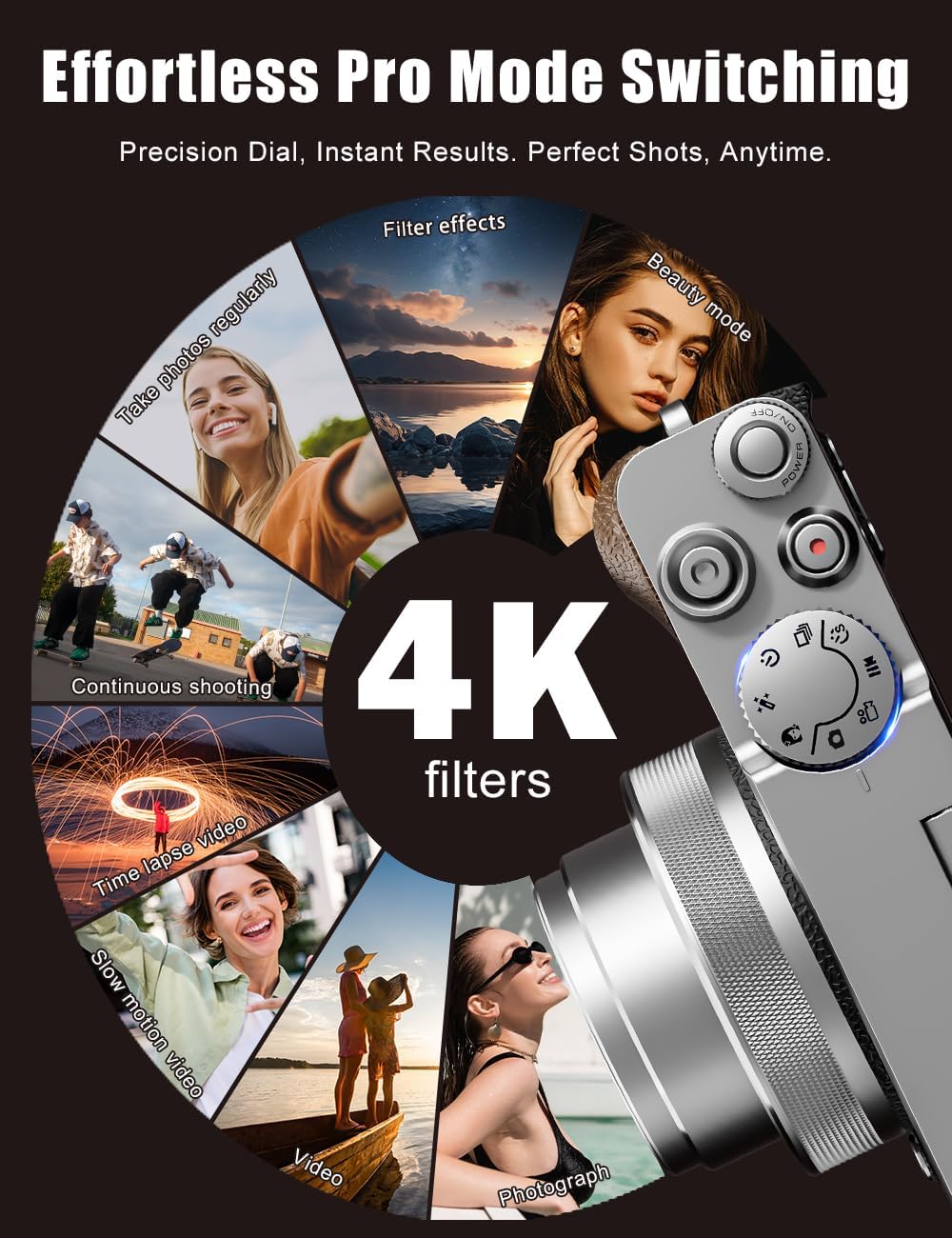
The NBD 4K Digital Camera offers various modes to suit different shooting needs. Use the physical mode dial on top of the camera to switch between functions quickly.
- Mod Foto: For capturing still images at 48MP resolution.
- Mod Video: For recording 4K videos.
- Pergerakan Perlahan: Capture action in slow motion.
- Masa berlalu: Create stunning time-lapse videos.
- Penapis: Apply artistic filters to your photos and videos.

6. Image and Video Features
6.1 4K Video & 48MP Photography
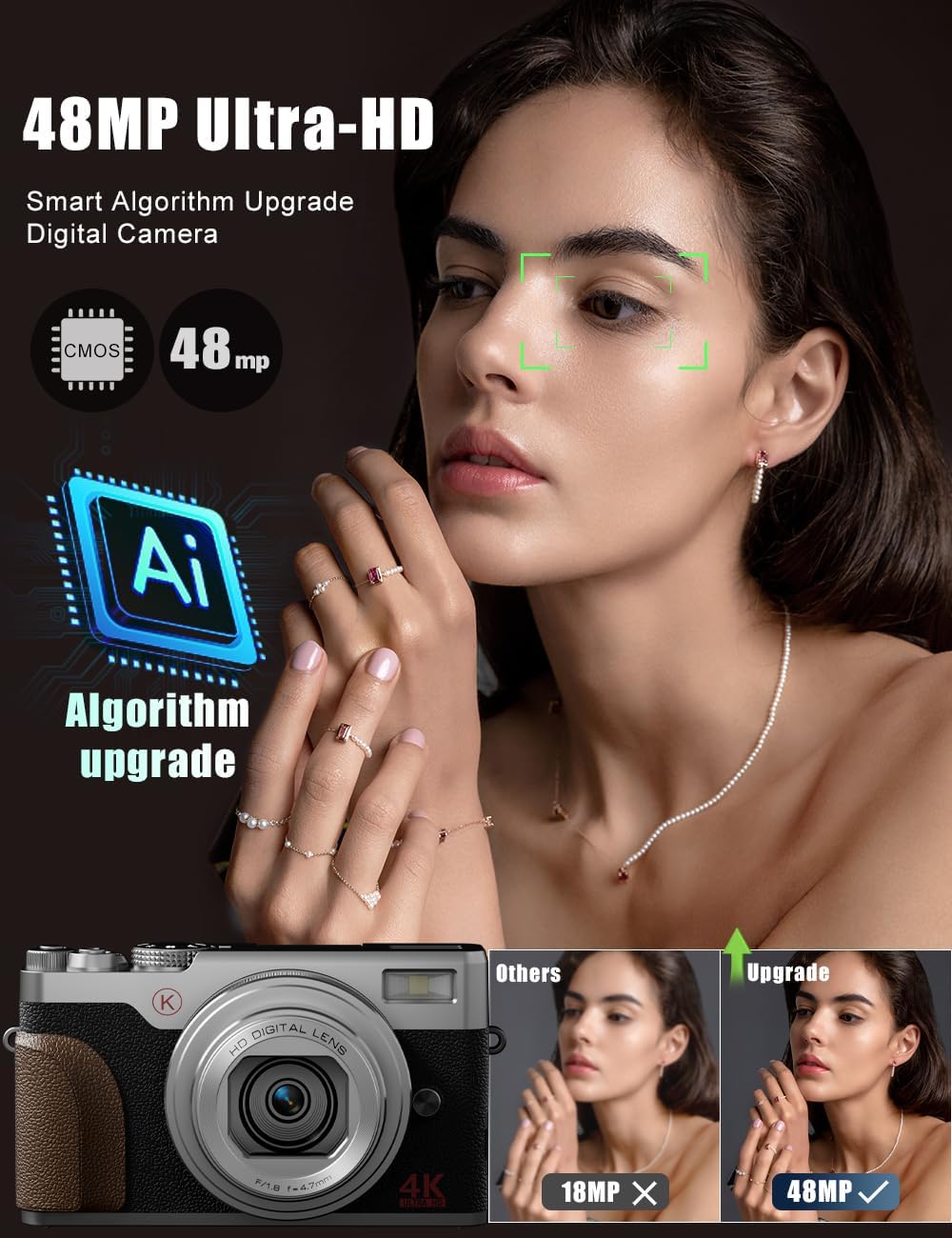
The camera records stunning 4K videos and captures high-resolution 48MP photos, ensuring clear and detailed content.
6.2 18X Digital Zoom
Utilize the powerful 18X digital zoom to get closer to distant subjects without significant loss of detail.
6.3 Autofocus and Anti-Shake
The camera features autofocus for sharp images and anti-shake technology to minimize blur, especially useful for handheld shots and in challenging lighting conditions.

7. Ketersambungan
The NBD 4K Digital Camera supports Wi-Fi connectivity for easy transfer of photos and videos to your smartphone or computer. It can also function as a webkamera untuk penstriman langsung atau panggilan video.
8. Penyelenggaraan
- Keep the camera lens clean using a soft, dry cloth.
- Store the camera in a cool, dry place away from direct sunlight and moisture.
- Ensure batteries are fully charged before extended storage.
9. Penyelesaian masalah
- Kamera tidak dihidupkan: Pastikan bateri dimasukkan dengan betul dan dicas sepenuhnya.
- Kualiti imej yang lemah: Check lighting conditions, clean the lens, and ensure autofocus is engaged. Adjust settings like exposure and white balance if necessary.
- Isu sambungan Wi-Fi: Refer to the user manual for detailed Wi-Fi setup instructions and ensure the camera's Wi-Fi mode is activated.
10. Spesifikasi
| Ciri | Nilai |
|---|---|
| Jenama | NBD |
| Nama Model | NBD |
| Resolusi Pegun Berkesan | 48 MP |
| maksimum Webcam Resolusi Imej | 56 MP |
| Zum Optik | 18 x |
| Teknologi Penderia Foto | CMOS |
| Saiz Penderia Foto | 1/3 inci |
| Faktor Bentuk | Padat |
| Saiz Skrin | 3 Inci |
| Autofokus | ya |
| Anti Goncang | ya |
| Kapasiti Penyimpanan Memori | 32 GB (termasuk) |
| Bilangan Bateri | 2 bateri Lithium Ion (termasuk) |
| Berat Barang | 0.52 Kilogram |
11. Waranti dan Sokongan
For warranty information or technical support, please refer to the contact details provided in your product packaging or visit the official NBD webtapak. Simpan resit pembelian anda sebagai bukti pembelian.