
KOORUI S2721XO 27-Inch QD-OLED Gaming Monitor User Manual
Model: S2721XO
1. Pengenalan
This manual provides instructions for the setup, operation, maintenance, and troubleshooting of your KOORUI S2721XO 27-inch QD-OLED Gaming Monitor. Please read this manual thoroughly before using the product to ensure proper function and safety.
The KOORUI S2721XO monitor features a 27-inch QD-OLED panel with QHD (2560x1440) resolution, a 240Hz refresh rate, and a 0.03ms (GtG) response time. It supports HDR True Black 400 and AdaptiveSync technology for a smooth visual experience. Connectivity options include HDMI 2.1 and DisplayPort 1.4.
2. Maklumat Keselamatan
- Ensure the monitor is placed on a stable, flat surface to prevent accidental falls.
- Jangan dedahkan monitor kepada hujan atau kelembapan untuk mengelakkan renjatan elektrik.
- Pastikan bukaan pengudaraan bersih untuk mengelakkan terlalu panas.
- Gunakan hanya penyesuai kuasa yang disediakan bersama monitor.
- Elakkan daripada menyentuh skrin dengan objek tajam.
- Disconnect the power cable from the outlet before cleaning or if the monitor will be unused for an extended period.
3. Persediaan
3.1 Kandungan Pakej
Sahkan bahawa semua komponen terdapat dalam pakej:
- KOORUI S2721XO Monitor
- Stand Monitor (Asas dan Leher)
- Kabel Kuasa
- DisplayPort Cable (1.8m)
- Manual Pengguna (dokumen ini)
3.2 Memasang Pendirian
- Pasangkan leher pendirian pada panel monitor. Pastikan ia mengklik pada tempatnya dengan selamat.
- Attach the stand base to the stand neck. Tighten any screws as necessary.
Alternatively, the monitor supports VESA 100x100mm mounting for compatible wall mounts or monitor arms.
Rajah 3.2.1: Belakang view of the monitor with VESA mount and stand attachment.

Rajah 3.2.2: Belakang view monitor dengan penyangga yang dipasang.
3.3 Menyambung ke Peranti
The monitor provides multiple input options:
- HDMI2.1: Connect to a PC or gaming console using an HDMI 2.1 cable. The monitor has two HDMI 2.1 ports.
- DisplayPort 1.4: Connect to a PC using a DisplayPort 1.4 cable. A DisplayPort cable is included.
- Output Audio: Connect external speakers or headphones to the 3.5mm audio jack.

Figure 3.3.1: Monitor input ports.
After connecting the video cable, connect the power cable to the monitor and then to a power outlet.
4. Operasi
4.1 Hidupkan/Mati Kuasa
Press the power button (usually located on the back or bottom of the monitor) to turn the monitor on or off. The power indicator light will illuminate when the monitor is on.
4.2 Menu Paparan Pada Skrin (OSD).
The monitor features a joystick controller for navigating the OSD menu. This allows for easy adjustment of various settings.
- Tekan kayu bedik: Membuka menu OSD.
- Gerakkan kayu bedik ke Atas/Bawah: Menavigasi melalui pilihan menu.
- Move joystick Left/Right: Melaraskan nilai atau memasuki sub-menu.
- Tekan lagi: Confirms selection or exits a sub-menu.
4.3 Tetapan Paparan
Adjust the following settings via the OSD menu for optimal performance:
- Resolusi: Set to 2560x1440 (QHD) for the native display resolution.
- Kadar Segar Semula: Select 240Hz for the smoothest motion.
- AdaptiveSync: Enable AdaptiveSync (FreeSync compatible) to eliminate screen tearing and stuttering during gaming.
- HDR True Black 400: Activate HDR for enhanced contrast and color depth in compatible content.
- Gamut Warna: Adjust color settings, including DCI-P3 99% and sRGB 100% modes, for accurate color reproduction.
- Kecerahan/Kontras: Fine-tune display brightness (average 280 nits) and contrast levels.
- Segarkan Pengekalan Imej: This feature helps prevent burn-in on the OLED panel. It is recommended to keep this enabled.
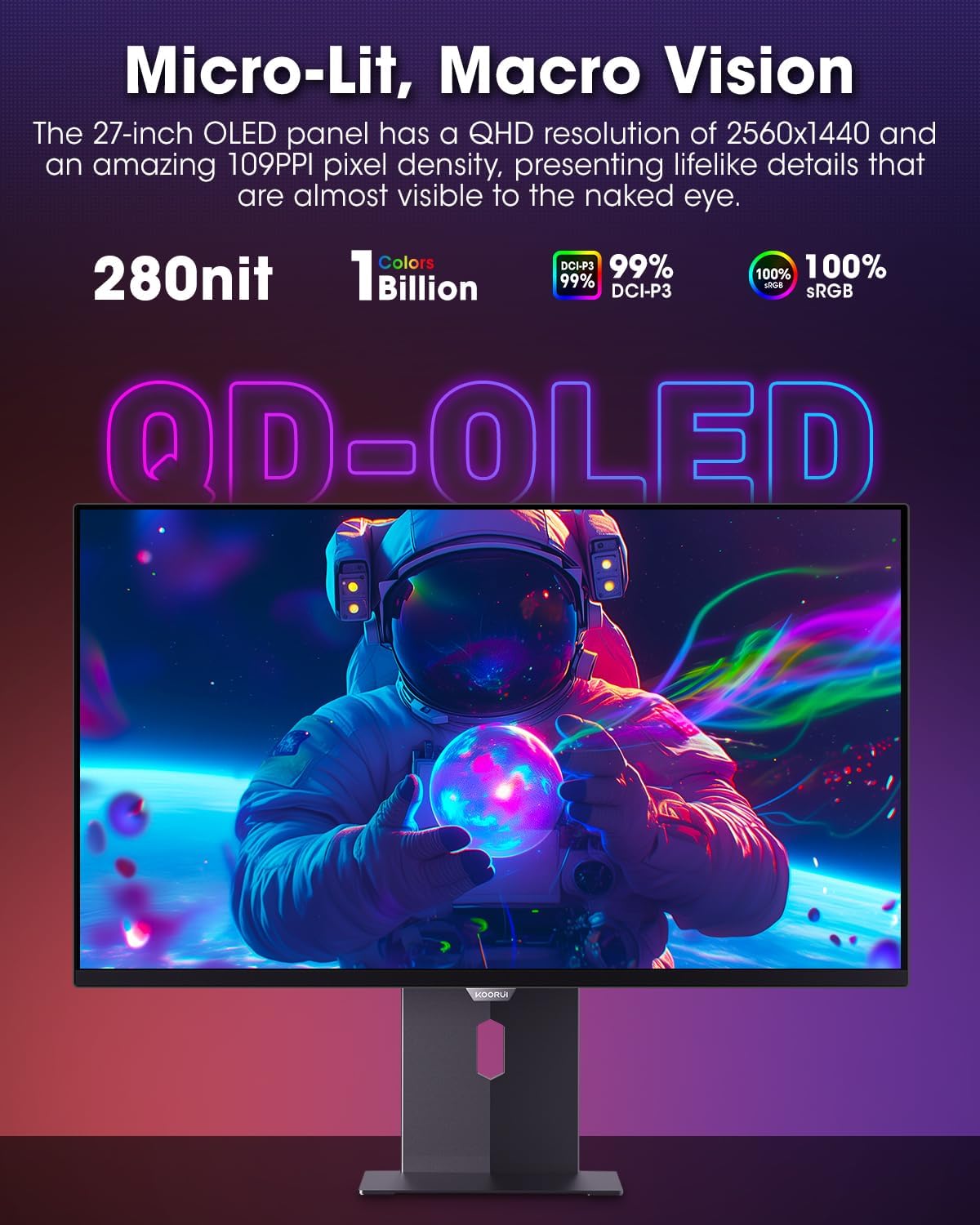
Figure 4.3.1: The QD-OLED panel delivers vivid colors and deep blacks.

Figure 4.3.2: High refresh rate and low response time for smooth gaming.
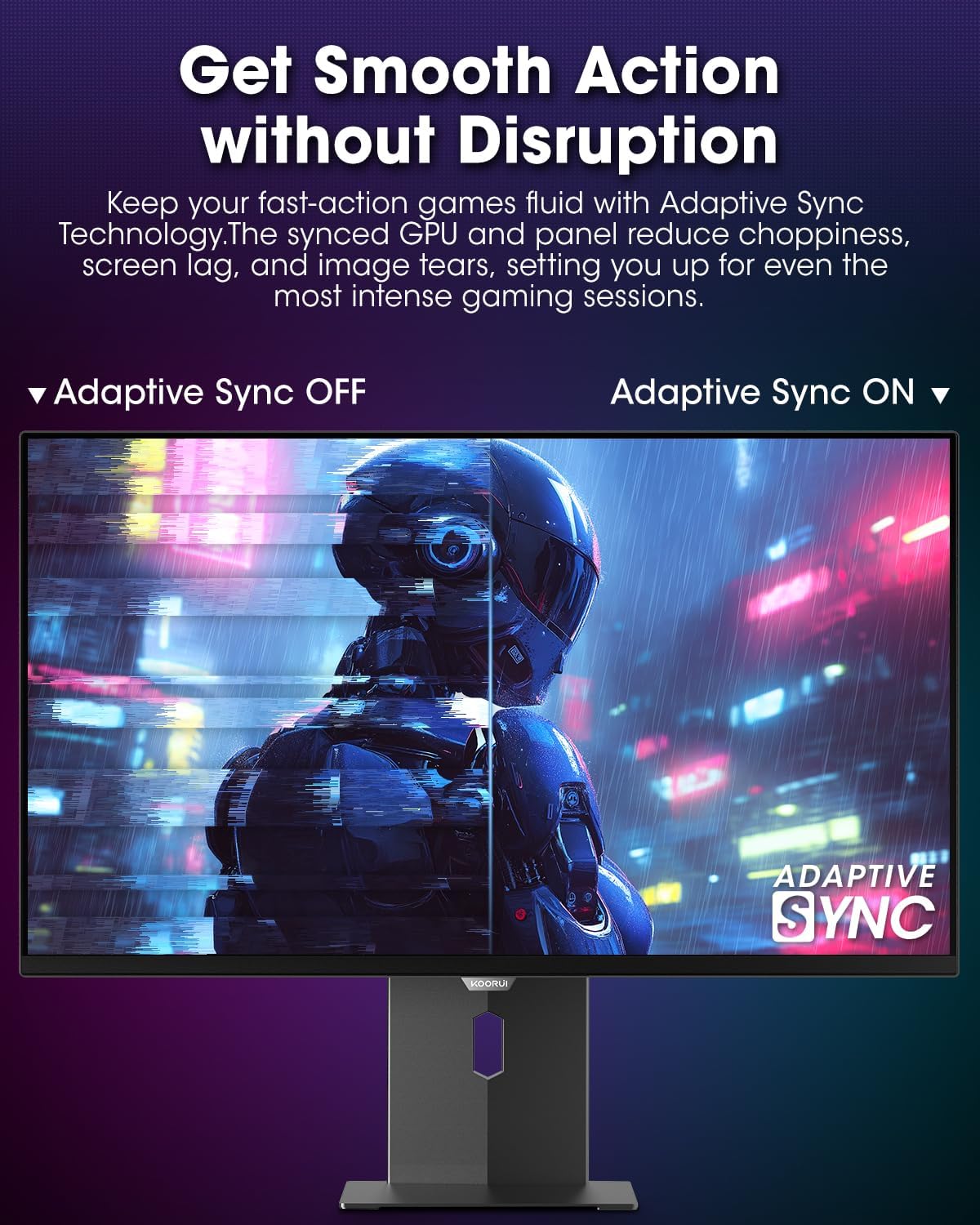
Figure 4.3.3: AdaptiveSync technology prevents screen tearing.
4.4 Pelarasan Ergonomik
Penyangga monitor membenarkan pelbagai pelarasan untuk dipertingkatkan viewkeselesaan:
- Pelarasan Ketinggian: Naikkan atau turunkan monitor ke paras mata.
- Condong: Adjust the screen angle forward or backward.
- Pusing: Rotate the monitor horizontally.
- Pivot: Putar monitor secara menegak (mod potret).

Rajah 4.4.1: Pelarasan kecondongan monitor.

Figure 4.4.2: Monitor pivot adjustment to portrait mode.
5. Penyelenggaraan
- Membersihkan Skrin: Gunakan kain lembut yang tidak berbulu dampdiisi dengan air atau pembersih skrin. Jangan sembur pembersih terus ke skrin.
- Membersihkan Casing: Lap monitor casing dengan kain lembut dan kering. Elakkan pembersih yang kasar.
- Pengudaraan: Ensure the monitor's ventilation holes are not blocked to prevent overheating.
- Matikan: Always turn off and unplug the monitor before cleaning.
6. Penyelesaian masalah
| Masalah | Kemungkinan Punca | Penyelesaian |
|---|---|---|
| Tiada gambar di skrin | Kabel kuasa diputuskan; Kabel video diputuskan; Sumber input salah dipilih. | Check power and video cable connections; Select correct input source via OSD menu. |
| Imej berkelip atau koyak | AdaptiveSync not enabled; Graphics card driver issues. | Enable AdaptiveSync in OSD menu; Update graphics card drivers. |
| Warna kelihatan tidak betul | Color settings misconfigured; Faulty video cable. | Reset color settings in OSD menu; Try a different video cable. |
| Monitor tidak dihidupkan | Kabel kuasa tidak disambungkan; Salur keluar kuasa tidak berfungsi. | Ensure power cable is securely connected; Test power outlet with another device. |
7. Spesifikasi
| Ciri | Perincian |
|---|---|
| Jenama | KOORUI |
| Nombor Model | S2721XO |
| Saiz Skrin | 27 Inci |
| Jenis Paparan | QD-OLED |
| Resolusi | QHD Wide 1440p (2560 x 1440 Pixels) |
| Kadar Segar Semula | 240 Hz |
| Masa Tindak Balas | 0.03 Milliseconds (GtG) |
| Nisbah Kontras | 20,000,000:1 |
| Kecerahan | 350 candela_per_square_meter (average 280 nits) |
| Warna Gamut | 99% DCI-P3 |
| Sokongan HDR | HDR True Black 400 |
| Penyegerakan Adaptif | Serasi FreeSync |
| Ketersambungan | 2x HDMI 2.1, 1x DisplayPort 1.4, 1x Audio Keluar |
| Ergonomik | Tilt, Height, Swivel, Pivot Adjustment |
| Gunung VESA | 100x100mm |
| Dimensi Produk | 21.58 x 61 x 51.2 cm; 8.96 kg |

Rajah 7.1: Memantau dimensi.
8. Waranti dan Sokongan
8.1 Maklumat Waranti
The KOORUI S2721XO monitor comes with a Waranti terhad 1 tahun. Please retain your proof of purchase for warranty claims. For detailed warranty terms and conditions, refer to the official KOORUI webtapak atau hubungi sokongan pelanggan.
8.2 Sokongan Pelanggan
For technical assistance, troubleshooting, or warranty inquiries, please contact KOORUI customer support. Refer to the contact information provided on the official KOORUI webtapak atau dokumentasi pembelian anda.
You can also find additional support resources and FAQs on the KOORUI brand store on Amazon: KOORUI Amazon Store
9. Video Produk
KOORUI 4K OLED Gaming Monitor 240Hz (Seller Video)
Video ini memberikan penamatview of the KOORUI OLED Gaming Monitor, highlighting its key features such as high refresh rate and OLED display technology. While the title mentions "4K", the video content is generally applicable to high-performance OLED gaming monitors from KOORUI, including the S2721XO model's features like 240Hz refresh rate and fast response time.