
1. Pengenalan dan Lebihview
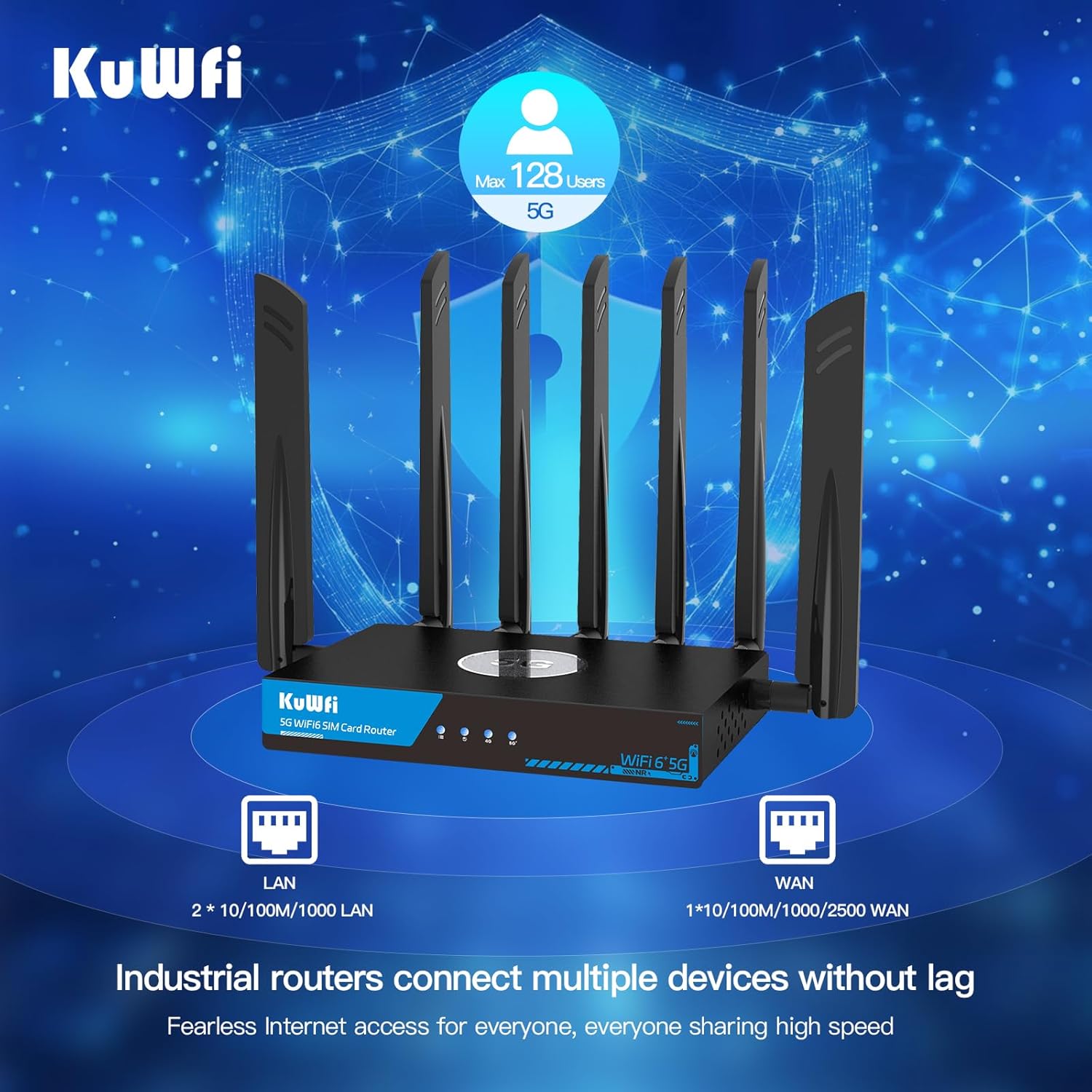
The KuWFi RM503Qpro is an advanced AX3000 WiFi 6 5G router designed for versatile connectivity. Featuring dual SIM card slots, it supports global 5G and 4G LTE networks, providing ultra-fast broadband connections wherever you need them. This router is ideal for use as a primary or backup internet solution in homes, apartments, RVs, mobile living, remote work environments, and small businesses. Its robust design includes a 2.5G WAN port and an integrated fan cooling system to ensure stable performance.

Image: KuWFi RM503Qpro 5G WiFi 6 Router, highlighting its advanced features.
2. Kandungan Pakej
Pastikan semua item ada dalam pakej:
- 1 x KuWFi RM503Qpro 5G WiFi 6 Router
- 7 x Detachable Cellular Antennas
- 1 x Penyesuai Kuasa
- 1 x Kabel Ethernet RJ45
- 1 x Quick Installation Guide (Manual)
- 1 x SIM Card Ejector Tool (for Nano-SIM)
3. Produk Lebihview
3.1 Penunjuk Panel Hadapan
- Penunjuk Kuasa: Menunjukkan status kuasa.
- Penunjuk Internet: Menunjukkan status sambungan internet.
- 2.4G WiFi Indicator: Shows 2.4GHz Wi-Fi activity.
- 5G WiFi Indicator: Shows 5GHz Wi-Fi activity.
- Cellular Signal Strength: Indicates the strength of the 5G/4G cellular signal.
3.2 Port dan Butang Panel Belakang
Imej: Belakang view of the KuWFi RM503Qpro router, detailing port layout.
- Butang RST (Tetap Semula): Tekan dan tahan selama 5-10 saat untuk memulihkan tetapan lalai kilang.
- Butang MESH: For mesh networking configuration.
- SIM1 & SIM2 Slots: Insert Nano-SIM cards for cellular connectivity.
- Port LAN (x3): Port Ethernet Gigabit untuk peranti berwayar.
- WAN/LAN 2.5G Port (x1): A 2.5 Gigabit Ethernet port that can function as either a WAN or LAN port.
- Input Kuasa DC 12V: Sambungkan penyesuai kuasa yang disediakan.
- Penyambung Antena: Multiple SMA connectors for attaching external 5G NR and Wi-Fi antennas.
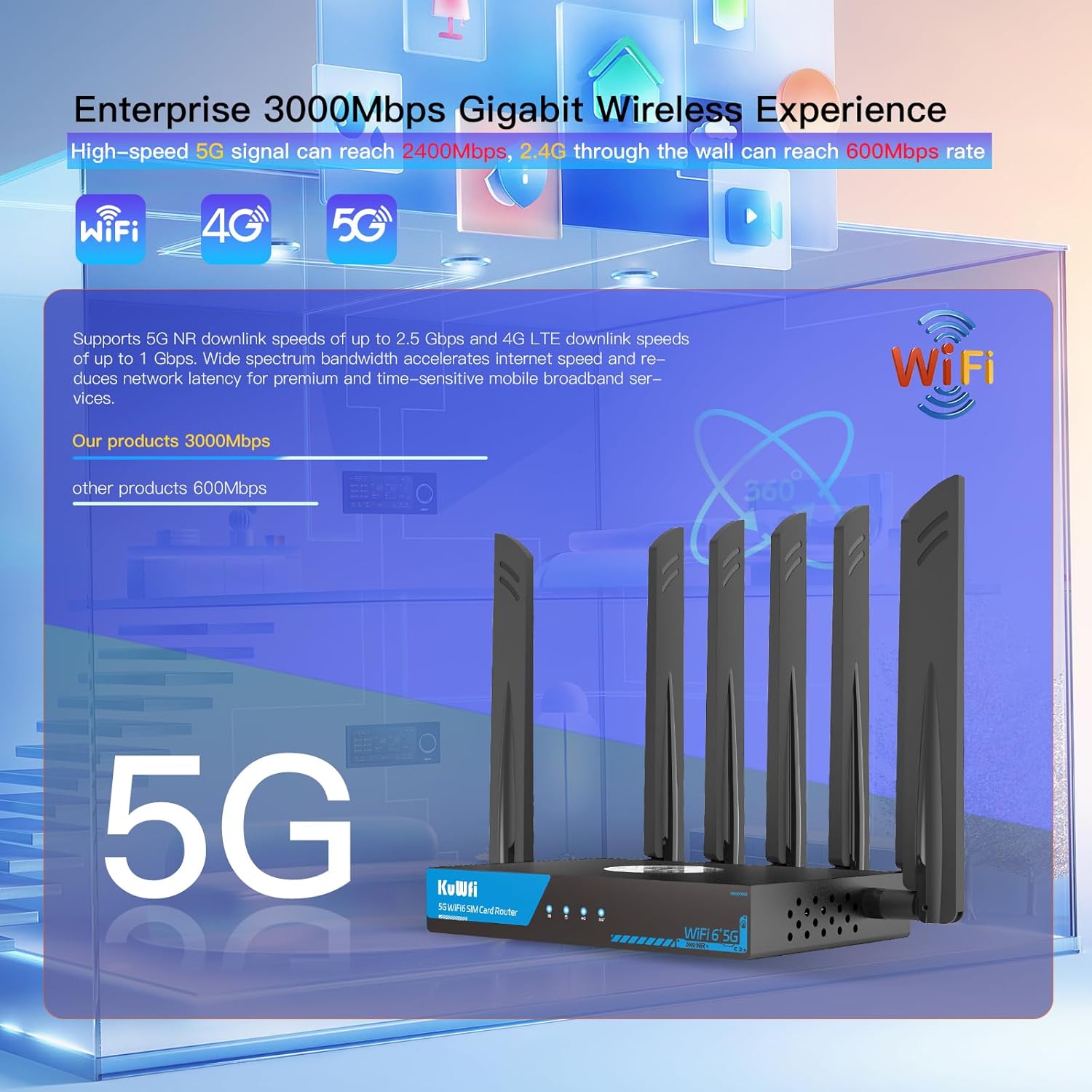
Image: Close-up of the router's LAN and WAN ports.

Imej: Terperinci view of the dual Nano-SIM card slots.
4. Persediaan
4.1 Pemasangan Kad SIM
- Locate the SIM1 and SIM2 slots on the rear panel of the router.
- Using the provided SIM ejector tool or a paperclip, gently press into the small hole next to the SIM slot to release the tray.
- Place your Nano-SIM card(s) into the tray(s) with the gold contacts facing down and the notched corner aligned correctly.
- Gently push the tray(s) back into the router until it clicks into place.
4.2 Pemasangan Antena
- Identify the antenna connectors on the rear panel. There are connectors for NR 5G and 2.4/5.8G Wi-Fi.
- Screw the provided external antennas onto their respective connectors. Ensure they are finger-tight.
- Laraskan antena untuk penerimaan isyarat yang optimum.
4.3 Sambungan Kuasa
- Connect the power adapter to the DC 12V power input port on the router.
- Palamkan penyesuai kuasa ke soket elektrik standard.
- The Power LED indicator on the front panel should light up.
4.4 Konfigurasi Awal (Web UI Access)
- Wait for the router to boot up. The Internet and Cellular Signal LEDs should eventually turn blue, indicating a successful connection. If the Cellular Signal LED is red, check SIM card installation and network coverage.
- Connect your computer or smartphone to the router's default Wi-Fi network. The default SSID and password can typically be found on a label on the bottom of the router.
- Buka a web browser and enter the default access IP address (e.g., 192.168.1.1) or URL (e.g., http://kuwfi.com) into the address bar.
- Log in using the default username and password (usually 'admin' for both, or as specified on the label).
- Follow the on-screen setup wizard to configure basic settings such as timezone, APN profile (if not automatically detected), and customize your Wi-Fi network name (SSID) and password.
Video: KuWFi Industrial Cellular 5G Router with Dual SIM Slot - This video demonstrates the physical setup and features of the router, including SIM card insertion and port overview.
5. Arahan Operasi
5.1 High-Speed Wi-Fi 6 Connectivity
The router supports dual-band AX3000 Wi-Fi 6, providing high-speed wireless connectivity for up to 256 devices simultaneously. This ensures smooth streaming, gaming, and general internet usage.

Image: Illustration of the router providing extensive Wi-Fi 6 coverage.
5.2 Dual SIM Failover
With dual SIM slots, the router offers automatic failover. If the primary SIM's network connection is lost or unstable, the router will automatically switch to the secondary SIM, ensuring uninterrupted internet access.

Image: Visual representation of the dual SIM functionality for reliable connectivity.
5.3 VPN and Security Features
The router comes with pre-installed VPN protocols including WireGuard, OpenVPN, and IPsec. These features enable secure and private internet browsing, as well as secure remote access to your network. Parental controls are also included to manage internet access for specific devices or users.

Image: Router highlighting VPN and security features.
5.4 Multi-WAN Backup
The 2.5G WAN port allows the router to be used with existing broadband or satellite routers, providing a multi-WAN backup solution for maximum internet uptime and reliability.
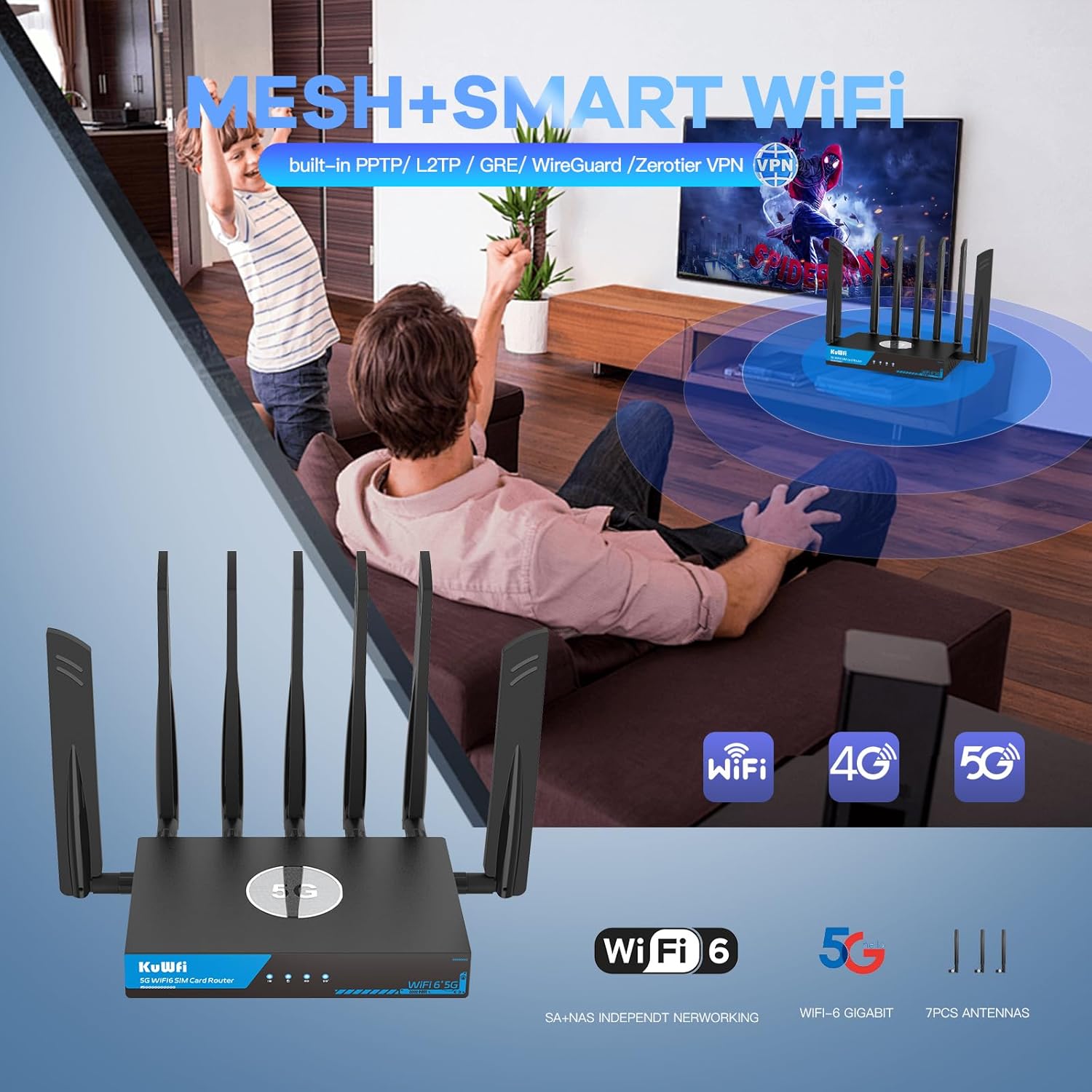
Image: Router seamlessly integrated into a home environment.

Image: Router providing connectivity in an RV setting.
6. Penyelenggaraan
6.1 Fan Cooling System
The KuWFi RM503Qpro is equipped with a built-in fan cooling system. This system actively dissipates heat, preventing overheating and throttling, which is crucial for maintaining stable performance during continuous operation, especially in demanding environments.

Image: Diagram illustrating the router's internal fan cooling system.
6.2 Kemas Kini Perisian Tegar
To ensure optimal performance, security, and access to the latest features, it is recommended to regularly check for and install firmware updates for your router. Refer to the web management interface for available updates and installation instructions.
7. Penyelesaian masalah
7.1 No Cellular Signal or Red LED
- Semak Kad SIM: Ensure the Nano-SIM card(s) are correctly inserted into the SIM slots.
- Liputan Rangkaian: Verify that you are in an area with adequate 5G/4G cellular network coverage.
- Tetapan APN: Akses ke web management interface and confirm that the APN (Access Point Name) settings are correctly configured for your cellular provider.
- Antena: Ensure all cellular antennas are securely attached and properly oriented.
7.2 Kelajuan Internet Perlahan
- Kekuatan Isyarat: Check the cellular signal strength indicator. Low signal can result in slower speeds.
- Muatan Peranti: Too many devices connected or high-bandwidth activities (streaming, large downloads) can impact speed.
- Kesesakan Rangkaian: Cellular network performance can vary based on local congestion.
- Gangguan Wi-Fi: Ensure your Wi-Fi channels are not congested. Adjust channels in the web UI if necessary.
7.3 Tidak Boleh Akses Web Antara Muka Pengurusan
- Sambungan Wi-Fi: Confirm your device is connected to the router's Wi-Fi network.
- Alamat IP: Ensure you are using the correct default IP address (e.g., 192.168.1.1) or URL (http://kuwfi.com).
- Kelayakan Log Masuk: Verify the username and password. If forgotten, a factory reset may be necessary.
7.4 Tetapan Semula Kilang
If you encounter persistent issues or forget your login credentials, you can perform a factory reset. With the router powered on, use a pin or paperclip to press and hold the RST button on the rear panel for 5-10 seconds until the indicators flash. The router will restart with default settings.
8. Spesifikasi
| Nama Model | RM503Qpro |
| Dimensi Produk | 3.5 x 2.5 x 0.5 inci |
| Berat Barang | 2.2 paun |
| Kelas Band Kekerapan | Dwi-Jalur (2.4GHz & 5GHz) |
| Standard Komunikasi Tanpa Wayar | 802.11ax (WiFi 6) |
| Teknologi Ketersambungan | Wi-Fi, Cellular (5G/4G/3G), Ethernet |
| Ciri Khas | Parental Control, Dual SIM Failover, Fan Cooling, VPN (WireGuard, OpenVPN, IPsec) |
| 5G NR SA/NSA Bands | n1/ 2/ 3/ 5/ 7/ 8/ 12/ 13/ 14/ 18/ 20/ 25/ 26/ 28/ 29/ 30/ 38/ 40/ 41/ 48/ 66/ 70/ 71/ 75/ 76/ 77/78/ 79 |
| 4G&3G Frequency Bands | LTE-FDD B1/ 2/ 3/ 4/ 5/ 7/ 8/ 12/ 13/ 14/ 17/ 18/ 19/ 20/ 25/ 26/ 28/ 29/ 30/ 32/ 66/ 71 LTE-TDD B34/ 38/ 39/ 40/ 41/ 42/ 43/ 48 |
9. Waranti dan Sokongan
The KuWFi RM503Qpro router is covered by a Waranti 12 bulan from the date of purchase against product quality issues. For any technical assistance, questions, or warranty claims, please contact our dedicated support team:
e-mel: support@kuwfi.com
We are committed to providing prompt technical solutions or, if necessary, a complete device replacement.