
1. Pengenalan
Terima kasih kerana membeliasing the Heatz Sound Light Pro ZS24 Portable Bluetooth Speaker. This manual provides essential information for setting up, operating, and maintaining your speaker. Please read it carefully before use to ensure optimal performance and longevity of your device.
2. Maklumat Keselamatan
- Jangan dedahkan pembesar suara kepada suhu yang melampau, cahaya matahari langsung atau kelembapan yang tinggi.
- Elakkan daripada menjatuhkan atau menundukkan pembesar suara kepada impak yang kuat.
- Do not disassemble, repair, or modify the device yourself. Contact qualified service personnel for assistance.
- Jauhkan pembesar suara daripada air dan cecair lain.
- Gunakan hanya kabel pengecasan yang disediakan atau setara yang diperakui.
- Bersihkan pembesar suara dengan kain lembut dan kering. Jangan gunakan pembersih atau pelarut yang melelas.
3. Kandungan Pakej
Sila pastikan semua item ada dalam pakej anda:
- Heatz Sound Light Pro ZS24 Portable Bluetooth Speaker
- Kabel Pengecas USB
- Manual Pengguna
4. Produk Lebihview
Biasakan diri anda dengan komponen dan kawalan pembesar suara.

Image: The Heatz Sound Light Pro ZS24 speaker, highlighting its various connection options including Bluetooth, FM Radio, Micro SD Card slot, USB port, and Type C charging port. Control buttons are located on the top panel.
Kawalan dan Pelabuhan:
- Butang Kuasa: Tekan dan tahan untuk menghidupkan/mematikan.
- Jilid Naik / Laluan Seterusnya: Tekan pendek untuk kelantangan, tekan lama untuk trek seterusnya.
- Turunkan Volume / Lagu Sebelumnya: Tekan pendek untuk kelantangan turun, tekan lama untuk trek sebelumnya.
- Main/Jeda/Jawapan Panggilan: Press to play/pause music or answer/end calls.
- Butang Mod: Press to switch between Bluetooth, USB, TF Card, AUX, and FM Radio modes.
- Butang Lampu LED: Tekan untuk beralih antara mod lampu LED.
- Port USB: Untuk main balik pemacu USB.
- Slot Kad TF: Untuk main balik kad TF (Micro SD).
- Input AUX: Untuk menyambungkan peranti audio luaran melalui kabel audio 3.5mm.
- Port Pengecasan Jenis C: Untuk mengecas pembesar suara.
5. Persediaan
Pengecasan Awal:
Before first use, fully charge the speaker. Connect the provided USB charging cable to the Type C port on the speaker and the other end to a USB power adapter (not included) or a computer's USB port. The LED indicator will show charging status and turn off when fully charged.
6. Arahan Operasi
Hidupkan/Mati Kuasa:
- Untuk menghidupkan kuasa, tekan dan tahan butang Kuasa sehingga anda mendengar gesaan yang boleh didengar.
- Untuk mematikan kuasa, tekan dan tahan butang Kuasa sekali lagi sehingga pembesar suara dimatikan.
Pairing Bluetooth:
- Turn on the speaker. It will automatically enter Bluetooth pairing mode, indicated by a flashing LED.
- Dayakan Bluetooth pada telefon pintar, tablet atau peranti lain anda.
- Cari untuk available Bluetooth devices and select "Heatz ZS24" from the list.
- Setelah dipasangkan, anda akan mendengar bunyi pengesahan, dan penunjuk LED akan berhenti berkelip.
Pasangan Stereo Tanpa Wayar Sejati (TWS):
TWS allows you to connect two Heatz ZS24 speakers for an enhanced stereo sound experience.
- Ensure both ZS24 speakers are powered on and not connected to any other Bluetooth device.
- On one of the speakers, double-press the Mode button. You will hear a prompt indicating it's searching for another speaker.
- The two speakers will automatically pair with each other. A confirmation sound will indicate successful TWS pairing.
- Sekarang, sambungkan peranti anda ke salah satu pembesar suara yang dipasangkan melalui Bluetooth seperti yang diterangkan di atas. Kedua-dua pembesar suara akan memainkan audio dalam stereo.
Main balik Kad USB/TF:
Insert a USB drive or TF (Micro SD) card containing MP3 audio files into the respective port. The speaker will automatically switch to USB or TF card mode and begin playback. Use the Volume/Track buttons to control playback.
Mod AUX:
Connect an external audio device (e.g., MP3 player, laptop) to the speaker's AUX input using a 3.5mm audio cable (not included). Press the Mode button until you enter AUX mode. Audio will be played from the connected device.
Panggilan bebas tangan:
When connected to your phone via Bluetooth, the speaker's built-in microphone allows for hands-free calls.

Image: A woman is shown using the Heatz Sound Light Pro ZS24 speaker for hands-free calling, demonstrating its convenience during daily activities.
- Jawab Panggilan: Tekan butang Main/Jeda sekali.
- Tamatkan Panggilan: Tekan butang Main/Jeda sekali semasa panggilan.
- Tolak Panggilan: Tekan dan tahan butang Main/Jeda.
Mod Lampu LED:
Press the LED Light button to cycle through various lighting effects or turn the lights off.
7. Mengecas
When the battery is low, the speaker will emit an audible warning. Connect the USB charging cable to the Type C port on the speaker and a power source. The LED indicator will illuminate during charging and turn off when the battery is full. A full charge provides up to 6 hours of continuous music playback.
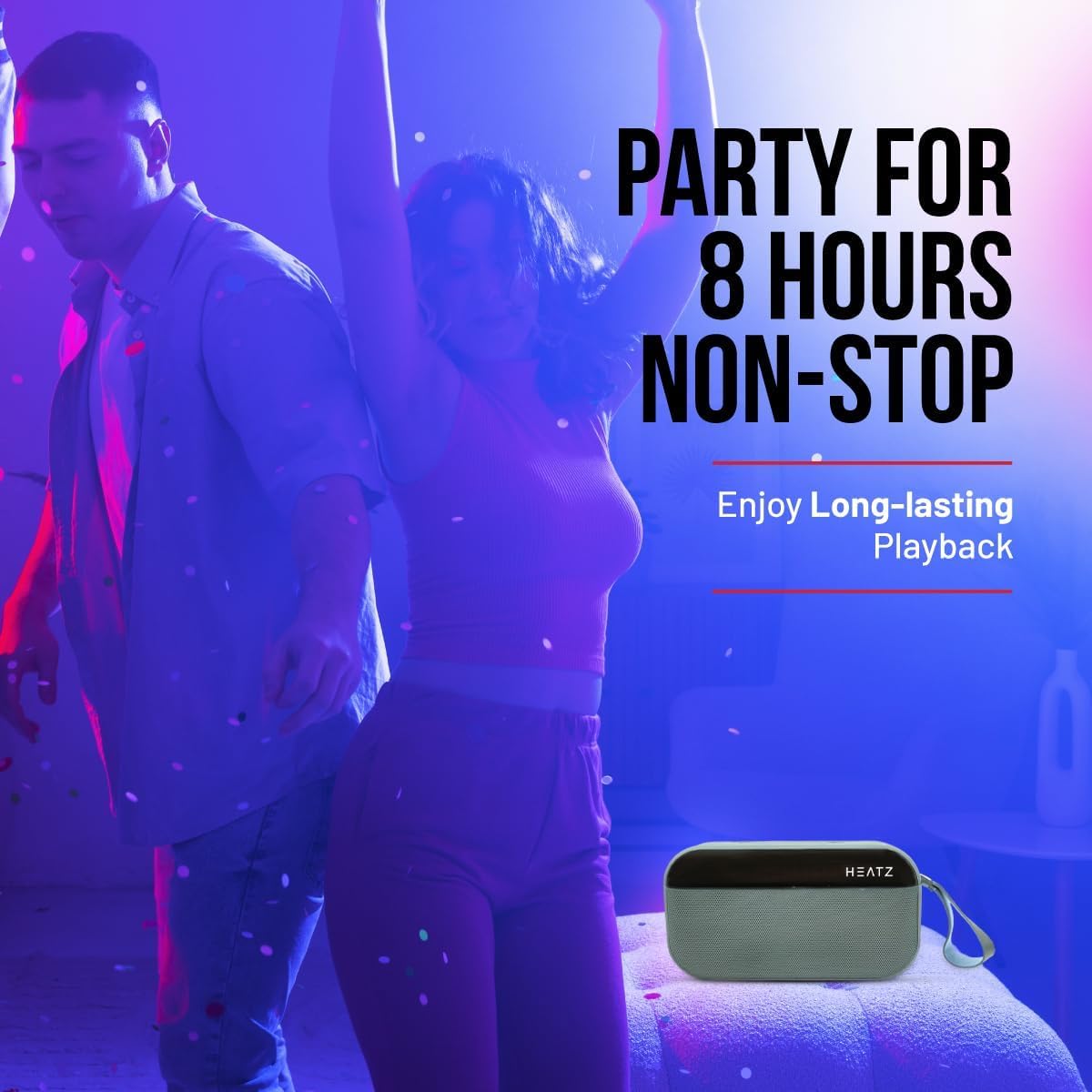
Image: The Heatz Sound Light Pro ZS24 speaker, illustrating its long-lasting playback capability for extended enjoyment.
8. Penyelenggaraan
- Pembersihan: Use a soft, dry, lint-free cloth to clean the speaker's exterior. Do not use liquid cleaners or sprays.
- Storan: Simpan pembesar suara di tempat yang sejuk dan kering jauh dari cahaya matahari langsung dan suhu yang melampau apabila tidak digunakan untuk tempoh yang lama.
- Penjagaan Bateri: Untuk memanjangkan hayat bateri, elakkan daripada menyahcas sepenuhnya bateri dengan kerap. Cas pembesar suara dengan kerap, walaupun tidak digunakan.
9. Penyelesaian masalah
| Masalah | Kemungkinan Punca | Penyelesaian |
|---|---|---|
| Speaker tidak dihidupkan. | Bateri habis. | Cas pembesar suara sepenuhnya. |
| Tidak boleh berpasangan melalui Bluetooth. | Pembesar suara tidak dalam mod berpasangan; Bluetooth dimatikan pada peranti; Peranti terlalu jauh. | Ensure speaker is in pairing mode. Turn on Bluetooth on your device. Move device closer to speaker (within 10 meters). |
| Tiada bunyi. | Volume is too low; Incorrect input mode; Device not playing. | Increase speaker and device volume. Switch to correct input mode (Bluetooth, USB, TF, AUX). Ensure audio is playing on your connected device. |
| Gandingan TWS gagal. | Speakers are already paired to another device; Incorrect TWS pairing procedure. | Pastikan kedua-dua pembesar suara diputuskan sambungannya daripada peranti lain. Ikuti langkah pemasangan TWS dengan teliti. |
10. Spesifikasi
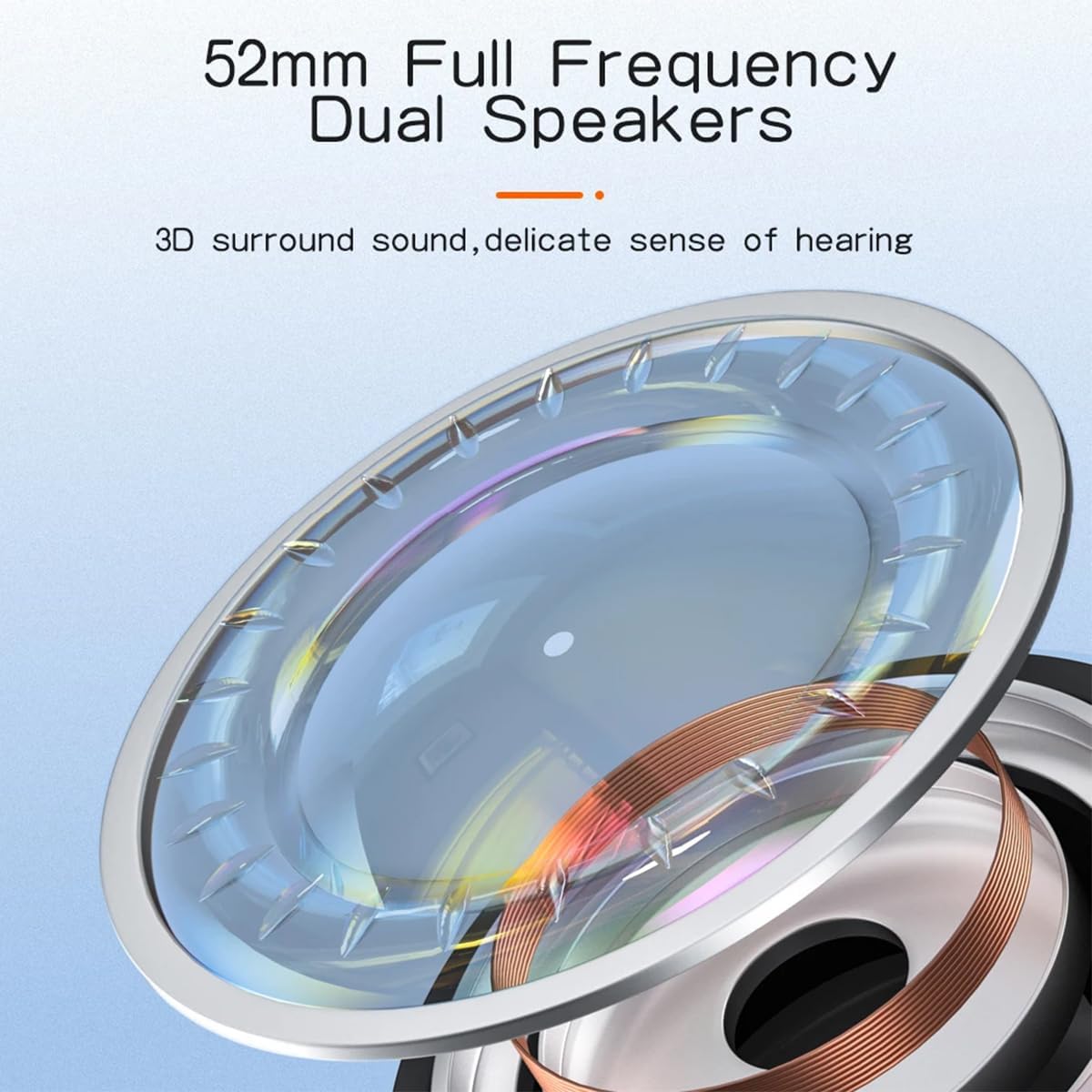
Imej: A terperinci view of the 52mm full-frequency dual speakers, designed for 3D surround sound and a delicate sense of hearing.
| Ciri | Perincian |
|---|---|
| Model | ZS24 |
| Kuasa Keluaran | 12W (2 x 6W) |
| Versi Bluetooth | 5.4 |
| Kapasiti Bateri | 2400mAh |
| Masa Main Semula | Sehingga 6 jam |
| Saiz Pembesar Suara | 57mm (52mm Full Frequency Dual Speakers) |
| Sokongan TWS | ya |
| Pilihan Kesambungan | Bluetooth, USB, Kad TF, AUX |
| Pencahayaan | Mod Lampu LED |
| Kawalan | Power, Volume, Play/Pause, Mode, Light |
| Panggilan Tanpa Tangan | Mikrofon Terbina dalam |
| Dimensi | 16.8 x 12.5 x 6.5 cm |
| Berat badan | 450 gram |
| Impedans | 4 Ohm |
11. Waranti dan Sokongan
This product comes with a standard manufacturer's warranty. Please refer to the warranty card included in your package for specific terms and conditions. For technical support, troubleshooting assistance, or warranty claims, please contact your retailer or the Heatz customer service department.
Simpan resit pembelian anda sebagai bukti pembelian untuk tujuan waranti.