
1. Pengenalan
Thank you for choosing the LKTOP 100W USB-C Power Adapter. This high-performance charger is designed to provide efficient and safe power delivery for a wide range of DJI drones, remote controllers, and other USB-C compatible devices. Please read this manual carefully before use to ensure optimal performance and safety.
2. Produk Lebihview
The LKTOP 100W USB-C Power Adapter features two USB-C output ports supporting PPS and PD protocols for fast charging. It delivers a continuous 100W output, enabling simultaneous charging of your DJI intelligent flight battery and remote controller. Built-in safety features protect your devices from over-voltage dan lebihan arus.
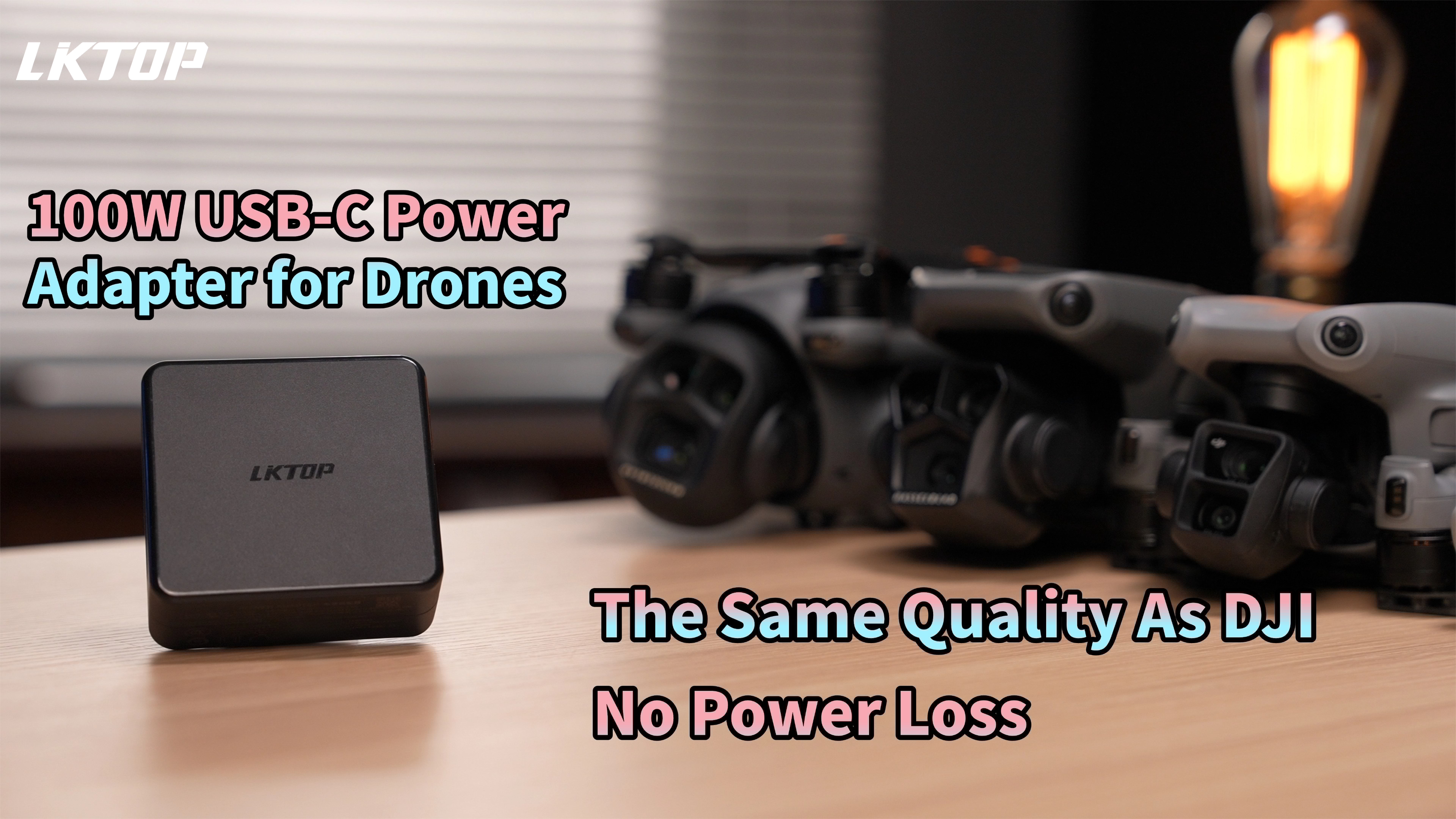
Imej 2.1: The LKTOP 100W USB-C Power Adapter, a compact black charging brick with two USB-C ports, shown next to various DJI drones and accessories, highlighting its compatibility and power output.
3. Keserasian
This charger is widely compatible with numerous DJI products and other USB-C devices:
- DJI Drones: Mini 4 Pro, Mini 3, Mini 3 Pro, Mini 4K, Mini 2 SE, Mini 2, Mini SE, Mavic Mini, Air 3, Air 3S, Mavic 3 Pro, Mavic 3 Cine, Mavic 3 Classic, Mavic 3, Mavic 3 Enterprise Series, Mavic 4 Pro, Avata/Avata 2, Neo, Flip.
- DJI Charging Hubs: DJI/LKTOP Mini 4/3 Series Charging Hub, DJI/LKTOP Air 3 Series Charging Hub, DJI Mavic 3 Series Charging Hub, DJI Mavic 4 Pro Parallel Charging Hub.
- DJI Controllers & Accessories: DJI Remote Controller, DJI Goggles 2 Battery.
- Peranti Lain: Any device with a USB-C port that supports PD (Power Delivery) or PPS (Programmable Power Supply) protocols.

Imej 3.1: The LKTOP 100W USB-C Power Adapter connected to a DJI Mini 4 Pro drone, illustrating its direct charging capability for Mini series drones.

Imej 3.2: The LKTOP 100W USB-C Power Adapter connected to a DJI Air 3 drone, demonstrating its compatibility with the Air series.

Imej 3.3: The LKTOP 100W USB-C Power Adapter connected to a DJI Mavic 3 series drone, showcasing its use with Mavic series drones.

Imej 3.4: The LKTOP 100W USB-C Power Adapter connected to a DJI Neo drone, indicating its compatibility with the DJI Neo.

Imej 3.5: The LKTOP 100W USB-C Power Adapter connected to various DJI Avata series devices, including the drone and charging hubs, demonstrating broad compatibility.

Imej 3.6: The LKTOP 100W USB-C Power Adapter connected to various DJI Remote Controllers (RC-N1, RC-N2/N3, RC, RC 2, RC Pro, RC Pro Plus), showing its ability to charge different controller models.
4. Persediaan
- Sambung ke Alur Kuasa: Plug the LKTOP 100W USB-C Power Adapter into a standard AC power outlet using the provided AC power cord.
- Sambungkan Kabel Pengecasan: Insert one end of the USB-C charging cable (provided or compatible) into one of the USB-C output ports on the adapter.
- Sambung ke Peranti: Connect the other end of the USB-C charging cable to your DJI drone, remote controller, charging hub, or other USB-C compatible device.
- Sahkan Sambungan: Ensure all connections are secure. The device should indicate that it is charging.
Video 4.1: A demonstration of unboxing and connecting the LKTOP 100W USB-C Power Adapter to a power strip and then to a DJI Mini series charging hub, showing the charging process.
5. Arahan Operasi
5.1. Pengecasan Pantas
The charger supports fast charging for USB-C devices using PPS and PD protocols. Charging times for DJI intelligent flight batteries are approximately 64-80 minutes, depending on the model and battery state.
5.2. Pengecasan Serentak
With its powerful 100W output, the adapter can charge both your DJI intelligent flight battery and DJI remote controller concurrently. This saves time and ensures your equipment is ready for use.

Imej 5.1: The LKTOP 100W USB-C Power Adapter simultaneously charging a DJI charging hub with batteries and a DJI remote controller, demonstrating its multi-device charging capability.
5.3. Intelligent Power Allocation
The charger features intelligent power allocation. When only one port is in use, it can deliver up to 100W. When both USB-C ports are used simultaneously, the power is dynamically allocated based on the load, with a single port maximum of 82W and a total maximum output of 100W.

Imej 5.2: A diagram illustrating the intelligent power allocation of the LKTOP 100W USB-C Power Adapter, showing 100W max for single-port charging and dynamic allocation for two-port charging (82W max per port, 100W total).
6. Penyelenggaraan
- Keep the charger clean and dry. Avoid exposure to moisture or extreme temperatures.
- Do not attempt to disassemble or repair the charger. Contact customer support if issues arise.
- Simpan pengecas di tempat yang sejuk dan kering apabila tidak digunakan.
- Use only approved charging cables to prevent damage to the charger and your devices.
7. Penyelesaian masalah
7.1. Peranti Tidak Mengecas
- Pastikan pengecas dipasang dengan selamat ke salur keluar kuasa yang berfungsi.
- Check that the USB-C cable is firmly connected to both the charger and the device.
- Try using a different USB-C cable or a different power outlet.
- Verify that your device is compatible with USB-C PD/PPS charging.
7.2. Pengecasan Lambat
- Ensure you are using a high-quality USB-C cable capable of supporting 100W power delivery.
- If multiple devices are connected, the power is shared. Disconnect other devices for faster charging of a single device.
- Check if your device supports fast charging protocols (PD/PPS).
7.3. Terlalu panas
- The charger has built-in protection against overheating. If it feels excessively hot, disconnect it immediately.
- Ensure adequate ventilation around the charger during use. Avoid covering it.
- Jika terlalu panas berterusan, hentikan penggunaan dan hubungi sokongan pelanggan.
8. Spesifikasi
| Dimensi Produk | 1.5 x 3.5 x 3.5 inci (1.5"D x 3.5"W x 3.5"H) |
| Berat Barang | 13.4 auns |
| Keluaran Voltage | 12 Volt |
| Kuasa Output Maks | 100W |
| Sijil Keselamatan | CE, FCC, RoHS |
| warna | Hitam |
| Pengeluar | SHENZHEN HONOR ELECTRONIC COL TD |
9. Apa yang ada di dalam Kotak
- LKTOP 100W USB-C Power Adapter
- 1 Meter Double C-Port Cable
- 1 Meter AC Power Cord

Imej 9.1: An illustration showing the contents of the product box: the LKTOP 100W USB-C Power Adapter, a 1-meter double USB-C cable, and a 1-meter AC power cord.
10. Waranti dan Sokongan
LKTOP products are manufactured to the highest quality standards. For warranty information, technical support, or any inquiries, please refer to the contact information provided on the product packaging or visit the official LKTOP webtapak. Simpan resit pembelian anda untuk tuntutan waranti.