
1. Pengenalan
The IMALENT GR35 is an ultra-high-performance EDC (Everyday Carry) flat flashlight, designed for versatility and portability. It integrates white, UV, and green LED light sources, offering a maximum output of 2800 lumens and a beam throw of up to 426 meters. This manual provides essential information for the safe and effective use, maintenance, and troubleshooting of your GR35 flashlight.
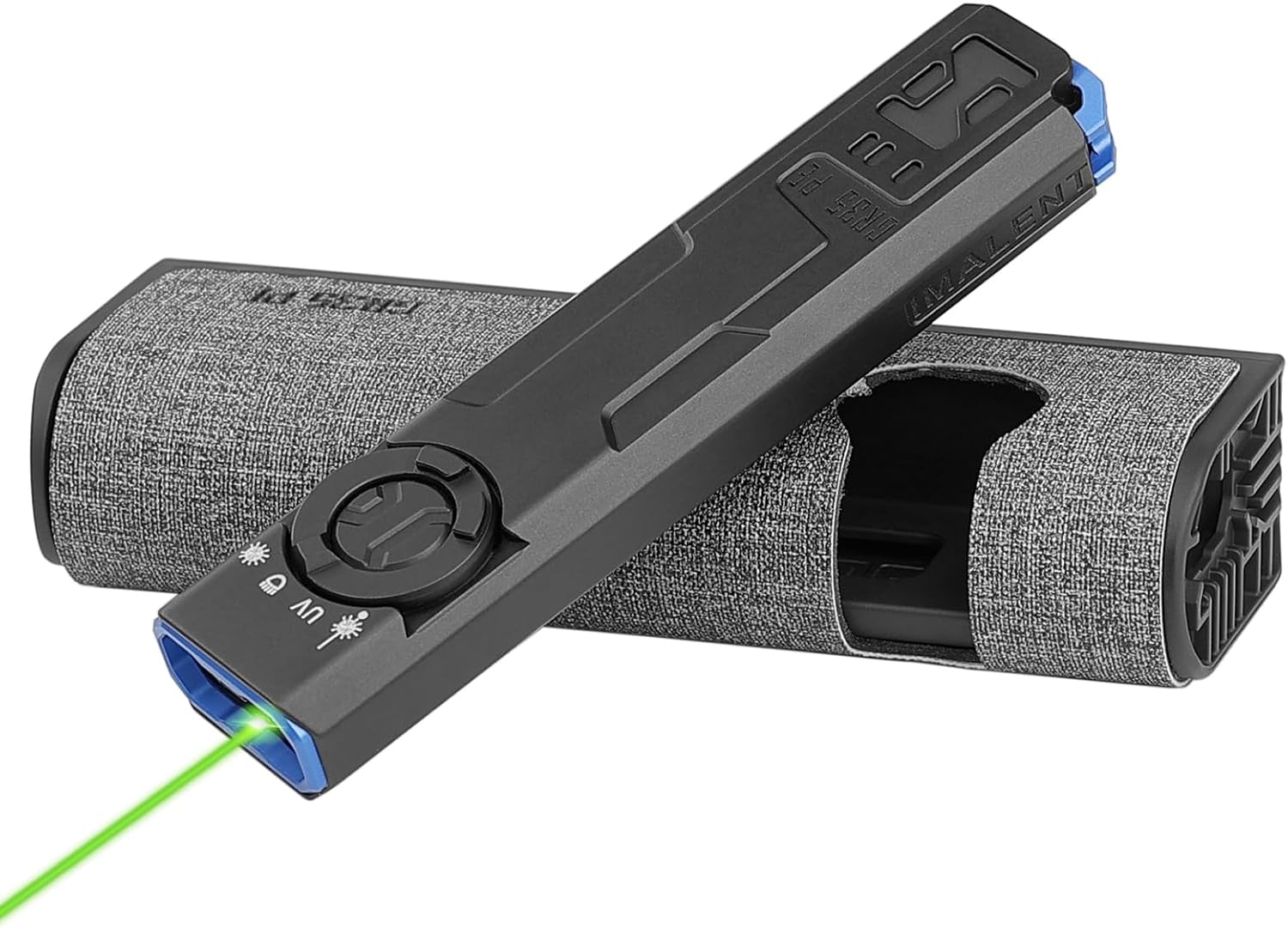
The IMALENT GR35 flashlight, shown with its charging case and an active green laser beam.
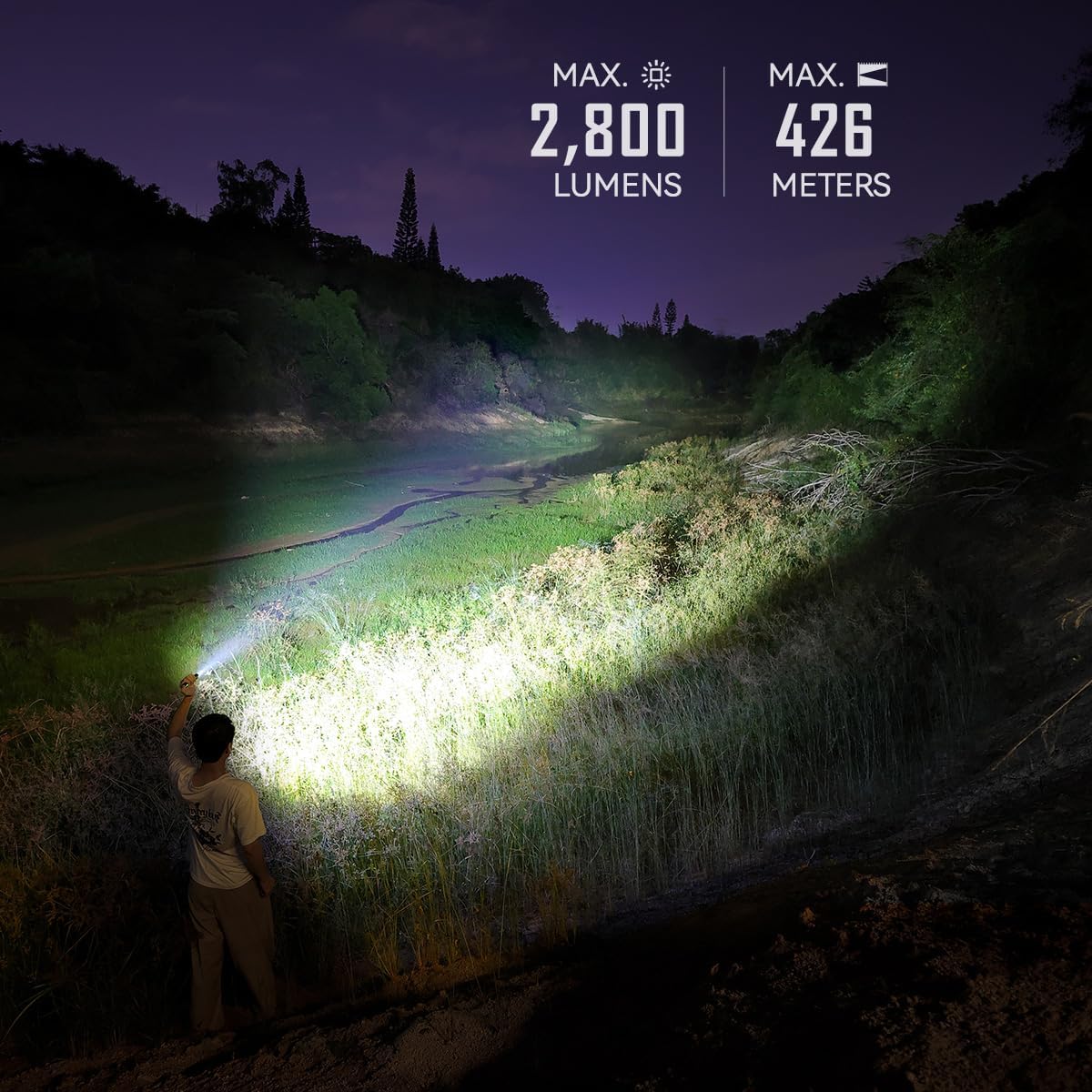
The GR35 flashlight demonstrating its powerful 2800 lumen output and 426-meter beam distance in an outdoor setting.
2. Persediaan
2.1 Pengecasan Awal
Before first use, fully charge the IMALENT GR35 flashlight and its charging case. The device comes with a Type-C charging cable.
- Connect the Type-C charging cable to the flashlight's charging port or the charging case's input port.
- Connect the other end of the cable to a compatible USB power adapter (please use an adapter with a power output greater than 10W for the charging case).
- The flashlight fully charges in approximately 1.5 hours. The charging case fully charges in approximately 2 hours.

The GR35 flashlight being charged via its Type-C port, indicating super fast charging capability.
2.2 Penunjuk Aras Bateri
The GR35 features a battery indicator to monitor the charge status of the flashlight and the charging case:
- Lampu Hijau: 66% - 100% battery level.
- Cahaya Kuning: 33% - 66% battery level.
- Lampu Merah: 0% - 33% battery level.
- The indicator light will turn green when the charge case has been fully charged.

Visual representation of the battery level indicator on the GR35 charging case.
3. Arahan Operasi
3.1 Hidupkan/Mati Kuasa
To turn the flashlight on or off, press and hold the power switch button located on the side of the device.
3.2 Brightness Levels and Strobe
The GR35 offers 6 brightness levels and a strobe mode for various lighting needs:
- When the flashlight is on, press and hold the power switch button to cycle through the brightness levels (Moonlight, Low, Middle Low, Middle, High, Turbo). Release the button to select the desired output level.
- To activate Strobe mode, quickly double-press the power switch button.
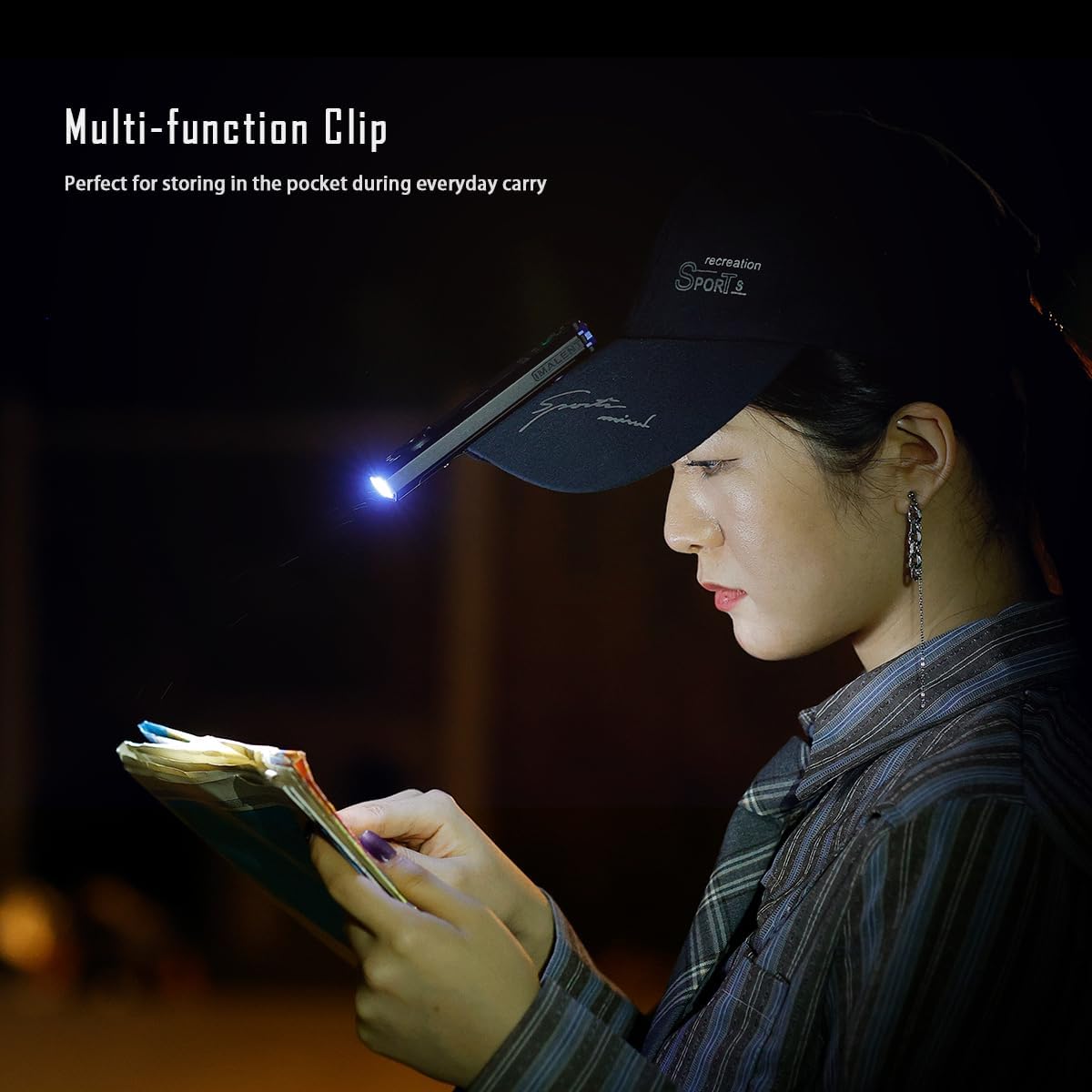
Illustration of the six brightness levels and strobe function available on the GR35 flashlight.
3.3 Light Source Modes (White, UV, Green)
The GR35 combines white light, UV light, and a green laser beam for diverse applications:
- Cahaya Putih: Standard illumination for general use.
- Cahaya UV: High-power output at 365nm wavelength, ideal for checking currency, identifying stains, or inspecting certain materials.
- Laser Hijau: Useful for presentations, pointing, or as a pet toy.
- Refer to the device's controls for specific button presses to switch between these modes.

The GR35 showcasing its various light modes: green beam, UV light, white light, and red and blue flashing lights.
3.4 Fungsi Kunci/Buka Kunci
To prevent accidental activation, the GR35 features a lock function:
- With the light off, quickly double-press the side button to lock or unlock the flashlight.

Detail of the lock/unlock button on the GR35, indicating its function.
3.5 Multi-function Clip
The integrated multi-function clip allows for convenient carrying and hands-free use:
- Attach the flashlight to a pocket, belt, or the brim of a cap for hands-free illumination.

The GR35 flashlight clipped to a cap, demonstrating its utility for hands-free tasks like reading.
4. Penyelenggaraan
4.1 Pembersihan
Regular cleaning helps maintain the flashlight's performance:
- Lap badan lampu suluh dengan kain bersih dan lembut.
- For optical surfaces (lens), use a lens cleaning cloth and solution to avoid scratches.
- Jangan gunakan pembersih atau pelarut yang melelas.
4.2 Penjagaan dan Penyimpanan Bateri
Proper battery care extends the lifespan of your device:
- Recharge the battery regularly, even if the flashlight is not in frequent use, to prevent deep discharge.
- Simpan lampu suluh di tempat yang sejuk dan kering jauh dari cahaya matahari langsung dan suhu yang melampau.
- If storing for extended periods, ensure the battery is partially charged (around 50%) to preserve its health.
5. Penyelesaian masalah
5.1 Lampu Suluh Tidak Menyala
- Semak Tahap Bateri: Refer to the battery indicator. If low, recharge the flashlight.
- Check Lock Function: Ensure the flashlight is not in lock mode. Double-press the side button to unlock.
5.2 Output Cahaya Malap
- Bateri Rendah: Isi semula lampu suluh.
- Mod Salah: Ensure you are in the desired brightness level. Cycle through modes by pressing and holding the power button.
5.3 Isu Pengecasan
- Sambungan Kabel: Ensure the Type-C cable is securely connected to both the flashlight/case and the power source.
- Penyesuai Kuasa: Verify that the USB power adapter is functioning correctly and provides sufficient power (especially for the charging case, use >10W).
- Port Pengecasan: Check for any debris or damage in the charging port.
6. Spesifikasi
| Ciri | Spesifikasi |
|---|---|
| Model | GR35 |
| Kecerahan Putih | 2800 Lumen (Maks) |
| Max Beam Throw | 426 Meter |
| Jenis Sumber Cahaya | LED (White, UV, Green) |
| Panjang gelombang UV | 365nm (630mW output) |
| Sumber Kuasa | Dikuasakan Bateri (termasuk 1 bateri Lithium Ion) |
| Komposisi Sel Bateri | Litium Ion |
| Voltage | 4.2 Volt |
| bahan | aluminium |
| Dimensi Produk | 5.1"D x 0.65"W x 1.2"H |
| Berat Barang | 9.6 auns |
| Tahap Ketahanan Air | Kalis air |
| Komponen yang Disertakan | Kabel Pengecasan |

Detailed specifications for the GR35 charging case, including input/output and charging times.
7. Waranti dan Sokongan
The IMALENT GR35 flashlight comes with a limited warranty. For specific warranty terms and conditions, please refer to the documentation provided with your purchase or visit the official IMALENT webtapak.
For technical support, troubleshooting assistance, or any inquiries regarding your IMALENT GR35, please contact IMALENT customer service. You can find contact information on the official IMALENT webtapak atau melalui tempat pembelian anda.
Official IMALENT Store: IMALENT Store on Amazon