
1. Maklumat Keselamatan Penting
- Always turn off the power supply before installing or replacing the bulb.
- This bulb is designed for indoor use only. Do not use in wet locations or outdoors.
- Do not use this smart bulb with traditional dimmer switches. It features built-in dimming functionality controlled via the app or voice commands. Using it with an external dimmer may cause damage or malfunction.
- Pastikan voltage of your fixture is compatible with the bulb (AC 120V).
- Jangan buka atau ubah suai mentol.
- Jauhkan daripada kanak-kanak.
2. Produk Lebihview
The I-SHUNFA Wi-Fi RGBCW Smart G9 LED Bulb offers advanced lighting control through your smartphone or voice assistant. It provides a wide range of colors and adjustable white light to suit any mood or activity.

Imej: Selesaiview of I-SHUNFA G9 Smart Bulb features.
Ciri-ciri Utama:
- 16 Juta Warna: Choose from a vast spectrum of colors to create custom lighting scenes.
- Cahaya Putih Boleh Laras: Seamlessly transition between warm white (2700K) and cool white (6500K).
- Kecerahan Boleh Dimalapkan: Adjust brightness from 1% to 100% (40LM-400LM) via the app or voice.
- Cekap Tenaga: 4W LED bulb equivalent to 40-50W incandescent, saving up to 90% energy.
- Kawalan Suara: Serasi dengan Amazon Alexa dan Google Assistant untuk operasi bebas tangan.
- Kawalan Apl: Manage your bulbs from anywhere using the 'Smart Life' app (2.4GHz Wi-Fi required).
- Kawalan Kumpulan: Control multiple bulbs simultaneously for unified lighting.
- Pemasa & Jadual: Set custom schedules for automatic on/off times.
- Music Rhythm Mode: Lights change color with the rhythm of music or sound.
- Jangka hayat yang panjang: Designed to last approximately 30,000 hours.
3. Spesifikasi
| Nama Model | G9-2835B-95LED |
| Pangkalan Mentol | G9 |
| Jenis Cahaya | LED (RGBCW) |
| Wattage | 4 Watt |
| Setara Pijar | 40-50 Watt |
| Kecerahan | 400 Lumens (adjustable 1%-100%) |
| Suhu Warna | 2700K-6500K |
| Voltage | AC 120V (100-120V, 60Hz) |
| Indeks Paparan Warna (CRI) | > 85 |
| Jangka hayat | lebih kurang 30,000 jam |
| Dimensi | 19.9mm (0.78") W x 63.5mm (2.5") H |
| bahan | plastik |
| Kaedah Kawalan | Apl, Suara |
| Penggunaan Dalaman/Luar | Dalaman |

Image: Dimensions of the G9 LED bulb compared to a G9 Halogen bulb. Please verify size before purchase.
4. Pemasangan
- Matikan: Before installation, ensure the power to the light fixture is completely turned off at the main switch or circuit breaker.
- Keluarkan Mentol Lama: Carefully remove the existing G9 bulb from its socket.
- Insert Smart Bulb: Gently insert the I-SHUNFA G9 Smart LED Bulb into the G9 socket. Ensure it is seated firmly.
- Hidupkan kuasa: Restore power to the light fixture. The bulb should light up, indicating successful installation.
5. Persediaan dan Berpasangan
5.1. Smart Life App Connection
To control your smart bulb, you need to download the 'Smart Life' app and connect the bulb to your home Wi-Fi network.
- Muat turun Aplikasi: Scan the QR code on the product packaging or search for 'Smart Life' in your smartphone's app store (iOS or Android) and download the app.
- Daftar/Log Masuk: Buka aplikasi 'Smart Life' dan daftar untuk akaun baharu atau log masuk jika anda sudah mempunyai akaun.
- Keperluan Wi-Fi: Ensure your home Wi-Fi network is 2.4GHz. The bulb does not support 5GHz Wi-Fi.
- Masukkan Mod Berpasangan: Turn the bulb on. Then, turn it off and on three times (on-off-on-off-on) in quick succession. The bulb should start flashing rapidly, indicating it is in pairing mode.
- Tambah Peranti: In the 'Smart Life' app, tap the '+' icon (usually in the top right corner) to add a device. Select 'Lighting' > 'Light Source (Wi-Fi)'.
- Sambung ke Wi-Fi: Follow the on-screen instructions to connect the bulb to your 2.4GHz Wi-Fi network. You will need to enter your Wi-Fi password.
- Peranti Ditambah: Once connected, the bulb will stop flashing and appear in your device list in the app. You can rename the bulb for easier control.

Image: Smart Life App Connection Steps.
5.2. Voice Assistant Pairing (Alexa/Google Home)
After successfully connecting your bulb to the 'Smart Life' app, you can link it with Amazon Alexa or Google Assistant for voice control.
- Open Voice Assistant App: Open the Amazon Alexa app or Google Home app on your smartphone.
- Enable Skill/Service:
- For Alexa: Go to 'Skills & Games', search for 'Smart Life', and enable the skill.
- For Google Home: Go to 'Set up device' > 'Works with Google', search for 'Smart Life', and link the service.
- Pautkan Akaun: You will be prompted to log in with your 'Smart Life' account credentials to link the accounts.
- Cari Peranti: Once linked, ask Alexa to "Discover devices" or use the 'Discover devices' option in the Google Home app. Your I-SHUNFA smart bulb will be detected.
- Assign to Rooms: Assign the bulb to a specific room for easier voice control (e.g., "Living Room Light").
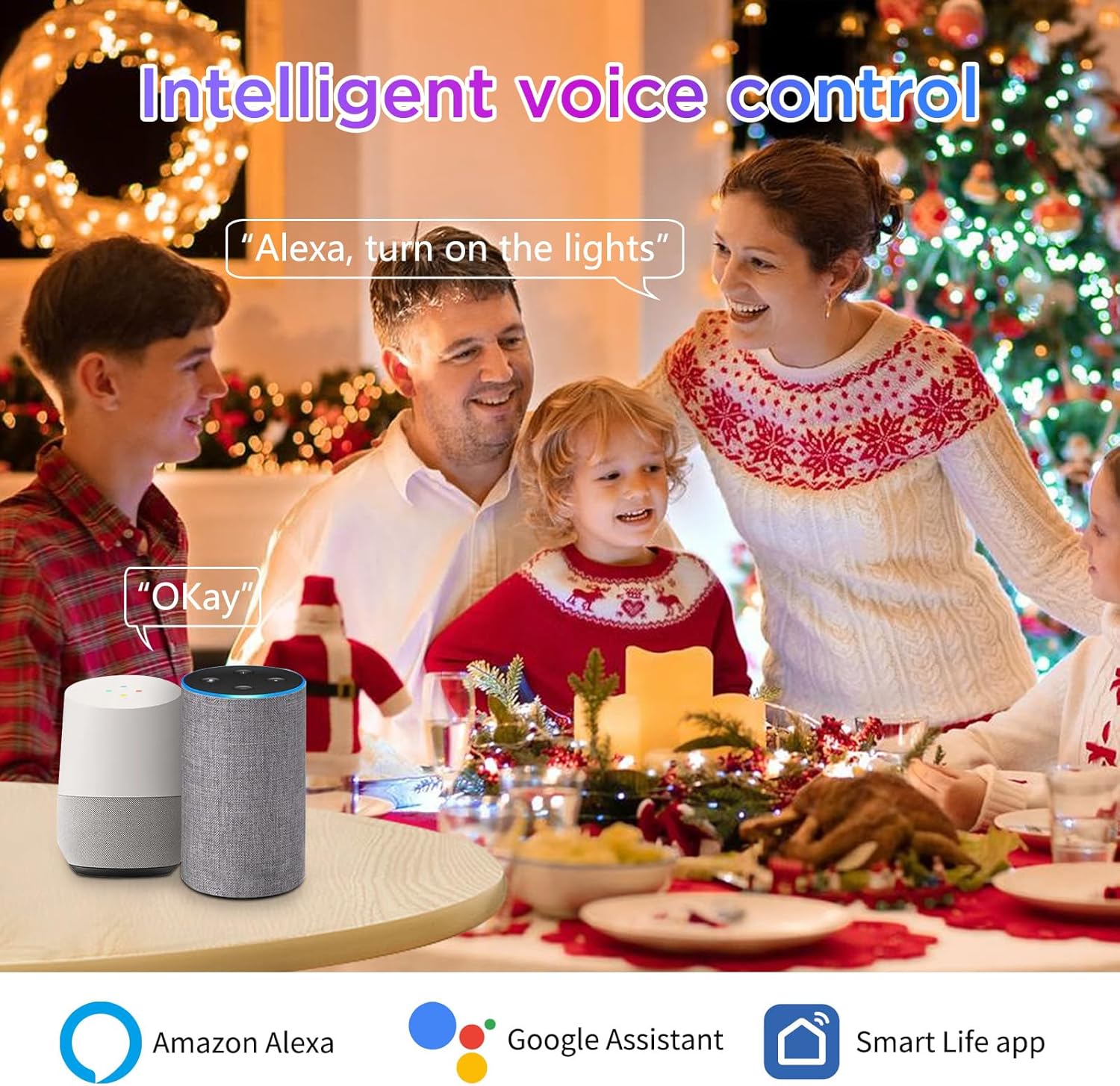
Image: Voice control with Amazon Alexa and Google Assistant.
6. Arahan Operasi
Control your I-SHUNFA Smart G9 LED Bulb using the 'Smart Life' app or your preferred voice assistant.
6.1. Pelarasan Warna dan Kecerahan
- Kawalan Apl: Open the 'Smart Life' app, select your bulb, and use the color wheel or sliders to choose from 16 million colors, adjust brightness (1%-100%), or change the white light temperature (2700K-6500K).
- Perintah Suara:
- "Alexa/Hey Google, turn on [Bulb Name]."
- "Alexa/Hey Google, set [Bulb Name] to blue."
- "Alexa/Hey Google, dim [Bulb Name] to 50%."
- "Alexa/Hey Google, set [Bulb Name] to warm white."

Image: Color Temperature and Brightness Adjustment options.
6.2. Preset Scenes
The 'Smart Life' app offers 12 preset scenes (e.g., Reading, Working, Good Night, Festivals) to instantly create different atmospheres. Select the desired scene within the app.

Imej: Cthamples of diverse scenes for colorful atmosphere.
6.3. Timers and Schedules
Set custom timers and schedules for your bulb to turn on or off automatically, helping to save energy and automate your lighting.
- Dalam apl 'Kehidupan Pintar', pilih mentol anda dan navigasi ke bahagian 'Jadual' atau 'Pemasa'.
- Set desired on/off times and repeat days.

Image: Setting individual timers for multiple bulbs.
6.4. Music Rhythm Mode
Activate the music rhythm mode in the 'Smart Life' app. The bulb's colors will change and sync with the sound detected by your smartphone's microphone, creating a dynamic lighting experience.

Image: Musical Rhythm Mode in action.
6.5. Kawalan Kumpulan
Control multiple I-SHUNFA smart bulbs simultaneously by grouping them in the 'Smart Life' app. This allows you to change the color, brightness, or turn on/off all grouped bulbs with a single command.
- In the 'Smart Life' app, select one of your bulbs, then look for the 'Create Group' option.
- Pilih semua mentol yang anda ingin sertakan dalam kumpulan dan sahkan.
- You can then control the entire group as a single device.
7. Penyelenggaraan
- Pembersihan: Ensure the bulb is off and cool before cleaning. Wipe gently with a soft, dry cloth. Do not use liquid cleaners or abrasive materials.
- Storan: Jika menyimpan mentol untuk tempoh yang lama, simpan di tempat yang sejuk dan kering jauh dari cahaya matahari langsung dan suhu yang melampau.
8. Penyelesaian masalah
| Masalah | Kemungkinan Punca | Penyelesaian |
|---|---|---|
| Bulb not connecting to Wi-Fi/App | Incorrect Wi-Fi band (5GHz), incorrect pairing mode, weak Wi-Fi signal. | Ensure your Wi-Fi is 2.4GHz. Confirm the bulb is flashing rapidly (pairing mode) by power cycling it 3 times. Move closer to your Wi-Fi router. |
| Kawalan suara tidak berfungsi | Smart Life skill/service not linked, device not discovered, incorrect commands. | Verify 'Smart Life' skill/service is enabled and linked in your Alexa/Google Home app. Ask the voice assistant to "Discover devices." Use correct voice commands as listed in the app. |
| Bulb is offline in the app | Kehilangan sambungan Wi-Fi, kuasa terputustage. | Check your Wi-Fi router and internet connection. Power cycle the bulb (turn off for 10 seconds, then on). If the issue persists, try re-pairing the bulb. |
| Bulb does not respond to external dimmer switch | Incompatibility with external dimmer. | This smart bulb is not compatible with external dimmer switches. Use the 'Smart Life' app or voice commands for dimming functionality. |
| Mentol tidak cukup terang | Brightness set too low, lumen output not sufficient for application. | Adjust brightness to 100% in the app. Note that this 400-lumen bulb is equivalent to a 40-50W incandescent bulb; consider if higher lumen output is needed for your specific use case. |
9. Waranti dan Sokongan
For warranty information or technical support, please refer to the product packaging or contact the manufacturer directly through their official weblaman web atau saluran khidmat pelanggan. Simpan resit pembelian anda untuk tuntutan jaminan.


