
Leica Q3
Leica Q3 Camera User Manual
Arahan Komprehensif untuk Operasi dan Penyelenggaraan
1. Introduction to the Leica Q3
This manual provides detailed instructions for the effective use and maintenance of your Leica Q3 camera. Designed for both new and experienced photographers, it aims to clarify camera functions, settings, and operational procedures to help you achieve optimal photographic results.
The Leica Q3 is a high-performance digital camera known for its exceptional image quality, intuitive controls, and robust build. Understanding its capabilities is key to unlocking its full potential.
This document serves as a practical guide, offering insights into various aspects of the camera's operation, from initial setup to advanced creative controls and troubleshooting.
2. Persediaan Awal
2.1. Unpacking and First Steps
- Carefully remove all components from the packaging. Verify that all items listed in the camera's official packing list are present.
- Insert the battery into the camera. Ensure it is fully charged before first use.
- Insert a compatible SD card (UHS-II recommended) into the designated slot.
2.2. Basic Camera Settings
- Pemilihan Bahasa: Navigate to the camera's main menu and select your preferred language.
- Tarikh dan Masa: Set the correct date and time to ensure accurate metadata for your photographs.
- Kemas kini Firmware: Check the Leica website for the latest firmware version for your Q3. Follow the instructions for updating if a newer version is available.
3. Operating the Leica Q3
3.1. Understanding Camera Controls
Familiarize yourself with the physical controls of the Leica Q3, including the aperture ring, shutter speed dial, ISO dial, and customizable function buttons. Each control is designed for intuitive access to key photographic parameters.
3.2. Navigasi Menu
The Q3's menu system is structured for efficiency. Use the joystick and control dials to navigate through settings. Key menu sections include:
- Tetapan Foto: Image quality (JPG/DNG), resolution, aspect ratio.
- Tetapan Video: Resolution, frame rate, audio options.
- Penyesuaian: Assign functions to programmable buttons, configure user profiles.
3.3. Exposure Control (Aperture, Shutter Speed, ISO)
Mastering the exposure triangle is fundamental. The Leica Q3 offers various modes to control exposure:
- Keutamaan Apertur (A): Set the aperture, and the camera selects the shutter speed. Ideal for controlling depth of field.
- Keutamaan Pengatup (S): Set the shutter speed, and the camera selects the aperture. Useful for controlling motion blur.
- Manual (M): Full control over aperture, shutter speed, and ISO.
- Program (P): Camera sets both aperture and shutter speed for balanced exposure.
3.4. Focusing Techniques
The Q3 features a sophisticated autofocus system and precise manual focus capabilities.
- Autofocus Modes: Single AF (AF-S) for stationary subjects, Continuous AF (AF-C) for moving subjects, and Touch AF.
- Fokus Manual: Utilize focus peaking and magnification aids for critical manual focusing.
3.5. Image Styles and Profiles
The Leica Q3 allows for customization of image processing parameters, often referred to as "Leica Looks" or film simulations. Experiment with these settings to achieve desired aesthetic outcomes directly in-camera for JPG files.
3.6. Video Recording and Connectivity
The Q3 supports high-quality video recording. Access video mode via the dedicated switch or menu option. For connectivity, use the Leica FOTOS app for wireless transfer and remote control, or connect directly via USB-C for data transfer.
4. Penyelenggaraan dan Penjagaan
Proper care ensures the longevity and performance of your Leica Q3.
- Membersihkan Lensa: Use a soft brush or air blower to remove dust, followed by a microfiber cloth and lens cleaning solution if necessary. Avoid touching the lens surface with bare hands.
- Membersihkan Sensor: Sensor cleaning should be performed by authorized service personnel or with extreme caution using specialized tools.
- Penjagaan Bateri: Store batteries in a cool, dry place. Avoid overcharging or fully discharging them frequently.
- Storan: When not in use, store the camera in a dry, dust-free environment, preferably with a desiccant to prevent moisture buildup.
- Perlindungan Alam Sekitar: Protect the camera from extreme temperatures, humidity, dust, and direct impact.
5. Penyelesaian masalah
This section addresses common issues you might encounter with your Leica Q3.
| Masalah | Kemungkinan Punca | Penyelesaian |
|---|---|---|
| Kamera tidak dihidupkan. | Bateri habis atau salah dimasukkan. | Cas bateri sepenuhnya. Masukkan semula bateri dengan betul. |
| Imej adalah kabur. | Fokus yang salah, gegaran kamera atau kelajuan pengatup yang rendah. | Check focus mode and point. Use a faster shutter speed or tripod. Ensure lens is clean. |
| Ralat kad memori. | Kad penuh, rosak atau tidak serasi. | Replace with an empty card. Format the card (this will erase all data). Use a recommended card type. |
| Flash tidak menyala. | Flash is disabled, or in a mode where it won't fire. | Check flash settings in the menu. Ensure it's not in silent or specific scene modes. |
If problems persist, consult the official Leica Q3 support resources or contact authorized service centers.
6. Specifications (Leica Q3 Camera)
Note: These are general specifications for the Leica Q3 camera. For detailed and up-to-date technical specifications, please refer to the official Leica Q3 product documentation.
- Penderia: Full-frame BSI CMOS sensor (approx. 60.3 MP)
- Kanta: Leica Summilux 28mm f/1.7 ASPH. (fixed)
- Julat ISO: ISO 50 hingga 100,000
- Rakaman Video: Up to 8K video
- Fokus automatik: Hybrid AF system (Phase Detection AF + Contrast AF)
- paparan: 3.0-inch tiltable touchscreen LCD
- Viewpencari: 5.76 MP OLED electronic viewpencari
- Ketersambungan: Wi-Fi, Bluetooth, USB-C, HDMI
- Storan: SD card slot (UHS-II compatible)
- Bateri: Leica BP-SCL6 (rechargeable Li-Ion)
7. Waranti dan Sokongan
Warranty information for your Leica Q3 camera is typically provided with the original purchase documentation. Please refer to the warranty card or the official Leica website for details regarding coverage, terms, and conditions.
For technical support, service, or further inquiries, please visit the official Leica Camera AG website or contact an authorized Leica service center in your region. Keep your proof of purchase handy when seeking support.
8. Sumber Tambahan
For more in-depth information and visual aids, consider consulting the official Leica Q3 user manual provided with your camera or visiting the Leica support portal online.
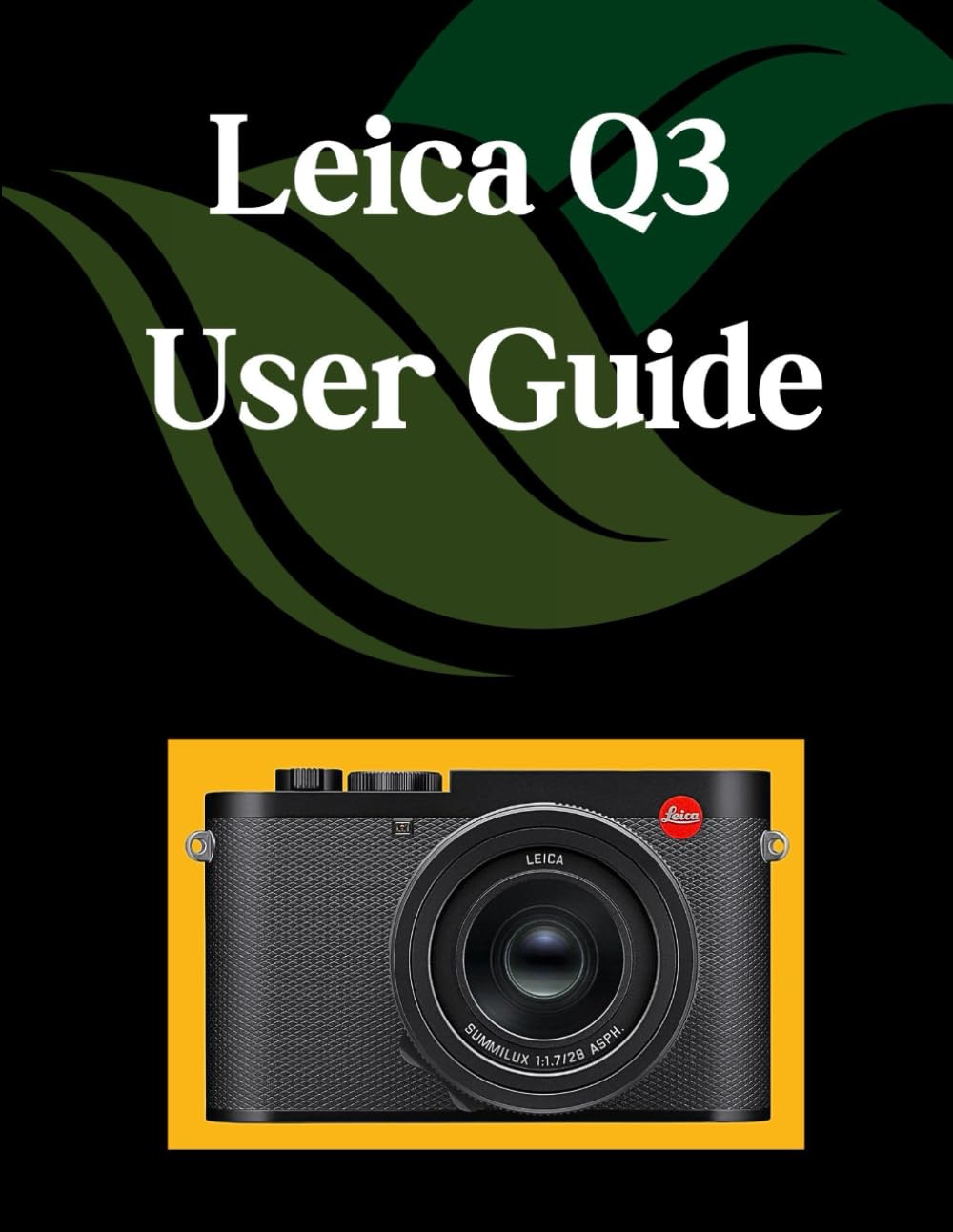
Image 1: Front cover of the 'Leica Q3 User Guide' book. This image displays the title and design of the instructional manual itself.

Image 2: Back cover of the 'Leica Q3 User Guide' book. This image shows the rear design, including the ISBN barcode and publisher information of the manual.
Dokumen Berkaitan - Q3
 |
Leica CEYOO Flash Unit Manual: Features, Operation, and Accessories Guide Explore the Leica CEYOO Flash Unit with this comprehensive manual. Learn about its features, how to use it with Leica If, IIf, IIIf, and M3 cameras, connection instructions, and advanced multiple flash setups. Includes a detailed parts and pricing list. |
 |
Leica S Digital Camera User Manual and Instructions This document is the comprehensive user manual and instruction guide for the Leica S digital medium format SLR camera, detailing setup, operation, features, settings, maintenance, and technical specifications. |
 |
Leica Q3 43 テクニカルデータ Leica Q3 43 デジタルカメラの詳細な技術仕様。センサー、プロセッサー、レンズ、ビデオ録画機能(C8K、8K、4K、フルHD解像度および各種フレームレート/コーデックを含む)、フォーカスシステム、露出制御、ISO感度、接続オプション(Wi-Fi、Bluetooth、GPS)、および電源管理に関する仕様を網羅しています。 |
 |
Leica S2 Digital Camera Operating Instructions This document provides comprehensive operating instructions for the Leica S2 digital SLR camera, detailing its extensive features and functionalities, including setup, camera operations, exposure control, flash photography, image management, firmware updates, technical specifications, and maintenance. |
 |
Leica M11-P Technical Specifications Comprehensive technical specifications for the Leica M11-P digital rangefinder camera, covering sensor, shutter, exposure, connectivity, and power details. |
 |
Leica M11-P Technical Data Sheet Comprehensive technical specifications for the Leica M11-P digital rangefinder camera, including sensor details, connectivity, power supply, and physical dimensions. |
Ask a question about this manual
Ask about setup, troubleshooting, compatibility, parts, safety, or missing instructions. Manuals+ will review the question and use this page’s manual context to help answer it.