
Mini 1080P WiFi Doorbell Camera
Mini 1080P WiFi Doorbell Camera User Manual
Model: Mini 1080P WiFi Doorbell Camera | Brand: Generic
pengenalan
This user manual provides comprehensive instructions for the installation, operation, and maintenance of your Mini 1080P WiFi Doorbell Camera. Please read this manual carefully before using the product to ensure proper functionality and safety. This device offers advanced security features, including HD video, two-way audio, and remote access, designed to enhance your home's protection and convenience.
Produk Selesaiview
The Mini 1080P WiFi Doorbell Camera is a smart wireless video doorbell designed for home security. It features a 1080P HD camera, two-way intercom, and WiFi connectivity for remote monitoring via the Tuya Smartlife APP.

Rajah 1: Depan view of the Mini 1080P WiFi Doorbell Camera, showing the camera lens, motion sensor, and doorbell button.
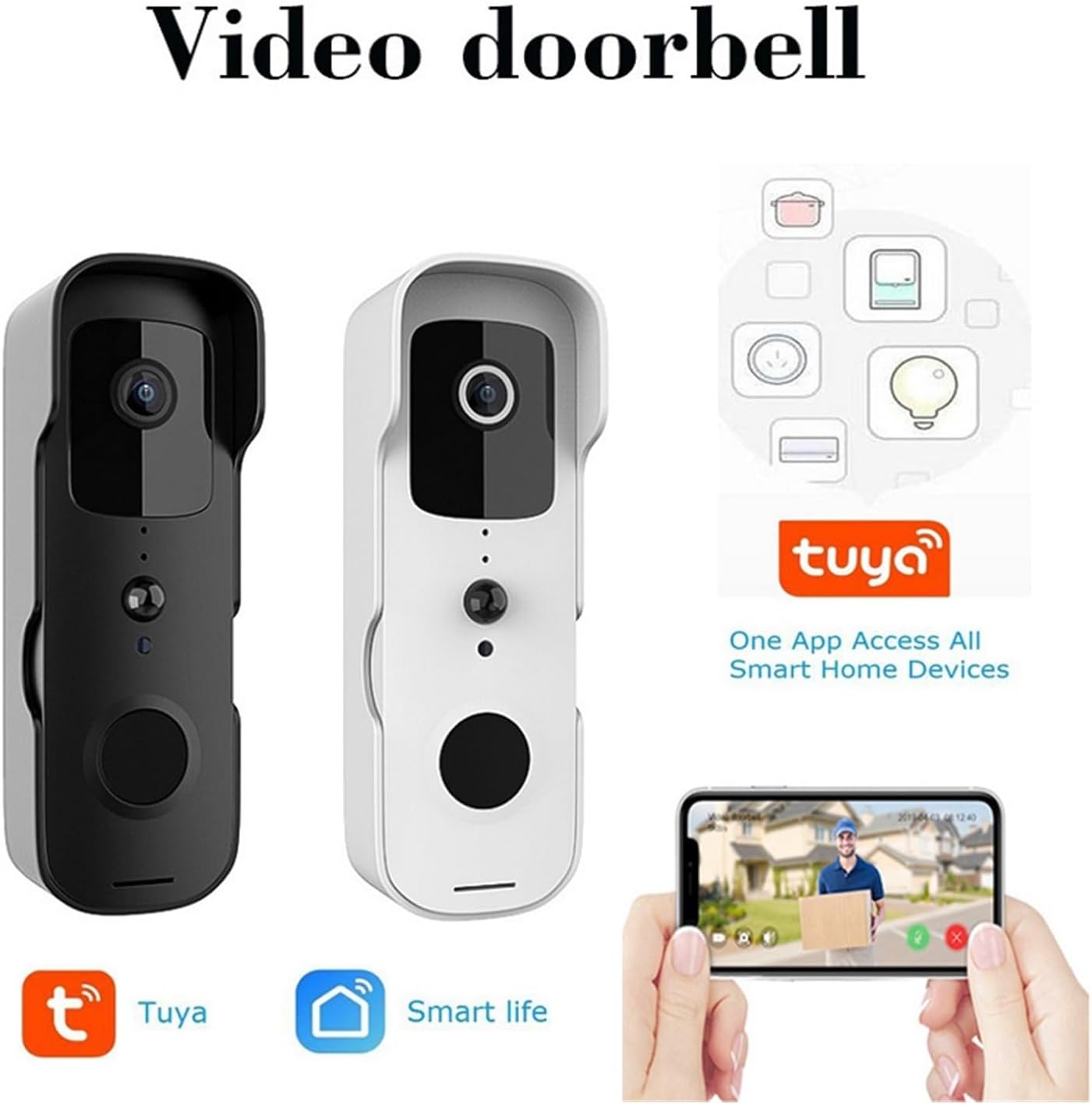
Figure 2: The Mini 1080P WiFi Doorbell Camera available in both black and white finishes, highlighting its compatibility with the Tuya and Smart Life applications for smart home integration.
Ciri-ciri Utama
- HD 1080P Picture Quality: Provides clear images and videos for effective doorway monitoring.
- Sambungan Wayarles: Easy communication with your smartphone or tablet via WiFi for remote viewing.
- Security Protection: Equipped with intelligent detection and alert features for unusual activity or intrusion.
- Interactive Intercom: Built-in function for real-time two-way dialogue with visitors.
- Tuya Smartlife APP Support: Manage and control doorbell settings, including alarm settings and video playback, through the app.
- Pemasangan Mudah: Designed for easy mounting and connection to your Wi-Fi network.
- Akses Jauh: Monitor your doorway from anywhere with an internet connection.
- Reka Bentuk Kuasa Rendah: Optimized for extended battery life and reduced power consumption.
- Perkongsian Berbilang Pengguna: Share access to the doorbell camera with family or friends.
- Reka bentuk kalis air: Ensures proper operation even in adverse weather conditions.
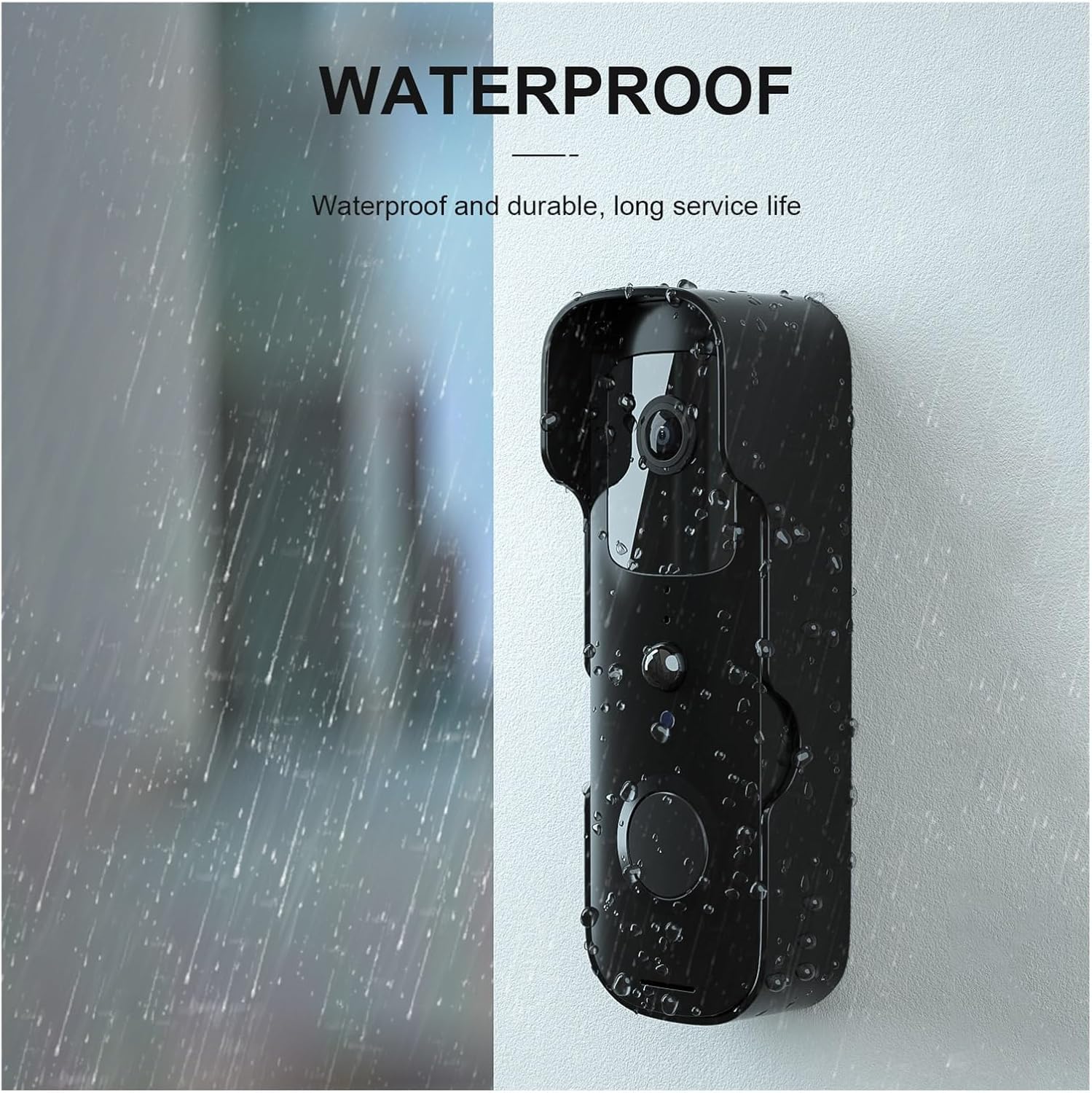
Figure 3: The doorbell camera features a waterproof design, ensuring durability and reliable performance in various weather conditions.

Gambar 4: Lebihview of the video doorbell's capabilities, including outside control, doorbell function, visitor viewing, wireless connectivity, power status, induction light, open door detection, and warning alerts.
Persediaan
1. Pengecasan Awal
Before first use, fully charge the doorbell camera using the provided USB cable. A full charge ensures optimal performance and battery life.
2. Muat Turun dan Pendaftaran Aplikasi
- Muat turun Tuya Smartlife APP dari gedung aplikasi telefon pintar anda (iOS App Store atau Google Play Store).
- Buka aplikasi dan daftar untuk akaun baharu atau log masuk jika anda sudah memilikinya.
3. Berpasangan Peranti
- Ensure your doorbell camera is powered on and in pairing mode (refer to the device's indicator light for status).
- In the Tuya Smartlife APP, tap the "+" icon to add a new device.
- Select "Video Surveillance" or "Smart Doorbell" from the device list.
- Follow the on-screen instructions to connect the doorbell to your 2.4GHz Wi-Fi network. You may need to scan a QR code displayed on your phone with the doorbell camera.
- Once connected, name your device and complete the setup process.
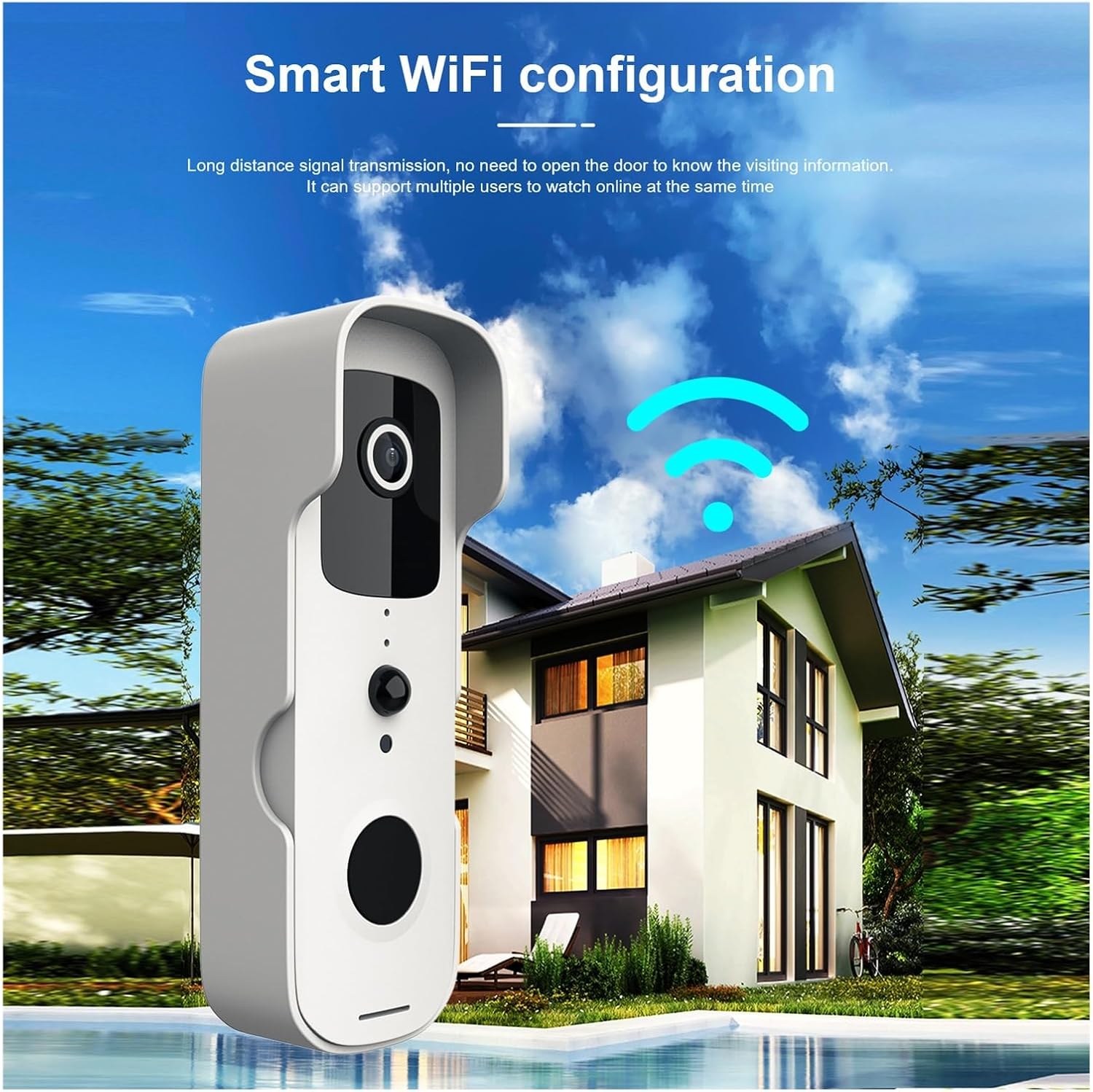
Figure 5: The doorbell camera establishing a wireless connection to a home network, indicating its WiFi configuration for remote access.
4. Pemasangan Fizikal
Choose a suitable location near your door, ensuring clear line of sight and good Wi-Fi signal strength. Use the provided mounting bracket and screws to securely fix the doorbell camera to the wall or door frame. Ensure the installation height allows for optimal viewkehadiran pelawat.
Arahan Operasi
1. Hidup View dan Audio Dua Hala
Open the Tuya Smartlife APP and select your doorbell device. You will see a live video feed from the camera. To speak with a visitor, tap the microphone icon in the app. To listen, ensure the speaker icon is enabled.

Figure 6: A mobile phone displaying a live video call from the doorbell camera, demonstrating the two-way communication feature compatible with both iPhone and Android devices.
2. Pengesanan Pergerakan dan Makluman
The doorbell camera is equipped with PIR (Passive Infrared) detection to identify human and pet movement. When motion is detected, you will receive an instant notification on your smartphone. You can adjust the sensitivity of motion detection in the app settings to minimize false alerts.

Figure 7: Diagram illustrating the PIR detection capabilities of the doorbell camera, showing its ability to detect people, birds, and pets, while filtering out non-relevant movements like cars, wind, and insects.
3. Rakaman dan Main Semula Video
The doorbell camera supports local storage (via microSD card, not included) or cloud storage (subscription may be required) for recording events. Access recorded videos through the Tuya Smartlife APP's playback function.
4. Perkongsian Berbilang Pengguna
To share access with family members, navigate to the device settings in the Tuya Smartlife APP and select "Share Device." You can invite other users to view suapan langsung dan terima makluman.
Penyelenggaraan
- Pembersihan: Lap kanta dan badan kamera dengan lembut,amp kain. Jangan gunakan bahan kimia yang keras atau pembersih yang kasar.
- Hayat Bateri: The low power design extends battery life. Recharge the device when the battery indicator in the app shows low power.
- Kemas kini Firmware: Periodically check the Tuya Smartlife APP for available firmware updates to ensure optimal performance and security.
Menyelesaikan masalah
| Masalah | Kemungkinan Punca | Penyelesaian |
|---|---|---|
| Device won't connect to Wi-Fi. | Incorrect Wi-Fi password; 5GHz Wi-Fi network; weak signal. | Ensure correct 2.4GHz Wi-Fi password; move doorbell closer to router; restart router. |
| Tiada amaran pengesanan gerakan. | Motion detection disabled; low sensitivity; app notifications off. | Enable motion detection in app; increase sensitivity; check phone notification settings. |
| Kualiti video yang teruk. | Isyarat Wi-Fi lemah; kanta kotor. | Improve Wi-Fi signal strength; clean camera lens. |
| Audio dua hala tidak berfungsi. | Mikrofon/pembesar suara diredam dalam aplikasi; masalah rangkaian. | Check app audio settings; ensure stable internet connection. |
Spesifikasi
- model: Mini 1080P WiFi Doorbell Camera
- Resolusi Video: 1080P HD
- Ketersambungan: Wi-Fi (2.4GHz sahaja)
- Sokongan Aplikasi: Tuya Smartlife APP
- Pengesanan Pergerakan: PIR (Pasif Inframerah)
- Audio: Interkom dua hala
- Kuasa: Low power consumption design (battery operated)
- kalis air: ya
- Pengeluar: YUD5DAS
- Negara Asal: China
- ASIN: B0F2M93Y7F
Waranti dan Sokongan
For warranty information and technical support, please refer to the contact details provided by your retailer or visit the official Generic brand webtapak. Simpan resit pembelian anda sebagai bukti pembelian untuk tuntutan waranti.
Ask a question about this manual
Ask about setup, troubleshooting, compatibility, parts, safety, or missing instructions. Manuals+ will review the question and use this page’s manual context to help answer it.