
pengenalan
Thank you for choosing the TCL 65Q6C 65-inch 4K QD-Mini LED Google TV. This manual provides essential information for the safe and efficient use of your television. Please read it thoroughly before operating the device and retain it for future reference.
Ciri-ciri Utama
- QD-Mini LED Technology: Enhances color accuracy and contrast, improving overall display quality. Precise dimming reaches 512 zones, with over a billion shades of perfect vivid colors.
- High Brightness HDR: Enjoy unparalleled brightness with high HDR technology, offering deep contrast and stunning highlights for an immersive viewing experience. See every detail come to life with amazing clarity and vibrant colors.
- Paparan QLED: Features 93% DCI-P3 color gamut coverage, providing unparalleled color for stunning and vibrant visuals and enhanced color accuracy.
- Kadar Penyegaran Asli 144Hz: Experience ultra-smooth motion with a native 144Hz refresh rate, ideal for gaming and fast-paced scenes.
- Onkyo 2.1 Hi-Fi Audio System: Delivers rich and immersive sound for a complete home entertainment experience.

Rajah 1: Depan view of the TCL 65Q6C 65-inch 4K QD-Mini LED Google TV.

Figure 2: Illustrates the advantages of QD-Mini LED technology over ordinary LED TVs, highlighting improvements in color, brightness, and contrast.

Rajah 3: Tamatview of the key technologies and design elements integrated into the TCL 65Q6C TV.
Persediaan
1. Membongkar dan Pemeriksaan
Carefully remove the TV from its packaging. Inspect for any damage. Ensure all accessories are present: remote control, power cable, stand components, and screws.
2. Pemasangan Stand (Pilihan)
If using the TV stand, place the TV face down on a soft, flat surface. Attach the stand bases to the TV using the provided screws, ensuring they are securely fastened.
3. Pemasangan Dinding (Pilihan)
For wall mounting, refer to the VESA mounting standard: 600 x 400 mm. Use a compatible wall mount bracket (sold separately) and follow its instructions carefully. Professional installation is recommended for safety.

Rajah 4: Pro sampinganfile of the TV, illustrating its slim design and port locations.
4. Menghubungkan Peranti
- Kuasa: Sambungkan kabel kuasa ke TV dan kemudian ke saluran keluar dinding.
- Peranti HDMI: Use HDMI cables to connect external devices like gaming consoles, Blu-ray players, or set-top boxes to the HDMI ports. This model supports HDMI connectivity.
- Peranti USB: Connect USB drives for media playback or other compatible devices to the USB ports. This model includes USB 3.0 ports.
- Sistem Audio: For external audio, connect via HDMI (ARC/eARC) or Bluetooth. The TV features an Onkyo 2.1 Hi-Fi audio system with Dolby Atmos support.

Rajah 5: Belakang view of the TV, highlighting the VESA mounting points and various input/output connections.
5. Penghidupan Awal dan Persediaan Google TV
After connecting power, press the power button on the remote control. Follow the on-screen instructions to complete the initial setup, including network connection, Google account login, and channel scanning.
Beroperasi
1. Fungsi Alat Kawalan Jauh
The remote control allows you to navigate the Google TV interface, adjust volume, change channels, select inputs, and access smart features. Familiarize yourself with the button layout for optimal use.
2. Antara Muka Google TV
Your TV runs on Google TV, providing a personalized home screen with content recommendations, access to streaming apps, and Google Assistant voice control. Use the directional pad on your remote to navigate menus and select items.
3. Pemilihan Input
To switch between connected devices (e.g., HDMI 1, USB), press the 'Input' button on your remote and select the desired source from the on-screen menu.
4. Kawalan Suara
Press the Google Assistant button on your remote and speak into the microphone to search for content, control smart home devices, get answers, and more.
5. Ciri-ciri Permainan
The TCL 65Q6C is optimized for gaming with its 144Hz native refresh rate and Game Master mode. Ensure your gaming console is connected to an HDMI port that supports high refresh rates for the best experience.
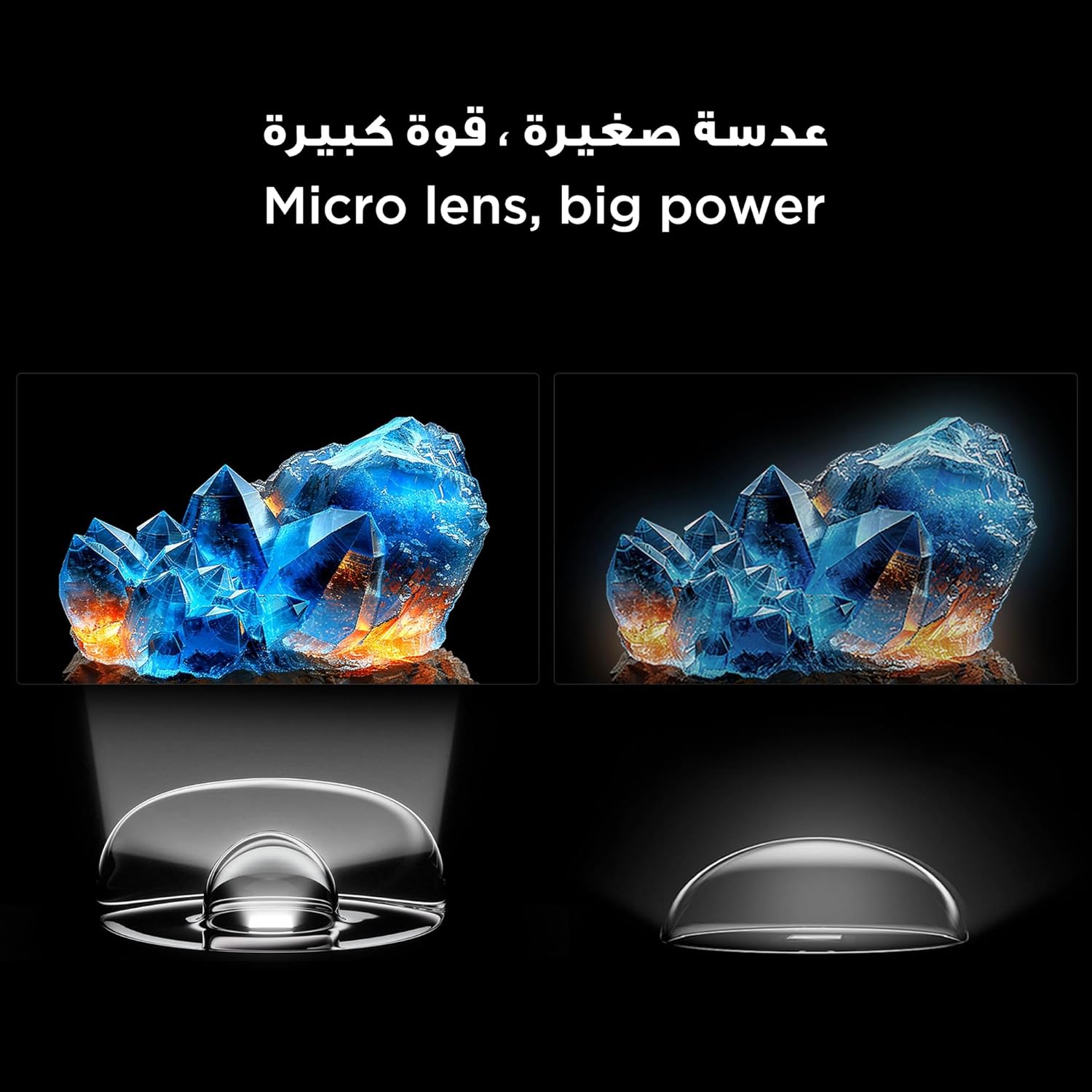
Figure 6: Demonstrates the smooth and clear motion provided by the 144Hz native refresh rate, ideal for fast-paced content and gaming.
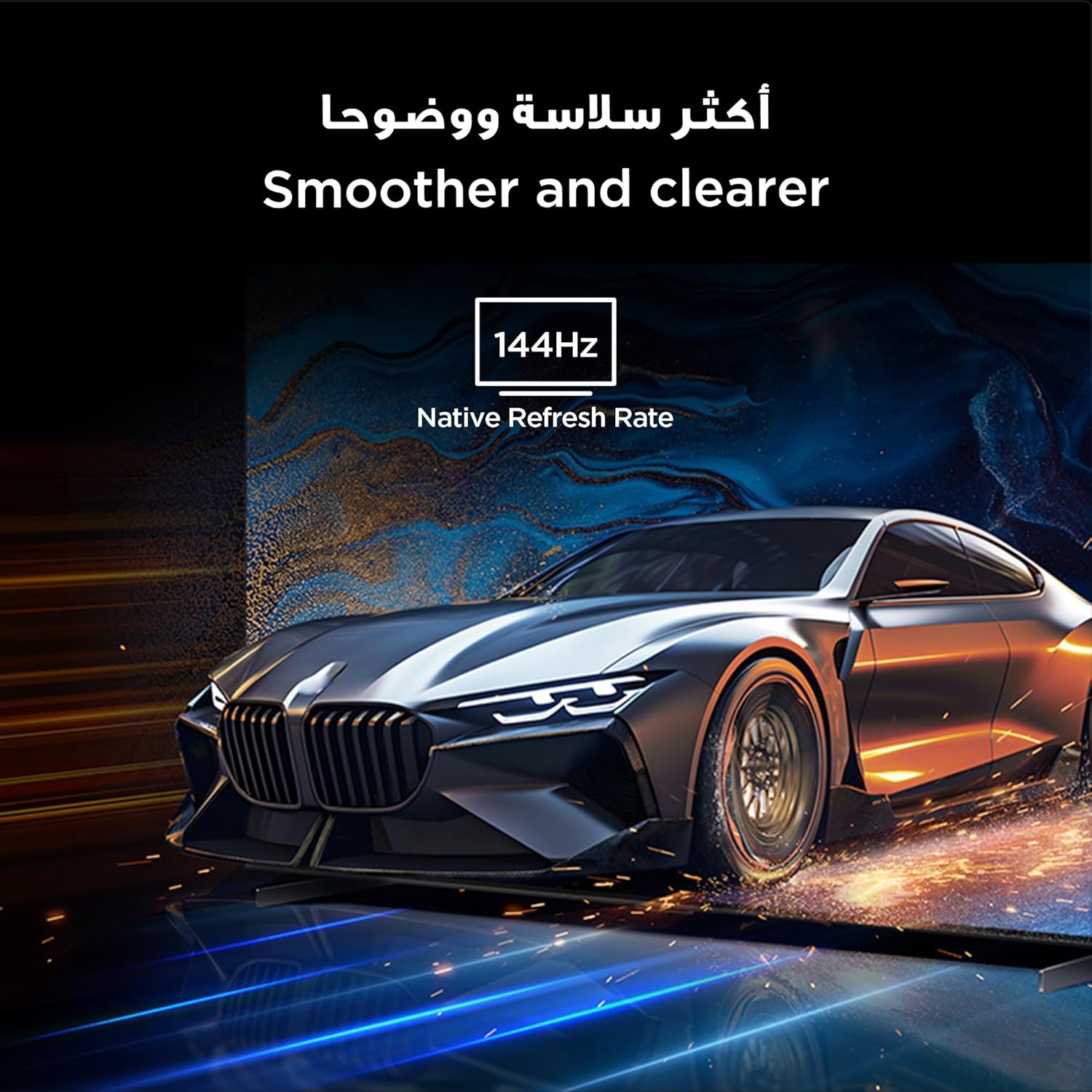
Figure 7: Highlights the immersive audio experience delivered by the integrated Onkyo 2.1 sound system, defining a new standard for home theater.
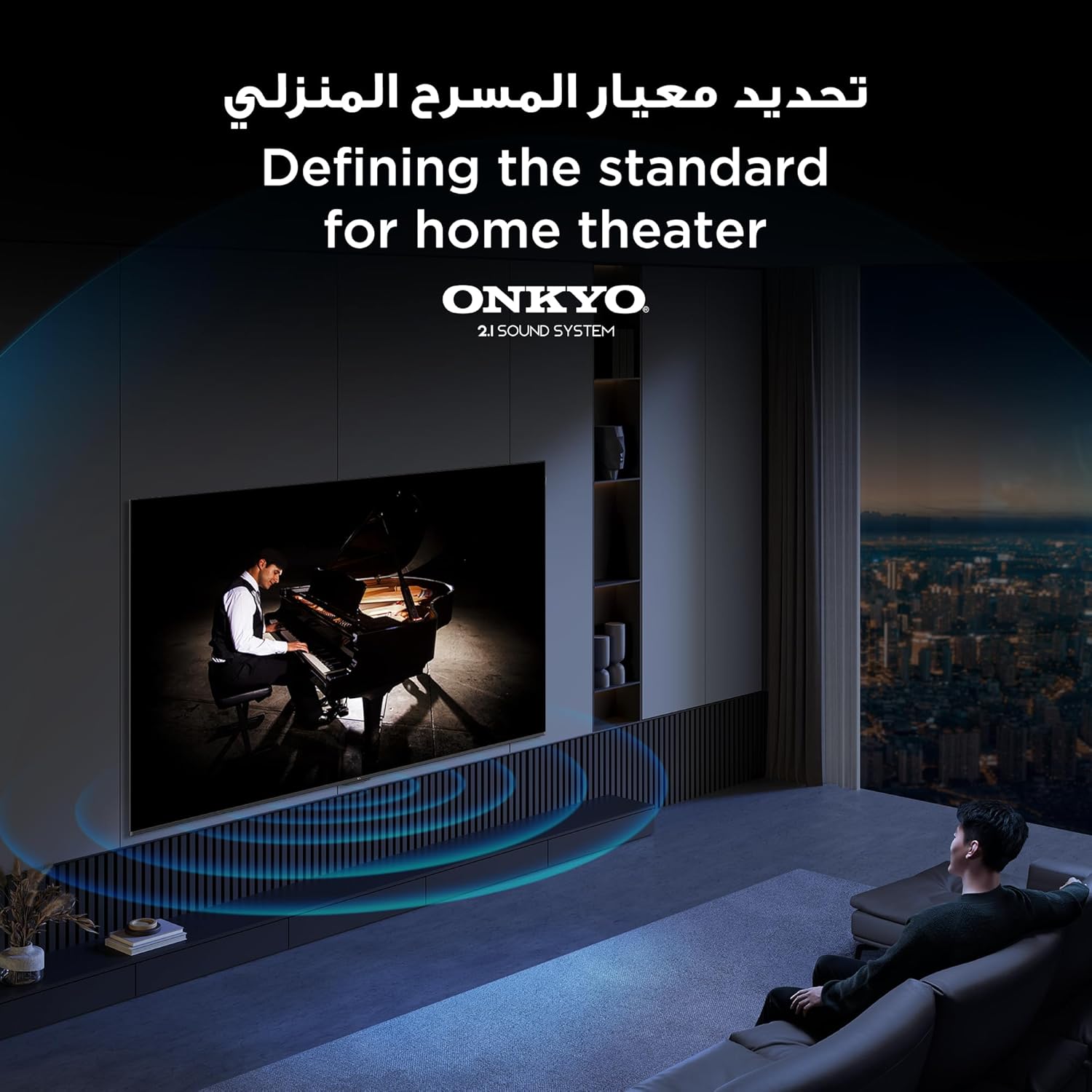
Figure 8: Visual representation of the AiPQ Pro Processor, which intelligently perceives, thinks, and produces optimized visuals and audio.

Figure 9: Illustrates the smart control capabilities of the TCL TV, allowing users to manage other TCL smart devices within their home.
Penyelenggaraan
1. Membersihkan Skrin
Gently wipe the screen with a soft, lint-free cloth. For stubborn marks, use a screen-cleaning solution specifically designed for TVs, applied to the cloth, not directly to the screen.
2. Cleaning the Frame
Lap bingkai TV dan berdiri dengan kain lembut dan kering. Elakkan menggunakan pembersih atau pelarut yang kasar.
3. Kemas Kini Perisian
Ensure your TV is connected to the internet to receive automatic software updates. These updates improve performance and add new features. You can also manually check for updates in the TV's settings menu.
4. Safe Handling
Avoid placing heavy objects on the TV. Do not block ventilation openings. Disconnect the power cable during lightning storms or when the TV will be unused for extended periods.
Menyelesaikan masalah
This section addresses common issues you might encounter with your TCL 65Q6C TV.
Tiada Kuasa
- Periksa sama ada kabel kuasa disambungkan dengan selamat ke kedua-dua TV dan alur keluar dinding.
- Pastikan alur keluar dinding berfungsi dengan memasang peranti lain.
- Tekan butang kuasa pada TV itu sendiri, bukan hanya alat kawalan jauh, untuk menolak masalah alat kawalan jauh.
Tiada Gambar / Gambar Herot
- Sahkan bahawa sumber input yang betul dipilih (cth, HDMI 1, HDMI 2).
- Periksa semua sambungan kabel (HDMI, antena) untuk kelonggaran atau kerosakan.
- Try connecting a different device to the same HDMI port to see if the issue is with the source device.
- Laraskan tetapan gambar (kecerahan, kontras, warna) dalam menu TV.
No Sound / Distorted Sound
- Pastikan kelantangan tidak diredamkan atau ditetapkan terlalu rendah.
- Check audio output settings in the TV menu to ensure the correct output (e.g., TV speakers, external audio system) is selected.
- If using external speakers, check their power and connections.
Alat Kawalan Jauh Tidak Berfungsi
- Gantikan bateri dalam alat kawalan jauh.
- Pastikan tiada halangan antara alat kawalan jauh dan penderia IR TV.
- If it's a Bluetooth remote, try re-pairing it with the TV (refer to the TV's settings for pairing instructions).
Isu Sambungan Rangkaian
- Mulakan semula penghala dan modem Wi-Fi anda.
- Check the Wi-Fi password if connecting wirelessly.
- If possible, try connecting the TV to the internet via an Ethernet cable.
- Go to the TV's network settings to diagnose the connection.
Tetapan Semula Kilang
If problems persist, a factory reset may resolve them. Be aware that this will erase all your settings and installed apps. Navigate to Settings > System > About > Reset > Factory data reset.
Spesifikasi
| Ciri | Penerangan |
|---|---|
| Jenama | TCL |
| Nama Model | 65Q6C |
| Nombor Model | 65Q6C |
| Siri Model | Q6C |
| Tahun Pengilangan | 2025 |
| Saiz Skrin | 65 Inci |
| Teknologi Paparan | Mini LED, LED |
| Resolusi | 4K |
| Kadar Segar Semula | 144 Hz |
| Nisbah Kontras Imej | tinggi |
| Sokongan Format HDR | HDR10+ |
| Motion Enhancement Technology | Native 144Hz Refresh Rate |
| Image Quality Enhancement Technology | QD-Mini LED, QLED, HDR 10+ |
| Screen Backlight Technology | LED mini |
| Sistem Operasi | Google TV |
| Perkhidmatan Internet yang Disokong | Google TV for Gaming |
| Teknologi Ketersambungan | HDMI, USB, Bluetooth |
| Antara Muka Perkakasan | HDMI, USB, Bluetooth |
| Jumlah Port HDMI | 1 |
| Jumlah Port USB | 1 |
| Total USB 3.0 Ports | 1 |
| Teknologi Komunikasi Tanpa Wayar | Bluetooth |
| Penerangan Penceramah | Onkyo 2.1 Channel Hi-Fi Speakers |
| Konfigurasi Saluran Bunyi Sekeliling | 2.1 |
| Built-in Surround Sound Format | Dolby Atmos |
| Kaedah Kawalan | Jauh |
| Jenis Pemasangan | Lekap di dinding |
| Piawaian Pemasangan VESA | 600 x 400 mm |
| Berat Barang | 24.2 kilogram |
Waranti
This TCL television comes with a limited warranty. The specific terms and duration of the warranty may vary by region and retailer. Please refer to the warranty card included in your product packaging or visit the official TCL webtapak untuk maklumat jaminan terperinci. Simpan resit pembelian anda sebagai bukti pembelian untuk sebarang tuntutan waranti.
Sokongan
Untuk bantuan lanjut, sokongan teknikal atau pertanyaan perkhidmatan, sila gunakan sumber berikut:
- Pegawai TCL Webtapak: melawat www.tcl.com for product information, FAQs, and support contact details specific to your region.
- Perkhidmatan Pelanggan: Refer to the contact information provided in your warranty documentation or on the TCL weblaman web untuk sokongan pelanggan secara langsung.
- Sumber Dalam Talian: Many common issues can be resolved by consulting the online support sections or user forums available on the TCL webtapak.