
pengenalan
Terima kasih kerana membeliasing the EBTOOLS Portable AM FM SW Shortwave Radio. This device offers versatile listening options, including AM, FM, and Shortwave radio bands, Bluetooth connectivity, and playback from USB drives or storage cards. Designed for portability and clear sound, this radio is suitable for home, outdoor, and travel use. This manual provides detailed instructions for setup, operation, maintenance, and troubleshooting to ensure optimal performance and longevity of your radio.
Maklumat Keselamatan
- Jangan dedahkan radio kepada hujan, kelembapan atau suhu yang melampau.
- Avoid disassembling the unit. Refer all servicing to qualified personnel.
- Jauhkan radio daripada medan magnet yang kuat.
- Use only the provided charging cable or a compatible Type-C cable for charging.
- Jangan sekat bukaan pengudaraan.
Kandungan Pakej
Sila semak pakej untuk item berikut:
- 1 x Portable Radio (Model MK-178BT)
- 1 x Manual Pengguna
- 1 x Lanyard
- 1 x Kabel Pengecasan (Jenis-C)

Image: The EBTOOLS Portable Radio shown with its included lanyard and Type-C charging cable.
Produk Selesaiview
Biasakan diri anda dengan pelbagai bahagian dan kawalan radio anda.
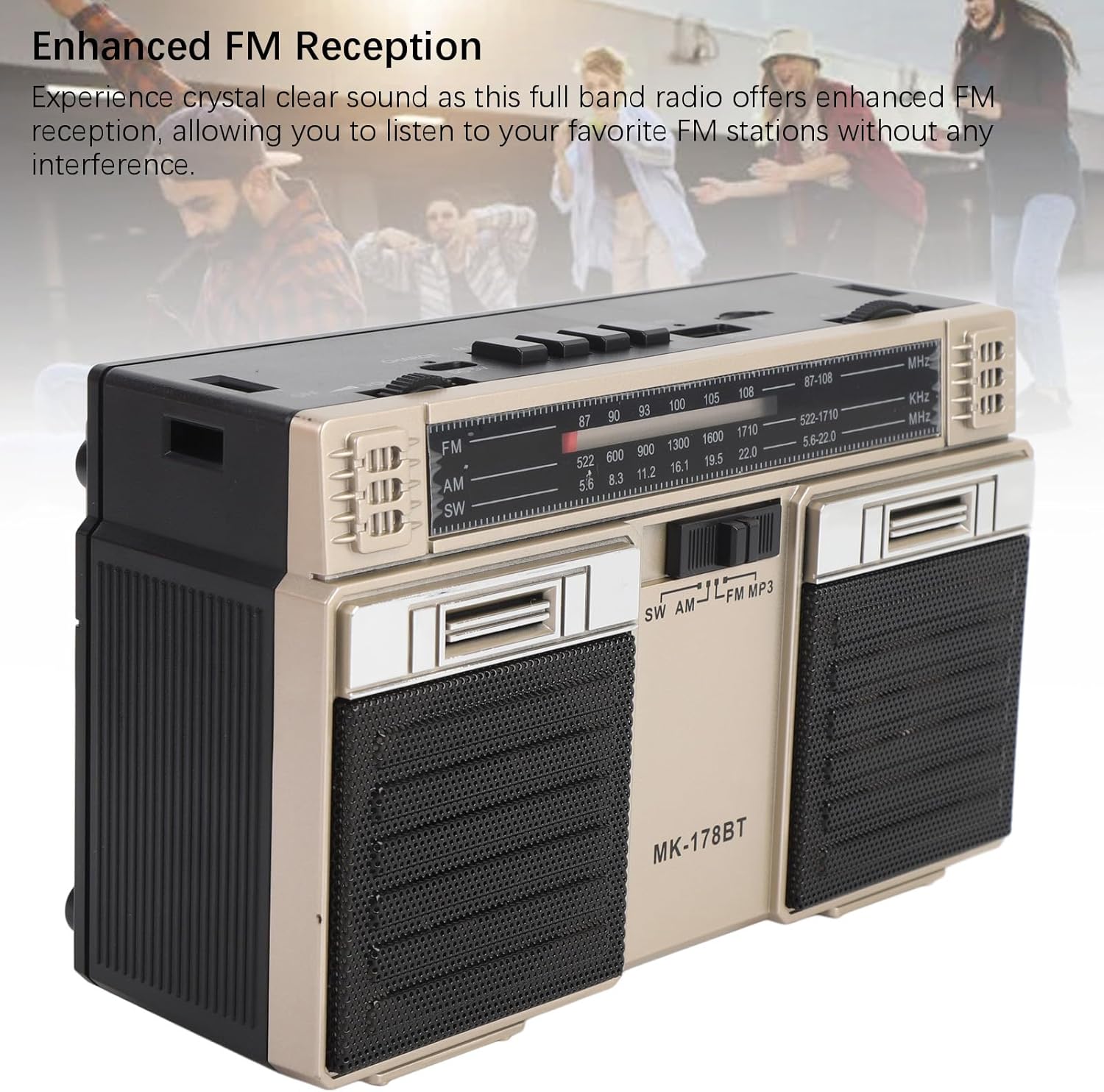
Imej: Depan view of the radio, highlighting the dual speakers and the frequency display panel.
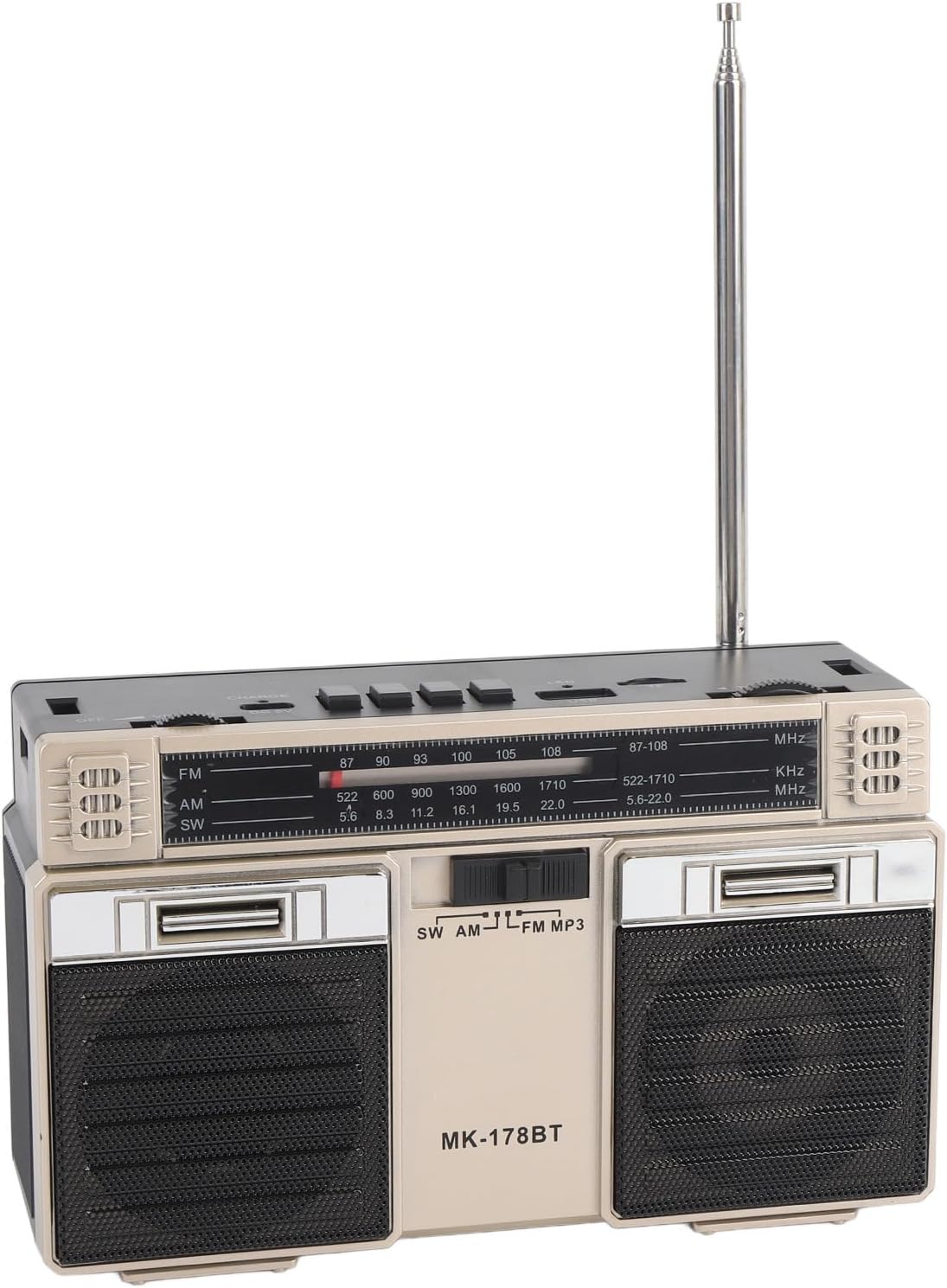
Imej: Atas view of the radio, detailing the power switch, volume knob, mode/playback controls, charging port, LED indicator, USB port, and TF card slot.

Imej: Dari dekat view of the tuning knob, USB port, and TF (Micro SD) card slot, located on the top panel of the radio.
Kawalan Utama:
- Suis MATI/HIDUP: Located on the top left, controls power.
- Tombol VOLUME: Melaraskan tahap output audio.
- CHARGE (DC 5V) Port: Type-C port for battery charging.
- M/* Button: Mode selection / Bluetooth pairing.
- ◀◀ / ►► Buttons: Previous/Next track in media modes, or fine-tuning in radio modes.
- ►█ Button: Play/Pause for media playback.
- Penunjuk LED: Shows charging status or mode.
- Slot TF: For Micro SD (storage) cards.
- Slot USB: For USB drives.
- Tombol PENALAAN: Melaraskan frekuensi radio.
- Antena: Extendable for improved radio reception.
Persediaan
1. Mengecas Bateri
- Connect the provided Type-C charging cable to the CHARGE (DC 5V) pelabuhan di radio.
- Sambungkan hujung kabel yang satu lagi ke penyesuai kuasa USB standard (tidak disertakan) atau port USB komputer.
- The LED indicator will illuminate during charging. It will change color or turn off once fully charged.
- Cas penuh memberikan hayat bateri sehingga 18 jam.
2. Menghidupkan/Mematikan
- To power on the radio, slide the MATI/HIDUP switch to the 'ON' position.
- To power off, slide the switch back to the 'OFF' position.
Arahan Operasi
1. Memilih Mod
Tekan ke M/* button repeatedly to cycle through the available modes: FM, AM, SW, Bluetooth, USB, and TF Card (if inserted).
2. Operasi Radio (FM/AM/SW)
- Panjangkan antena teleskopik untuk penerimaan optimum, terutamanya untuk jalur FM dan SW.
- Select the desired radio band (FM, AM, or SW) using the M/* butang.
- Putar perlahan-lahan MENALA knob to scan for stations. The frequency will be displayed on the front panel.
- Laraskan JILID tombol ke tahap pendengaran pilihan anda.
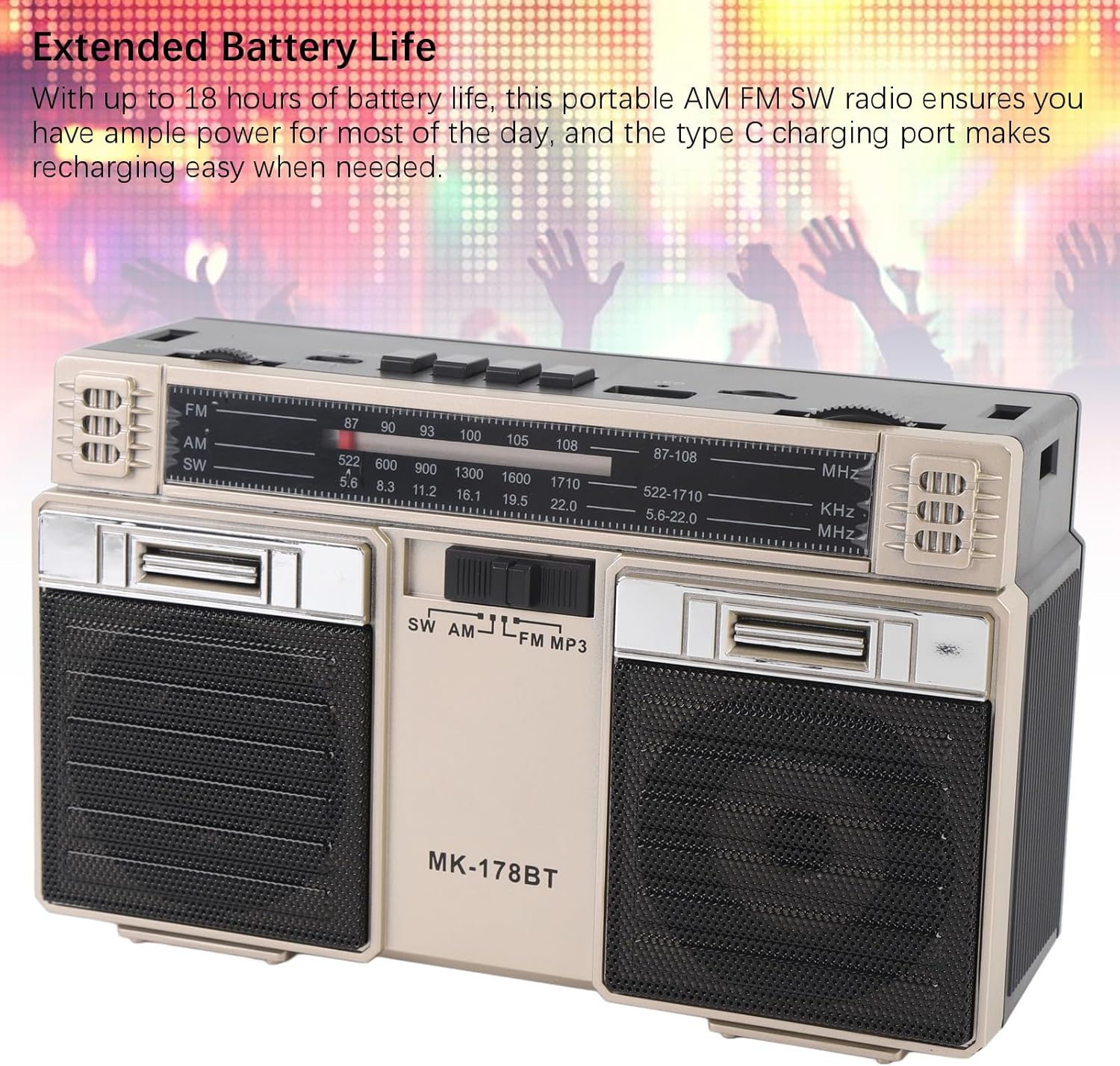
Image: The radio with its telescopic antenna fully extended, demonstrating optimal setup for radio reception.
3. Operasi Bluetooth
- Tekan ke M/* button until the radio enters Bluetooth mode (an audible prompt or indicator may confirm this).
- Pada peranti anda yang didayakan Bluetooth (cth., telefon pintar, tablet), cari peranti Bluetooth yang tersedia.
- Select "MK-178BT" (or similar name) from the list to pair.
- Once paired, you can stream audio from your device to the radio. Use the ►█, ◀◀, dan ►► butang untuk mengawal main balik.
4. USB/Storage Card Playback
- Masukkan pemacu USB ke dalam Slot USB or a Micro SD (TF) card into the Slot TF.
- The radio should automatically switch to USB or TF card mode. If not, press the M/* button to select the correct mode.
- The radio will begin playing audio files daripada peranti storan yang dimasukkan.
- Gunakan ►█ button to play/pause, and the ◀◀ / ►► butang untuk melangkau trek.
Penyelenggaraan
1. Pembersihan
- Wipe the exterior of the radio with a soft, dry cloth.
- Jangan gunakan pembersih yang melelas, pelarut atau bahan kimia yang kuat.
2. Penjagaan Bateri
- Cas bateri sepenuhnya sebelum penggunaan pertama.
- Elakkan daripada menghabiskan bateri sepenuhnya dengan kerap untuk memanjangkan jangka hayatnya.
- If storing the radio for an extended period, charge it to about 50% every few months.
3. Penyimpanan
- Simpan radio di tempat yang sejuk dan kering, jauh daripada cahaya matahari langsung dan suhu yang melampau.
- Keep it away from dust and moisture.
Menyelesaikan masalah
| Masalah | Kemungkinan Punca | Penyelesaian |
|---|---|---|
| Radio tidak dihidupkan. | Bateri habis. Suis kuasa dimatikan. | Charge the battery. Ensure the power switch is in the 'ON' position. |
| Penerimaan radio yang lemah. | Antenna not extended. Weak signal area. Interference. | Fully extend the telescopic antenna. Try repositioning the radio. Move away from electronic devices causing interference. |
| Bluetooth tidak bersambung. | Radio not in Bluetooth mode. Device not discoverable. Already paired with another device. | Ensure radio is in Bluetooth mode. Make sure your device's Bluetooth is on and discoverable. Disconnect from other devices. |
| Kad USB/TF tidak dimainkan. | Incorrect mode selected. Incompatible file format. Corrupted storage device. | Tekan M/* to select USB/TF mode. Ensure audio files are in a compatible format (e.g., MP3). Try a different USB drive or TF card. |
| Tiada bunyi atau kelantangan rendah. | Volume too low. Mute activated (if applicable). | Tingkatkan JILID knob. Check if the connected Bluetooth device's volume is also up. |
Spesifikasi
- Nombor Model: MK-178BT (Internal SKU: EBTOOLSshukg7o0ny-12)
- Bahan: ABS
- Julat Frekuensi FM: 87 hingga 108 MHz
- Julat Kekerapan AM: 522 hingga 1710 KHz
- Julat Kekerapan SW: 5.6 hingga 22 MHz
- Storage Card/Small Memory Card Support: Maximum 32GB (not included)
- Bateri Terbina dalam: 1200mAh Li-Polimer
- Sumber Kuasa: Dikuasakan Bateri (Pengecasan Jenis-C)
- Teknologi Ketersambungan: Bluetooth
- Dimensi Produk: 7.48 x 4.72 x 3.14 inci (19 x 12 x 8 cm)
- Berat Barang: 1.35 paun (0.61 kg)
- Ciri Khas: Portable, Bluetooth, Rechargeable
Waranti dan Sokongan
For warranty information or technical support, please refer to the purchase platform or contact EBTOOLS customer service directly. Keep your purchase receipt as proof of purchase.