
CFIAI PB-08
CFIAI Portable Charger Power Bank PB-08 User Manual
Model: PB-08
1. Pengenalan
Thank you for choosing the CFIAI Portable Charger Power Bank PB-08. This device is designed to provide reliable and efficient power for your mobile devices on the go. Featuring a 15000mAh capacity, 22.5W fast charging, and built-in cables, it offers convenience and versatility. Please read this manual thoroughly to ensure proper use and maintenance of your power bank.
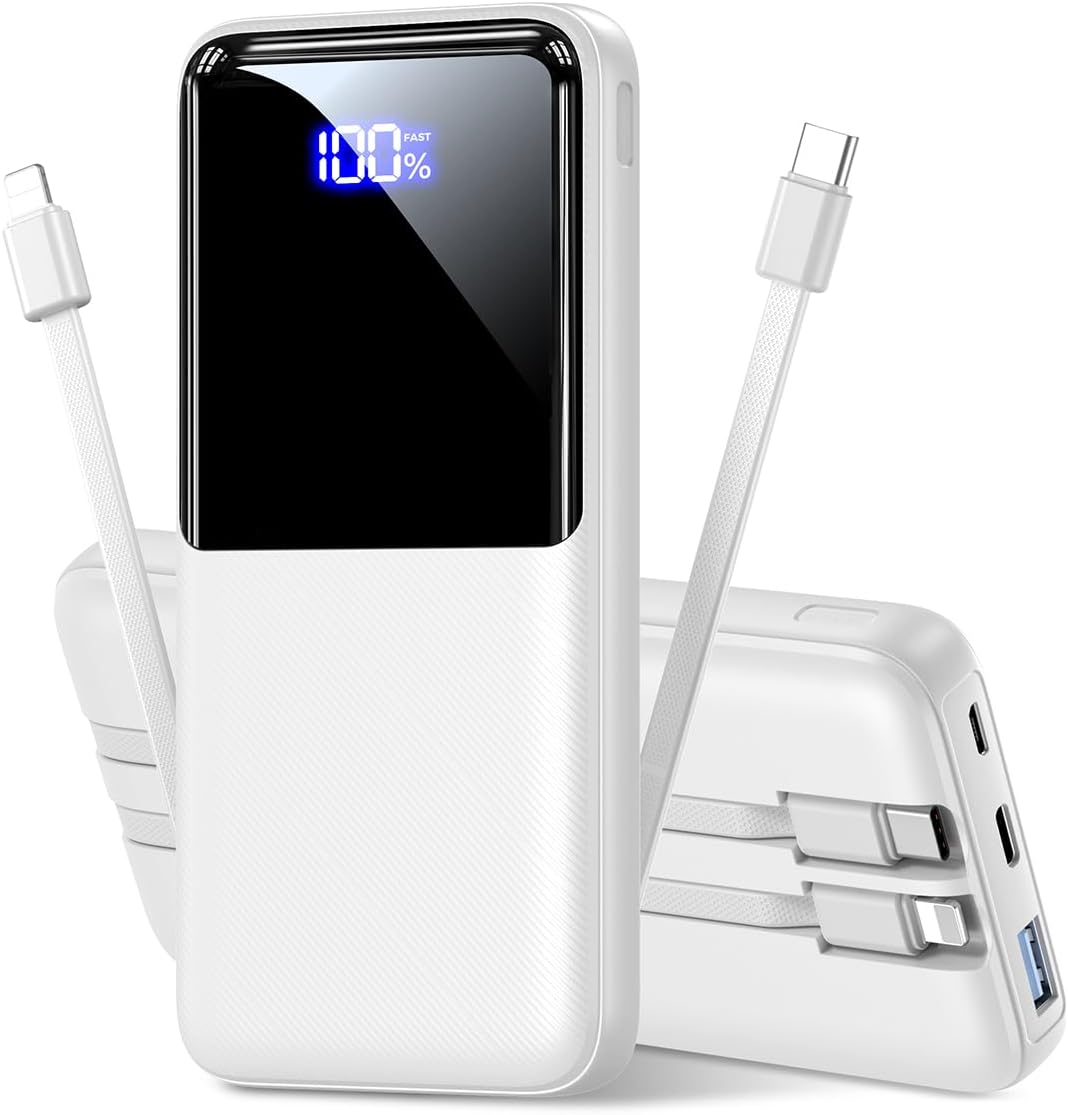
Imej 1.1: Depan view of the CFIAI Portable Charger Power Bank PB-08, displaying its digital charge indicator.
2. Maklumat Keselamatan
Untuk memastikan operasi yang selamat dan mengelakkan kerosakan pada peranti atau kecederaan, sila patuhi langkah berjaga-jaga keselamatan berikut:
- Jangan dedahkan power bank kepada suhu yang melampau (melebihi 60°C/140°F atau di bawah 0°C/32°F), cahaya matahari langsung atau api.
- Avoid dropping, disassembling, or attempting to repair the device yourself. Unauthorized repairs can void the warranty and pose safety risks.
- Keep the power bank away from water, moisture, and corrosive materials.
- Gunakan hanya kabel pengecasan dan penyesuai yang diperakui.
- Do not operate the power bank if it has been damaged in any way.
- Jauhkan daripada kanak-kanak.
- Lupuskan bank kuasa secara bertanggungjawab mengikut peraturan tempatan.
3. Kandungan Pakej
Setelah membuka bungkusan, sila sahkan bahawa semua barang ada:
- 1x CFIAI Portable Charger Power Bank PB-08
- 1x Kabel Pengecas USB-C
- 1x Manual Pengguna (dokumen ini)
4. Produk Lebihview
The CFIAI PB-08 Power Bank is equipped with multiple features for convenient and efficient charging:
- Kapasiti 15000mAh: Menyediakan pelbagai caj untuk kebanyakan telefon pintar.
- Kabel terbina dalam: Includes integrated USB-C and iOS (Lightning) cables for direct device charging without needing extra cords.
- Pengecasan Cepat 22.5W: Supports various fast charging protocols (PD/QC/FCP/AFC/SSCP) for rapid power delivery.
- Paparan LED Digital: Menunjukkan baki peratusan bateritage dalam masa nyata.
- Berbilang Port Output: In addition to built-in cables, features a USB-A output port and a Type-C In/Output port.
- Padat dan Ringan: Designed for portability, suitable for travel and daily use.
- Perlindungan Keselamatan: Enhanced chip provides multiple safety systems including overcharge, overcurrent, and short circuit protection.

Imej 4.1: Selesaiview of the power bank's input and output options, including built-in cables.
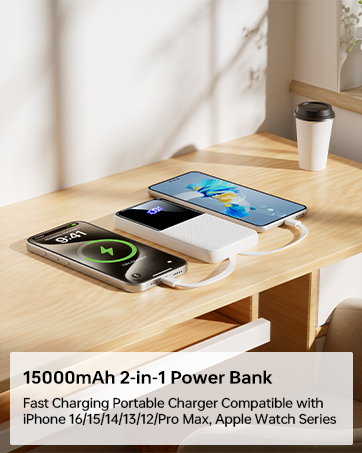
Image 4.2: The power bank's compact size makes it suitable for air travel (15,000mAh capacity is generally safe for carry-on luggage).
5. Persediaan
5.1 Pengecasan Awal Bank Kuasa
Before first use, fully charge your CFIAI Power Bank. This ensures optimal battery performance.
- Connect the provided USB-C charging cable to the power bank's Type-C In/Output port.
- Connect the other end of the USB-C cable to a compatible USB wall adapter (not included) or a computer's USB port.
- The digital LED display will show the charging progress. The power bank is fully charged when the display shows 100%.
Alternatively, you can use a Micro USB cable to charge the power bank via its Micro Input port.
6. Arahan Operasi
The CFIAI Power Bank allows you to charge up to four devices simultaneously.
6.1 Charging Devices Using Built-in Cables
The power bank features integrated USB-C and iOS (Lightning) cables for direct connection to your devices.
- Identify the correct built-in cable for your device (USB-C for Android/newer devices, iOS for Apple devices).
- Gently pull out the desired built-in cable from its storage slot.
- Connect the cable to your device's charging port.
- The power bank will automatically begin charging your device. The digital display will show the power bank's remaining charge.
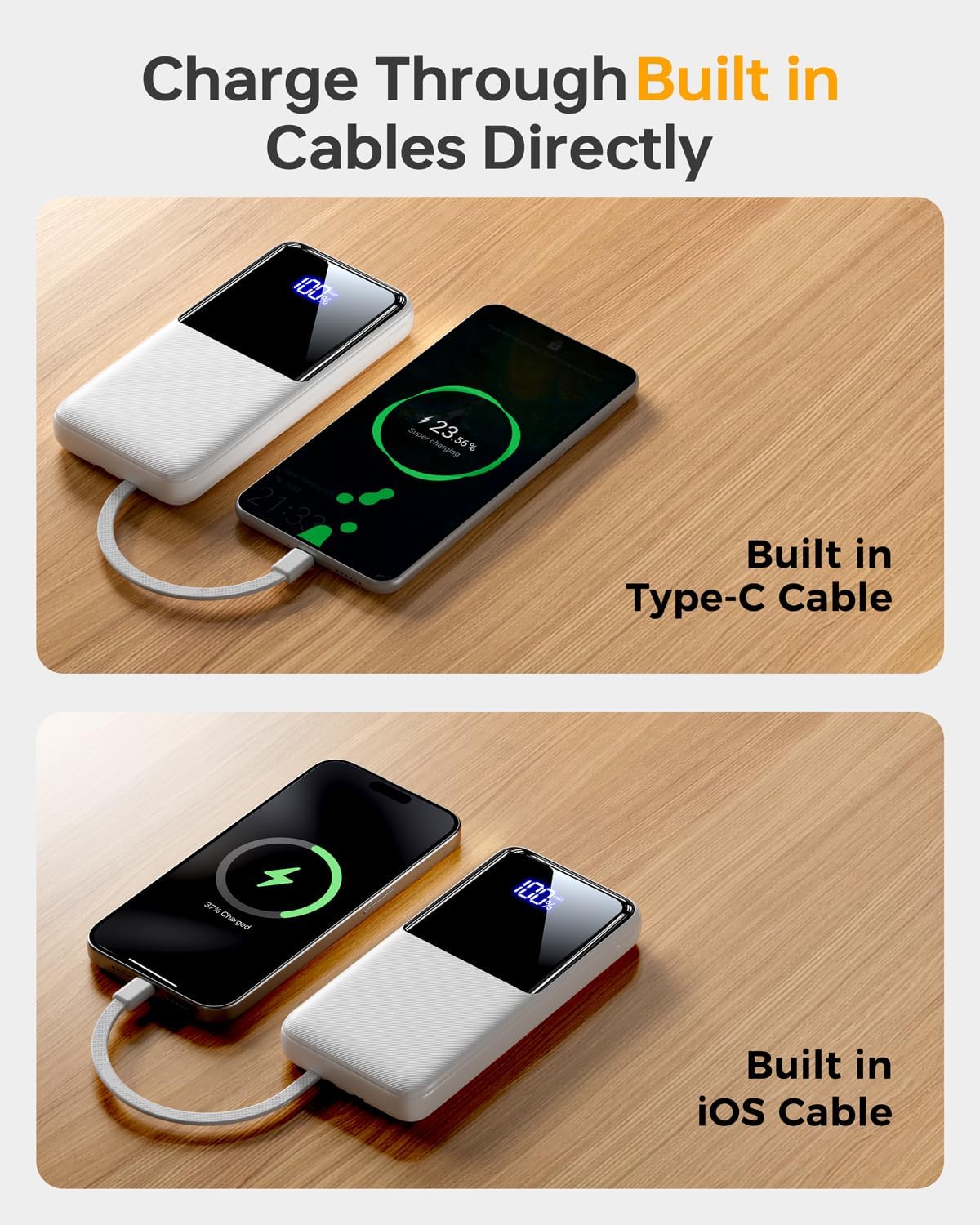
Imej 6.1: Mengecas peranti menggunakan kabel USB-C terbina dalam.
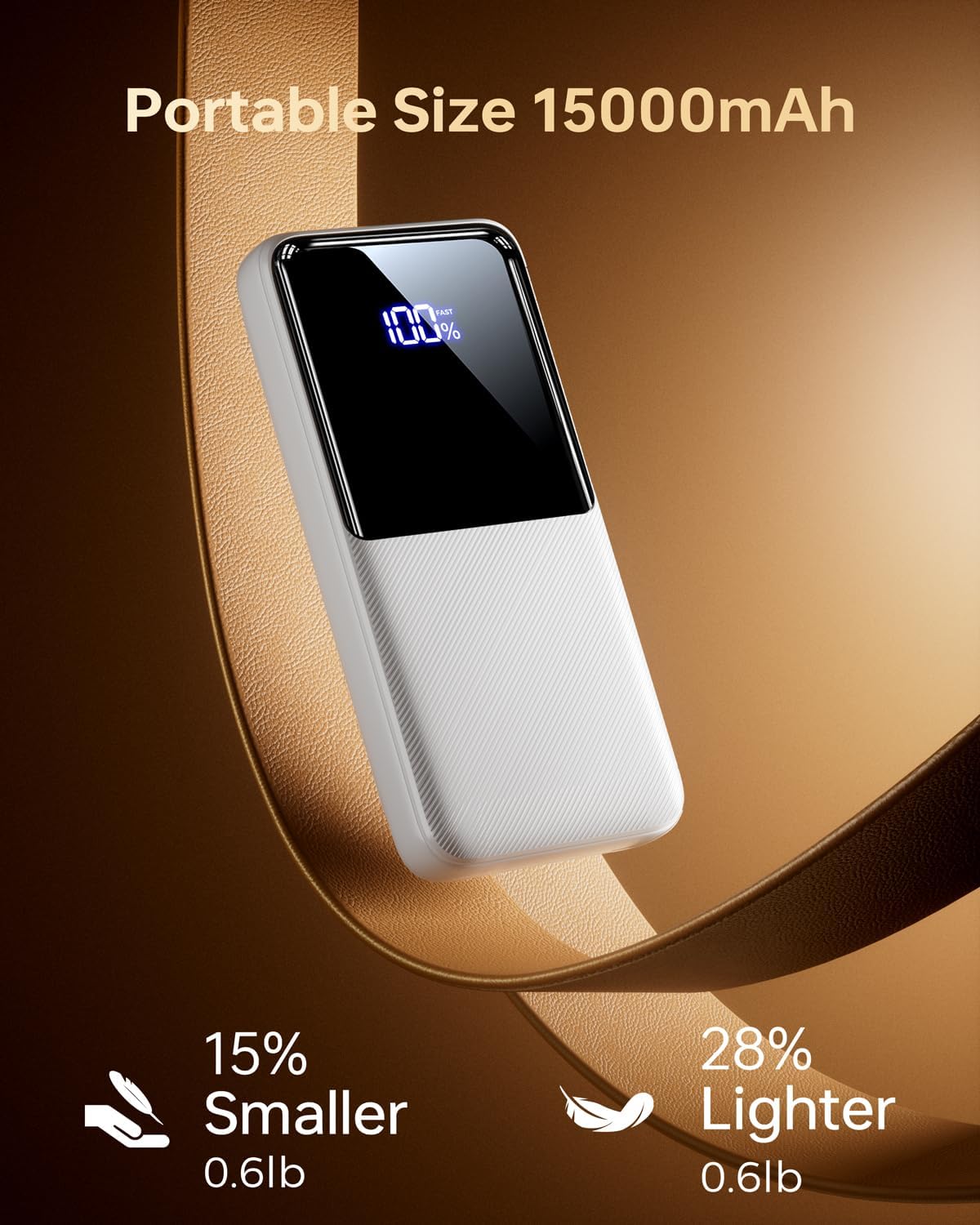
Image 6.2: Charging a device using the built-in iOS (Lightning) cable.
6.2 Charging Devices Using External Ports
You can also use your own cables with the power bank's external ports.
- Connect your device's charging cable to either the USB-A output port or the Type-C In/Output port on the power bank.
- Sambungkan hujung kabel anda yang satu lagi ke peranti anda.
- Bank kuasa akan mula mengecas secara automatik.
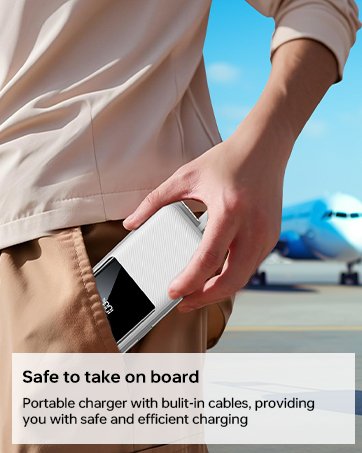
Image 6.3: The power bank simultaneously charging multiple devices.
6.3 Trickle-Charging Mode
For low-power devices such as earbuds or smartwatches, the power bank supports a trickle-charging mode to prevent overcharging and extend battery life. This mode activates automatically when a low-power device is connected.
7. Penyelenggaraan
Follow these guidelines to maintain your power bank's performance and longevity:
- Bersihkan bank kuasa dengan kain lembut dan kering. Jangan gunakan bahan kimia yang keras atau bahan yang melelas.
- Simpan bank kuasa di tempat yang sejuk dan kering jauh dari cahaya matahari langsung dan suhu yang melampau.
- Jika tidak digunakan untuk tempoh yang lama, cas bank kuasa sekurang-kurangnya sekali setiap tiga bulan untuk mengekalkan kesihatan bateri.
- Avoid bending the built-in cables excessively at sharp angles to prevent damage.
8. Penyelesaian masalah
Jika anda menghadapi masalah dengan power bank anda, rujuk penyelesaian biasa berikut:
| Masalah | Kemungkinan Punca | Penyelesaian |
|---|---|---|
| Power bank tidak dicas | Charging cable is faulty or not properly connected. Wall adapter is not working. | Ensure the charging cable is securely connected. Try a different cable or wall adapter. |
| Peranti tidak mengecas daripada bank kuasa | Power bank battery is depleted. Device cable is faulty or not properly connected. Device is incompatible. | Recharge the power bank. Ensure the device's charging cable is securely connected. Verify device compatibility. |
| Pengecasan perlahan | Cable or adapter used does not support fast charging. Device does not support fast charging. | Use a fast-charging compatible cable and adapter. Ensure your device supports fast charging protocols. |
| Paparan digital tidak berfungsi | Power bank is completely discharged. Internal malfunction. | Attempt to charge the power bank. If the issue persists, contact customer support. |
If the problem persists after attempting these solutions, please contact CFIAI customer support for further assistance.
9. Spesifikasi
| Ciri | Perincian |
|---|---|
| Nombor Model | PB-08 |
| Kapasiti Bateri | 15000 mAh |
| Dimensi Produk | 5.9 x 2.69 x 0.6 inci |
| Berat Barang | 10.9 auns |
| Port Input | Mikro USB, USB Jenis-C |
| Port Output | USB Type-A, USB Type-C (built-in), iOS (built-in) |
| Pengecasan Cepat | 22.5W (PD/QC/FCP/AFC/SSCP compatible) |
| Ciri Khas | Built-in Cables, Digital Display, Fast Charging, Lightweight, Pocket Size |
| warna | Purewhite |
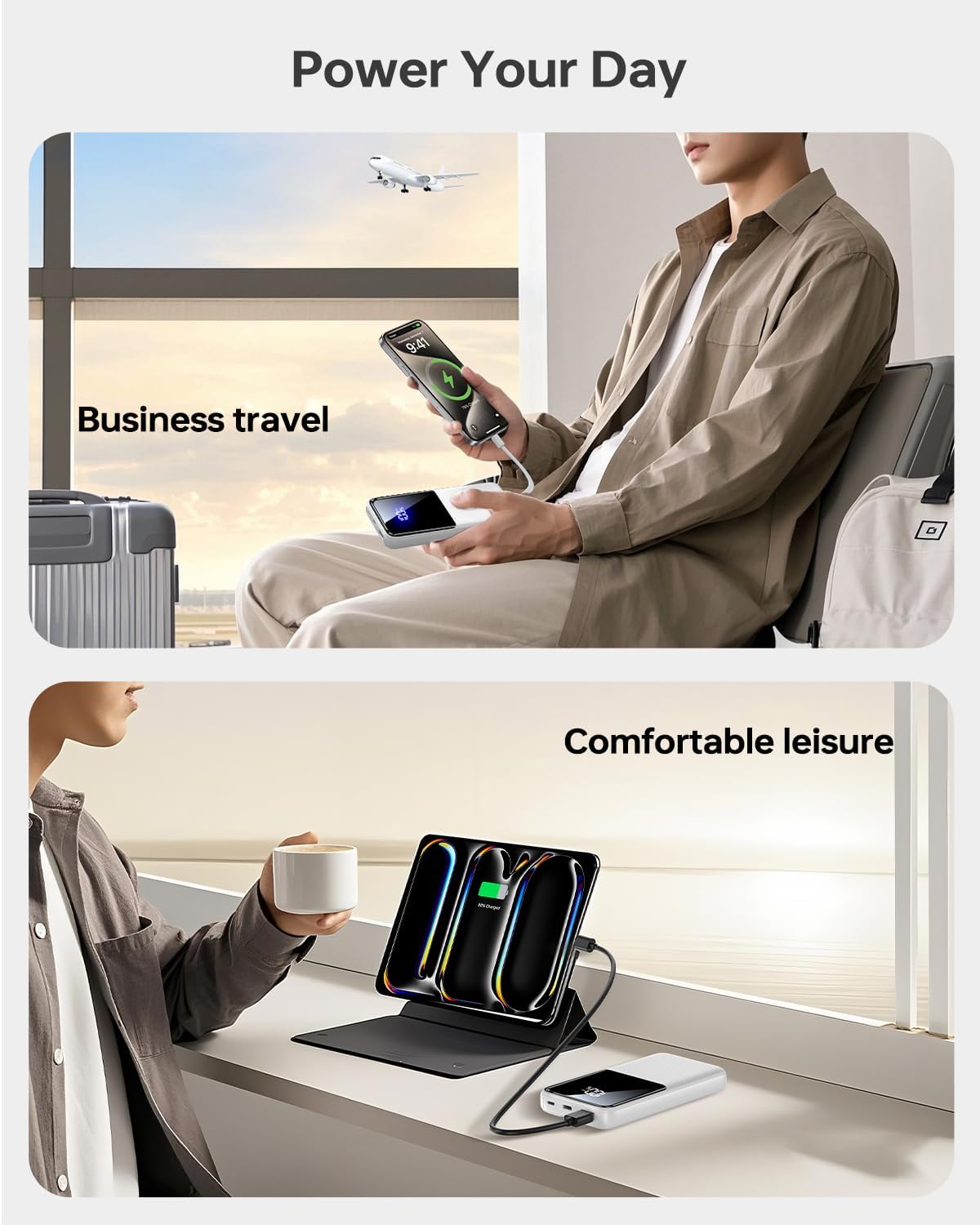
Image 9.1: The power bank offers broad compatibility with various mobile devices.
10. Waranti dan Sokongan
CFIAI provides a 12-month care plan for this product. For warranty claims, technical support, or any inquiries, please contact CFIAI customer service.
- Perkhidmatan Pelanggan: Tersedia 24 jam.
- Perkhidmatan Pertukaran: 30-day exchange service.
- Care Plan: 12-months.
For more information, visit the official CFIAI store: CFIAI Store on Amazon
Ask a question about this manual
Ask about setup, troubleshooting, compatibility, parts, safety, or missing instructions. Manuals+ will review the question and use this page’s manual context to help answer it.