
1. Produk Lebihview
The DOOGEE Tab A9 Pro+ is an advanced Android 15 tablet designed for versatile use, from productivity and gaming to entertainment. It features an 11-inch 90Hz display, a powerful octa-core processor, ample storage, and a long-lasting battery, making it an ideal companion for various daily tasks.

Figure 1.1: DOOGEE Tab A9 Pro+ highlighting its main specifications.
2. Kandungan Pakej
Upon opening the box, verify that all the following items are included:
- 1* DOOGEE Tab A9 Pro+ Tablet
- 1* Kabel USB Jenis-C
- 1* Pengecas
- 1 * Kotak Pembungkusan
- 1* Manual Pengguna

Figure 2.1: Items included in the DOOGEE Tab A9 Pro+ package.
Video 2.1: An unboxing video demonstrating the contents of the DOOGEE Tab A9 Pro+ package.
3. Persediaan Awal
3.1 Menghidupkan dan Mematikan
- Untuk Menghidupkan: Press and hold the power button located on the side of the tablet until the DOOGEE logo appears on the screen.
- Untuk Mematikan: Press and hold the power button until a power-off menu appears. Select "Power off" and confirm.
- Untuk Mulakan Semula: From the power-off menu, select "Restart" and confirm.
3.2 Tatarajah Awal
Setelah dihidupkan pertama, tablet akan membimbing anda melalui proses persediaan awal. Ini termasuk:
- Memilih bahasa anda.
- Menyambung ke rangkaian Wi-Fi.
- Log masuk dengan akaun Google anda atau buat yang baharu.
- Setting up screen lock (PIN, pattern, password, or Face Unlock).
- Reviewmenerima dan menerima terma dan syarat.
4. Mengendalikan Tablet Anda
4.1 Paparan dan Visual
The DOOGEE Tab A9 Pro+ features a vibrant 11-inch IPS HD display with a 90Hz refresh rate, providing smooth visuals and an immersive viewing experience. It supports Widevine L1 for high-definition streaming from platforms like Prime Video.
- Resolusi: 1280*800 Piksel
- Kadar Segar Semula: 90Hz for smooth scrolling and gaming.
- Widevine L1: Enables 1080P HD streaming on supported platforms.
- Kecerahan Adaptasi: Automatically adjusts screen brightness based on ambient light.
- Eye-Caring Mode: Reduces blue light emission to protect your eyes during prolonged use.
- Mod Gelap: Softens screen light for comfortable night-time use.

Figure 4.1: The 11-inch 90Hz IPS HD display of the tablet.

Figure 4.2: Visual comfort features including Eye-Caring Mode and Dark Mode.
4.2 Prestasi dan Penyimpanan
Equipped with the Unisoc T7200 octa-core processor, the tablet ensures smooth multitasking and responsive performance. It offers substantial memory and expandable storage.
- Pemproses: Unisoc T7200 Octa-Core Processor (1.6GHz Ultimate Frequency, 12nm Advanced Process Technology).
- RAM: 30GB (6GB physical + up to 24GB virtual extended RAM) for efficient multitasking.
- ROM: 128GB of internal storage.
- Storan Boleh Dikembangkan: Supports up to 2TB via microSD card (sold separately).

Figure 4.3: The Unisoc T7200 Octa-Core Processor for enhanced speed and efficiency.

Gambar 4.4: Lebihview of the tablet's 30GB RAM and 128GB ROM, indicating massive storage.
4.3 Hayat Bateri dan Pengecasan
The tablet is equipped with an 8580mAh high-capacity battery, providing extended usage times for various activities.
- Kapasiti Bateri: 8580mAh.
- Usage Times: Up to 24 days standby (airplane mode), 36 hours music playing, 6.5 hours video watching, 7 hours web melayari.
- mengecas: Menyokong pengecasan pantas 10W.
- Pengecasan Terbalik: Can act as a power bank for other devices via OTG.

Figure 4.5: Visual representation of the 8580mAh battery and its long-lasting power capabilities.
4.4 Cameras and Face Unlock
Capture moments and stay connected with the tablet's integrated cameras and convenient Face Unlock feature.
- Kamera Belakang: 13MP main camera for sharp photos.
- Kamera Depan: 5MP for clear selfies and video calls, enhanced with AI optimization.
- Buka Kunci Wajah: Effortless and secure access to your device.

Figure 4.6: Details of the tablet's 13MP main camera and 5MP front camera.
Video 4.1: Tayangan video promosiasing the DOOGEE Tab A9 Pro+ tablet's features, including its display, performance, and cameras.
Video 4.2: A video highlighting the DOOGEE Tab A9 Pro+ as an all-in-one study buddy, demonstrating its use for various tasks.
4.5 Audio dan Kesambungan
Experience clear audio and reliable connectivity with the tablet's features.
- Penceramah: High-fidelity dual speakers for immersive sound.
- Jack Audio: Standard 3.5mm audio jack for wired headphones.
- Bluetooth: Bluetooth 5.0 for wireless device connections.
- Wi-Fi: Faster Wi-Fi 5 (2.4G/5G) for seamless internet access.
- GPS: Built-in GPS for accurate navigation.

Figure 4.7: The tablet's high-quality dual speakers for enhanced audio.

Figure 4.8: The standard 3.5mm audio jack for stable and distortion-free audio transmission.
4.6 Ciri-ciri Produktiviti
The tablet supports various features to enhance productivity and user experience.
- Android 15: Latest operating system for smoother navigation, smarter privacy controls, and adaptive battery management.
- Pejabat WPS: Built-in PC-level WPS Office for seamless productivity on the go.
- Pelbagai Tugas Skrin Terpisah: Efficiently manage multiple applications simultaneously.
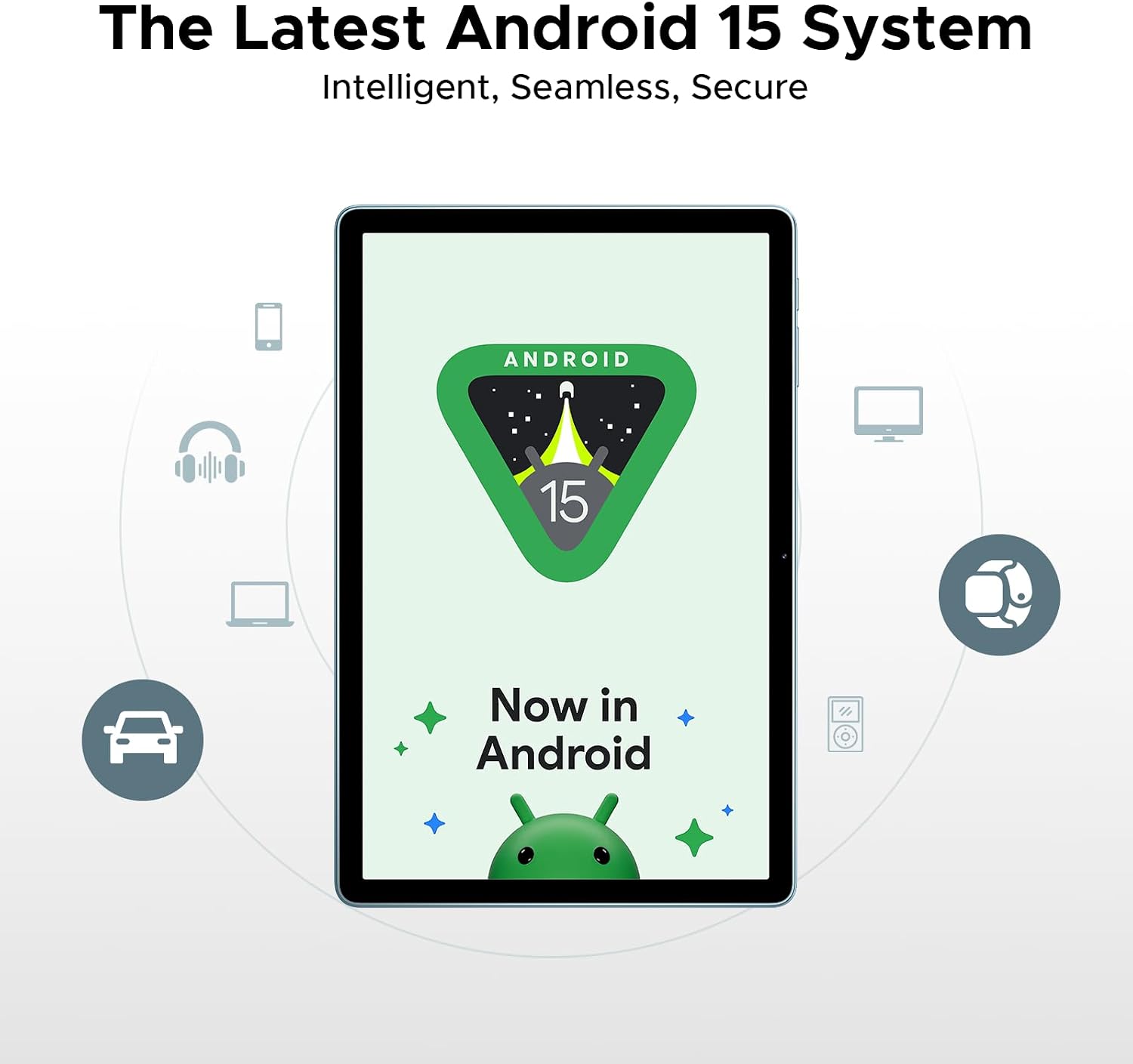
Figure 4.9: The tablet running the latest Android 15 system.

Figure 4.10: The tablet's built-in WPS Office for productivity.

Figure 4.11: Demonstrating efficient split-screen multitasking.
5. Penyelenggaraan dan Penjagaan
To ensure the longevity and optimal performance of your DOOGEE Tab A9 Pro+, follow these maintenance guidelines:
- Pembersihan: Gunakan kain lembut dan tidak berbulu untuk membersihkan skrin dan badan. Elakkan pembersih atau pelarut yang kasar.
- Kemas Kini Perisian: Semak dan pasang kemas kini sistem secara kerap untuk memastikan tablet anda mempunyai ciri terkini, tampung keselamatan dan peningkatan prestasi. Navigasi ke Tetapan > Sistem > Kemas kini sistem.
- Penjagaan Bateri: Avoid extreme temperatures. Do not fully discharge the battery frequently. For long-term storage, charge the battery to around 50-60%.
- Pengurusan Storan: Utilize the built-in Memory Manager to free up space by removing junk files, duplicates, and large downloads.
- Perlindungan Fizikal: Pertimbangkan untuk menggunakan sarung pelindung dan pelindung skrin untuk melindungi daripada titisan dan calar.
6. Penyelesaian masalah
Bahagian ini menangani isu biasa yang mungkin anda hadapi dengan tablet anda.
6.1 Tablet Tidak Dihidupkan
- Pastikan bateri dicas. Sambungkan pengecas dan tunggu beberapa minit sebelum cuba menghidupkan.
- Tekan dan tahan butang kuasa selama sekurang-kurangnya 10-15 saat untuk memaksa mula semula.
6.2 Isu Kesambungan Bluetooth
- Ensure Bluetooth is enabled on both the tablet and the device you are trying to connect.
- Forget the device in the tablet's Bluetooth settings and try pairing again.
- Restart the tablet and the Bluetooth device.
- Check for system updates, as some Bluetooth issues may be resolved with software patches.
6.3 Prestasi Perlahan
- Tutup aplikasi latar belakang yang tidak digunakan.
- Clear cache data for frequently used apps.
- Ensure sufficient storage space is available. Use the Memory Manager to clean up unnecessary files.
- Mulakan semula tablet secara berkala.
6.4 Masalah Sambungan Wi-Fi
- Ensure Wi-Fi is enabled on the tablet.
- Mulakan semula penghala Wi-Fi anda.
- Forget the Wi-Fi network on your tablet and reconnect.
- Periksa sama ada peranti lain boleh bersambung ke rangkaian Wi-Fi yang sama.
7. Spesifikasi
| Ciri | Spesifikasi |
|---|---|
| Model | TABA9PRO+ |
| Sistem Operasi | Android 15 |
| Saiz Paparan | 11 Inci |
| Resolusi Skrin Maks | 1280*800 Piksel |
| Pemproses | Unisoc T7200 Octa-Core |
| RAM | 30GB (6GB fizikal + 24GB maya) |
| ROM | 128GB |
| Storan Boleh Dikembangkan | Up to 2TB (microSD) |
| Kapasiti Bateri | 8580mAh |
| Kamera Belakang | 13MP |
| Kamera Depan | 5MP |
| Ketersambungan | Wi-Fi 5 (2.4G/5G), Bluetooth 5.0, GPS |
| Audio | Dual Speakers, 3.5mm Audio Jack |
| Dimensi (LxWxH) | 10.1 x 0.31 x 6.64 inci |
| Berat Barang | 2.02 paun |
8. Waranti dan Sokongan
Your DOOGEE Tab A9 Pro+ comes with a 2-year limited warranty, ensuring peace of mind regarding manufacturing defects and performance issues. For any inquiries or technical assistance, 24/7 online support is available.
- Waranti: Waranti terhad 2 tahun.
- Sokongan: 24/7 online support for customer assistance.