
1. Pengenalan
Welcome to the TABWEE T80 Tablet user manual. This guide provides comprehensive instructions to help you get the most out of your new Android 15 tablet. The T80 is designed for a seamless and powerful user experience, featuring advanced AI capabilities, a vibrant display, and robust performance for both work and entertainment.
Ciri-ciri Utama:
- Sistem Pengendalian Android 15: Experience the latest features and security enhancements.
- Gemini AI 2.0: Enhanced AI for smarter interactions and controls.
- 10.5-inch HD+ IPS Display: Enjoy clear and vibrant visuals with a wide viewsudut ing.
- Prestasi Kuat: Equipped with a 2.0GHz CPU, 12GB RAM, and 64GB ROM (expandable up to 2TB via TF card).
- Bateri tahan lama: 6000mAh mega battery for extended use.
- Kesambungan Lanjutan: Supports 5G WiFi and Bluetooth 5.0.
- 5MP Google Lens Camera: For clear photos and smart scene recognition.

Figure 1.1: The TABWEE T80 Tablet, showcasing reka bentuk dan paparannya yang anggun.
2. Persediaan
2.1 Membuka Kotak dan Caj Permulaan
Carefully remove your TABWEE T80 Tablet from its packaging. Before first use, it is recommended to fully charge the device using the provided USB-C cable and power adapter. The charging port is located on the side of the tablet.
2.2 Menghidupkan dan Konfigurasi Awal
- Press and hold the Power button (located on the side) until the TABWEE logo appears on the screen.
- Ikut gesaan pada skrin untuk memilih bahasa anda, menyambung ke rangkaian Wi-Fi dan menyediakan akaun Google anda.
- Review and accept the terms and conditions to complete the setup process.

Rajah 2.1: Tamatview of the TABWEE T80's core specifications and features.
3. Mengendalikan Tablet
3.1 Ciri-ciri Android 15
Your TABWEE T80 runs on the latest Android 15, offering enhanced user experience, improved privacy, and smart features.
Split-Screen Combo
The split-screen feature allows you to run two applications simultaneously, enhancing multitasking and productivity. You can easily save app pairs for quick access.
Video 3.1: Demonstrates how to use the split-screen feature to run two applications concurrently on the TABWEE T80 tablet.
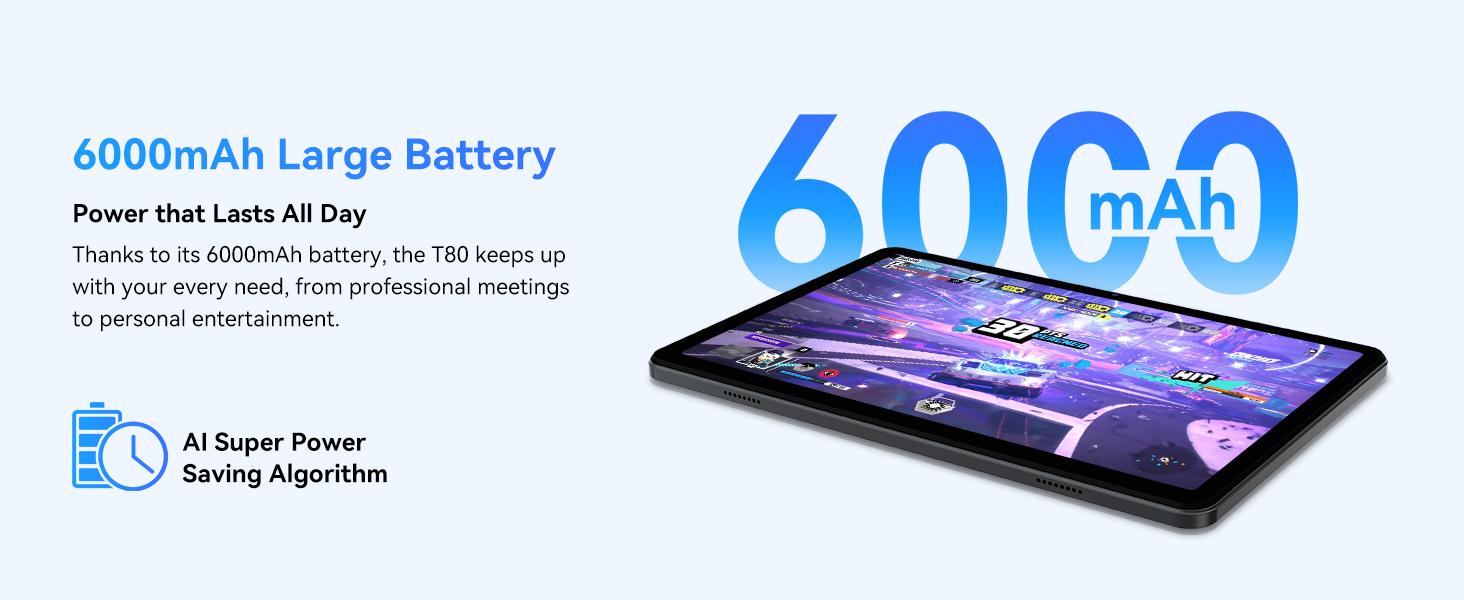
Figure 3.1: Visual representation of the split-screen functionality, allowing for efficient multitasking.
Desktop Customization and Widgets
Personalize your home screen by dragging and grouping apps freely. You can also add various widgets, such as the calendar, to quickly access information and tasks.
Video 3.2: Illustrates how to customize your desktop layout and add widgets for quick access to information.
Kawalan Privasi
Android 15 offers enhanced privacy controls, allowing you to manage app permissions and secure your data. You can block app access to sensitive information like location.
Video 3.3: Shows how to manage privacy settings and control app access to your data on the TABWEE T80.
Parental Controls with Gemini AI
Utilize Gemini AI parental controls to manage screen time, automatically lock games during homework, and ensure a safe digital environment for children.
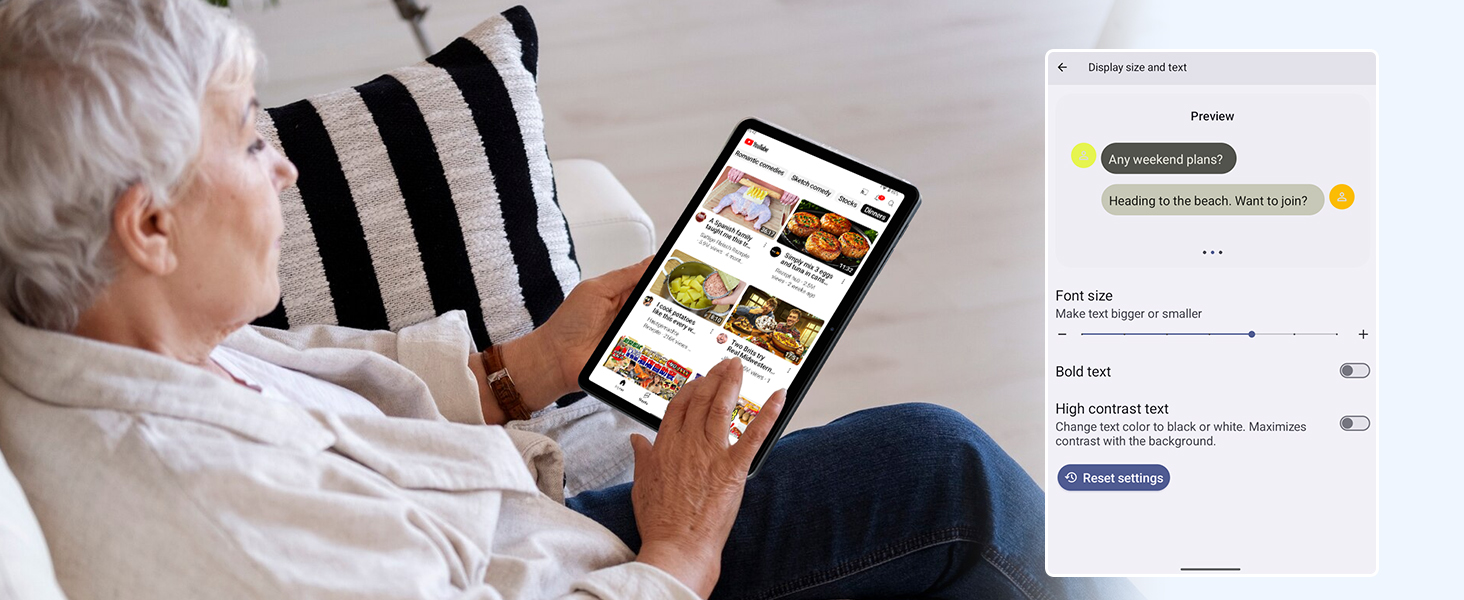
Figure 3.2: The Digital Wellbeing interface, demonstrating options for managing screen time and parental controls.
3.2 Paparan dan Visual
The 10.5-inch HD+ IPS display provides a clear and immersive viewing experience with a 1280x800 resolution and 84.9% screen-to-body ratio. It's ideal for watching videos, browsing, and reading.

Figure 3.3: Details of the tablet's display, highlighting its resolution and IPS full view keupayaan.
3.3 Prestasi dan Penyimpanan
Powered by a 2.0GHz Unisoc T310 CPU and 12GB RAM (expandable via software memory extension), the T80 ensures smooth multitasking and responsive performance. With 64GB of internal storage and support for up to 2TB TF cards, you have ampruang untuk semua anda files, apps, and media.

Figure 3.4: Illustration of the tablet's processing power and memory, enabling seamless multitasking and productivity.
3.4 Hayat Bateri
The 6000mAh mega battery provides extended usage, offering up to 8 hours of video streaming, 6 hours of gaming, or 30 hours of music playback. Smart power-saving modes further optimize battery longevity.

Figure 3.5: Depiction of the tablet's large 6000mAh battery and its USB-C charging port.
3.5 Ciri-ciri Kamera
The T80 features a 5MP Google Lens enabled camera. This allows for scene recognition, night mode optimization, and useful functions like text translation and object identification.

Rajah 3.6: Tamatview of the tablet's camera and its integration with Google Lens for smart functions.
4. Penyelenggaraan
To ensure the longevity and optimal performance of your TABWEE T80 Tablet, follow these maintenance guidelines:
- Pembersihan: Gunakan kain lembut dan tidak berbulu untuk membersihkan skrin dan badan. Elakkan bahan yang melelas atau bahan kimia yang keras.
- Kemas Kini Perisian: Semak dan pasang kemas kini sistem secara kerap untuk mendapat manfaat daripada ciri terkini, tampung keselamatan dan peningkatan prestasi.
- Penjagaan Bateri: Elakkan suhu yang melampau. Jangan biarkan bateri kehabisan sepenuhnya dengan kerap. Untuk penyimpanan jangka panjang, cas bateri sehingga kira-kira 50%.
- Pengurusan Storan: Kosongkan secara berkala yang tidak perlu filedan aplikasi untuk mengosongkan ruang storan dan mengekalkan operasi yang lancar.
- Perlindungan: Pertimbangkan untuk menggunakan sarung pelindung dan pelindung skrin untuk melindungi daripada titisan dan calar.
5. Penyelesaian masalah
This section addresses common issues you might encounter with your TABWEE T80 Tablet.
5.1 Peranti Tidak Dihidupkan
- Periksa Bateri: Ensure the tablet has sufficient charge. Connect it to the charger and wait a few minutes before attempting to power on again.
- Tetapan Semula Keras: Tekan dan tahan butang Kuasa selama kira-kira 10-15 saat sehingga peranti dimulakan semula.
5.2 Isu Ketersambungan Wi-Fi
- Togol Wi-Fi: Turn Wi-Fi off and then on again in Settings.
- Mulakan semula Penghala: Power cycle your Wi-Fi router.
- Forget Network: Go to Wi-Fi settings, forget the problematic network, and then reconnect.
5.3 Prestasi Perlahan
- Tutup Aplikasi Latar Belakang: Tutup aplikasi yang tidak digunakan yang berjalan di latar belakang.
- Kosongkan Cache: Regularly clear app caches in Settings > Apps.
- Kosongkan Storan: Padam yang tidak perlu files or uninstall rarely used apps.
- Mulakan semula Peranti: A simple restart can often resolve temporary slowdowns.
5.4 Apps Crashing or Not Responding
- Force Stop App: Go to Settings > Apps, select the problematic app, and choose 'Force Stop'.
- Clear App Data/Cache: In the same app settings, try clearing its cache or data (note: clearing data will reset the app to its default state).
- Pasang semula Apl: Uninstall and then reinstall the app from the Google Play Store.
6. Spesifikasi
Detailed technical specifications for the TABWEE T80 Tablet:
| Ciri | Spesifikasi |
|---|---|
| Jenama | TABWEE |
| Nama Model | T80 |
| Sistem Operasi | Android 15 |
| Saiz Skrin | 10.5 Inci |
| Resolusi Skrin | 1280 x 800 piksel |
| Pemproses | 2.0 GHz Unisoc T310 |
| Memori (RAM) | 12 GB |
| Storan (ROM) | 64 GB |
| Storan Boleh Dikembangkan | Kad TF sehingga 2TB |
| belakang Webresolusi cam | 5 MP |
| Jenis Wayarles | 802.11n, 802.11b, 802.11a, 802.11ac, 802.11g (5G WiFi) |
| Bluetooth | Bluetooth 5.0 |
| Kapasiti Bateri | 6000mAh |
| Purata Hayat Bateri | 550 Jam (Bersedia) |
| Berat Barang | 1.1 paun (lebih kurang 523 gram) |
| Dimensi Produk | 9.5 x 6.4 x 0.3 inci |
| warna | Kelabu |
7. Waranti dan Sokongan
TABWEE is committed to quality and customer satisfaction. Your T80 Tablet comes with comprehensive support to ensure a worry-free experience.
7.1 Maklumat Waranti
The TABWEE T80 Tablet is backed by a Waranti 2 tahun. This warranty covers manufacturing defects and ensures free repair service for eligible issues. Please retain your proof of purchase for warranty claims.
7.2 Sokongan Pelanggan
For any questions, technical assistance, or warranty claims, please contact our dedicated support team:
- 24/7 Online Call Support: Available for immediate assistance.
- Sokongan Teknikal Seumur Hidup: Expert help whenever you need it.
- Hassle-Free Service: Assistance available through the TABWEE Official Flagship Store.
We are dedicated to providing prompt and effective solutions to all your inquiries.

Figure 7.1: Our dedicated customer support team is ready to assist you.