
1. Pengenalan
This manual provides essential information for the installation, operation, and maintenance of your fanxiang S630 1TB M.2 2230 NVMe Solid State Drive. The S630 is designed to offer high-speed storage performance for compatible devices such as the Steam Deck, ROG Ally, Microsoft Surface Pro, laptops, and mini PCs. Please read this manual thoroughly before proceeding with installation or use.

Image: The fanxiang S630 NVMe SSD demonstrating its high-speed performance with sequential read speeds up to 5000 MB/s and sequential write speeds up to 3600 MB/s. Actual speeds may vary depending on the device.
2. Maklumat Keselamatan
Please observe the following safety precautions to prevent damage to the SSD and your device, and to ensure personal safety:
- Perlindungan Nyahcas Elektrostatik (ESD): Sentiasa kendalikan SSD pada bahagian tepinya. Pakai tali pergelangan tangan anti-statik atau kerap sentuh objek logam yang dibumikan sebelum dan semasa pemasangan untuk mengeluarkan elektrik statik.
- Matikan: Ensure your device is completely powered off and disconnected from the power source before installing or removing the SSD.
- Keserasian: Verify that your device supports the M.2 2230 form factor and PCIe NVMe SSDs. Refer to your device's manufacturer specifications.
- Pengendalian Fizikal: Avoid bending, dropping, or applying excessive force to the SSD. Do not touch the gold connector pins.
- Persekitaran: Store and operate the SSD within recommended temperature and humidity ranges. Keep it away from liquids and extreme temperatures.
3. Kandungan Pakej
The fanxiang S630 1TB M.2 2230 NVMe SSD package typically includes:
- 1x fanxiang S630 1TB M.2 2230 NVMe SSD
Note: Additional tools for installation (e.g., screwdriver, anti-static wrist strap) are not included and must be acquired separately.
4. Persediaan dan Pemasangan
Installing the fanxiang S630 SSD requires careful handling. The general steps are outlined below. Always refer to your device's specific service manual for detailed instructions, as procedures may vary.
4.1 Semakan Keserasian
The S630 SSD is compatible with various devices. Please verify your device's specifications before installation.
- Steam Deck / ROG Ally: The S630 is designed to fit these handheld gaming consoles. Note that Steam Deck's PCIe 3.0 interface will limit speeds to approximately 3500MB/s, which is normal and ensures smooth gameplay.
- Microsoft Surface Pro: Only Surface Pro 9 (Intel version) supports PCIe 4.0. Surface Pro 7+, Surface Pro 8, Surface Pro 9 (5G/ARM version), and Surface Pro X are limited to PCIe 3.0, with maximum read speeds up to approximately 3500MB/s.
- Laptops / Mini PCs: Ensure your device has an M.2 2230 slot that supports NVMe PCIe Gen 4x4.

Image: The fanxiang S630 SSD is compatible with multiple devices, including handheld gaming consoles, laptops, and mini PCs. Please verify your device specifications before purchasing.
4.2 Langkah Pemasangan (Umum)
- Sediakan Ruang Kerja Anda: Work on a clean, well-lit surface. Ensure you have the necessary tools (e.g., small Phillips or Torx screwdriver, anti-static wrist strap).
- Matikan Kuasa: Completely shut down your device and disconnect it from all power sources.
- Access the M.2 Slot: Carefully open your device's casing to access the M.2 slot. Refer to your device's service manual for exact instructions on how to do this.
- Remove Existing SSD (if applicable): If replacing an existing SSD, unscrew the retaining screw and gently slide the old SSD out of the slot.
- Install the S630 SSD: Align the notch on the S630 SSD with the key in the M.2 slot. Gently insert the SSD into the slot at an angle (usually 30 degrees) until it is fully seated.
- Selamatkan SSD: Push the SSD down until it is parallel with the motherboard and secure it with the retaining screw.
- Pasang semula Peranti: Carefully close your device's casing.
- Hidupkan kuasa: Reconnect power and turn on your device.
5. Arahan Operasi
After physical installation, the SSD needs to be recognized and prepared by your operating system.
5.1 Memulakan dan Memformat SSD
For a new SSD, you will typically need to initialize and format it before it can be used for storage. The process varies slightly depending on your operating system (Windows, Linux, SteamOS, etc.).
- Windows: Open Disk Management (right-click Start button > Disk Management). Locate the new SSD, right-click it, and select 'Initialize Disk'. Choose GPT (GUID Partition Table) for modern systems. Then, right-click the unallocated space, select 'New Simple Volume', and follow the wizard to format it (NTFS recommended).
- Steam Deck / ROG Ally: These devices typically have built-in utilities or prompts to format new storage devices upon boot. Follow the on-screen instructions.
- Other OS: Consult your operating system's documentation for instructions on disk initialization and formatting.
5.2 Prestasi
The fanxiang S630 1TB NVMe SSD offers sequential read speeds up to 5000 MB/s and sequential write speeds up to 3600 MB/s on PCIe Gen 4x4 compatible systems. Performance may vary based on system hardware, software, usage, and other factors. When used with PCIe 3.0 interfaces, speeds will be limited to approximately 3500 MB/s.
6. Penyelenggaraan
The fanxiang S630 SSD is designed for durability and reliability with minimal maintenance required. However, following these guidelines can help ensure optimal performance and longevity.
6.1 Pengurusan Terma
The S630 SSD features a graphene heat dissipation sticker on its surface, acting as an ultra-thin heat sink. This design helps to effectively reduce heat generated during use, improving overall performance and stability.

Image: The S630 SSD uses a graphene thermal solution to enhance heat dissipation, lower temperatures, and optimize SSD reliability for gaming and intensive tasks.
Ensure your device has adequate airflow to further assist in heat dissipation, especially during prolonged heavy workloads.
6.2 Kemas Kini Perisian Tegar
Periodically check the fanxiang official website for any available firmware updates for your S630 SSD. Firmware updates can improve performance, stability, and compatibility. Follow the instructions provided with the firmware update carefully.
6.3 Sandaran Data
Regularly back up important data stored on your SSD to another storage device. While SSDs are highly reliable, no storage device is immune to failure.
7. Penyelesaian masalah
If you encounter issues with your fanxiang S630 SSD, try the following troubleshooting steps:
- SSD Tidak Dikesan:
- Ensure the SSD is correctly seated in the M.2 slot.
- Check your device's BIOS/UEFI settings to confirm the M.2 slot is enabled and configured correctly (e.g., NVMe mode).
- Try the SSD in another compatible device or M.2 slot if available to rule out a device-specific issue.
- Verify that the SSD has been initialized and formatted by the operating system (refer to Section 5.1).
- Prestasi Perlahan:
- Confirm your device's M.2 slot supports PCIe Gen 4x4. If it's PCIe Gen 3.0, speeds will be limited to approximately 3500 MB/s, which is expected.
- Pastikan sistem pengendalian dan pemacu anda dikemas kini.
- Check for excessive background processes or high CPU/RAM usage that might impact SSD performance.
- Monitor SSD temperature. High temperatures can lead to thermal throttling, reducing performance. Ensure proper cooling.
- Ketidakstabilan/Ranap Sistem:
- Ensure the SSD is securely installed.
- Check for any conflicting drivers or software.
- Run a diagnostic tool (if available from fanxiang or your OS) to check the SSD's health.
If these steps do not resolve the issue, please contact fanxiang customer support (refer to Section 9).
8. Spesifikasi
| Ciri | Spesifikasi |
|---|---|
| Nombor Model | S630-1TB |
| Kapasiti Storan Digital | 1 TB |
| Antara Muka Cakera Keras | Keadaan Pepejal |
| Teknologi Ketersambungan | M.2 2230 |
| Jenama | fanxiang |
| Ciri Khas | Backward Compatible, Shock Resistant |
| Faktor Bentuk Cakera Keras | 0.87 Inches (M.2 2230) |
| Peranti Serasi | Laptop, Microsoft Surface Pro, Mini PCs, ROG Ally, Steam Deck |
| Jenis Pemasangan | Pemacu Keras Dalaman |
| Kelajuan Baca | Sehingga 5000 MB/s |
| Tulis Kelajuan | Sehingga 3600 MB/s |
| Kesambungan Perkakasan | PCIE x 4 |
| Bahan Kepungan | Denyar NAND 3D |
| Berat Barang | 5 Gram |
9. Waranti dan Sokongan
The fanxiang S630 1TB M.2 2230 NVMe SSD comes with a comprehensive warranty and dedicated customer support.
9.1 Maklumat Waranti
Produk ini disokong oleh 5-year quality service warranty or 320 TBW (Terabytes Written), yang mana dahulu. Waranti ini melindungi kecacatan pada bahan dan mutu kerja di bawah penggunaan biasa. Sila simpan bukti pembelian anda untuk tuntutan waranti.
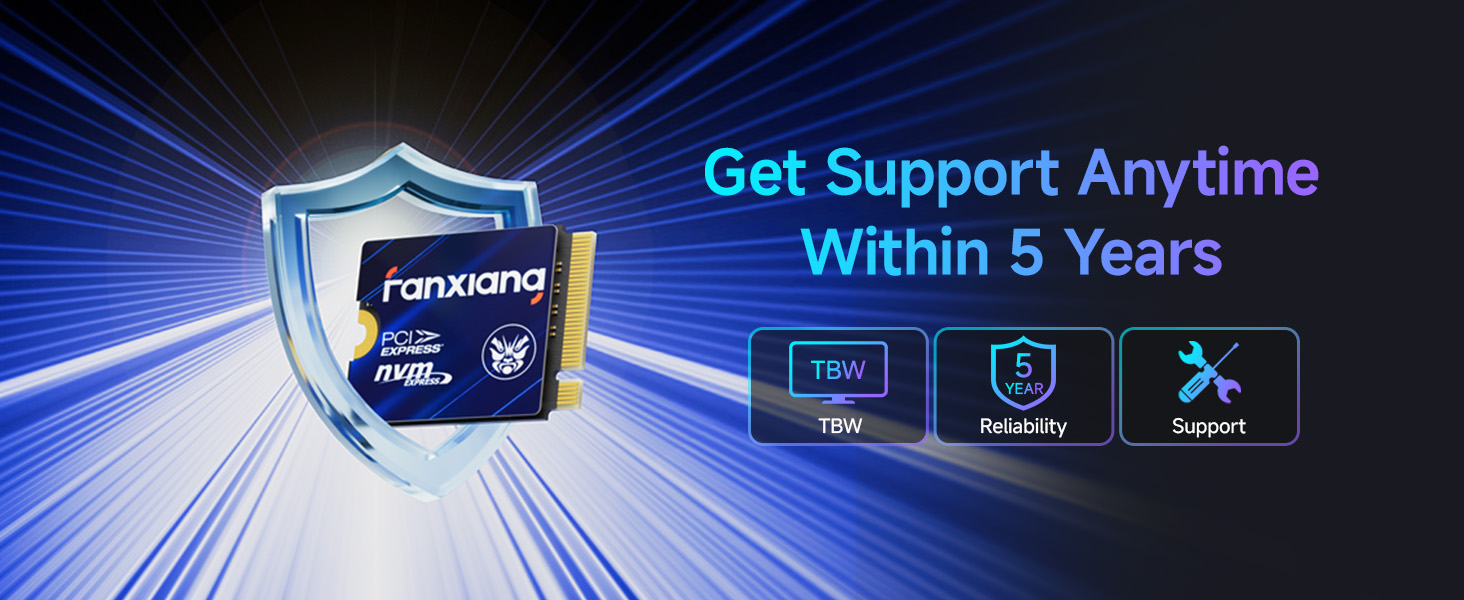
Image: fanxiang offers reliable after-sales support for the S630 SSD, including TBW rating, 5-year reliability, and dedicated customer support.
9.2 Sokongan Pelanggan
For technical assistance, warranty claims, or any other inquiries, please contact fanxiang customer support through the official fanxiang website or the retailer where you purchased the product. Please have your product model number (S630-1TB) and proof of purchase ready when contacting support.