
1. Pengenalan
Thank you for choosing the NACODEX AK820 Gasket Mechanical Keyboard. This manual provides essential information for setting up, operating, and maintaining your keyboard. Please read it thoroughly to ensure optimal performance and longevity of your device.
The AK820 features a 75% layout with 82 keys, a gasket structure for enhanced typing feel, hot-swappable switches, PBT keycaps, and a volume control knob. It is designed for both typing and gaming with a focus on comfort and customization.
2. Kandungan Pakej
Pastikan semua item ada dalam pakej:
- NACODEX AK820 Gasket Mechanical Keyboard
- Kabel USB-C ke USB-A
- Keycap Puller / Switch Puller (2-in-1 tool)
- Manual Pengguna
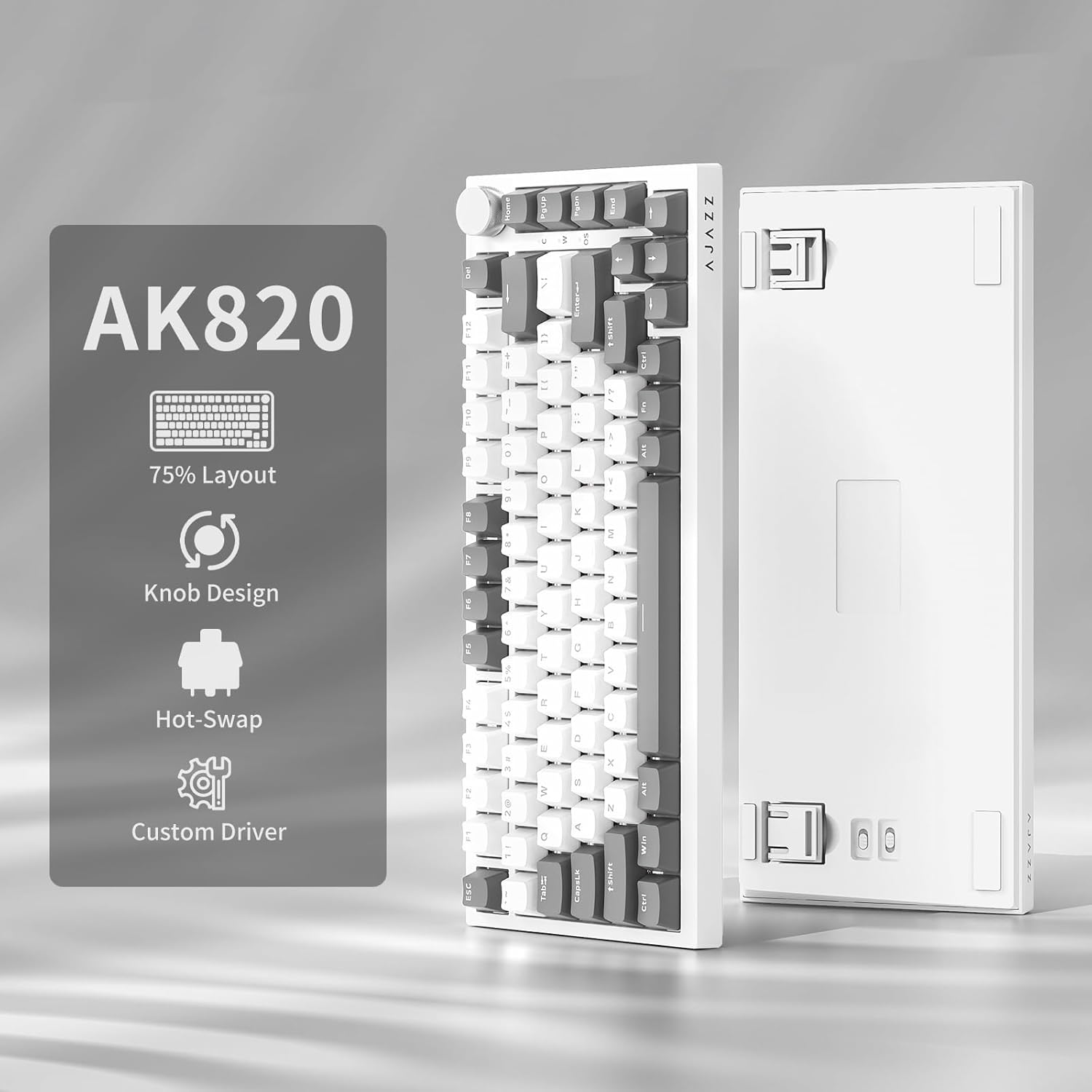
Image: NACODEX AK820 keyboard, USB-C cable, and keycap/switch puller.
3. Persediaan dan Ketersambungan
3.1 Sambungan Berwayar
- Connect the USB-C end of the provided cable to the keyboard's USB-C port (located on the back edge).
- Sambungkan hujung kabel USB-A ke port USB yang tersedia pada komputer anda.
- The keyboard is now ready for use in wired mode.

Image: NACODEX AK820 keyboard with USB-C cable connected to a laptop.
4. Arahan Operasi
4.1 Tombol Kawalan Kelantangan
The multifunctional knob located on the top-right corner of the keyboard allows for quick audio adjustments.
- Pusing Ikut Jam: Tingkatkan kelantangan.
- Turn Counter-Clockwise: Kurangkan volum.
- Tekan ke bawah: Bisukan/Nyahbisukan audio.

Imej: A terperinci view of the volume knob, indicating its turn and press functions for volume control and mute.
4.2 Kesan Pencahayaan
The AK820 features customizable RGB backlighting. Use the following key combinations to adjust lighting:
- FN + \ (Backslash): Cycle through 20 different lighting effects.
- FN + ↑ (Anak Panah Atas): Increase backlight brightness (5 levels).
- FN + ↓ (Anak Panah Bawah): Decrease backlight brightness (5 levels).
- FN + ← (Anak Panah Kiri): Adjust lighting direction.
- FN + → (Anak Panah Kanan): Adjust lighting direction.
- FN + - (Minus): Decrease lighting speed.
- FN + = (Equals): Increase lighting speed.
- FN + Laman Utama: Switch between Windows/MAC system modes.
- FN + ESC: Reset to factory default lighting settings (hold for 3-5 seconds).
Video: Demonstrates various RGB lighting effects and customization options on the NACODEX AK820 keyboard.
4.3 Suis Boleh Tukar Panas
The AK820 supports 3/5-pin hot-swappable mechanical switches, allowing you to customize your typing experience without soldering.
- Pull out the keycap using the provided keycap puller.
- Gunakan penarik suis untuk clamp the buckles on the upper and lower sides of the switch body, then pull the switch up and out.
- Align the pins and holes of the new switch.
- Tap the new switch vertically until it clicks into place.

Imej: Dari dekat view of the keyboard's switches and keycaps, highlighting the hot-swappable design.
Video: Demonstrates the difference in sound and feel between AJAZZ Gift Switches and AJAZZ Dreamy Switches, showcasing the hot-swappable feature.
4.4 Keycap Features
The AK820 comes with durable PBT keycaps, known for their oil resistance and longevity. They feature a two-color design for clear fonts and enhanced light transmission.
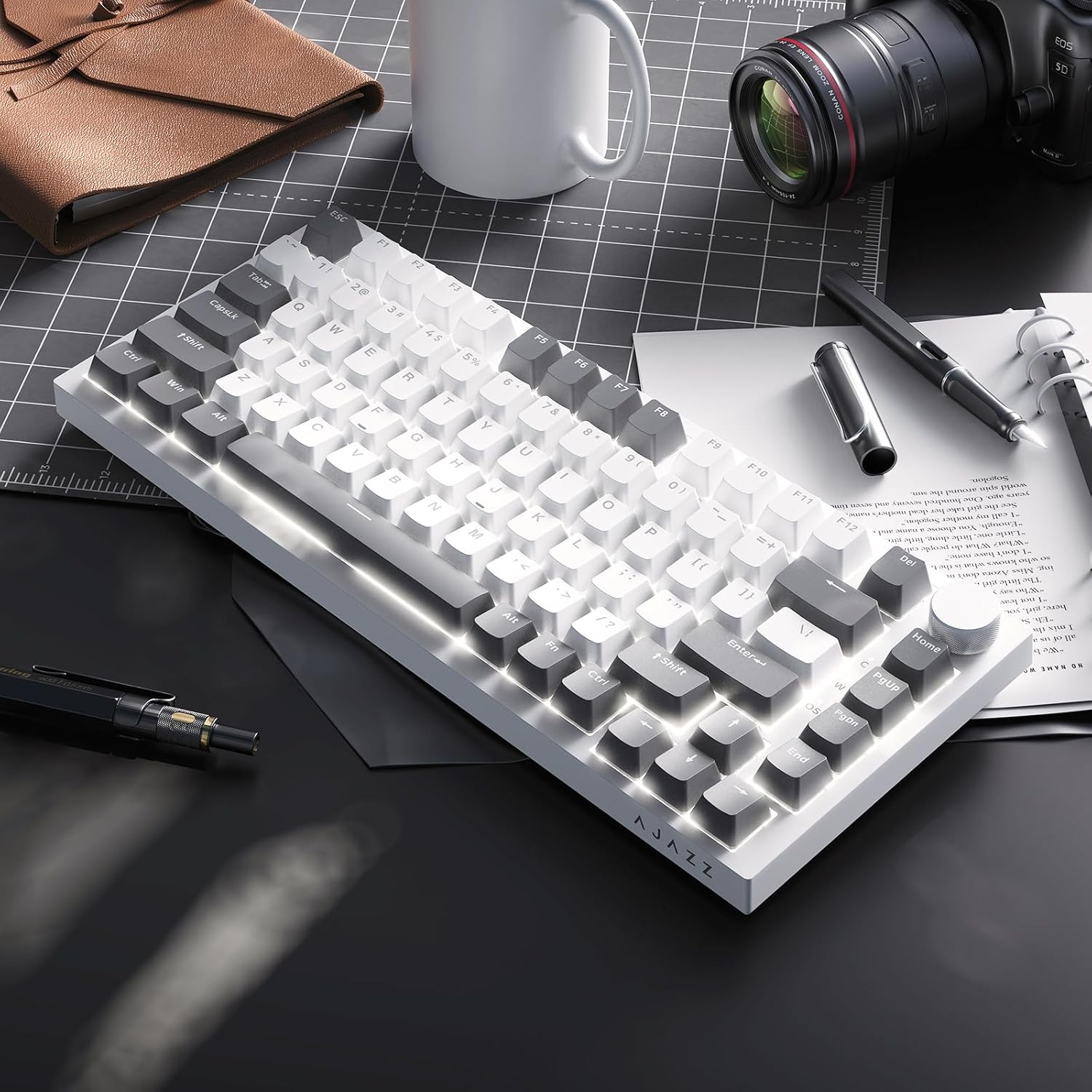
Image: A close-up of the PBT keycaps, highlighting their texture and two-color design.
5. Spesifikasi
| Dimensi Produk | 12.87 x 5.35 x 1.57 inci |
| Berat Barang | 1.79 paun |
| Pengeluar | AJAZZ |
| Nombor Model | AK820 Gray White |
| Teknologi Ketersambungan | USB-C (Berwayar) |
| Penerangan Papan Kekunci | mekanikal |
| Ciri Khas | Ergonomic, Gasket Structure, Hot-Swappable |
| Backlighting papan kekunci | RGB |
6. Waranti dan Sokongan
Untuk maklumat jaminan dan sokongan teknikal, sila rujuk AJAZZ rasmi webtapak atau hubungi perkhidmatan pelanggan mereka. Simpan resit pembelian anda untuk tuntutan waranti.