
1. Pengenalan
The Delton S22 Vertical Wireless Mouse is designed to provide a comfortable and efficient computing experience. Its ergonomic vertical design aims to reduce wrist strain and promote a natural hand posture, making it suitable for extended use. This manual provides instructions for setting up, operating, maintaining, and troubleshooting your Delton S22 mouse.

This image illustrates the ergonomic benefits of the Delton S22 Vertical Wireless Mouse. It compares the unnatural wrist position required by a traditional mouse with the natural, handshake-like grip promoted by the vertical mouse, highlighting how it reduces strain and is recommended by rheumatologists.
2. Produk Lebihview dan Komponen
Familiarize yourself with the various parts of your Delton S22 Vertical Wireless Mouse:

Gambar rajah ini memberikan butiran view of the Delton S22 mouse, pointing out its key components: Left Button, Scroll Wheel, Right Button, DPI Switch, Detachable Wrist Pad, Optical Sensor, USB Receiver Compartment, Back Cover, 2*AA Battery Slot, Glide Pads, Forward Button, Back Button, and Power On/Off switch.
- Butang Kiri: Fungsi klik kiri standard.
- Butang Kanan: Fungsi klik kanan standard.
- Roda Tatal: Untuk fungsi tatal menegak dan klik tengah.
- Butang ke hadapan: Navigasi ke hadapan web pelayar atau file penjelajah.
- Butang Belakang: Navigasi ke belakang web pelayar atau file penjelajah.
- Suis DPI: Adjusts cursor sensitivity (800/1600/2400 DPI).
- Suis Hidup/Mati Kuasa: Conserves battery life when the mouse is not in use.
- Sensor Optik: Menjejaki pergerakan tetikus.
- Petak Penerima USB: Stores the 2.4G USB dongle.
- Slot Bateri: Memegang dua bateri AA (tidak termasuk).
- Detachable Wrist Pad: Provides additional wrist support and reduces friction.
3. Persediaan
- Pasang Bateri: Open the battery compartment on the underside of the mouse. Insert two AA batteries, ensuring correct polarity. Close the compartment.
- Sambungkan Dongle USB: Locate the USB receiver (dongle) stored in its compartment on the underside of the mouse. Plug the USB dongle into an available USB-A port on your computer (PC, laptop, or tablet PC).
- Hidupkan kuasa: Flip the Power On/Off switch on the underside of the mouse to the "On" position.
- Berpasangan automatik: The mouse should automatically pair with the USB dongle. Your computer's operating system will typically install the necessary drivers automatically.
- Attach Wrist Pad (Optional): If desired, attach the detachable wrist pad to the base of the mouse for enhanced comfort.
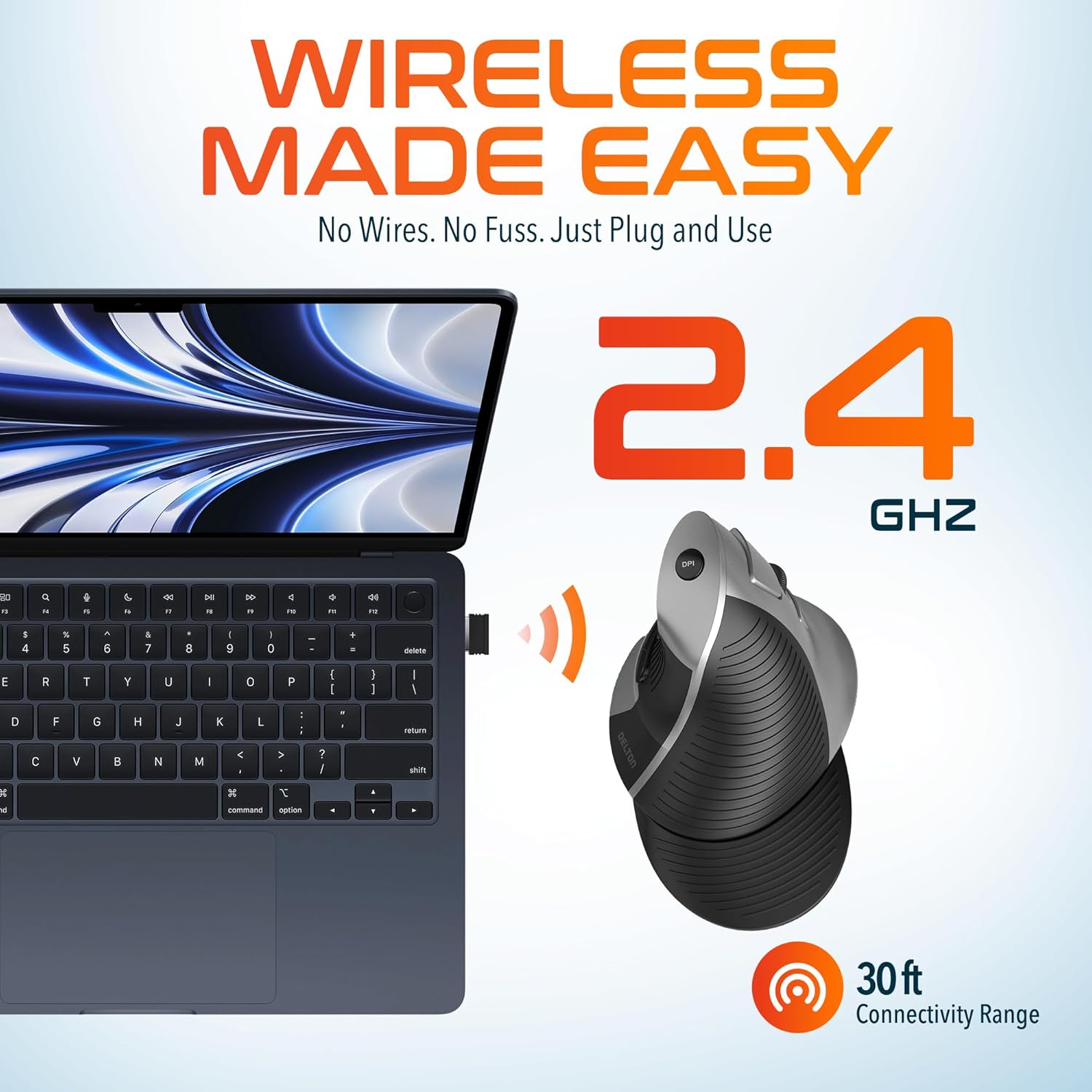
This image demonstrates the wireless connectivity of the Delton S22 mouse. It shows the mouse operating wirelessly with a laptop, emphasizing the 2.4 GHz connection and a 30 ft connectivity range, indicating a simple plug-and-use setup.
4. Arahan Operasi
Fungsi Butang
The Delton S22 mouse features 6 buttons for enhanced functionality:
- Klik Kiri: Pemilihan dan pengaktifan utama.
- Klik kanan: Accesses context menus.
- Roda Tatal: Menatal secara menegak melalui dokumen dan web pages. Pressing it acts as a middle-click.
- Butang ke hadapan: Navigates to the next page in supported applications.
- Butang Belakang: Navigates to the previous page in supported applications.
- Suis DPI: Kitaran melalui tetapan DPI.
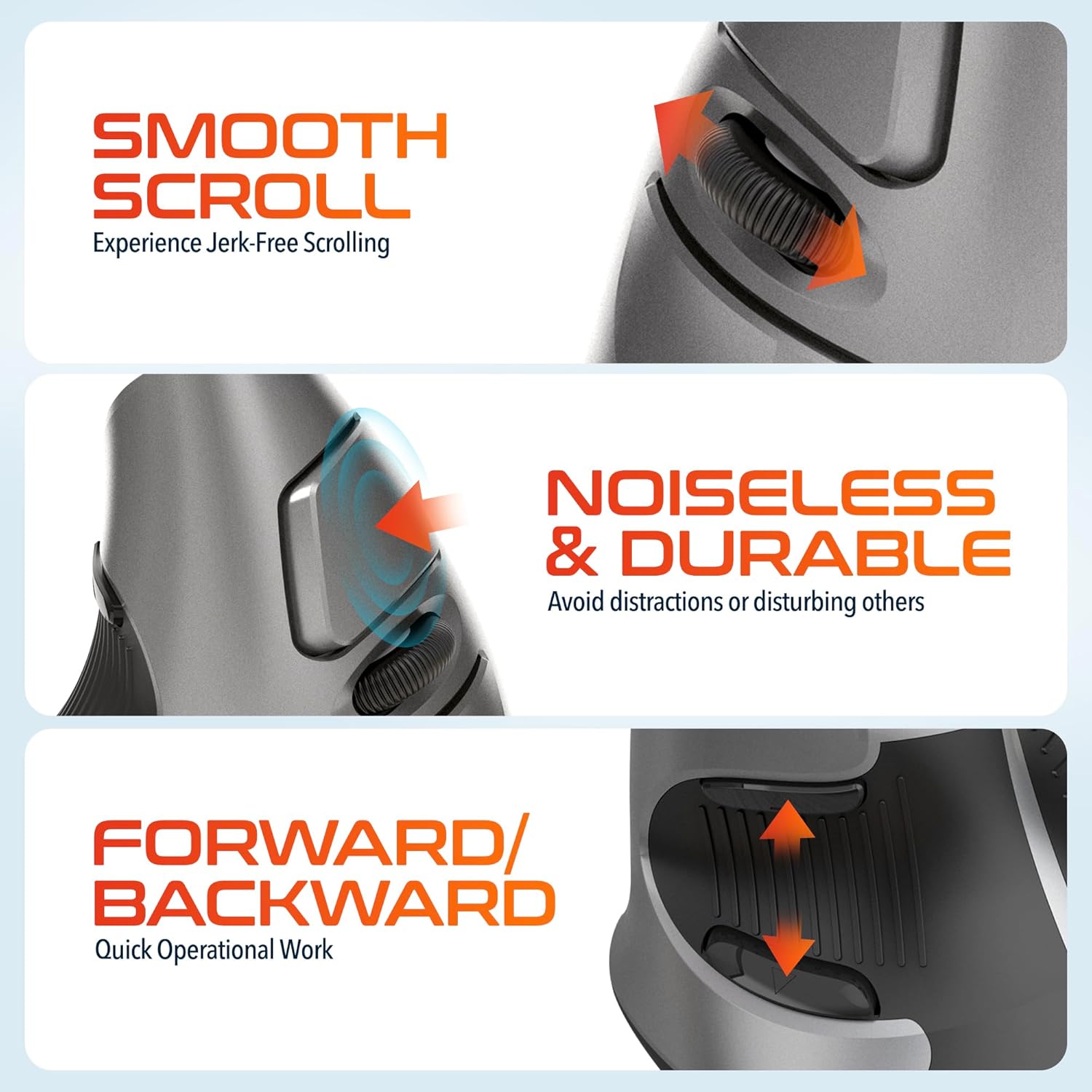
This composite image highlights three key operational features: the smooth, jerk-free scrolling experience, the noiseless and durable buttons designed to prevent distractions, and the convenient forward/backward buttons for quick navigation.
Pelarasan DPI
The DPI (Dots Per Inch) switch allows you to adjust the cursor sensitivity to match your preference or task requirements. Press the DPI button located on the top of the mouse to cycle through the following settings:
- 800 DPI: Kepekaan yang lebih rendah untuk tugasan yang tepat.
- 1600 DPI: Medium sensitivity for general use.
- 2400 DPI: Kepekaan yang lebih tinggi untuk pergerakan kursor yang lebih pantas.

This image focuses on the high precision control offered by the Delton S22 mouse. It shows the DPI switch button and how it allows users to toggle between 800, 1600, and 2400 DPI settings for customized cursor sensitivity.
Pengurusan Kuasa
To conserve battery life, switch the mouse to the "Off" position using the power switch on the underside when not in use for extended periods.
5. Keserasian
The Delton S22 Vertical Wireless Mouse is designed for broad compatibility with various operating systems and devices:
- Sistem Operasi: Windows, macOS, iOS, Android, Chrome OS, Linux.
- Peranti Serasi: Laptop, Personal Computer, Tablet.
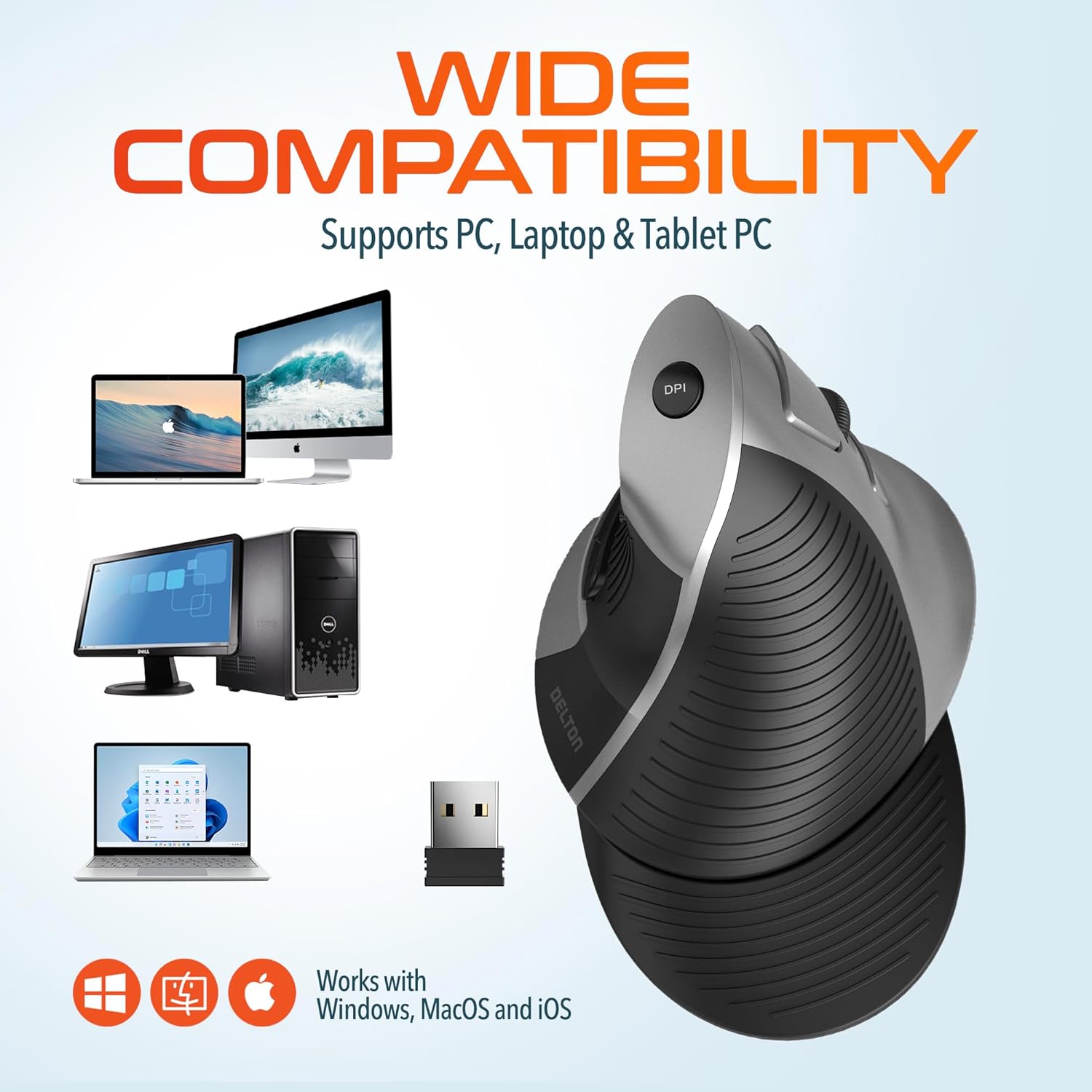
This image illustrates the wide compatibility of the Delton S22 mouse, showing it works seamlessly with PCs, laptops, and tablet PCs across Windows, macOS, and iOS operating systems. The USB dongle is also depicted as the connection method.
6. Penyelenggaraan
- Pembersihan: Gunakan kain lembut dan kering untuk membersihkan tetikus. Untuk kotoran degil, sedikit dampen kain dengan air atau larutan pembersih lembut. Elakkan bahan kimia yang keras atau bahan yang melelas.
- Penggantian Bateri: When the mouse performance degrades or it stops responding, replace the two AA batteries. Ensure the power switch is off before replacing batteries.
- Storan: When transporting or storing the mouse, ensure the USB dongle is securely placed in its dedicated compartment to prevent loss.
7. Penyelesaian masalah
| Masalah | Penyelesaian yang Mungkin |
|---|---|
| Tetikus tidak bertindak balas. |
|
| Pergerakan kursor tidak menentu atau gelisah. |
|
| DPI setting is not changing. |
|
| Forward/Back buttons not working. |
|
8. Spesifikasi
| Ciri | Perincian |
|---|---|
| Jenama | Delton |
| Nombor Model | S22 |
| Teknologi Ketersambungan | Tanpa Wayar 2.4G (Dongle USB) |
| Ciri Khas | Vertical, Ergonomic Design, Wireless |
| Teknologi Pengesanan Pergerakan | Optik |
| Kuantiti Butang | 6 |
| Orientasi Tangan | Betul |
| Peranti Serasi | Komputer riba, Komputer Peribadi, Tablet |
| Keserasian Sistem Pengendalian | Windows, macOS, iOS, Android, Chrome OS, Linux |
| Sumber Kuasa | Dikuasakan Bateri (2 x bateri AA, tidak termasuk) |
| Tahap DPI | 800, 1600, 2400 |
| Julat Tanpa Wayar | Sehingga 30 kaki |
| warna | Hitam |
| Dimensi Item (L x W) | 5.3" L x 3.7" W |
| UPC | 802029086375 |
9. Waranti dan Sokongan
The Delton S22 Vertical Wireless Mouse comes with a Waranti Pengeluar 1 Tahun. Waranti ini melindungi kecacatan pada bahan dan mutu kerja di bawah penggunaan biasa.
For warranty claims, technical support, or any questions regarding your product, please refer to the contact information provided with your purchase or visit the official Delton webtapak untuk sumber sokongan.
Sumber Dalam Talian: For additional information, FAQs, or driver downloads (if applicable), please visit the Delton Store on Amazon.