
pengenalan
The King Lucky i21 Open Ear Clip-on Earbuds are designed for comfort, secure fit, and high-quality audio while maintaining awareness of your surroundings. Featuring Bluetooth 5.4 technology and advanced ENC noise-cancelling, these earbuds provide a reliable and clear audio experience for various activities. This manual provides instructions for setup, operation, maintenance, and troubleshooting to ensure optimal use of your earbuds.
Apa yang ada dalam Kotak
Your King Lucky i21 Open Ear Clip-on Earbuds package includes:
- One pair of King Lucky i21 Open Ear Clip-on Earbuds
- One Charging Case
- Manual Pengguna
Persediaan
1. Caj Permulaan
Before first use, fully charge the earbuds and charging case. Place the earbuds into the charging case and connect the case to a power source using a compatible USB cable. The indicator lights on the case will show charging status. A full charge typically takes approximately 2 hours for the case.

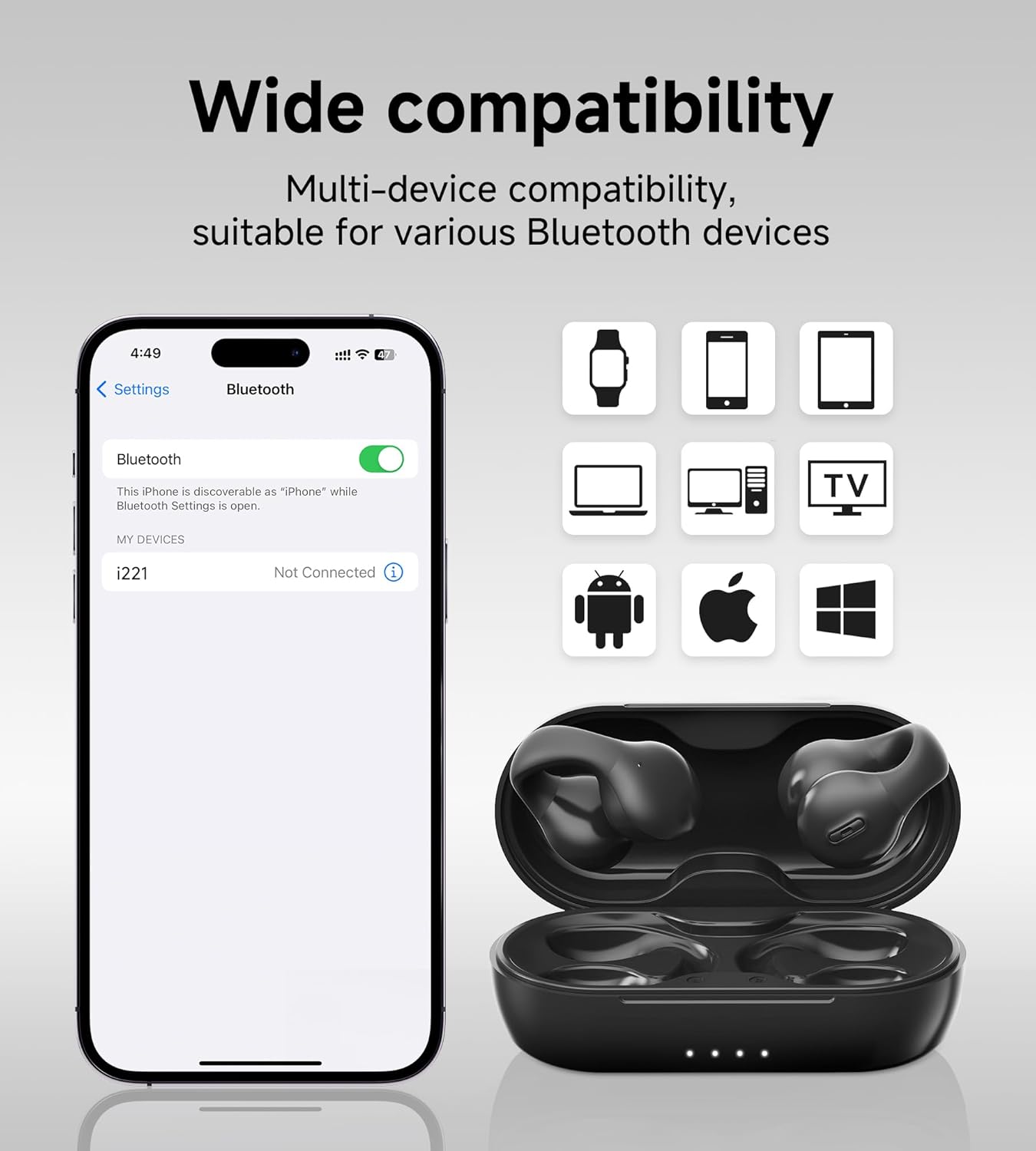
2. Berpasangan dengan Peranti Anda
- Pastikan kedua-dua fon telinga dicas.
- Open the charging case. The earbuds will automatically power on and enter pairing mode, indicated by a flashing light on one of the earbuds.
- Pada peranti anda (telefon pintar, tablet, dll.), pergi ke tetapan Bluetooth dan hidupkan Bluetooth.
- Cari untuk peranti yang tersedia dan pilih 'King Lucky i21' (or similar name) from the list.
- Once connected, the earbud indicator light will turn off or show a steady light, and you will hear a confirmation tone.
3. Memakai Earbud
The King Lucky i21 earbuds feature an upgraded C-shaped bridge design for a secure and comfortable open-ear fit. Gently clip the earbuds onto your ear, ensuring the speaker is positioned near your ear canal without entering it. This design allows you to enjoy high-quality audio while remaining aware of your surroundings.


Arahan Operasi
Hidupkan/Mati Kuasa
The earbuds power on automatically when removed from the charging case and power off when placed back into the case and the lid is closed.
Main Semula Muzik (Kawalan Sentuh)
- Main/Jeda: Ketik sekali pada mana-mana earbud.
- Lagu Seterusnya: Ketik dua kali pada fon telinga kanan.
- Trek Sebelumnya: Ketik dua kali pada fon telinga kiri.
Pengurusan Panggilan (Kawalan Sentuh)
- Jawab/Tamatkan Panggilan: Tap once on either earbud during an incoming call or active call.
- Tolak Panggilan: Tekan dan tahan salah satu fon telinga selama 2 saat semasa panggilan masuk.
Kawalan Kelantangan
Volume control is typically managed through your connected device. Please adjust the volume directly on your smartphone, tablet, or other Bluetooth-enabled device.
ENC Noise Cancelling
The earbuds feature ENC (Environmental Noise Cancellation) technology for clear calls in noisy environments. This feature is automatically active during phone calls to reduce background noise for the person on the other end.

Penyelenggaraan
Pembersihan
Gently wipe the earbuds and charging case with a soft, dry, lint-free cloth. Do not use abrasive cleaners, solvents, or immerse the earbuds or case in water. Ensure charging contacts are clean and dry.
Penyimpanan
Store the earbuds in their charging case when not in use to protect them from damage and maintain battery charge. Avoid storing in extreme temperatures (hot or cold) or high humidity.
Penjagaan Bateri
To prolong battery life, avoid fully discharging the earbuds and charging case frequently. Charge regularly, even if not used for extended periods. Do not attempt to replace the battery yourself.
Menyelesaikan masalah
- Fon telinga tidak berpasangan: Ensure both earbuds are charged and removed from the case. Turn off and on Bluetooth on your device. Forget the device from your Bluetooth list and try pairing again.
- Tiada bunyi dari satu fon telinga: Place both earbuds back into the charging case, close the lid, wait a few seconds, then remove them. This can reset the connection between the earbuds.
- Isu pengecasan: Check the charging cable and power adapter. Ensure the charging contacts on the earbuds and inside the case are clean and free of debris. Try a different USB port or charger.
- Kualiti panggilan yang lemah: Ensure the earbuds are properly seated on your ears. Move closer to your connected device. Avoid environments with strong electromagnetic interference.
- Earbuds falling off: Ensure the earbuds are correctly clipped onto your ear, following the C-shaped design. Experiment with slight adjustments for a more secure fit.
Spesifikasi
| Jenama | Raja Bertuah |
| Nama Model | Clip on Earbuds Open Ear Earbuds |
| Nombor Model | B0DWSQFRZK |
| Teknologi Ketersambungan | Wayarles (Bluetooth 5.4) |
| Penempatan Telinga | Buka Telinga |
| Faktor Bentuk | Di Telinga |
| Kawalan Bunyi | Pembatalan Bunyi Aktif (ENC untuk panggilan) |
| Jenis Pemacu Audio | Pemacu Dinamik (12mm) |
| Julat Kekerapan | 20 Hz - 20,000 Hz |
| Hayat Bateri (Caj Tunggal) | Sehingga 6 Jam |
| Hayat Bateri (dengan Sarung Pengecasan) | Sehingga 50 Jam |
| Kaedah Kawalan | Sentuh |
| Tahap Ketahanan Air | Kalis air |
| bahan | plastik |
| Berat Earbud | Lebih kurang 4.7g setiap fon telinga |


Waranti dan Sokongan
King Lucky products are designed for reliability and performance. For detailed warranty information, technical support, or customer service inquiries, please refer to the official King Lucky website or contact customer support through your original purchase platform. Please retain your proof of purchase for any warranty claims.
You can visit the King Lucky store for more information: King Lucky Store