
pengenalan
Welcome to the instruction manual for your new RadioShack Portable Suitcase Turntable with Bluetooth. This guide provides essential information for the safe and efficient setup, operation, and maintenance of your device. Please read this manual thoroughly before using the turntable and retain it for future reference.

Image: The RadioShack Portable Suitcase Turntable, open and ready to play a record.
Ciri-ciri Produk
- Reka Bentuk Beg Pakaian Mudah Alih: Padat dan mudah diangkut.
- Main semula serba boleh: Supports 3 speeds (33-1/3, 45, 78 RPM) for various record types.
- Automatic and Manual Stop: Offers flexibility in playback control.
- Bunyi Boleh Disesuaikan: Features pitch and volume control for personalized listening.
- Pembesar Suara Terbina dalam: Equipped with 3W x 2 speakers for direct audio playback.
- Kesambungan Bluetooth: Wirelessly stream music from compatible devices.
- Output Audio RCA: Connect to external home stereo systems.
- Input AUX 3.5mm: Sambungkan sumber audio luaran.
- Input Fon Kepala 3.5mm: Untuk mendengar secara peribadi.
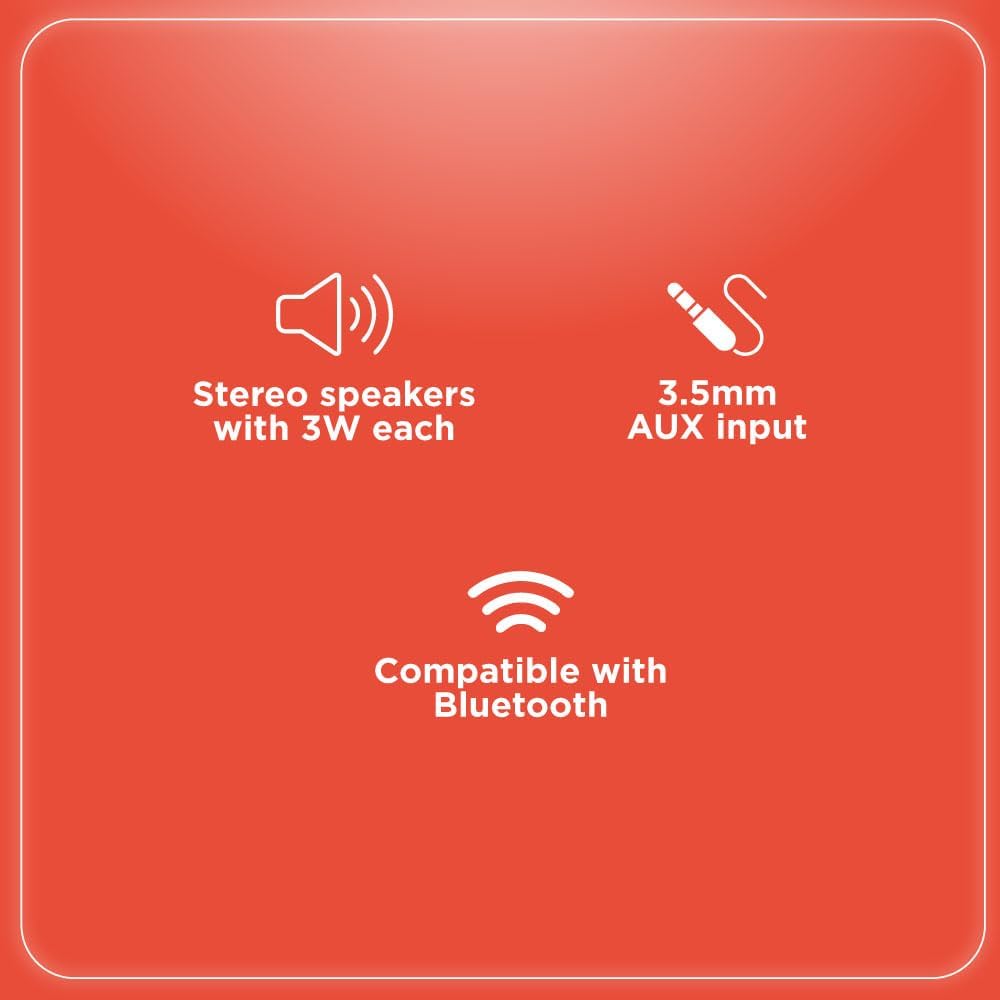
Image: Key features including stereo speakers, 3.5mm AUX input, and Bluetooth compatibility.
Kandungan Pakej
Sila tandai kotak untuk item berikut:
- 1 x RadioShack Portable Suitcase Turntable
- 1 x Penyesuai Kuasa
- 1 x 45 RPM Penyesuai
- 1 x Manual Arahan

Image: A visual representation of the turntable being the primary item included in the package.
Persediaan
- Bongkar: Tanggalkan meja putar dan semua aksesori daripada pembungkusan dengan berhati-hati.
- penempatan: Place the turntable on a flat, stable, and level surface to ensure optimal performance and prevent skipping.
- Sambungan Kuasa: Connect the provided power adapter to the DC 5V input port located on the back of the turntable. Plug the other end into a standard wall outlet.
- Perlindungan Stilus: Gently remove the clear plastic protective cover from the stylus (needle).
- Tone Arm Release: Unlock the tone arm from its rest by moving the tone arm lock to the side.
Arahan Operasi
Memainkan Rekod
- Rekod Tempat: Carefully place your vinyl record onto the turntable platter.
- Pilih Kelajuan: Use the speed selector switch (33-1/3, 45, or 78 RPM) to match the speed of your record. For 7-inch 45 RPM records, place the included 45 RPM adapter on the center spindle.
- Angkat Lengan Nada: Use the cueing lever to gently lift the tone arm from its rest.
- Kedudukan Nada Lengan: Manually move the tone arm over the desired starting track of the record.
- Lengan Nada Bawah: Turunkan lengan nada secara perlahan ke atas rekod menggunakan tuil kiu. Rekod akan mula dimainkan.
- Laraskan Kelantangan: Rotate the volume control knob to achieve your desired listening level.
- Hentikan Main Balik: To stop playing, lift the tone arm using the cueing lever and return it to the tone arm rest.
- Ciri Henti Auto: The turntable features an auto-stop switch. When ON, the platter will automatically stop spinning when the record reaches its end. When OFF, the platter will continue to spin.

Image: The turntable playing a record, highlighting its multi-speed capability.
Video: Official RadioShack video demonstrating the vintage turntable in suitcase style, showing basic operation.
Kesambungan Bluetooth
- Hidupkan kuasa: Turn on the turntable using the power/volume knob.
- Pilih Mod Bluetooth: Switch the function selector to 'BT' (Bluetooth). The Bluetooth indicator light will begin to blink, indicating that the turntable is in pairing mode.
- Dayakan Bluetooth pada Peranti: On your external audio device (e.g., smartphone, tablet), enable Bluetooth and search for available devices.
- Pasangkan Peranti: Select 'Turntable' from the list of available Bluetooth devices. Once successfully paired, the Bluetooth indicator light will become solid.
- Main Muzik: You can now play music from your external device, and the audio will be streamed through the turntable's built-in speakers.
External Audio Connections
- Output Audio RCA: Connect RCA audio cables (not included) from the 'OUT' ports on the back of the turntable to the audio input jacks of an external amplifier or powered speakers for a more powerful sound experience.
- Input AUX 3.5mm: Connect an external audio device (e.g., MP3 player, smartphone) to the 3.5mm AUX input jack on the turntable using a 3.5mm audio cable (not included).
- Input Fon Kepala 3.5mm: For private listening, plug your headphones into the 3.5mm headphone jack located on the control panel.
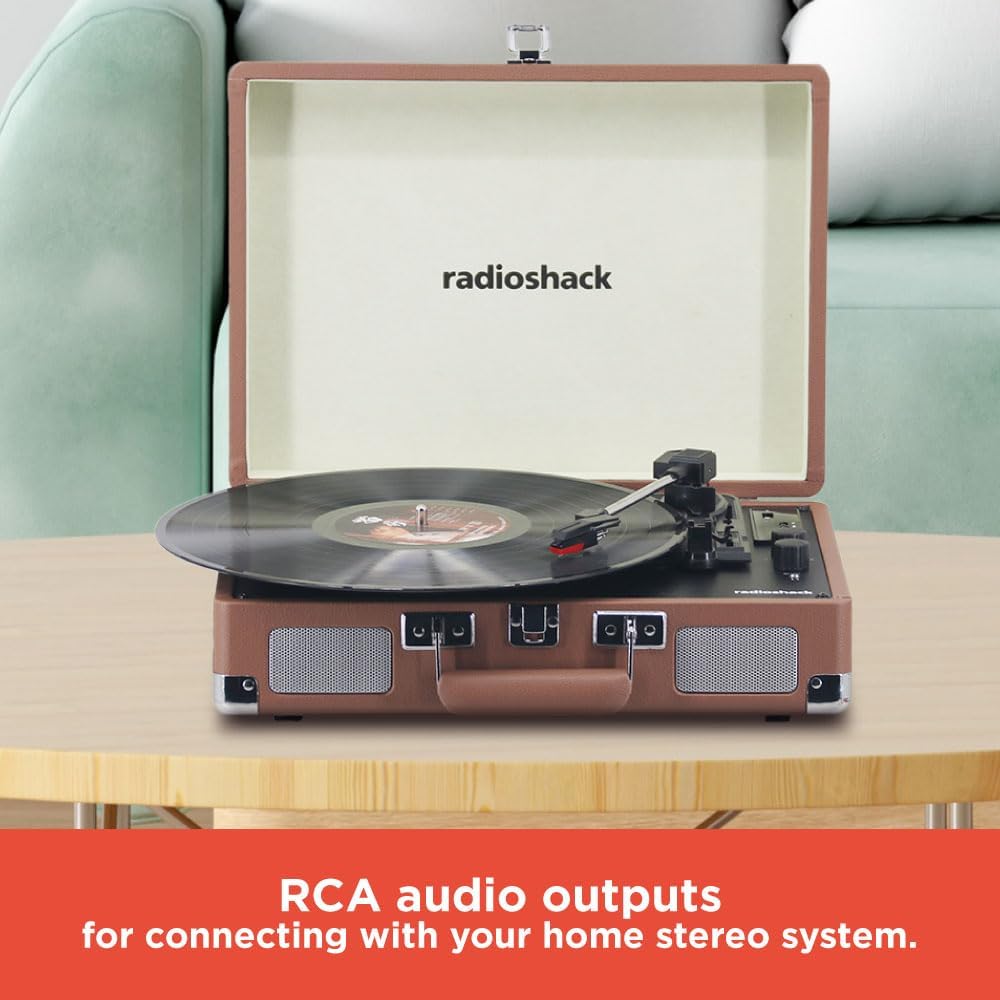
Image: The RCA audio outputs on the back of the turntable for connecting to external stereo systems.

Image: The headphone jack for private listening.
Penyelenggaraan
- Penjagaan Stylus: The stylus is delicate. Avoid touching it with your fingers. Clean it periodically with a soft brush, moving from back to front along the stylus tip.
- Pembersihan Meja Putar: Wipe the turntable unit and cabinet with a soft, dry cloth. Do not use abrasive cleaners, waxes, or solvents as they may damage the finish.
- Penjagaan Rekod: Handle records by their edges to avoid touching the grooves. Store records vertically in their protective sleeves to prevent warping and dust accumulation.
Menyelesaikan masalah
| Masalah | Penyelesaian |
|---|---|
| Tiada Kuasa | Ensure the power adapter is securely connected to the turntable and a working electrical outlet. Check if the power/volume knob is turned ON. |
| Tiada Bunyi | Increase the volume. Verify that the correct mode (Phono or Bluetooth) is selected. If using external speakers, check their connections and power. If playing a record, ensure the stylus is properly placed on the record and is not damaged. |
| Skipping/Distorted Sound | Clean the record and stylus. Ensure the record is placed flat on the platter. Verify that the turntable is on a stable, level surface. |
| Isu Berpasangan Bluetooth | Ensure the turntable is in Bluetooth pairing mode (blinking indicator light). Confirm your external device's Bluetooth is enabled and searching. Move devices closer together. Try restarting both the turntable and your external device. |
Spesifikasi
- Nombor Model: 4001790
- Jenama: RadioShack
- Kelajuan: 33-1/3, 45, 78 RPM
- Ketersambungan: Bluetooth, RCA Audio Out, 3.5mm AUX Input, 3.5mm Headphone Output
- Penceramah: 3W x 2 terbina dalam
- Dimensi: 13.78 x 10.24 x 4.72 inci
- Berat: 6 paun
- Bahan: MDF case wrapped by PVC vinyl

Image: Product dimensions for the turntable.
Waranti dan Sokongan
For detailed warranty information, product registration, and customer support, please refer to the specific documentation included with your purchase or visit the official RadioShack webtapak. Simpan bukti pembelian anda untuk sebarang tuntutan waranti.