
pengenalan
Thank you for choosing the HORLAT Projector Tripod Stand TP-01. This stand is specifically designed to provide stable and adjustable support for your HORLAT W10/W11 projectors. It features a 180° rotational capability, allowing for flexible projection angles. Please read this manual carefully before use to ensure proper installation and operation.
Note: This product is a projector stand. The projector itself is not included.
Maklumat Keselamatan Penting
- Pastikan penyangga diletakkan di atas permukaan yang stabil dan rata untuk mengelakkannya daripada terbalik.
- Do not overload the stand beyond its intended capacity. This stand is designed for HORLAT W10/W11 projectors only.
- Keep the stand away from heat sources, direct sunlight, and moisture.
- Do not attempt to modify or disassemble the stand.
- Jauhkan daripada kanak-kanak untuk mengelakkan kemalangan.
Kandungan Pakej
Sila semak pakej untuk item berikut:
- HORLAT Projector Tripod Stand TP-01
- Penyesuai
Note: The term "Adapter" is listed in the product's package contents. This may refer to a specific mounting adapter for the projector.
Produk Selesaiview
The HORLAT TP-01 stand is designed for ease of use and stability. It features a sturdy base and a rotatable platform for your projector.

Image: The HORLAT Projector Tripod Stand TP-01, showcasing its sleek design and stable structure.
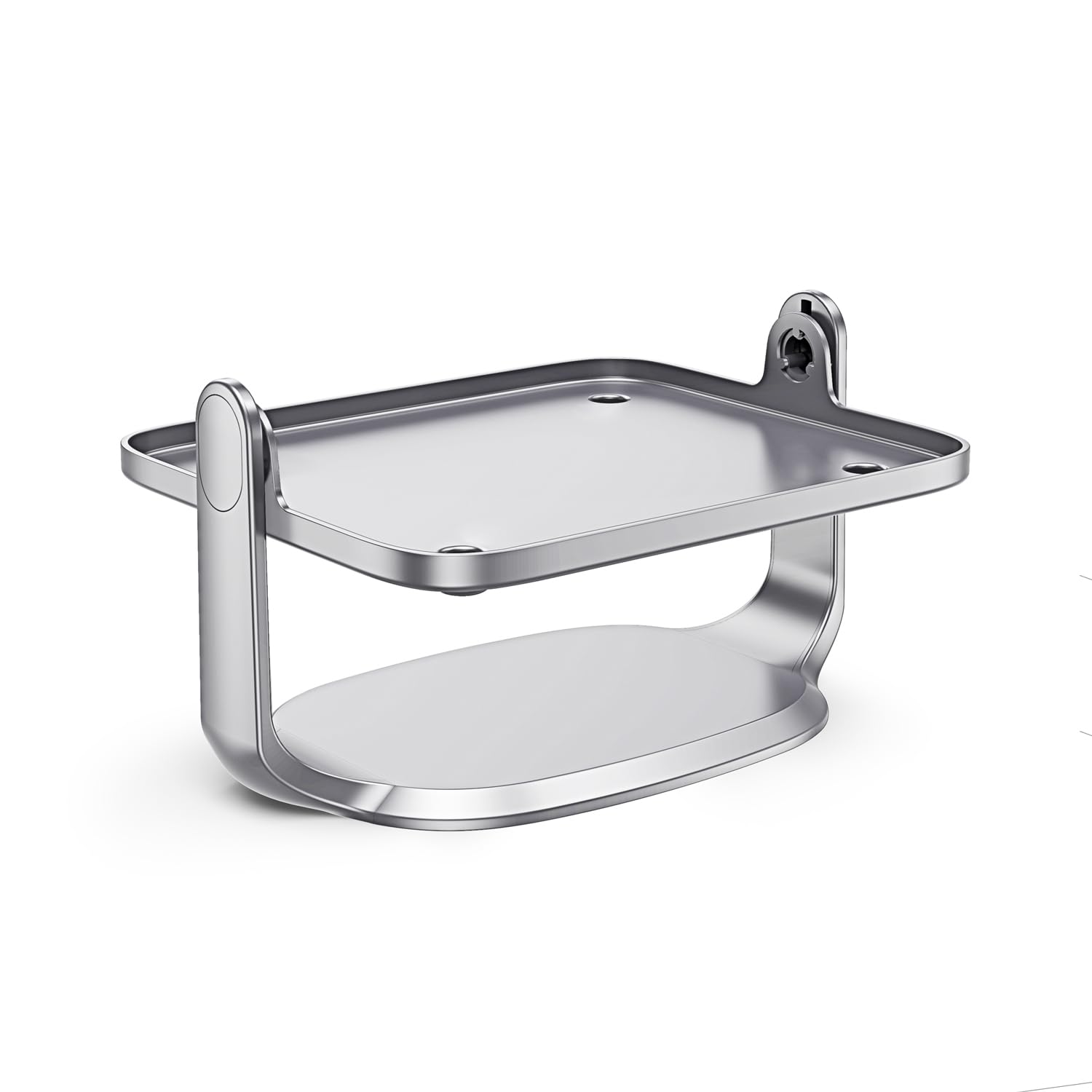
Image: Diagram illustrating the 90-degree and 45-degree rotation capabilities of the projector stand's platform.
Arahan Persediaan
- Buka Pendirian: Keluarkan semua komponen dari pembungkusan dengan berhati-hati.
- Letakkan Stand: Position the stand on a flat, stable surface where you intend to use your projector. Ensure there is enough space for the projector and its cables.
-
Pasang Projektor: Gently place your HORLAT W10 or W11 projector onto the stand's platform. Ensure it is centered and stable.
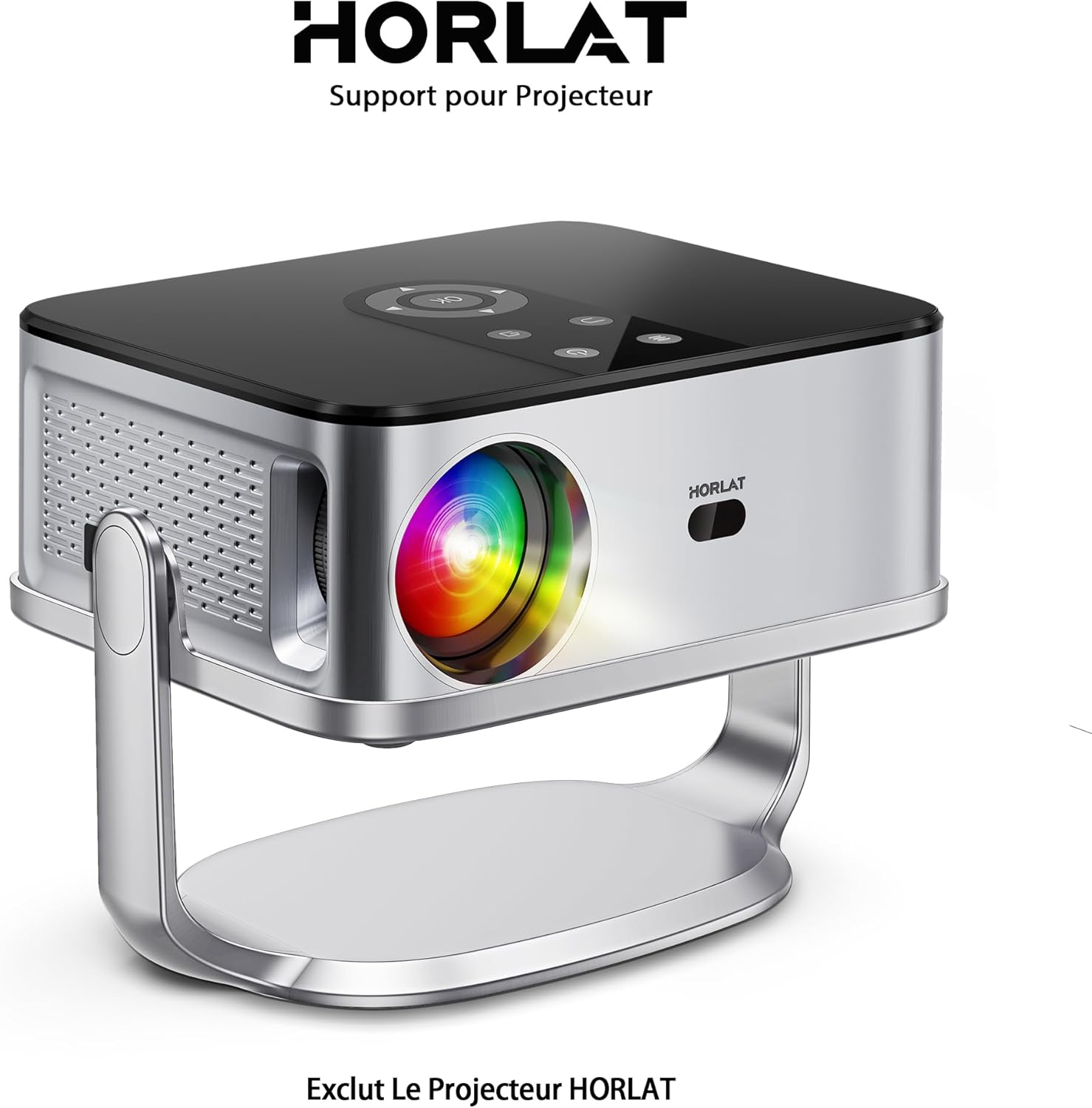
Image: A HORLAT projector securely placed on the TP-01 stand, demonstrating proper mounting.
- Sambungkan Kabel: Connect all necessary power and video cables to your projector. Route cables neatly to avoid obstruction or tripping hazards.
Mengendalikan Stand
The HORLAT TP-01 stand allows for easy adjustment of your projector's position and angle.
-
Melaraskan Putaran: The projector platform can be rotated up to 180 degrees. Gently hold the projector and rotate the platform to achieve the desired projection angle. The stand is designed to hold the projector securely at various angles.
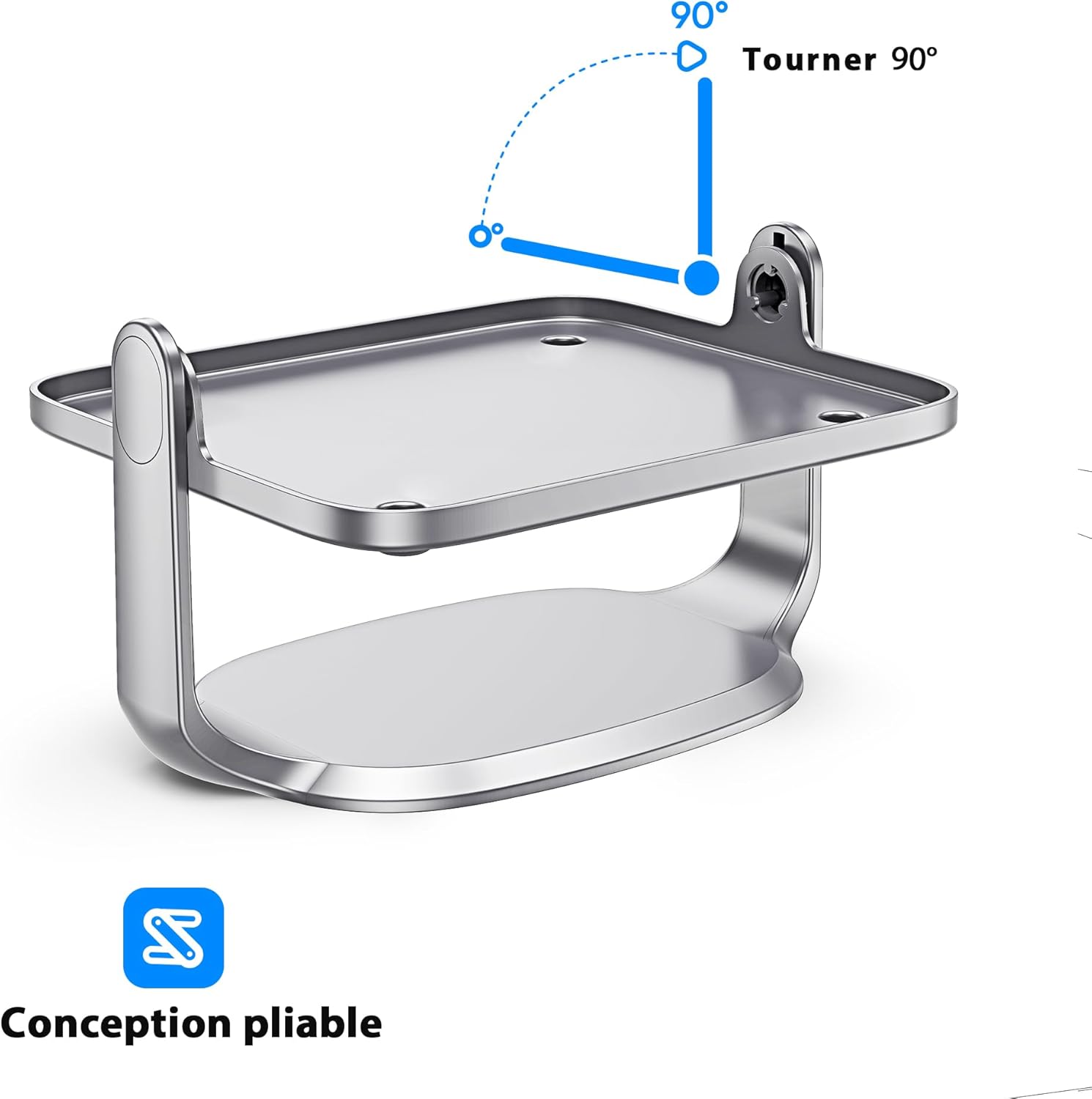
Image: Diagram showing the 90-degree rotation capability of the projector stand, allowing for versatile positioning.
- Kedudukan: Once the desired angle is set, ensure the stand remains stable. The design allows for flexible placement on various surfaces while maintaining stability.
Penyelenggaraan
- Pembersihan: To clean the stand, wipe it with a soft, dry cloth. Do not use abrasive cleaners or solvents, as these may damage the finish.
- Storan: When not in use, store the stand in a cool, dry place, away from direct sunlight and extreme temperatures.
- Pemeriksaan: Periodically check the stand for any signs of wear or damage. If any damage is found, discontinue use and contact customer support.
Menyelesaikan masalah
| Masalah | Kemungkinan Punca | Penyelesaian |
|---|---|---|
| Pendirian tidak stabil. | Uneven surface; projector not centered. | Place the stand on a flat, level surface. Ensure the projector is centered on the platform. |
| Difficulty rotating the platform. | Excessive force applied; obstruction. | Ensure no cables or other objects are obstructing the rotation. Apply gentle, even pressure. Do not force rotation. |
| Stand appears damaged. | Impak fizikal; kecacatan pembuatan. | Discontinue use immediately. Contact HORLAT customer support for assistance. |
Spesifikasi
| Ciri | Perincian |
|---|---|
| Jenama | HORLAT |
| Nombor Model | TP-01 |
| Peranti Serasi | HORLAT W10/W11 Projectors |
| Jenis Pemasangan | Tripod (Desktop Stand) |
| Ciri Khas | 180° Rotational Platform |
| Waranti | Waranti Pengeluar 1 Tahun |
Waranti dan Sokongan Pelanggan
The HORLAT Projector Tripod Stand TP-01 comes with a Waranti Pengeluar 1 Tahun. Waranti ini melindungi kecacatan pada bahan dan mutu kerja di bawah penggunaan biasa.
For warranty claims, technical support, or any questions regarding your product, please contact HORLAT customer service through the retailer where you purchased the product or visit the official HORLAT webtapak untuk maklumat hubungan.
Please have your model number (TP-01) and proof of purchase ready when contacting support.