
1. Pengenalan
This manual provides detailed instructions for setting up, operating, and maintaining your AWOW AK11 Mini PC. Please read this manual thoroughly before using the device to ensure proper functionality and safety. The AWOW AK11 is a compact and powerful mini desktop computer designed for various applications, including office work, 4K video playback, home theater, and educational use.
2. Maklumat Keselamatan
- Pastikan penyesuai kuasa serasi dengan bekalan kuasa tempatan anda.
- Jangan dedahkan peranti kepada air, lembapan atau suhu yang melampau.
- Elakkan meletakkan peranti berhampiran sumber haba atau di bawah cahaya matahari langsung.
- Jangan cuba membuka atau membaiki peranti sendiri. Rujuk kepada kakitangan perkhidmatan yang berkelayakan.
- Pastikan bukaan pengudaraan bersih untuk mengelakkan terlalu panas.
3. Kandungan Pakej
Sahkan bahawa semua item terdapat dalam pakej:
- AWOW AK11 Mini PC
- Penyesuai Kuasa
- Kabel HDMI
- Manual Pengguna (dokumen ini)
- Mounting Bracket (Vesa mount, if included)
4. Produk Lebihview
The AWOW AK11 Mini PC features a comprehensive set of ports for connectivity and expansion. Familiarize yourself with the layout below.

Imej 4.1: Front and Rear Panel Interfaces of the AWOW AK11 Mini PC. The front panel includes 3.5mm Audio/MIC jack, Type-C port, two USB 3.2 Gen2 ports, a Power Button, and a CLR CMOS button. The rear panel features the Power input, two LAN (1000M) ports, a DisplayPort (4K 60Hz), an HDMI port (4K 60Hz), and two USB 2.0 ports.
Panel Depan:
- 3.5mm Audio/MIC: For connecting headphones, speakers, or a microphone.
- USB 3.2 Gen2 (x2): High-speed data transfer ports for peripherals.
- Jenis-C: Multi-functional port for data, video output, or power delivery (check specific model capabilities).
- Butang Kuasa: Untuk menghidupkan atau mematikan peranti.
- CLR CMOS: Button to clear CMOS settings (use with caution).
Panel belakang:
- Kuasa Masuk: Sambungkan penyesuai kuasa yang disediakan di sini.
- LAN (1000M) (x2): Gigabit Ethernet ports for wired network connection.
- 4K 60Hz DP (DisplayPort): Video output for connecting a monitor.
- 4K 60Hz HDMI: Video output for connecting a monitor or TV.
- USB 2.0 (x2): Port USB standard untuk peranti.
5. Panduan Persediaan
5.1 Menyambung Peranti
- Paparan Sambungkan: Use an HDMI or DisplayPort cable to connect your monitor to the corresponding port on the Mini PC. For triple display, use HDMI, DisplayPort, and the Type-C port (with a compatible adapter if needed).
- Sambungkan Papan Kekunci dan Tetikus: Plug your USB keyboard and mouse into any available USB ports (USB 3.2 Gen2 or USB 2.0).
- Sambungkan Rangkaian (Pilihan): For a wired connection, plug an Ethernet cable into one of the LAN ports. For wireless, ensure your WiFi network is available.
- Sambungkan Kuasa: Plug the power adapter into the "Power In" port on the Mini PC, then plug the adapter into a power outlet.
5.2 Menghidupkan
Press the Power Button on the front panel. The power indicator light will illuminate, and the system will begin to boot.
5.3 Persediaan Windows Awal
Upon first boot, you will be guided through the Windows 11 Pro setup process. Follow the on-screen instructions to configure language, region, network, user accounts, and other settings.
6. Arahan Operasi
6.1 Operasi Asas
- Hidupkan/Mati Kuasa: Press the power button to turn on. To turn off, use the Windows Shut Down option or press and hold the power button for 5 seconds for a forced shutdown (not recommended for regular use).
- Mulakan semula: Gunakan pilihan Windows Restart.
- Mod tidur: Use the Windows Sleep option or briefly press the power button.
6.2 Display Configuration (Triple Display)
The AWOW AK11 supports up to three 4K@60Hz displays simultaneously using the HDMI, DisplayPort, and Type-C outputs. After connecting your monitors, Windows will automatically detect them. You can configure display settings (extend, duplicate, or show only on one) via Settings > System > Display.
6.3 Kesambungan Rangkaian
- Ethernet berwayar: Connect an Ethernet cable to one of the two Gigabit LAN ports. The system will automatically establish a connection.
- Wi-Fi 6: To connect to a wireless network, go to Tetapan > Rangkaian & Internet > Wi-Fi, hidupkan Wi-Fi dan pilih rangkaian yang anda inginkan. Masukkan kata laluan jika digesa.
6.4 Bluetooth 5.2
To connect Bluetooth devices (e.g., headphones, keyboard, mouse), go to Settings > Bluetooth & devices, ensure Bluetooth is enabled, and click "Add device" to pair.
6.5 Pengembangan Storan
The Mini PC includes a 512GB PCIe3.0 SSD. You can expand storage by adding a 2.5-inch SATA HDD/SSD (up to 2TB, not included). Refer to the product's internal layout for the SATA drive bay and connection points. This typically involves opening the bottom panel of the device.
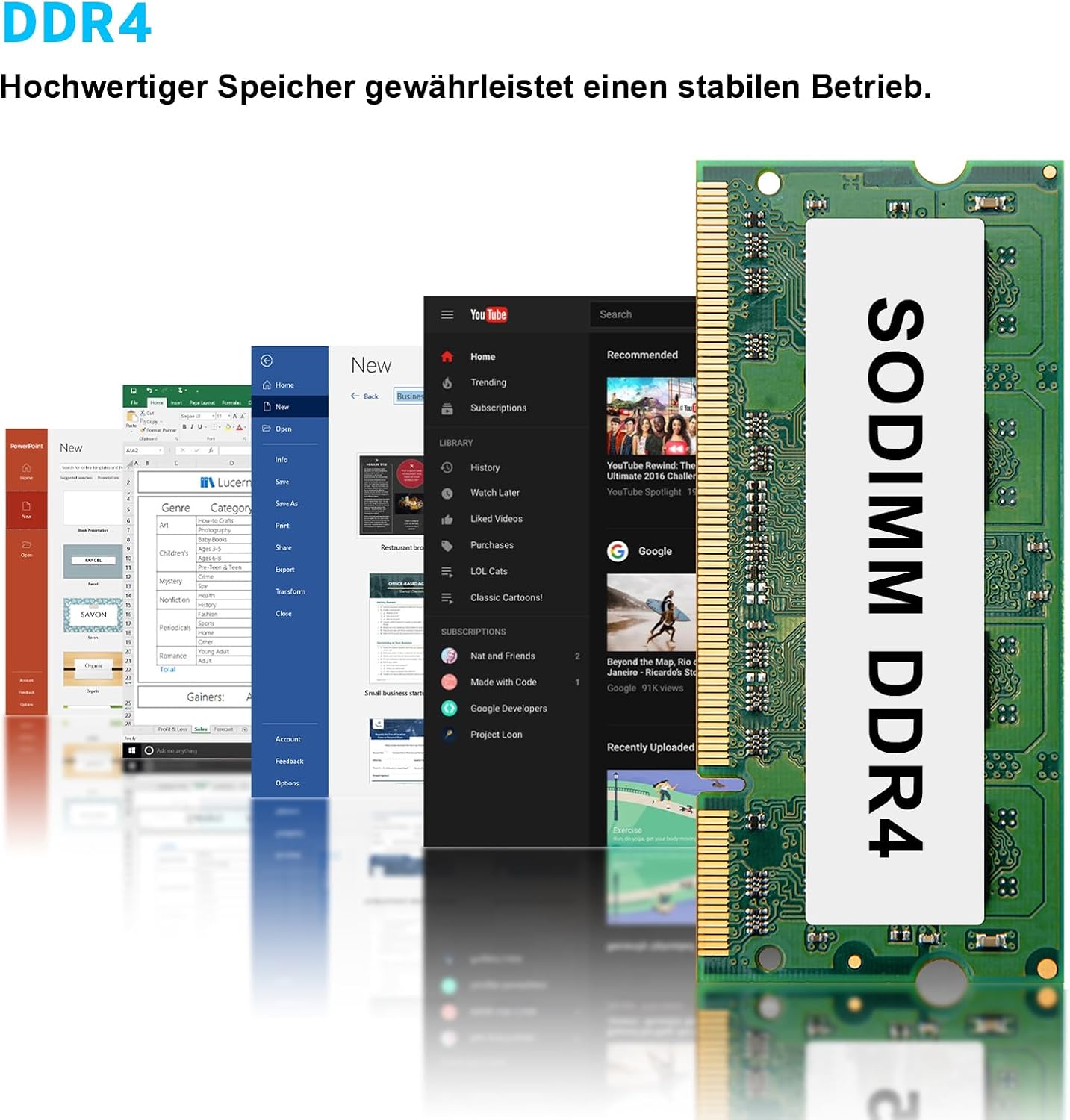
Imej 6.1: Example of a SODIMM DDR4 memory module, similar to what is installed in the AWOW AK11. The device supports 16GB DDR4 RAM and allows for storage expansion with a 2.5-inch SATA drive.
7. Penyelenggaraan
7.1 Pembersihan
- Gunakan kain lembut dan kering untuk membersihkan bahagian luar Mini PC.
- Untuk tanda degil, sedikit dampen kain dengan air atau pembersih yang lembut dan tidak melelas.
- Keep ventilation openings free of dust using compressed air.
- Sentiasa putuskan sambungan penyesuai kuasa sebelum membersihkan.
7.2 Kemas Kini Perisian
Semak kemas kini Windows secara kerap melalui Tetapan > Kemas Kini Windows to ensure your system has the latest security patches and performance improvements. Also, check the AWOW website for any driver updates specific to the AK11 model.
7.3 Pengurusan Storan
Periodically manage your storage by deleting unnecessary files, emptying the recycle bin, and using Windows Disk Cleanup to free up space. Consider backing up important data regularly.
8. Penyelesaian masalah
- Tiada Kuasa: Pastikan penyesuai kuasa disambungkan dengan selamat ke kedua-dua Mini PC dan soket kuasa yang berfungsi. Cuba soket lain.
- Tiada Paparan: Check all display cable connections (HDMI, DP, Type-C). Ensure the monitor is powered on and set to the correct input source. Try connecting to a different display or using a different cable.
- Tiada Sambungan Rangkaian: For wired, check the Ethernet cable and router. For Wi-Fi, ensure Wi-Fi is enabled in Windows settings and you are connected to the correct network with the right password. Restart your router and the Mini PC.
- Prestasi Perlahan: Close unnecessary applications. Check for background processes consuming high resources (Task Manager). Ensure sufficient free storage space.
- CLR CMOS Button: If experiencing boot issues or incorrect BIOS settings, you can press the CLR CMOS button (usually requires the device to be off and disconnected from power) to reset BIOS settings to default. Consult the AWOW support for specific instructions if needed.
9. Spesifikasi
Below are the technical specifications for the AWOW AK11 Mini PC:

Imej 9.1: Visual representation of the Intel N150 processor, highlighting its specifications: 3.6GHz Max Turbo Frequency, 4 Cores/4 Threads, 16GB RAM, and 512GB SSD.
| Ciri | Penerangan |
|---|---|
| Model | AK11 |
| Pemproses | Intel N150 (4C/4T, up to 3.6 GHz) |
| Grafik | Intel UHD Graphics (up to 1 GHz) |
| RAM | 16 GB DDR4 (3200 MHz) |
| Penyimpanan | 512 GB PCIe3.0 SSD (expandable with 2.5" SATA HDD/SSD up to 2TB) |
| Sistem Operasi | Windows 11 Pro |
| Output Video | HDMI (4K@60Hz), DisplayPort (4K@60Hz), Type-C (4K@60Hz) - Triple Display Support |
| Rangkaian | Dual Gigabit Ethernet, WiFi 6 (802.11ax) |
| Bluetooth | Bluetooth 5.2 |
| Port USB | 2x USB 3.2 Gen2, 2x USB 2.0, 1x Type-C |
| Audio | 3.5mm Audio/MIC Jack |
| Kaedah Penyejukan | Penyejukan Udara |
| Penggunaan Kuasa | 6 Watt (biasa) |
| Dimensi | 27.6 x 16.1 x 6.1 cm (Pakej) |
| Berat badan | 810 gram (Pakej) |
10. Waranti dan Sokongan
AWOW products come with a standard manufacturer's warranty. For specific warranty terms and conditions, please refer to the warranty card included with your product or visit the official AWOW website. For technical support, driver downloads, or further assistance, please visit the AWOW support page or contact their customer service.