
pengenalan
The Ataller Digital Kitchen Scale with Nutritional Calculator is designed to provide precise measurements and detailed nutritional information for your food items. This versatile tool is ideal for meal preparation, baking, portion control, and tracking dietary intake. With its intuitive digital display and comprehensive food code database, managing your nutrition has never been easier.
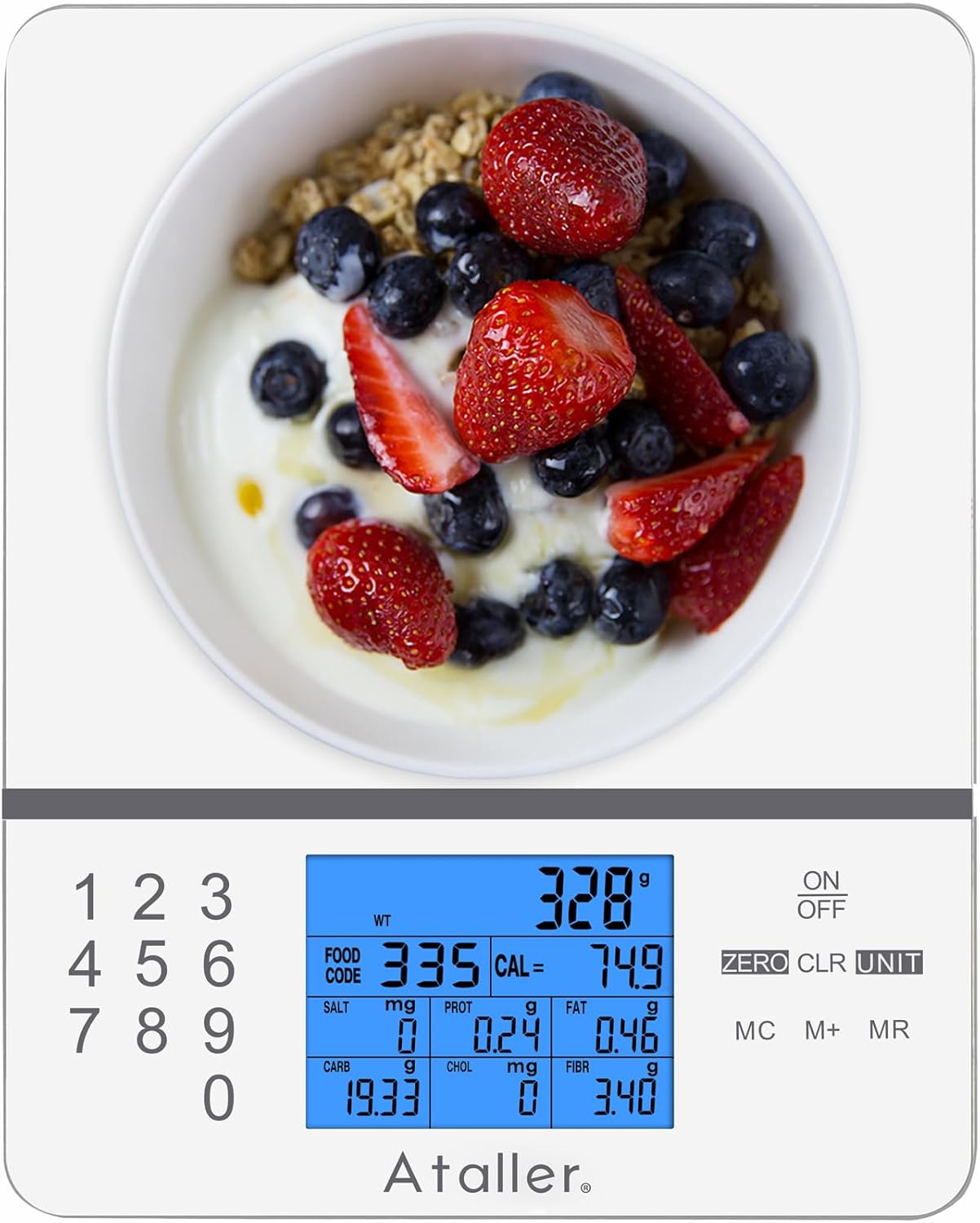
Image: Ataller Digital Kitchen Scale with Nutritional Calculator, showcasing reka bentuk anggun dan paparan digitalnya.
Persediaan
Pembukaan Kotak dan Pemasangan Bateri
- Keluarkan penimbang dari pembungkusannya dengan berhati-hati.
- Cari petak bateri di bahagian bawah penimbang.
- Insert the two AAA batteries (included) into the compartment, ensuring correct polarity.
- Tutup penutup petak bateri dengan selamat.

Image: A hand inserting AAA batteries into the battery compartment on the underside of the Ataller food scale.
Arahan Operasi
Timbangan Asas
- Letakkan kerak di permukaan yang rata dan stabil.
- Tekan ke HIDUP/MATI button to turn on the scale. The display will show "0.0" when ready.
- Gently place the item to be weighed on the center of the scale platform. The weight will be displayed on the LCD screen.

Image: The Ataller food scale displaying the weight of strawberries, demonstrating basic weighing functionality.
Penukaran Unit
Penimbang ini menyokong berbilang unit ukuran. Untuk menukar unit:
- Dengan penimbang dihidupkan, tekan butang UNIT butang berulang kali.
- The unit will cycle through grams (g), milliliters (ml), ounces (oz), pounds:ounces (lb:oz), and fluid ounces (fl.oz). Select your desired unit.

Image: The Ataller food scale displaying a measurement in milliliters, illustrating the unit conversion feature.
Fungsi Tare
The Tare function allows you to subtract the weight of a container or previous ingredients, enabling you to weigh subsequent items accurately.
- Letakkan bekas kosong pada skala. Paparan akan menunjukkan beratnya.
- Tekan ke SIFAR button. The display will reset to "0.0", effectively taring out the container's weight.
- Add your ingredients to the container. The scale will display only the weight of the added ingredients.

Image: A hand pouring ingredients into a bowl placed on the Ataller food scale, illustrating the use of the tare function for accurate measurement.
Nutritional Calculator (Food Codes)
The scale features an integrated nutritional database with 999 food codes to calculate various nutrients.
- Place the food item on the scale.
- Refer to the provided manual or scan the QR code on the scale to find the corresponding food code for your item.
- Using the numeric keypad (0-9), enter the food code.
- The LCD display will show the weight along with 7 kinds of nutritional data: Calories, Protein, Fat, Carbohydrates, Cholesterol, Sodium, and Fiber.
- To clear the currently entered food code, press the CLR butang.

Image: The Ataller food scale displaying detailed nutritional information for an avocado, highlighting its built-in calculator feature.
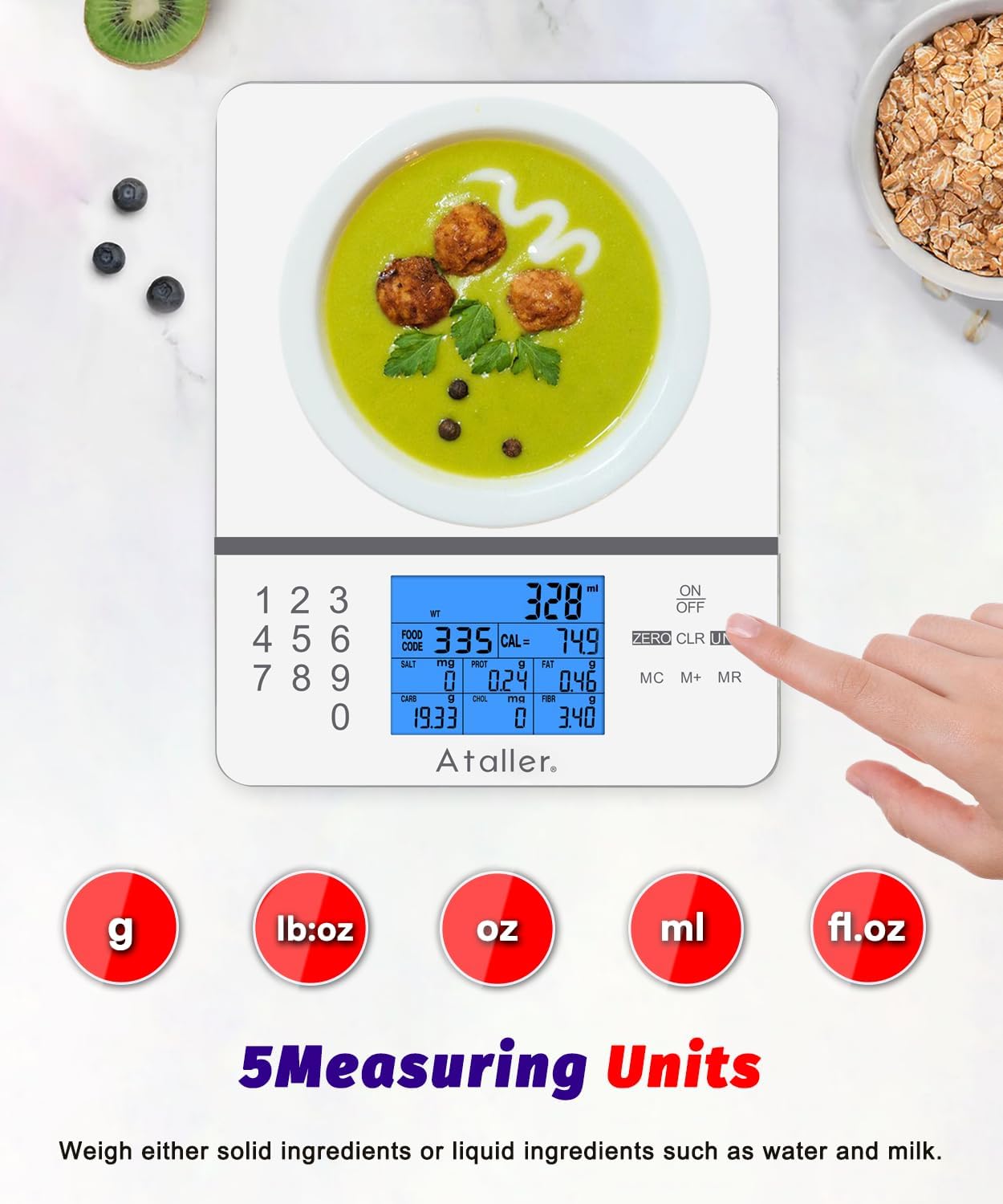
Image: A hand scanning a QR code on the Ataller food scale with a smartphone, demonstrating how to easily look up food codes for nutritional calculations.
Saving and Clearing Nutritional Data
- To save the current nutritional data, press the M+ button. The LCD will display "M01" (or subsequent numbers) to indicate that the data has been stored. A maximum of 99 nutritional data entries can be saved.
- Kepada view data yang disimpan, tekan butang MR butang.
- To clear all stored data, double-click the MC kunci.
Penyelenggaraan dan Penjagaan
- The scale surface is made of 3mm tempered glass, making it easy to clean.
- Wipe the appliance body with a moist cloth and dry it thoroughly after each use.
- Jangan rendam penimbang di dalam air atau gunakan pembersih yang kasar.
- Simpan skala di tempat yang sejuk dan kering apabila tidak digunakan.

Image: A hand wiping the smooth, tempered glass surface of the Ataller food scale, highlighting its easy-to-clean design.
Menyelesaikan masalah
| Masalah | Penyelesaian |
|---|---|
| Skala tidak dihidupkan | Periksa pemasangan bateri dan pastikan bateri tidak habis. Gantikan jika perlu. |
| Bacaan tidak tepat | Ensure the scale is on a flat, stable surface. Avoid placing it near vibrating appliances. Recalibrate if possible (refer to full manual for calibration steps if available). |
| "Err" or "OL" displayed | "Err" or "OL" indicates overload. Remove items immediately to prevent damage. Ensure weight does not exceed 5000g (11 lbs). |
| Paparan malap atau berkelip | Low battery indication. Replace batteries. |
| Food code not recognized | Double-check the food code entered against the manual. Ensure the code is for the correct food item. |
Spesifikasi
| Ciri | Perincian |
|---|---|
| Jenama | Ataller |
| Nombor Model | KS-4099W |
| Had berat | 5000g (11 lbs) |
| Peningkatan Pengukuran | 1g / 0.1oz |
| Unit Pengukuran | g, ml, oz, lb:oz, fl.oz |
| Nutritional Database | 999 Food Codes (Calories, Protein, Fat, Carbs, Cholesterol, Sodium, Fiber) |
| Jenis Paparan | LCD bercahaya belakang |
| bahan | Kaca Terbaja |
| Sumber Kuasa | 2 x Bateri AAA (termasuk) |
| Ciri Khas | Tare Function, Auto-Off, Low Battery Indicator, Overload Indicator |
| Dimensi Produk | 7.87 x 6.3 x 0.71 inci |
| Berat Barang | 1.06 paun |
Waranti dan Sokongan
For warranty information or technical support, please contact Ataller customer service. Refer to the product packaging or the official Ataller website for contact details. Please retain your proof of purchase for any warranty claims.