
Doro Leva L20
Manual Pengguna Telefon Bimbit Doro Leva L20
Model: Doro Leva L20 | Brand: Doro
pengenalan
The Doro Leva L20 is an unlocked mobile phone designed for seniors, featuring a large display, powerful HD sound, a camera, and an assistance button with GPS location. This basic phone operates without internet access, focusing on ease of use and essential communication.
This manual provides comprehensive instructions for setting up, operating, maintaining, and troubleshooting your Doro Leva L20 mobile phone.
Kandungan Pakej
Setelah membuka bungkusan, pastikan semua barang ada:
- Doro Leva L20 Mobile Phone
- Dok Pengecasan
- Kabel USB-C
- Bateri (dipasang atau berasingan)
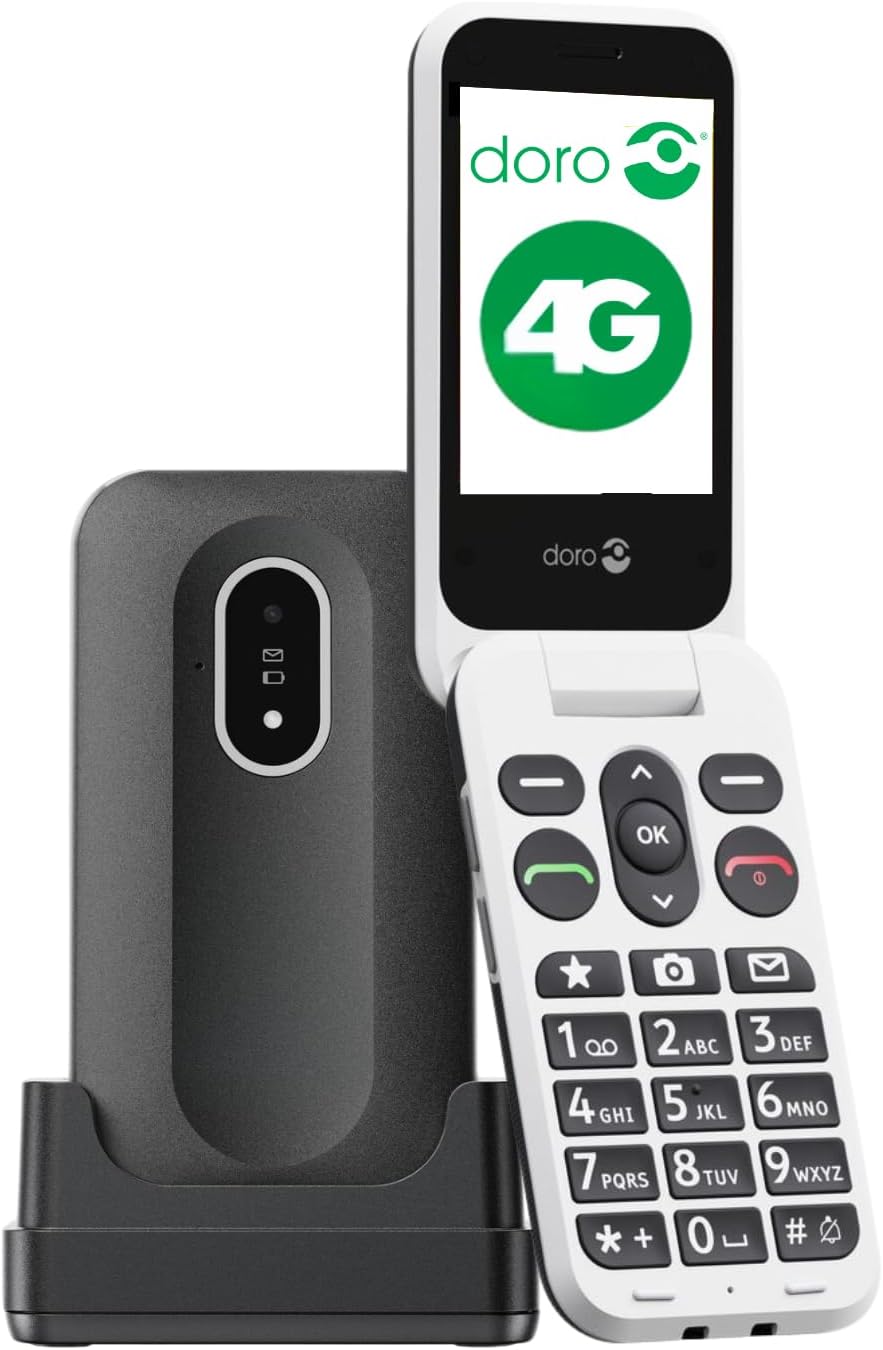
Image: The Doro Leva L20 mobile phone, a black flip phone with large white keys, shown alongside its black charging dock.
Persediaan
1. Memasukkan Kad SIM dan Bateri
Before first use, ensure the SIM card is correctly inserted. The Doro Leva L20 supports 4G networks. If the battery is not pre-installed, carefully insert it into the designated compartment, ensuring the contacts align.
2. Mengecas Telefon
For optimal performance, fully charge the phone before initial use. Connect the USB-C cable to the charging dock and then to a power source. Place the phone in the charging dock. The phone will indicate when it is charging.
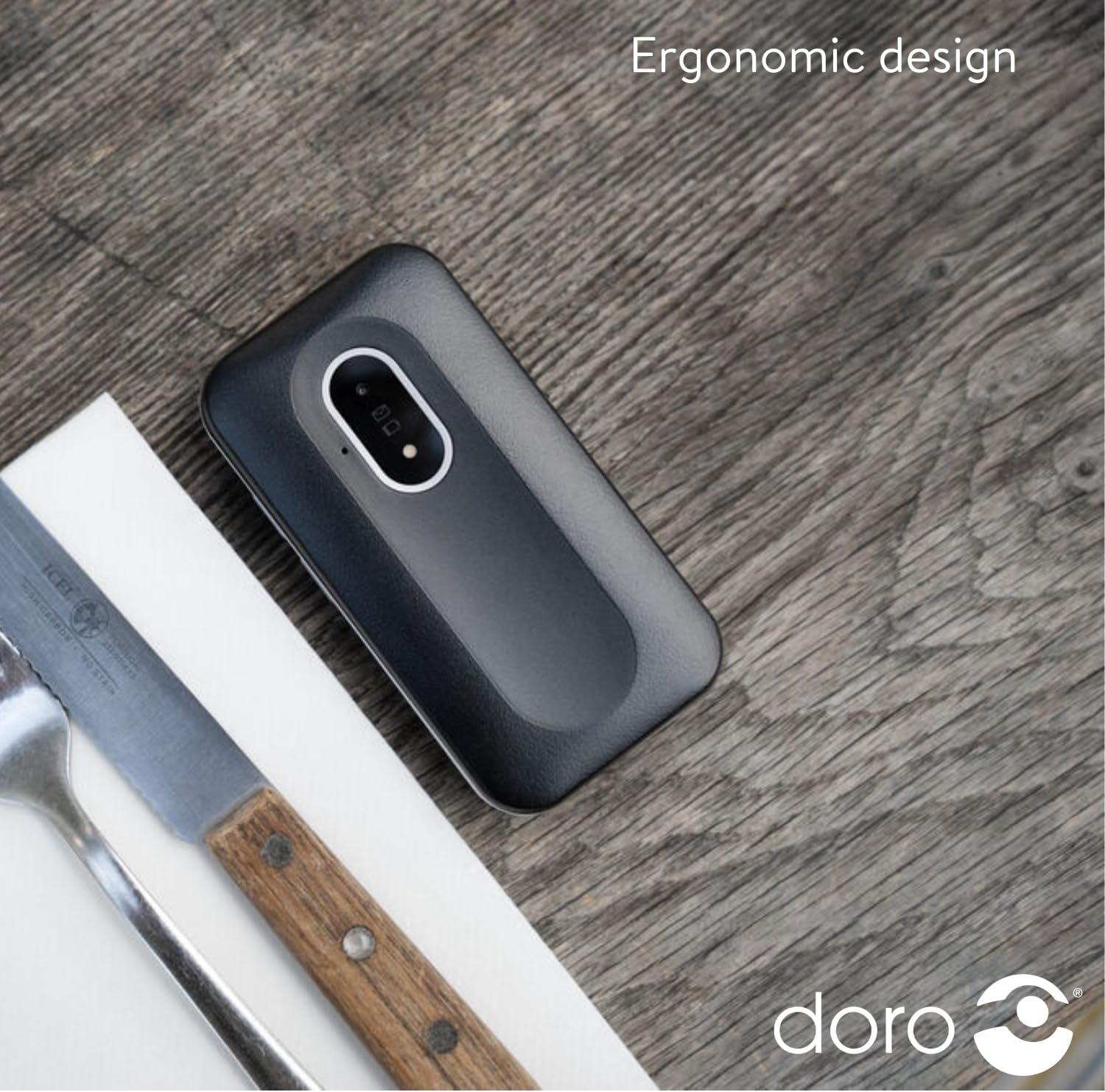
Image: The Doro Leva L20 phone, closed and lying on a wooden surface, highlighting its compact and ergonomic design.
3. Menghidupkan/Mematikan
To power on, press and hold the power button until the screen illuminates. To power off, press and hold the power button, then follow the on-screen prompts.
Arahan Operasi
Membuat dan Menerima Panggilan
- Membuat Panggilan: Enter the phone number using the large, high-contrast keys and press the green call button.
- Menerima Panggilan: Open the flip phone or press the green call button to answer. Close the flip phone or press the red end call button to hang up.
Menghantar Mesej Teks
Navigate to the 'Messages' menu using the clear, simple menu interface. Select 'New Message', enter the recipient's number or select from contacts, type your message, and send.
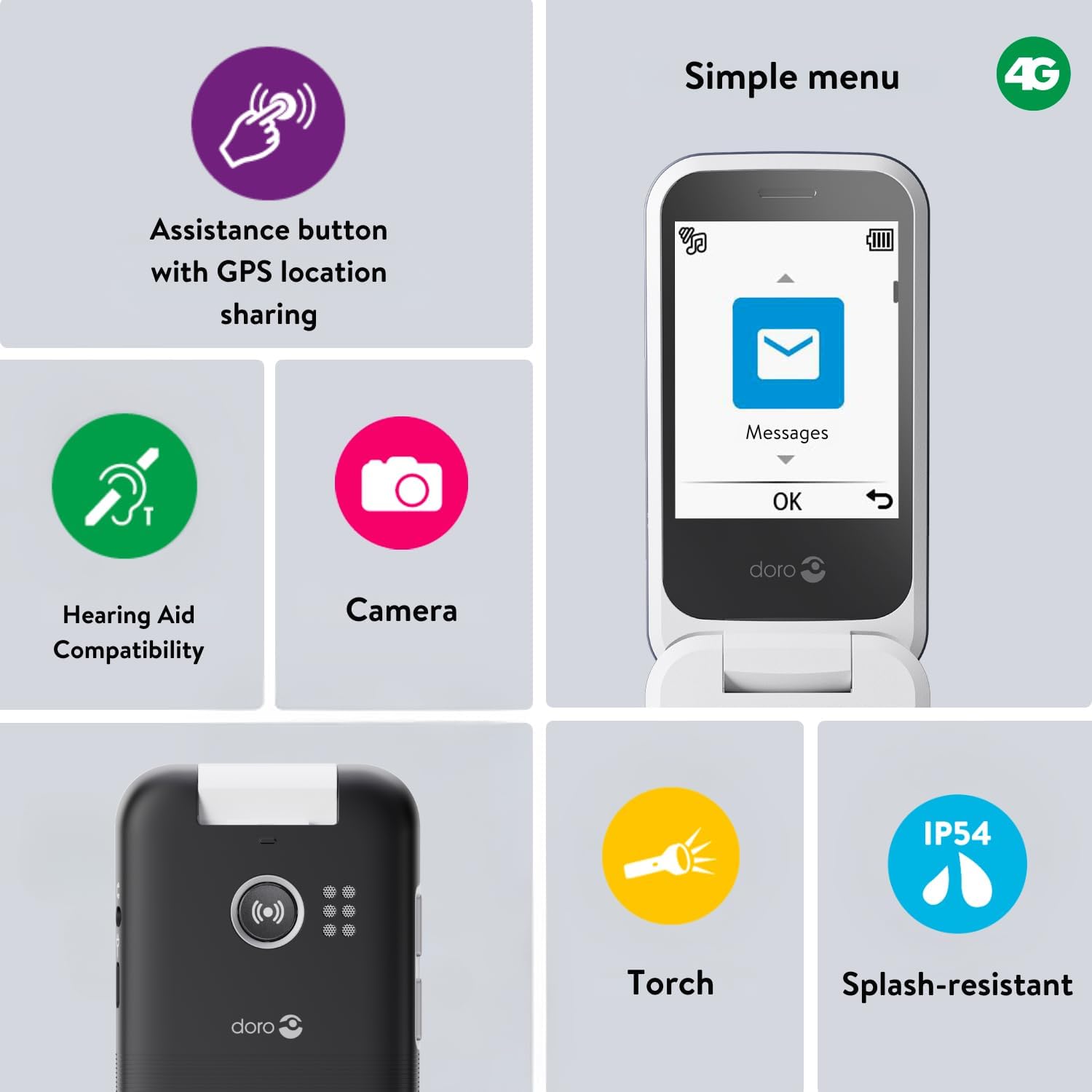
Image: A close-up of the Doro Leva L20's screen displaying a simple menu with large icons for Messages, Camera, and other functions, alongside icons for Torch, Splash-resistant, Assistance button, and Hearing aid compatibility.
Assistance Button with GPS Location
The Doro Leva L20 features a dedicated assistance button on the back of the phone. In an emergency, pressing this button sends an alert SMS with your GPS location to up to five trusted contacts, followed by calling them in sequence until one answers. This feature provides added peace of mind.
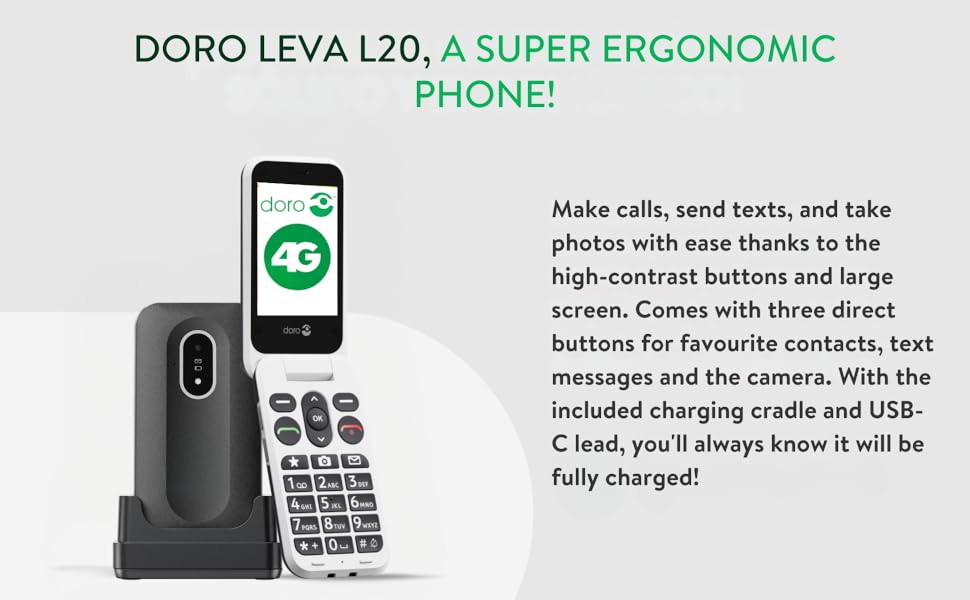
Image: A diagram illustrating the Doro Leva L20's assistance button on the back of the phone, showing how it connects to a network of five pre-set contacts in an emergency.
Fungsi Kamera
The phone includes a 2MP camera for taking photos. Access the camera through the menu or via a dedicated shortcut key. Photos can be viewed dalam galeri.
Bunyi dan Kebolehcapaian
Enjoy clear conversations with HD Voice and powerful sound. The phone is compatible with hearing aids, ensuring excellent audio quality for all users.
Obor terbina dalam
A convenient built-in torch is included for added everyday utility. Activate it via the menu or a shortcut.
Kekunci Pintasan
The Doro Leva L20 features shortcut keys for quick access to frequently used functions such as favourite contacts, camera, and messages, simplifying navigation.
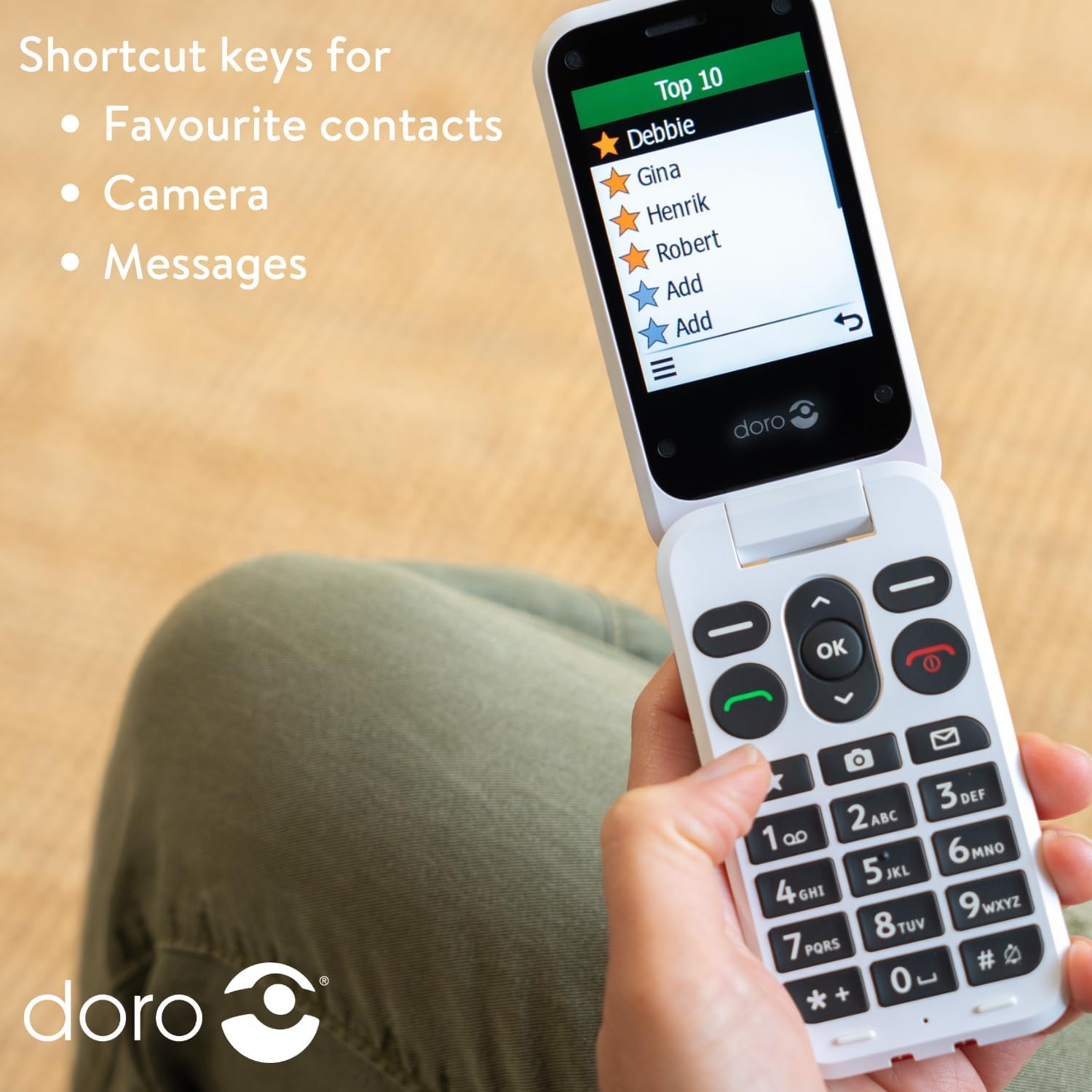
Image: A person holding the Doro Leva L20 phone, with the screen displaying a list of "Top 10" favourite contacts, illustrating the use of shortcut keys.
Penyelenggaraan
Penjagaan Bateri
To prolong battery life, avoid extreme temperatures and fully discharge and recharge the battery periodically. The 1000mAh battery offers long-lasting performance.
Membersihkan Telefon Anda
Wipe the phone with a soft, dry cloth. Avoid using harsh chemicals or abrasive materials. The phone is splash-resistant (IP54), but it is not waterproof; avoid submerging it in liquids.
Menyelesaikan masalah
This section addresses common issues you might encounter with your Doro Leva L20 phone.
Telefon Tidak Dihidupkan
- Pastikan bateri dimasukkan dan dicas dengan betul.
- Connect the phone to the charger and wait a few minutes before attempting to power on again.
Tiada Isyarat Rangkaian
- Check that the SIM card is correctly inserted.
- Pastikan anda berada di kawasan yang mempunyai liputan rangkaian.
- Mulakan semula telefon.
Isu Bunyi
- Adjust the volume settings during a call or from the main menu.
- Pastikan pembesar suara tidak terhalang.
If you continue to experience issues, please refer to the support information provided in the Warranty and Support section.
Spesifikasi
| Ciri | Perincian |
|---|---|
| Jenama | Doro |
| Nama Model | Leva L20 (Internal Model: 8740) |
| Nombor Model Item | Doro Leva X10 |
| Dimensi Produk | 13 x 9 x 9cm; 320g |
| Saiz Skrin | 2.8 Inci (Pepenjuru skrin yang boleh dilihat: 3" / 8 cm) |
| Resolusi | 320 x 240 |
| Sistem Operasi | KaiOS |
| Pembawa Tanpa Wayar | Dibuka kunci |
| Teknologi Selular | 4G |
| Teknologi Ketersambungan | 4G |
| warna | Hitam |
| Bateri | 1 Bateri diperlukan (termasuk) |
| Pengeluar | Doro |
| Negara Asal | China |
Waranti dan Sokongan
For warranty information and technical support, please contact Doro Official Store or refer to the documentation included with your purchase. Keep your proof of purchase for any warranty claims.
While specific software update guarantees are not provided, Doro aims to ensure product longevity and user satisfaction.
For further assistance, you may visit the official Doro webtapak atau hubungi bahagian perkhidmatan pelanggan mereka.
Ask a question about this manual
Ask about setup, troubleshooting, compatibility, parts, safety, or missing instructions. Manuals+ will review the question and use this page’s manual context to help answer it.