
1. Pengenalan
This manual provides detailed instructions for the MESWAO 15.6 Inch Pro Android 14 Tablet, Model MES-B3. Please read this manual carefully before using your device to ensure proper operation and to maximize its lifespan. Keep this manual for future reference.

Figure 1: MESWAO 15.6 Inch Pro Android 14 Tablet
2. Kandungan Pakej
Sahkan bahawa semua item yang disenaraikan di bawah terdapat dalam pakej produk anda:
- 1 x MESWAO 15.6 inch Android Tablet
- 1 x Penyesuai Kuasa
- 1 x Kabel Jenis-C
- 1 x Manual Pengguna (dokumen ini)
- 1 x Jenis-C ke penyesuai USB
- 1 x SIM Ejector Tool (Stuck pin)
3. Peranti Lebihview
The MESWAO MES-B3 tablet features a large 15.6-inch display and a sleek design. Familiarize yourself with the physical components of your tablet:
- Kamera Depan: Located at the top center of the screen when held horizontally.
- paparan: 15.6-inch Full HD IPS screen.
- Butang Kuasa: Typically located on the side or top edge.
- Butang Kelantangan: Bersebelahan dengan butang kuasa.
- Port USB Jenis-C: Untuk pengecasan dan pemindahan data.
- Slot Kad MicroSD: Untuk storan yang boleh dikembangkan.
- Quad Speakers: Positioned for enhanced audio output.
- Rear Camera with Flashlight: Located on the back panel.
4. Persediaan
4.1 Kuasa Awal Hidup
- Tekan dan tahan butang Butang Kuasa until the MESWAO logo appears.
- Ikut gesaan pada skrin untuk memilih bahasa dan wilayah anda.
4.2 Sambungan Wi-Fi
- During initial setup, select your preferred Wi-Fi network from the list.
- Masukkan kata laluan rangkaian jika digesa dan ketik Sambung.
- To connect later, go to Tetapan > Rangkaian & Internet > Wi-Fi.
4.3 Persediaan Akaun Google
Sign in with your Google account to access the Google Play Store, Gmail, YouTube, and other Google services. If you do not have an account, you can create one during this step.
4.4 Persediaan Keselamatan
Set up a screen lock (PIN, pattern, or password) to protect your device and data. You may also configure biometric security options if available.
5. Arahan Operasi
5.1 Paparan
The tablet features a 15.6-inch Full HD (1920 x 1080 pixels) IPS display, providing clear visuals and wide viewing angles. Adjust display settings such as brightness, wallpaper, and sleep duration in Tetapan > Paparan.
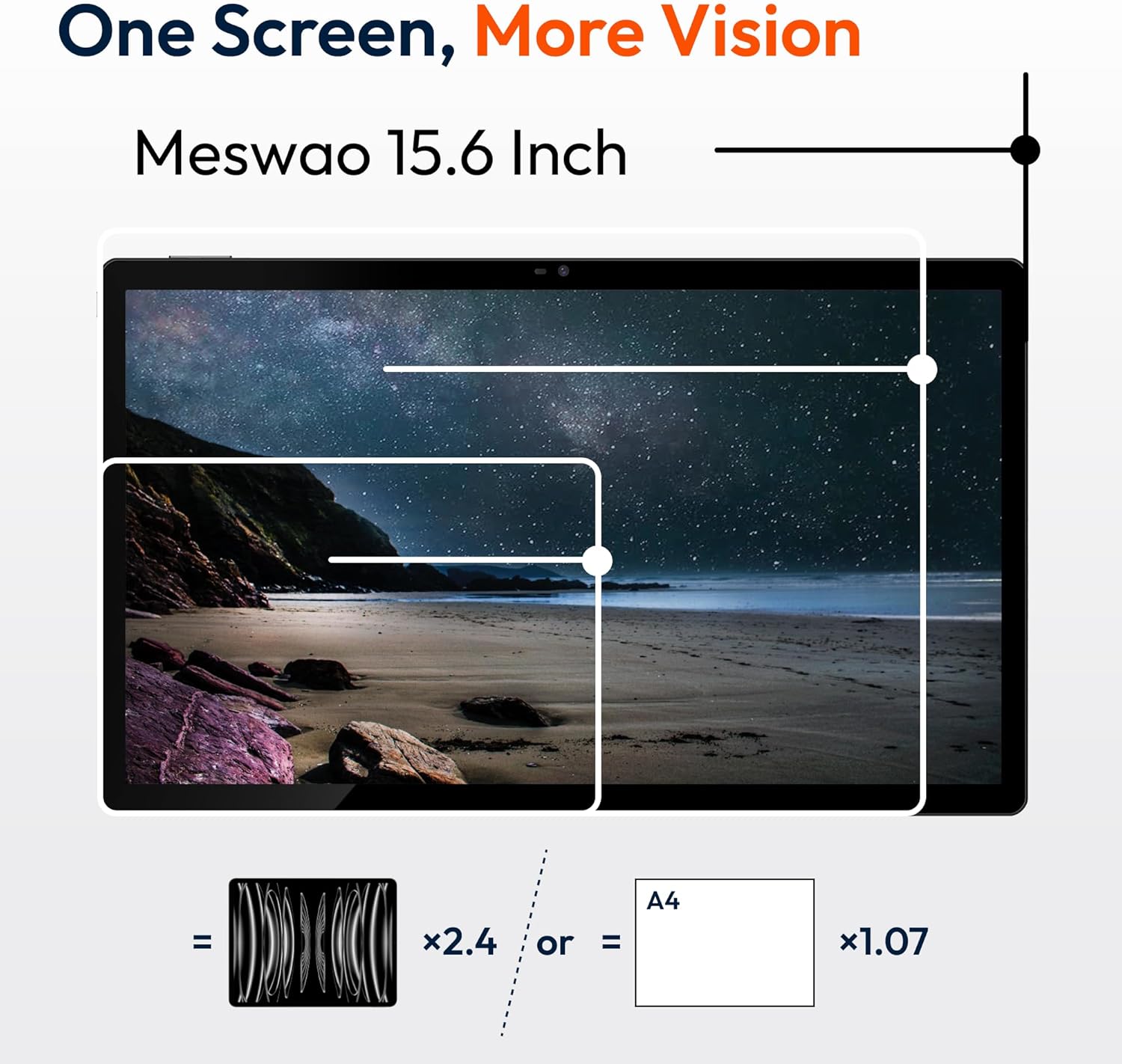
Figure 2: Large 15.6-inch FHD IPS Display
5.2 Prestasi dan Penyimpanan
Powered by a Helio G99 Octa-Core processor and 8GB of RAM, the tablet is designed for efficient multitasking and application performance. It includes 256GB of internal storage, expandable up to 1TB using a MicroSD card (sold separately).
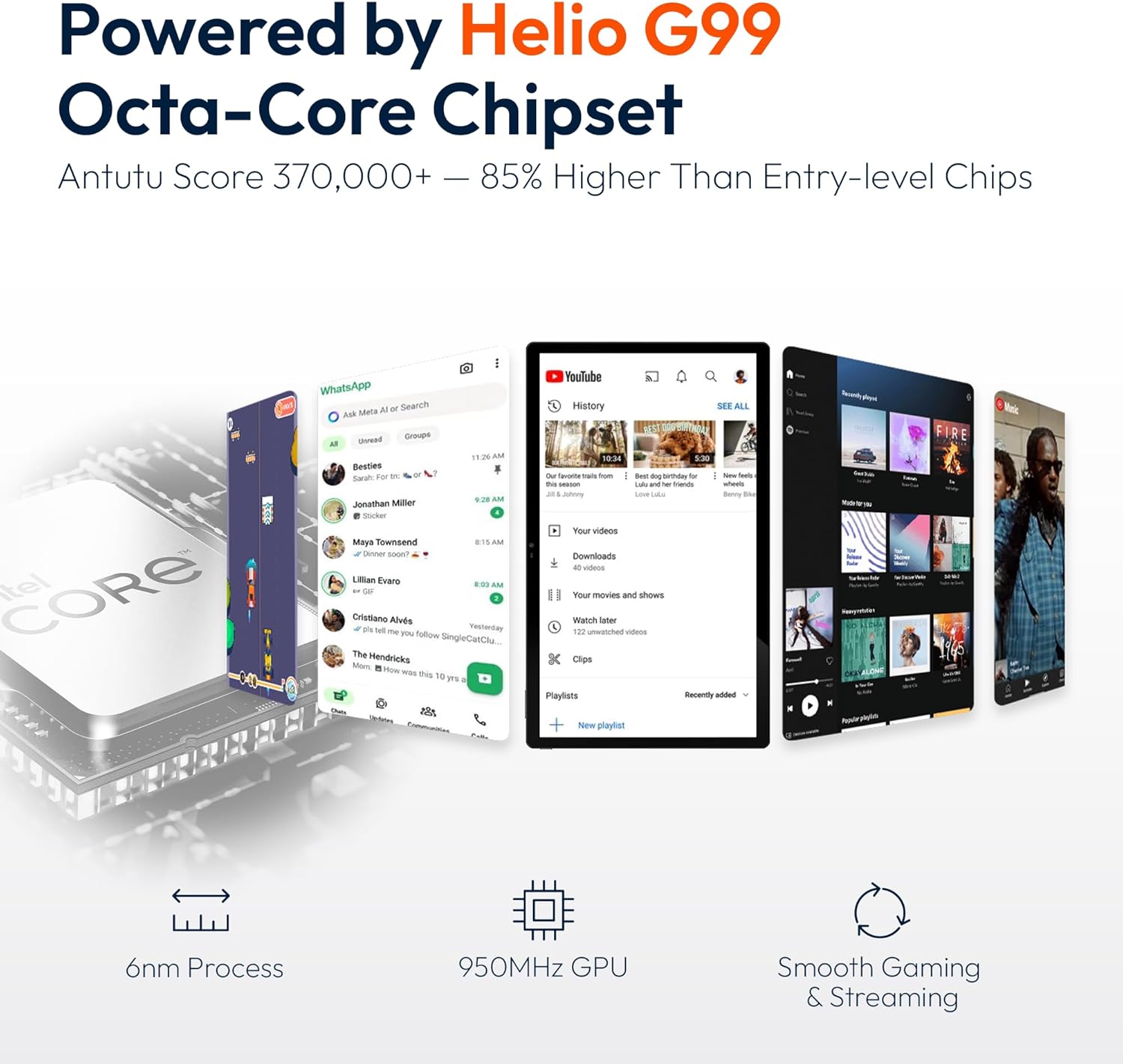
Figure 3: Helio G99 Octa-Core Processor

Figure 4: 256GB ROM with 1TB Expandable Storage
5.3 Audio
The tablet is equipped with quad speakers for clear audio output. Audio settings can be adjusted in Tetapan > Bunyi & getaran. Multiple audio options are supported, including Bluetooth headphones, USB-C audio, and 3.5mm via adapter.

Figure 5: Quad Speakers and Connectivity Options
5.4 Bateri dan Pengecasan
The tablet features a 12000mAh battery, providing approximately 12 hours of average use. It supports 30W fast charging, allowing a full charge in about 3.5 hours. Use the provided power adapter and Type-C cable for optimal charging.

Figure 6: 30W Fast Charging and 12000mAh Battery
5.5 Kamera
The tablet includes a 32MP rear camera with a flashlight and a 5MP front camera, suitable for video calls and capturing images. Access the camera application from the home screen or app drawer.
5.6 Ketersambungan
The device supports dual-band Wi-Fi (2.4GHz and 5GHz) for stable internet connection and Bluetooth for connecting wireless accessories.
5.7 Software (Android 14)
The tablet runs on Android 14, offering a user-friendly interface. Key features include:
- Pengurusan Apl: Install and uninstall applications from the Google Play Store.
- Kawalan Ibu Bapa: Configure settings to manage usage for children.
- Privasi yang Dipertingkatkan: Control app permissions and data access.
- Berbilang tugas: Utilize split-screen mode for running multiple applications simultaneously.

Figure 7: Android 14 Operating System Interface
5.8 Video Produk Rasmi
Watch this video for a visual demonstration of the MESWAO 15.6 inch Tablet (MES-B3 Pro) and its features.
Video: MESWAO 15.6 inch Tablet (MES-B3 Pro) Overview
6. Penyelenggaraan
- Pembersihan: Gunakan kain lembut dan tidak berbulu untuk membersihkan skrin dan badan. Elakkan pembersih atau pelarut yang kasar.
- Kemas Kini Perisian: Semak dan pasang kemas kini sistem secara berkala untuk memastikan prestasi dan keselamatan yang optimum. Pergi ke Tetapan > Sistem > Kemas kini sistem.
- Pengurusan Storan: Kosongkan secara berkala yang tidak perlu files and applications to free up storage space.
- Penjagaan Bateri: Elakkan suhu yang melampau dan kerap menyahcas bateri sepenuhnya untuk memanjangkan jangka hayatnya.
7. Penyelesaian masalah
| Masalah | Kemungkinan Punca | Penyelesaian |
|---|---|---|
| Tablet tidak dihidupkan | Bateri lemah; Ranap sistem | Cas tablet selama sekurang-kurangnya 30 minit. Tekan dan tahan butang Kuasa selama 10-15 saat untuk memaksa mulakan semula. |
| Tidak dapat menyambung ke Wi-Fi | Kata laluan salah; Isu penghala; Wi-Fi dilumpuhkan | Verify password. Restart router. Ensure Wi-Fi is enabled in Settings. |
| Prestasi perlahan | Terlalu banyak aplikasi yang berjalan; Storan rendah | Close background apps. Clear cache. Uninstall unused apps. |
| Bateri cepat habis | High screen brightness; Background apps; Old battery | Reduce screen brightness. Close unused apps. Check battery usage in Settings. |
| Isu pengecasan | Faulty cable/adapter; Dirty port | Try a different cable/adapter. Clean the charging port carefully. |
8. Spesifikasi
| Ciri | Perincian |
|---|---|
| Model | MES-B3 |
| Saiz Paparan | 15.6 Inci |
| Resolusi Skrin | 1920 x 1080 pixels (FHD IPS) |
| Sistem Operasi | Android 14 |
| Pemproses | Helio G99 Octa-Core (MediaTek) |
| Pemproses bersama Grafik | Mali-G75 |
| RAM | 8GB |
| Storan Dalaman | 256GB |
| Storan Boleh Dikembangkan | Sehingga 1TB (MicroSD) |
| Kapasiti Bateri | 12000mAh |
| Mengecas | Pengecasan Pantas 30W |
| Purata Hayat Bateri | 12 Jam |
| Kamera Belakang | 32MP with Flashlight |
| Kamera Depan | 5MP |
| Kesambungan Wayarles | Dual-Band Wi-Fi (802.11a/b/ac/ad/ax), Bluetooth |
| Dimensi (LxWxH) | 14.49 x 8.66 x 0.39 inci |
| Berat Barang | 4.55 paun |
| warna | Hitam |
9. Waranti dan Sokongan
MESWAO provides the following support for your tablet:
- Waranti 12 Bulan: Full coverage against manufacturing defects.
- Sokongan Pelanggan 24 Jam: Pasukan sokongan kami sedia membantu anda.
- Local After-sales Centers: Service centers are available in the EU, US, and Japan for local care.
- Responsive Replacement & Repair Policy: Issues reported are typically addressed with a team response within 24 hours, leading to problem resolution or replacement.
Figure 8: MESWAO Customer Support
For further assistance, please refer to the contact information provided on the MESWAO official webtapak atau dokumentasi pembelian anda.