
1. Pengenalan
This manual provides essential information for the safe and efficient use of your MESWAO 15.6 Inch Pro Android 14 Tablet. Please read this manual thoroughly before operating the device and retain it for future reference.
2. Maklumat Keselamatan
- Jangan dedahkan tablet kepada suhu yang melampau, cahaya matahari langsung atau kelembapan yang tinggi.
- Elakkan daripada menjatuhkan atau meletakkan tablet kepada kesan yang teruk.
- Use only the provided power adapter and Type-C cable for charging.
- Jauhkan tablet daripada air dan cecair lain.
- Jangan cuba membuka atau membaiki tablet sendiri. Hubungi khidmat pelanggan untuk mendapatkan bantuan.
- Ensure proper ventilation when using the tablet for extended periods.
3. Kandungan Pakej
Sahkan bahawa semua item terdapat dalam pakej:
- 1 x MESWAO 15.6 inch Android Tablet
- 1 x Penyesuai Kuasa
- 1 x Kabel Jenis C
- 1 x Manual Pengguna
- 1 x Jenis-C ke penyesuai USB
- 1 x Stuck pin
4. Peranti Lebihview
Familiarize yourself with the physical components of your MESWAO tablet.
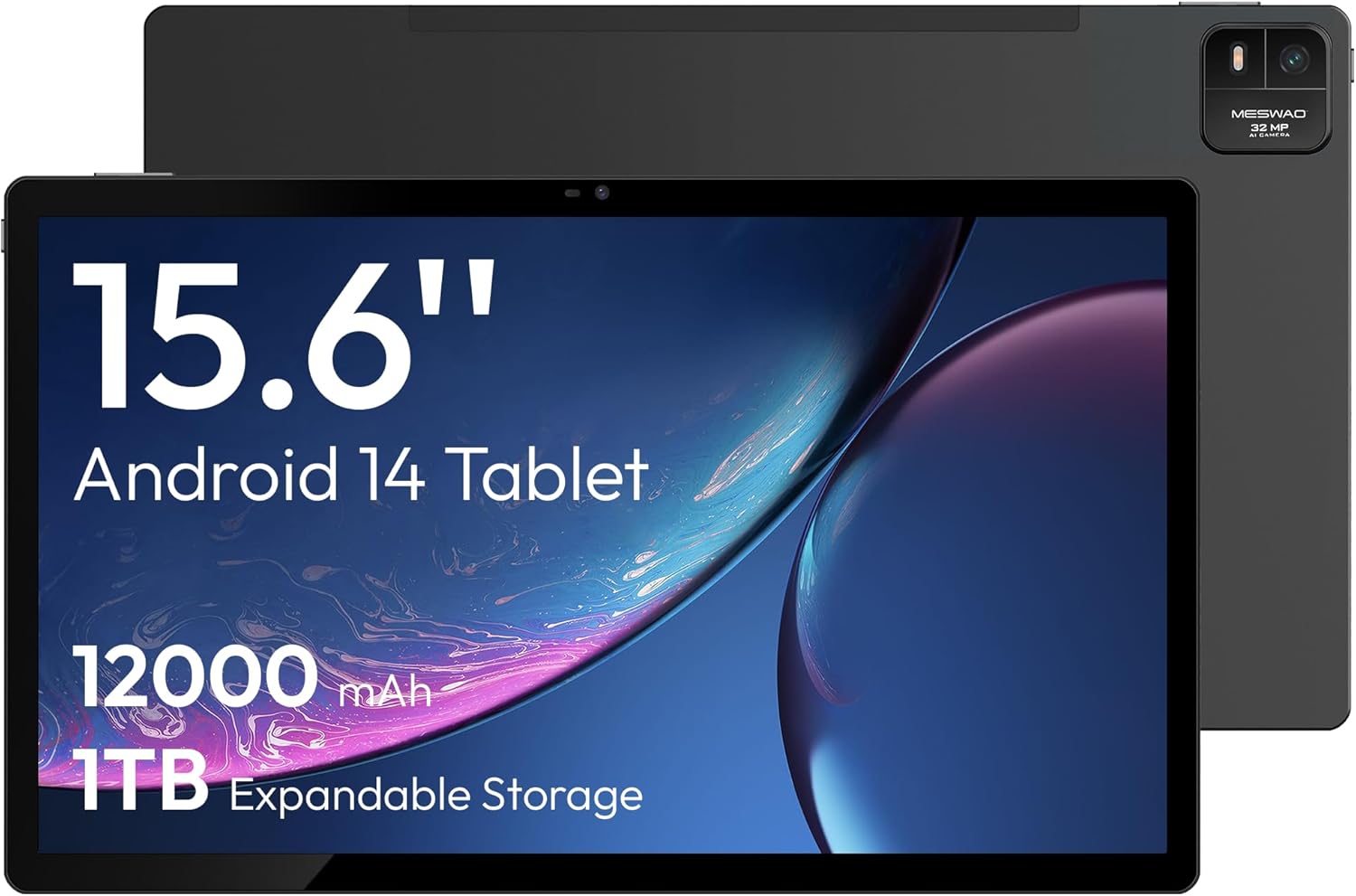
Rajah 4.1: Depan view of the MESWAO 15.6-inch Android 14 Tablet, highlighting the large display and key specifications such as 12000mAh battery and 1TB expandable storage.
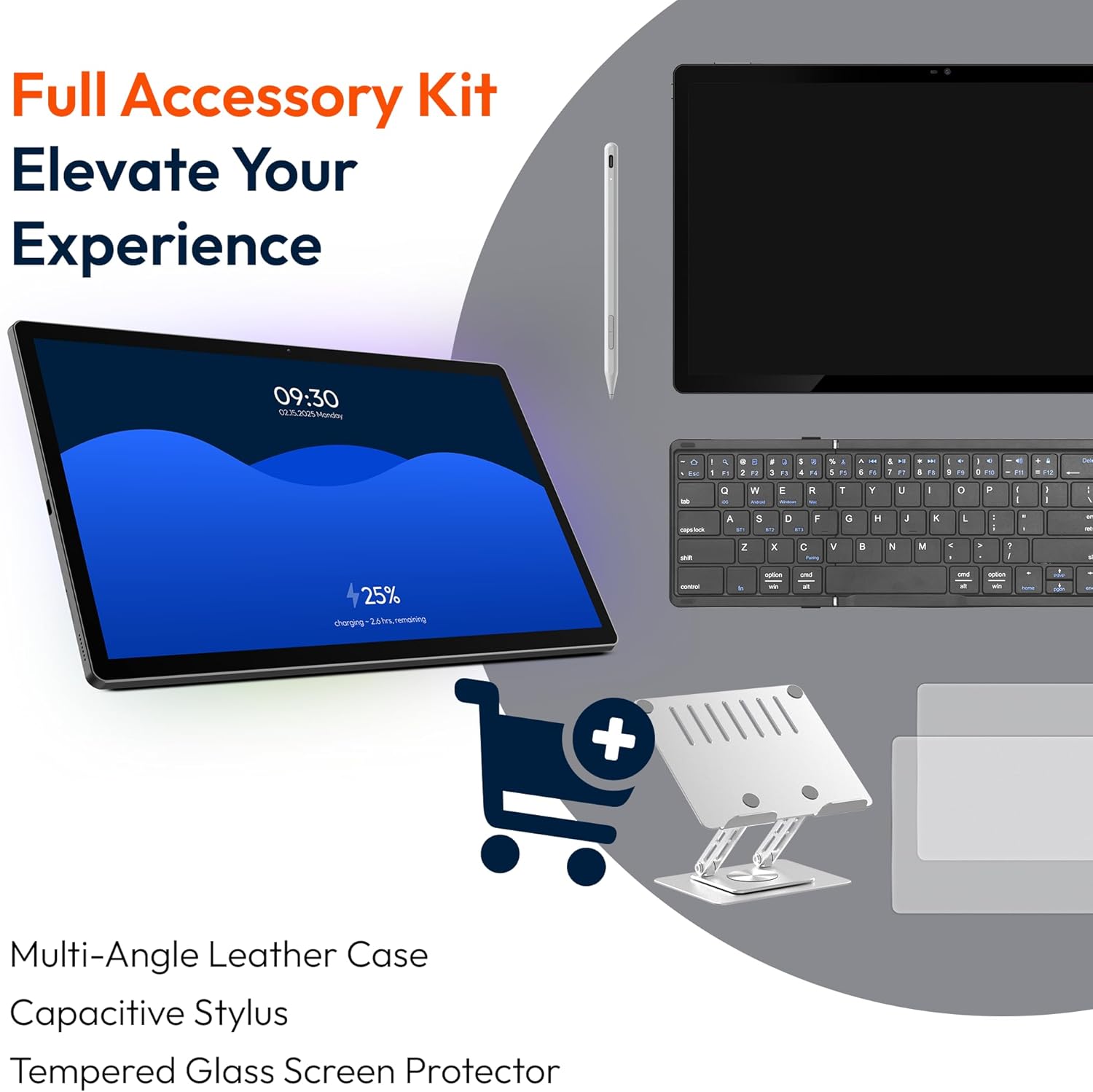
Rajah 4.2: Sisi dan belakang view of the tablet, indicating the location of the quad speakers, Type-C port, TF card slot, power button, volume controls, and front/rear cameras.
Komponen Utama:
- 15.6-inch FHD IPS Display: Large screen for immersive viewing.
- Kamera Depan: Untuk panggilan video dan swafoto.
- Rear Camera (32MP): Untuk merakam foto dan video.
- Butang Kuasa: To turn the tablet on/off or put it to sleep.
- Butang Kelantangan: Untuk melaraskan tahap audio.
- Pelabuhan Jenis-C: Untuk pengecasan dan pemindahan data.
- Slot Kad TF: For expandable storage (MicroSD card).
- Quad Speakers: Untuk output audio.
5. Persediaan
5.1 Pengecasan Awal
Before first use, fully charge the tablet. Connect the provided Type-C cable to the tablet's Type-C port and the power adapter to a wall outlet. The tablet supports 30W fast charging.

Rajah 5.1: The tablet connected to its charger, showing the charging indicator on the screen.
5.2 Hidupkan/Mati Kuasa
- Untuk Menghidupkan: Tekan dan tahan butang Power sehingga skrin menyala.
- Untuk Mematikan: Tekan dan tahan butang Kuasa, kemudian pilih 'Matikan kuasa' daripada pilihan pada skrin.
- Untuk Tidur/Bangun: Tekan butang Kuasa sebentar.
5.3 Tatarajah Awal
Upon first power-on, follow the on-screen prompts to set up your Android 14 operating system. This includes selecting your language, connecting to Wi-Fi, and signing in with your Google account.
5.4 Sambungan Wi-Fi
- Pergi ke tetapan > Rangkaian & internet > Wi-Fi.
- Togol Wi-Fi On.
- Pilih rangkaian yang anda inginkan daripada senarai.
- Masukkan kata laluan jika digesa dan ketik Sambung. The tablet supports dual-band Wi-Fi (2.4GHz and 5GHz).
5.5 Memasukkan Kad MicroSD
To expand storage up to 1TB, insert a MicroSD card:
- Cari slot kad TF di sisi tablet.
- Use the provided stuck pin to gently press into the small hole next to the slot to eject the tray.
- Letakkan kad MicroSD ke dalam dulang dengan kenalan emas menghadap ke bawah.
- Masukkan semula dulang ke dalam tablet dengan berhati-hati.

Rajah 5.2: Illustration of the tablet's internal storage and the option for expandable storage via MicroSD card.
6. Mengendalikan Tablet
6.1 Navigasi Asas
The Android 14 operating system uses touch gestures for navigation:
- Ketik: Pilih item atau buka apl.
- Leret: Tatal melalui skrin atau senarai.
- Cubit: Zum masuk atau keluar pada imej dan web muka surat.
- Tekan lama: Akses menu kontekstual atau alihkan ikon.
6.2 Ciri Paparan
The 15.6-inch FHD IPS display offers a resolution of 1920 x 1080 pixels, providing clear and vibrant visuals for various applications.
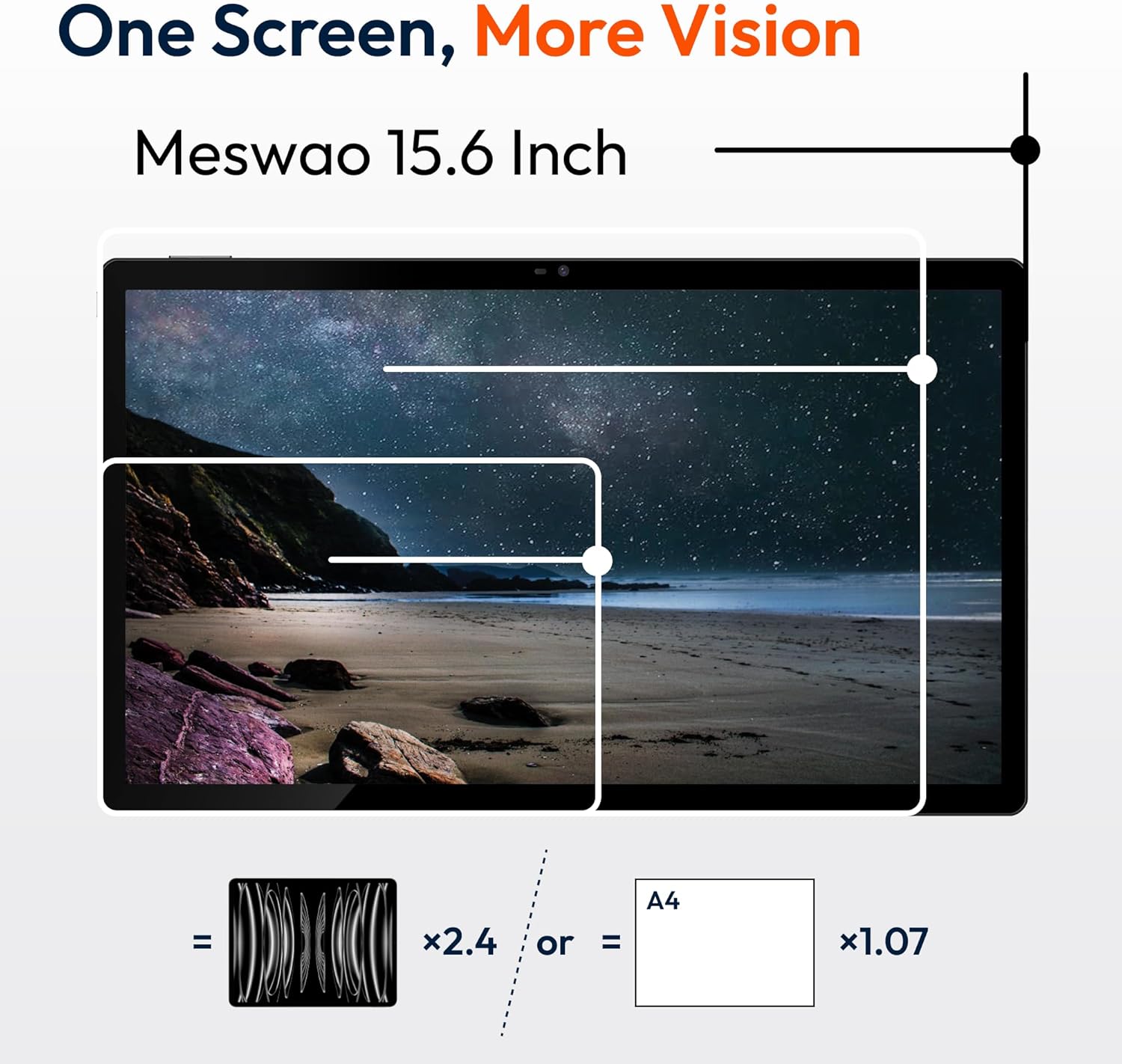
Rajah 6.1: Comparison of the MESWAO 15.6-inch display size to an A4 sheet of paper and a smaller tablet, emphasizing its expansive viewkawasan ing.
6.3 Prestasi
Powered by the Helio G99 octa-core processor and 8GB RAM, the tablet delivers efficient performance for multitasking, gaming, and media consumption.
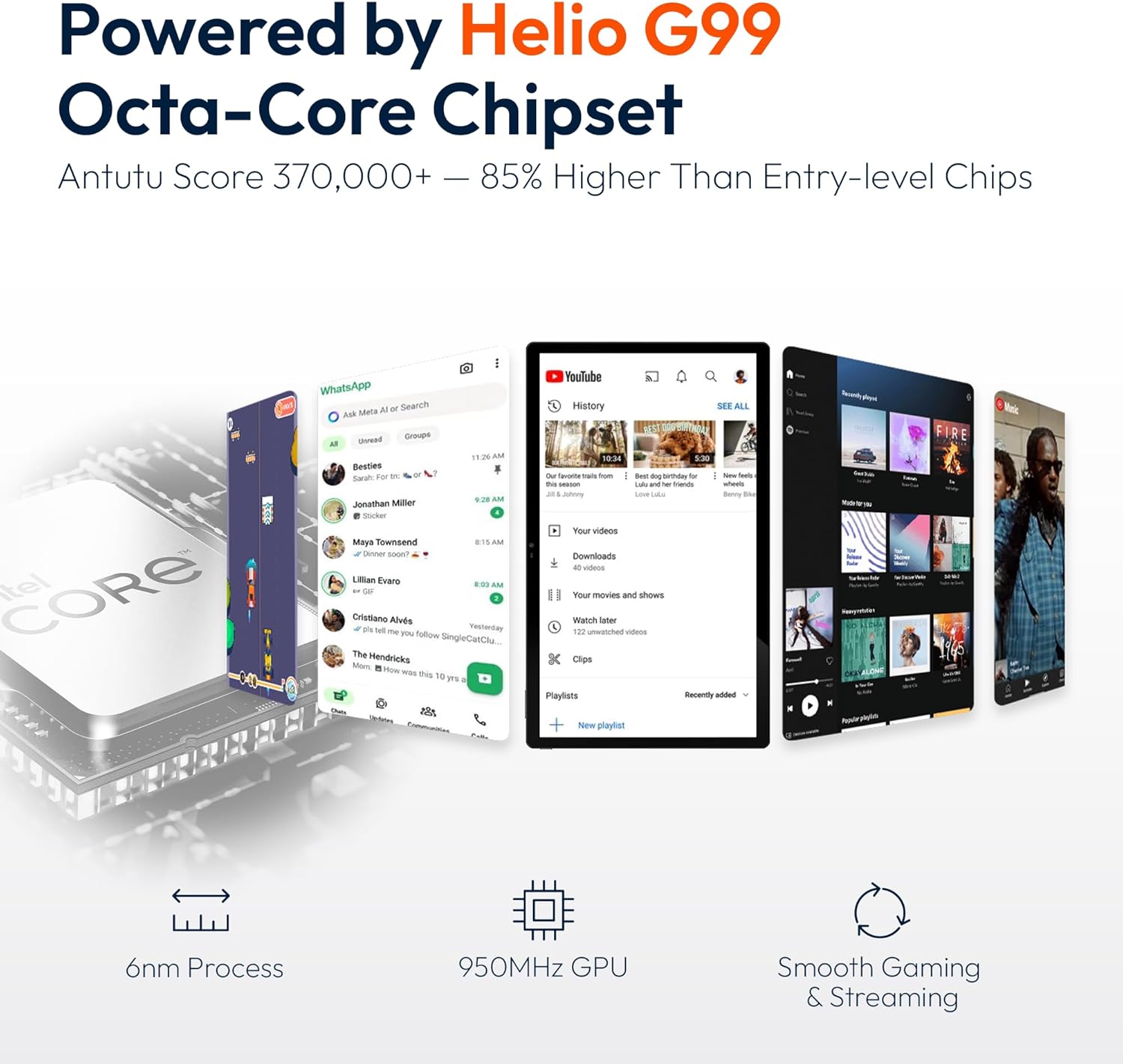
Rajah 6.2: An illustration of the Helio G99 Octa-Core chipset, detailing its technical specifications and performance benefits.
6.4 Penggunaan Kamera
The tablet features a 32MP rear camera and a 5MP front camera. Open the Camera app to capture photos and videos.
6.5 Audio
The quad speakers provide clear audio. You can connect Bluetooth headphones or use the Type-C port for audio output with a suitable adapter.
6.6 Ciri-ciri Android 14
The tablet runs on Android 14, offering features such as:
- Smooth Multitasking: Efficiently switch between applications.
- Kawalan Ibu Bapa: Manage content and usage for children.
- Enhanced Privacy & UI: Improved security and user interface experience.

Rajah 6.3: The Android 14 operating system interface, showcasing various applications and system features.
7. Penyelenggaraan
7.1 Membersihkan Peranti
Gunakan kain lembut dan tidak berbulu untuk membersihkan skrin dan badan tablet. Elakkan menggunakan bahan kimia yang keras atau bahan yang melelas.
7.2 Kemas Kini Perisian
Semak kemas kini sistem secara kerap untuk memastikan prestasi dan keselamatan yang optimum. Pergi ke tetapan > Sistem > Kemas kini sistem.
7.3 Penjagaan Bateri
Untuk memanjangkan hayat bateri:
- Elakkan menyahcas sepenuhnya bateri dengan kerap.
- Do not expose the tablet to high temperatures.
- Cabut plag pengecas setelah bateri penuh.
8. Penyelesaian masalah
8.1 Tablet Tidak Dihidupkan
- Pastikan bateri dicas. Sambungkan pengecas dan tunggu beberapa minit sebelum cuba menghidupkan.
- Tekan dan tahan butang Kuasa selama sekurang-kurangnya 10-15 saat untuk memaksa mulakan semula.
8.2 Isu Sambungan Wi-Fi
- Mulakan semula penghala Wi-Fi anda.
- Lupakan rangkaian dalam tetapan tablet dan sambung semula.
- Ensure the tablet is within range of the Wi-Fi signal.
8.3 Prestasi Perlahan
- Tutup aplikasi latar belakang yang tidak diperlukan.
- Kosongkan data cache untuk aplikasi.
- Pastikan ruang storan kosong mencukupi.
8.4 Skrin Tidak Responsif
- Mulakan semula tablet.
- Pastikan skrin bersih dan bebas daripada serpihan.
9. Spesifikasi
| Ciri | Spesifikasi |
|---|---|
| Nama Model | MES-B3 |
| Sistem Operasi | Android 14 |
| Saiz Paparan | 15.6 Inci |
| Resolusi Skrin | 1920 x 1080 piksel (FHD) |
| Pemproses | MediaTek Helio G99 Octa-Core |
| Pemproses bersama Grafik | Mali-G75 |
| RAM | 8GB |
| Storan Dalaman (ROM) | 256GB |
| Storan Boleh Dikembangkan | Sehingga 1TB melalui kad MicroSD |
| Kamera Belakang | 32MP |
| Kamera Depan | 5MP |
| Kapasiti Bateri | 12000mAh |
| Mengecas | Pengecasan Pantas 30W |
| Kesambungan Wayarles | Dual-Band Wi-Fi (802.11a/b/ac/ad/ax), Bluetooth |
| Berat Barang | 4.55 paun |
| Dimensi Produk | 14.49 x 8.66 x 0.39 inci |
10. Waranti dan Sokongan
10.1 Maklumat Waranti
Your MESWAO tablet comes with a Waranti 12 bulan meliputi kecacatan pembuatan. Sila simpan bukti pembelian anda untuk tuntutan jaminan.
10.2 Sokongan Pelanggan
For technical assistance, troubleshooting, or warranty inquiries, please contact MESWAO customer support. Our support team is available to assist you.
- Sokongan Pelanggan 24 Jam: Assistance is available around the clock.
- Local After-sales Centers: Service centers are available in regions including the US, Germany, Japan, and more.
- Quick Response Flow: Issues reported receive a team response within 24 hours, aiming for prompt problem resolution or replacement.