
pengenalan
Welcome to the user manual for your Noise Buds VS501 True Wireless Earbuds. This guide provides essential information to help you set up, operate, maintain, and troubleshoot your earbuds, ensuring an optimal audio experience. Please read this manual thoroughly before using the product.
Apa yang ada dalam Kotak
Upon unboxing your Noise Buds VS501, you should find the following items:
- 1N Bluetooth Headphone (Earbuds)
- Kes Pengecasan 1N
- Kabel Pengecasan 1N (Jenis-C)
- Manual Pengguna 1N
- Kad Pendaftaran Waranti 1N
Produk Selesaiview
The Noise Buds VS501 are designed for a seamless audio experience with advanced features. Familiarize yourself with the components:
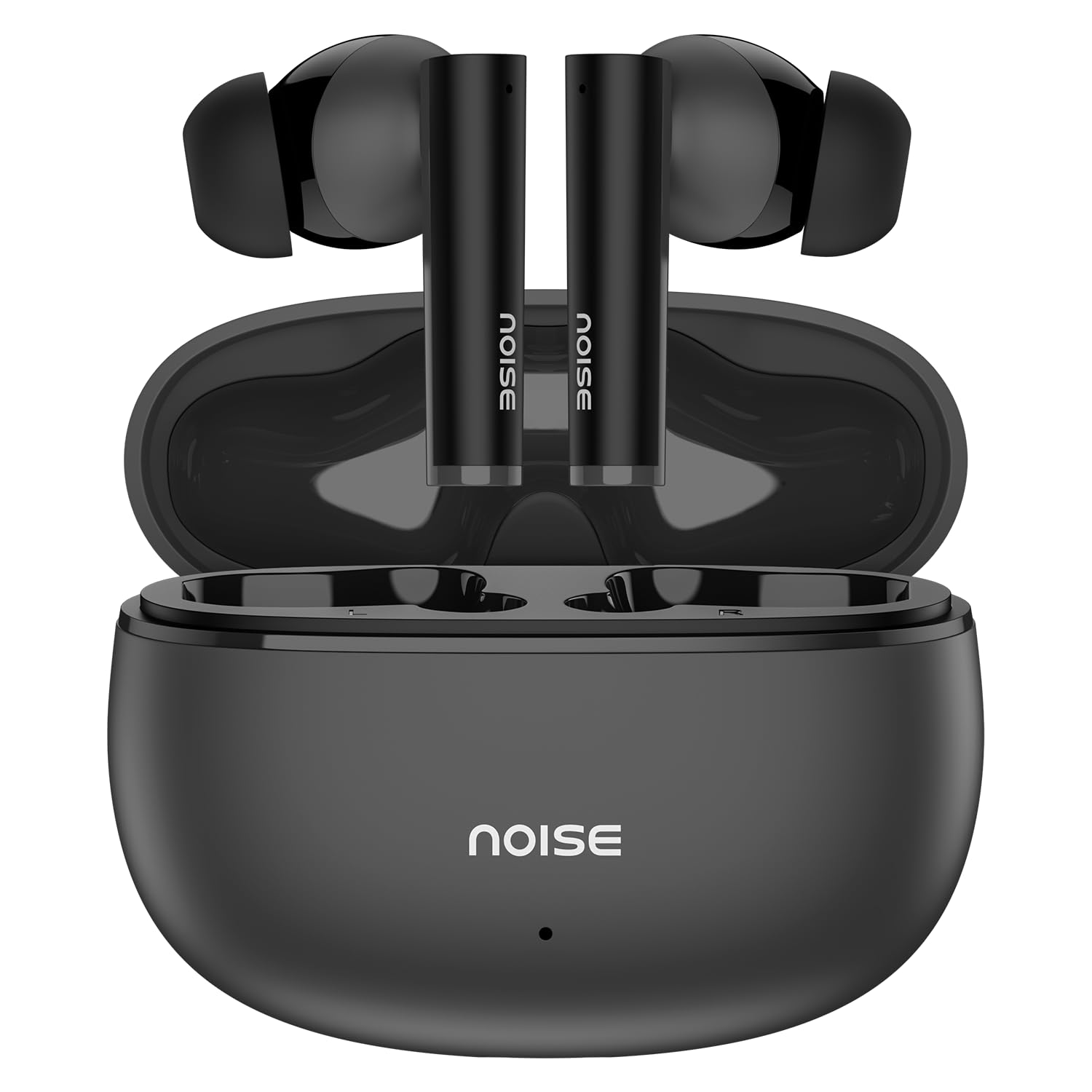
Image: Noise Buds VS501 True Wireless Earbuds, showcasing reka bentuk anggun mereka.
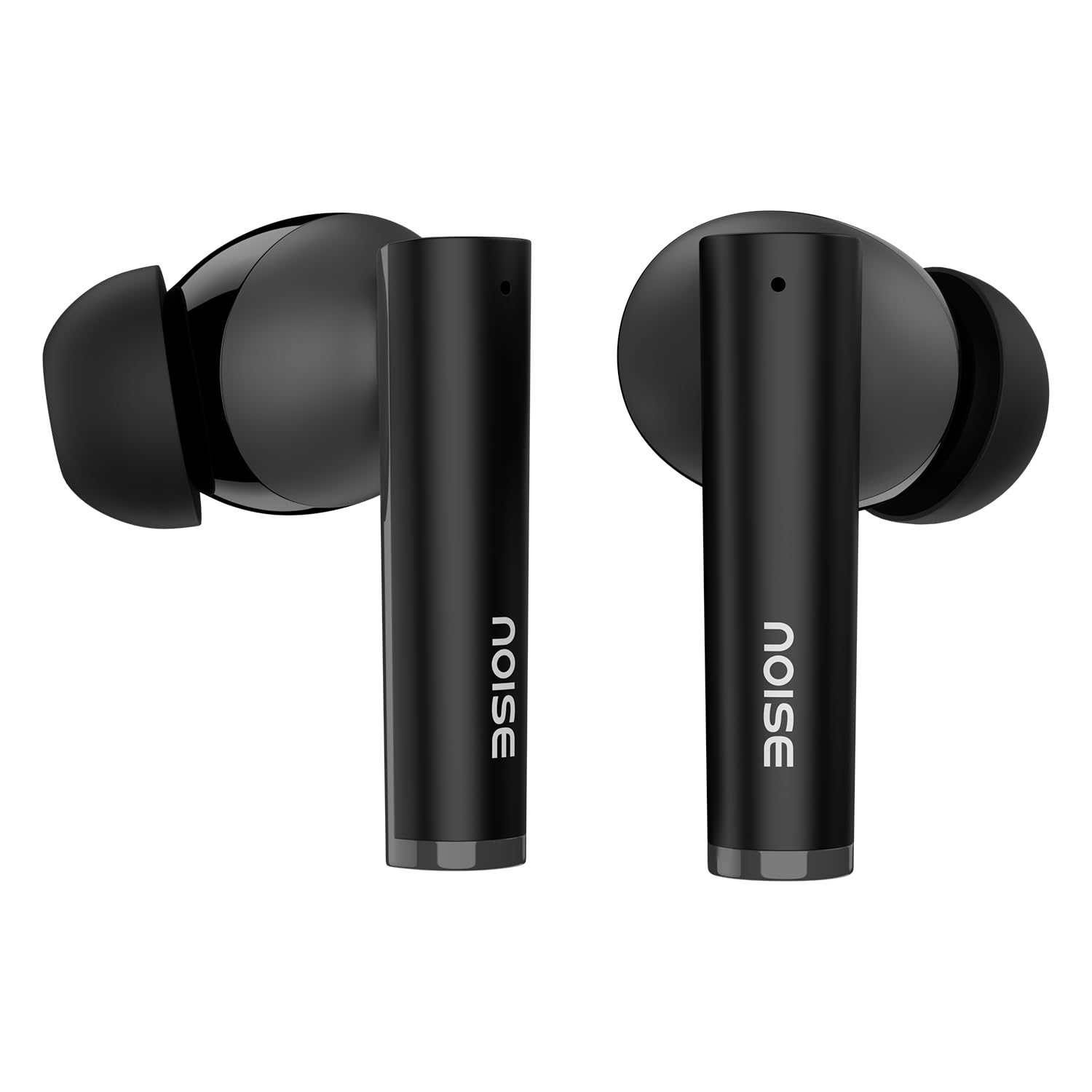
Imej: Tamatview of key features including Bluetooth 5.3, 50 hours playtime, IPX5 water resistance, dual-device pairing, Quad Mic ENC, Trubass, dual color tones, and 10mm drivers.
The earbuds feature a Pemacu dinamik 10mm for rich sound and Quad Mic dengan Pembatalan Bunyi Persekitaran (ENC) for clear calls. The charging case provides extended battery life, offering up to 50 jam keseluruhan waktu bermain.
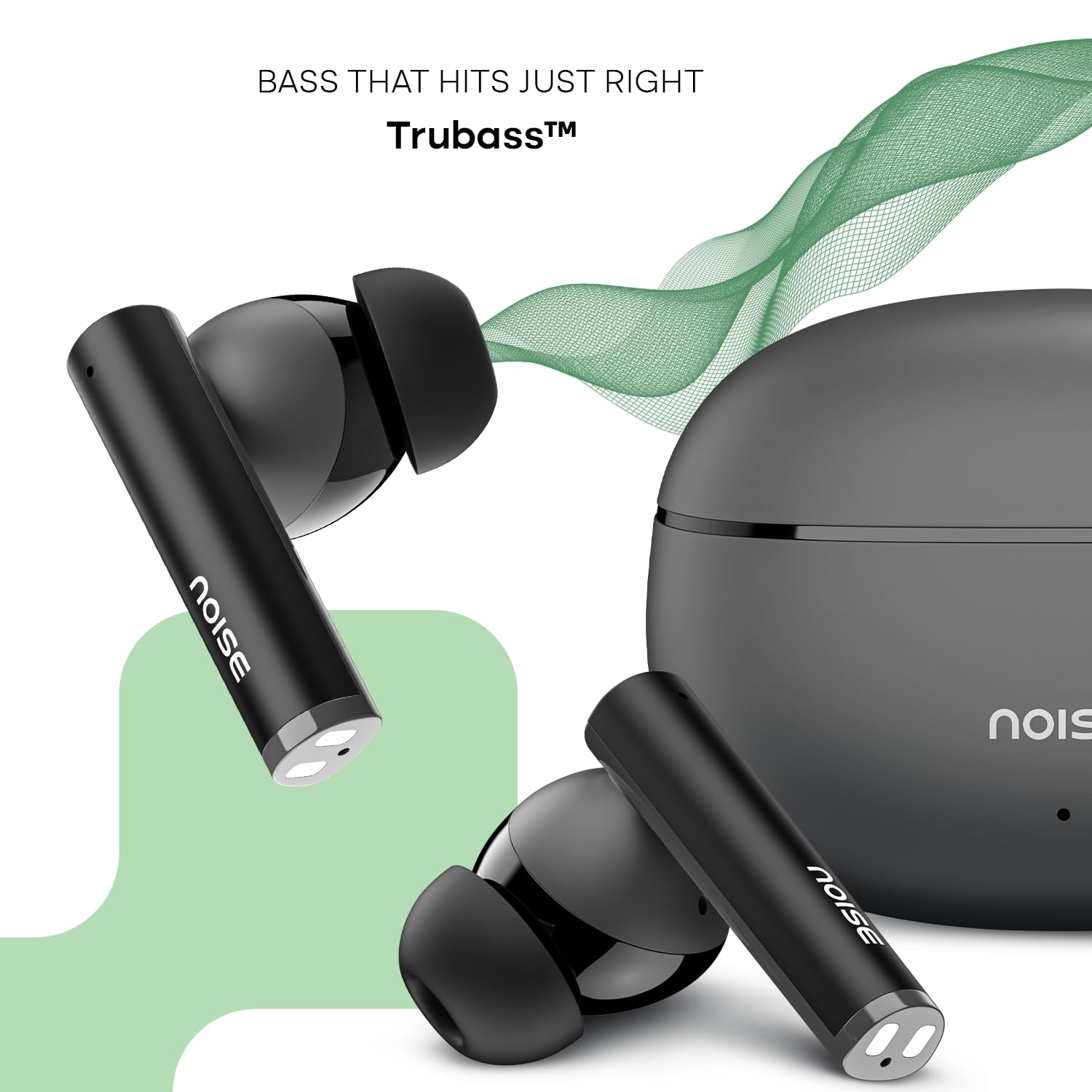
Image: Close-up of a single Noise Buds VS501 earbud, highlighting the 10mm driver for ampaudio yang dikuatkan.
Persediaan
Mengecas Fon telinga dan Sarung
Sebelum penggunaan pertama, cas sepenuhnya fon telinga dan bekas pengecas.
- Letakkan fon telinga ke dalam bekas pengecasan. Pastikan mereka duduk dengan betul.
- Connect the Type-C charging cable to the charging port on the case and the other end to a power source.
- The indicator light on the charging case will show the charging status. Once fully charged, the indicator may change or turn off.
The charging case provides multiple charges for the earbuds, extending the total listening time.
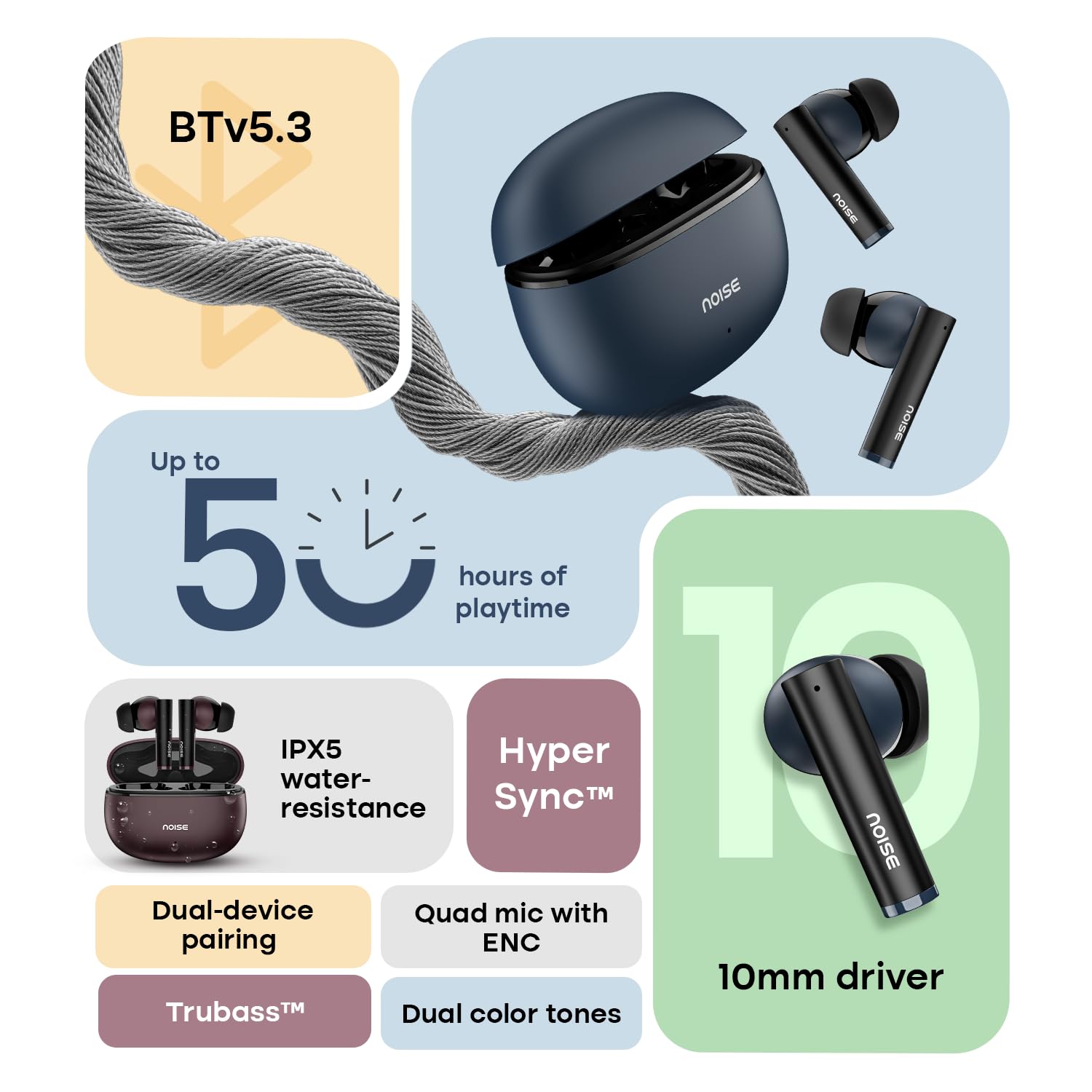
Image: The Noise Buds VS501 charging case, emphasizing its capability for up to 50 hours of playtime.
Berpasangan dengan Peranti Anda
The Noise Buds VS501 feature HyperSync™ for quick pairing.
- Buka bekas pengecas. Fon telinga akan memasuki mod berpasangan secara automatik.
- Pada peranti anda (telefon pintar, tablet, komputer riba), dayakan Bluetooth.
- Cari untuk available Bluetooth devices and select "Noise Buds VS501" from the list.
- Sebaik sahaja disambungkan, anda akan mendengar gesaan audio dan fon telinga akan sedia untuk digunakan.
Untuk kegunaan seterusnya, fon telinga akan bersambung secara automatik ke peranti pasangan terakhir apabila dikeluarkan daripada sarung.
Beroperasi
Kawalan Sentuh
Fon telinga dilengkapi dengan kawalan sensitif sentuhan untuk pelbagai fungsi:
- Main/Jeda: Ketik sekali pada salah satu fon telinga.
- Lagu Seterusnya: Ketik dua kali pada fon telinga kanan.
- Trek Sebelumnya: Ketik dua kali pada fon telinga kiri.
- Jawab/Tamatkan Panggilan: Ketik sekali pada salah satu fon telinga.
- Tolak Panggilan: Tekan dan tahan salah satu fon telinga selama 2 saat.
- Aktifkan Pembantu Suara (Siri/Google Assistant): Ketik tiga kali pada salah satu fon telinga.
Berpasangan Dwi Peranti
The Noise Buds VS501 support dual device pairing, allowing seamless switching between two connected devices.
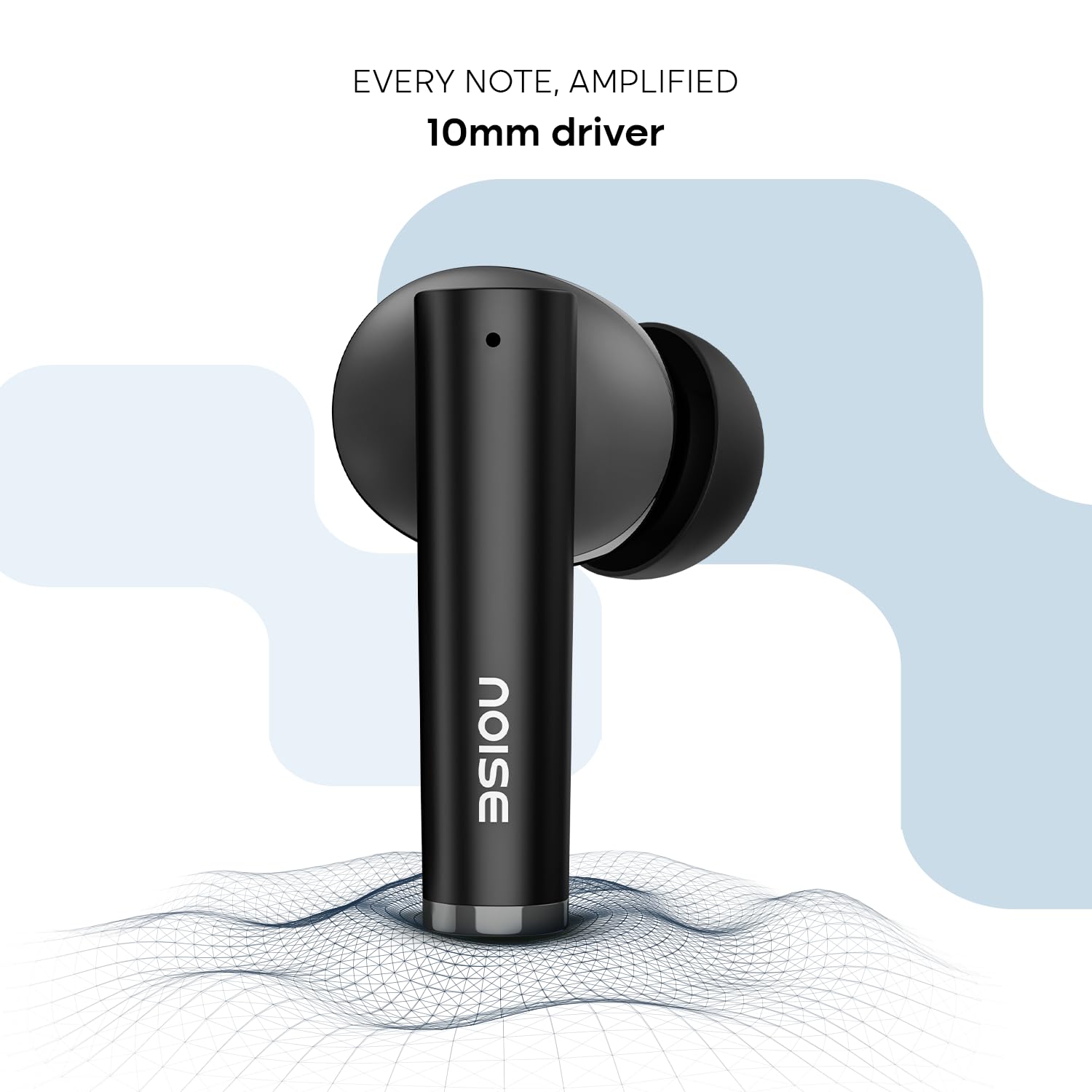
Image: Noise Buds VS501 connected to both a smartphone and a tablet, illustrating the dual-device pairing feature.
Untuk menggunakan ciri ini:
- Pair the earbuds with your first device (e.g., smartphone).
- Putuskan sambungan fon telinga daripada tetapan Bluetooth peranti pertama. Fon telinga akan memasuki semula mod berpasangan.
- Pair the earbuds with your second device (e.g., laptop).
- Now, the earbuds are paired with both devices. To switch, simply play audio or answer a call on the desired device, and the earbuds will automatically connect.
Membuat Panggilan
The Quad Mic with ENC (Environmental Noise Cancellation) ensures clear voice transmission during calls, even in noisy environments.
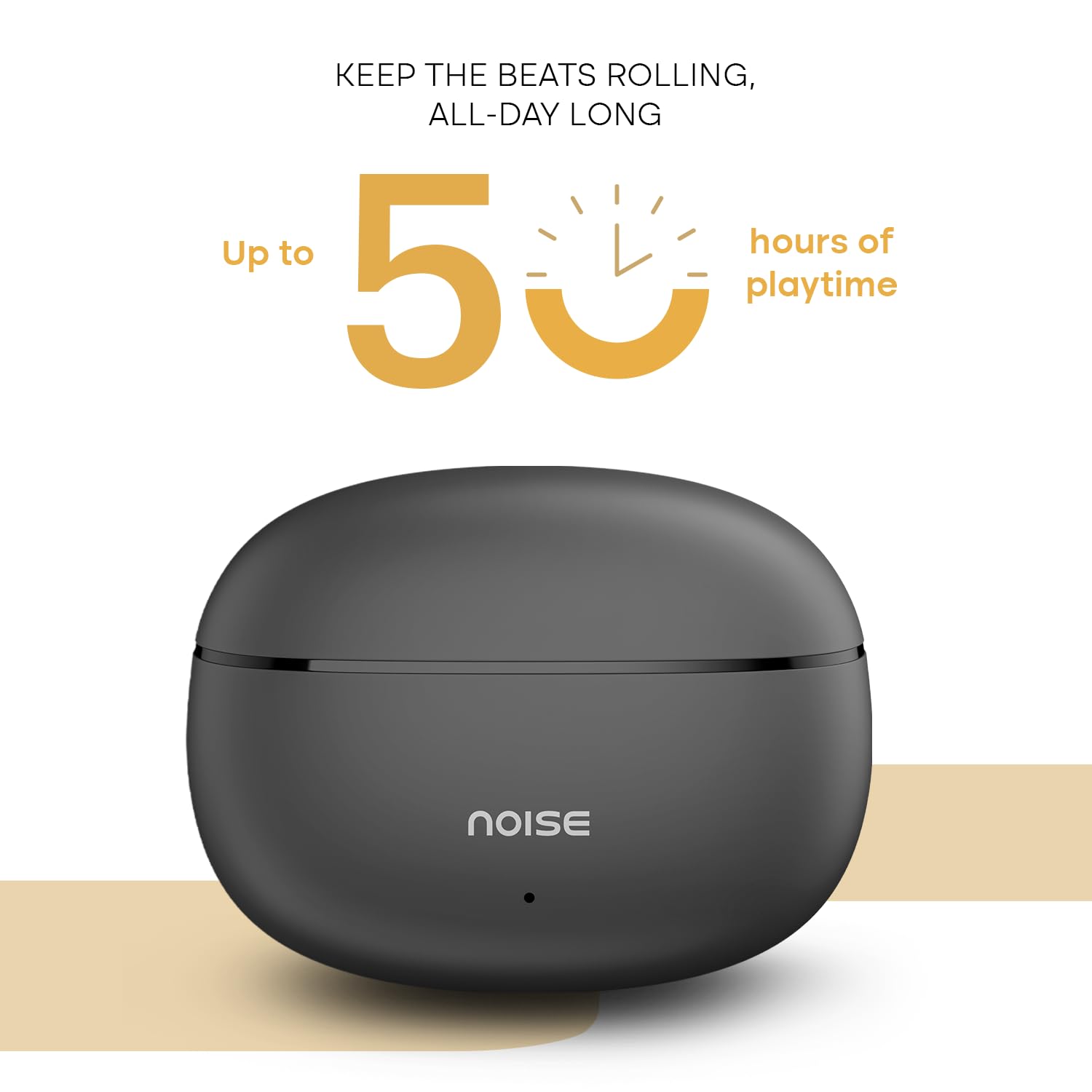
Image: A person wearing a Noise Buds VS501 earbud, illustrating the Quad Mic with ENC feature for clear conversations.
Penyelenggaraan
Proper maintenance ensures the longevity and optimal performance of your Noise Buds VS501.
- Pembersihan: Bersihkan fon telinga dan bekas pengecas dengan kerap menggunakan kain yang lembut, kering dan tidak berbulu. Jangan gunakan bahan kimia yang keras atau bahan yang melelas.
- Tahan Air: Fon telinga itu IPX5 kalis air, meaning they can withstand splashes and sweat. Do not submerge them in water or expose them to heavy rain.
- Storan: Apabila tidak digunakan, simpan fon telinga dalam bekas pengecasnya untuk melindunginya dan memastikan ia dicas. Simpan di tempat yang sejuk dan kering jauh dari suhu yang melampau.
- Port Pengecasan: Keep the Type-C charging port free from dust and debris.
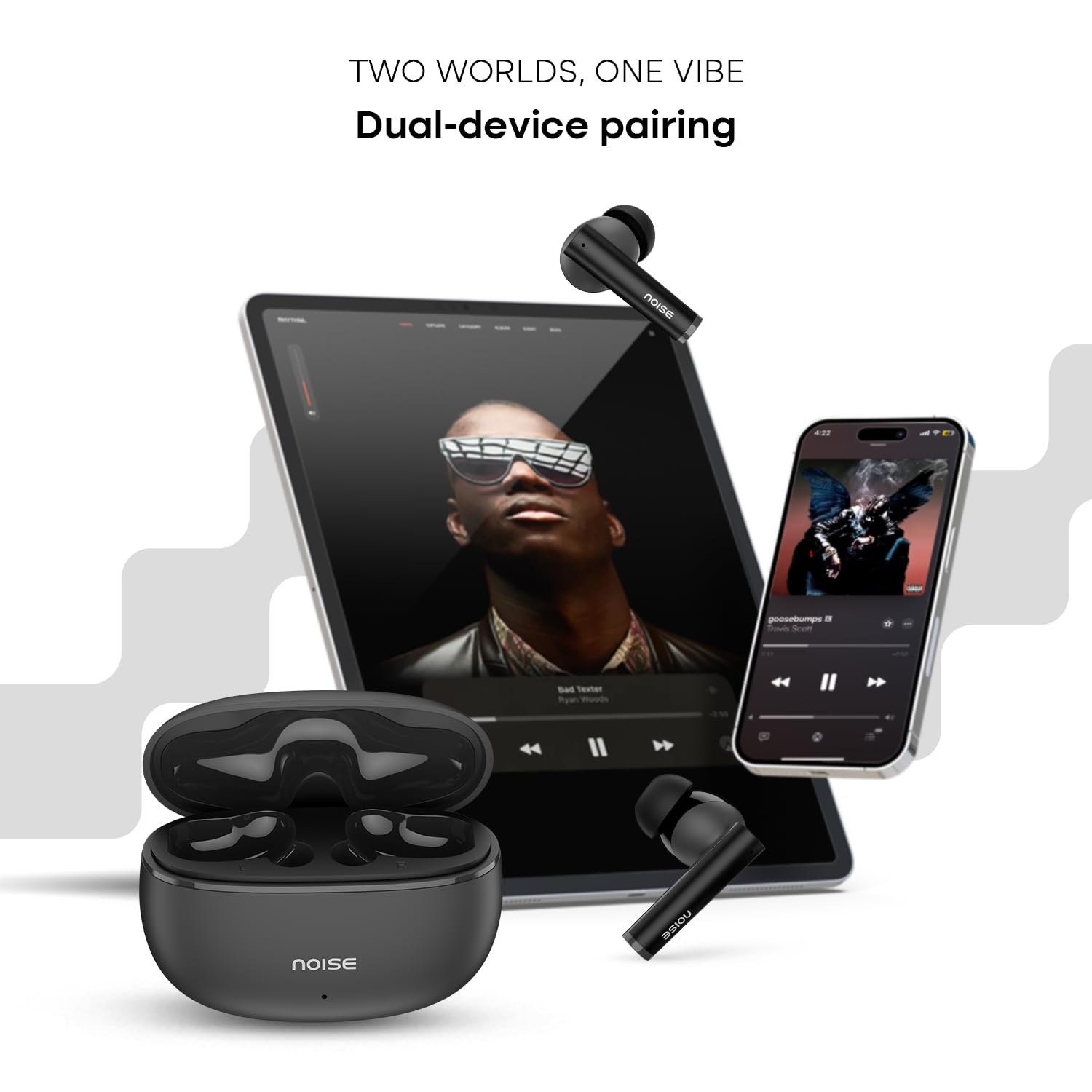
Image: Visual representation of HyperSync, Bluetooth v5.3, and IPX5 water resistance features of the Noise Buds VS501.
Menyelesaikan masalah
If you encounter issues with your Noise Buds VS501, refer to the following common solutions:
- Fon telinga tidak berpasangan/bersambung:
- Pastikan kedua-dua fon telinga dicas.
- Matikan dan hidupkan Bluetooth pada peranti anda.
- Forget "Noise Buds VS501" from your device's Bluetooth list and try pairing again.
- Perform a factory reset (refer to the manufacturer's website or contact support for specific instructions).
- Hanya satu fon telinga berfungsi:
- Letakkan kedua-dua fon telinga kembali ke dalam bekas pengecas, tutup penutup, tunggu beberapa saat, kemudian buka semula.
- Pastikan kedua-dua fon telinga dicas.
- Bersihkan sesentuh pengecasan pada kedua-dua fon telinga dan di dalam sarung.
- Lakukan tetapan semula kilang.
- Isu pengecasan:
- Pastikan kabel pengecasan disambungkan dengan selamat pada kedua-dua bekas dan sumber kuasa.
- Try a different Type-C charging cable and power adapter.
- Bersihkan port pengecasan pada bekas.
- Kelantangan rendah atau kualiti bunyi yang lemah:
- Laraskan kelantangan pada peranti anda yang disambungkan.
- Pastikan fon telinga diletakkan dengan betul di telinga anda.
- Bersihkan sebarang tahi telinga atau serpihan daripada muncung fon telinga.
Spesifikasi
| Jenama | bising |
| Nama Model | Tunas VS501 |
| Nombor Model | AUD-HDPHN-BUDSVS501-BLK |
| Penempatan Telinga | Di Telinga |
| Faktor Bentuk | Wayarles Benar |
| Versi Bluetooth | 5.3 |
| Julat Bluetooth | 10 Meter |
| Purata Hayat Bateri | 50 Hours (Total Playtime with Case) |
| Saiz Pemacu Audio | 10 Milimeter |
| Ciri-ciri Produk | Noise Cancellation (ENC), Dual Device Pairing |
| Tahap Ketahanan Air | Tahan Air IPX5 |
| Jack Fon Kepala | Bicu Pengecas Cepat Jenis-C |
| Kaedah Kawalan | Suara, Sentuh |
| Jenis Pengawal | Pembantu Google, Siri |
| Berat Barang | 50 Gram |
| bahan | Polikarbonat (PC) |
Waranti dan Sokongan
Maklumat Waranti
Your Noise Buds VS501 come with a Waranti 1 tahun disediakan oleh pengilang dari tarikh pembelian. Sila simpan bukti pembelian anda untuk tuntutan waranti.
Sokongan Pelanggan
For any technical assistance, warranty claims, or product-related inquiries, please contact Noise customer support:
- Pengeluar: Nexxbase Marketing Pvt. Ltd.
- Alamat: Khasra No-146/25/2/1, Jail Road Badshahpur, Gurugram Haryana-122101
- Nombor Perhubungan: 8882-132-132