
pengenalan
The SVBONY SX31 Night Vision Binoculars are designed for observing objects in low light or complete darkness. Featuring 4K video recording, 36MP photo capture, 8X digital zoom, and a 4.3-inch display, this device is suitable for various outdoor activities such as night hunting, patrol detection, camping, and wildlife observation. This manual provides detailed instructions for proper use and maintenance of your device.

The SVBONY SX31 Night Vision Binoculars allow for clear observation of nighttime details.
Kandungan Pakej
Sila semak kandungan pakej semasa membuka kotak untuk memastikan semua item ada:
- 1x SVBONY SX31 Night Vision Binoculars
- 1x Kabel USB
- 1x Neck Strap
- 1x Kain Pembersih
- 1x Manual Pengguna
- 1x 32GB TF Card

All items included in the SVBONY SX31 Night Vision Binoculars package.
Ciri-ciri Produk
- 7-Level Infrared Illumination: Adjustable 3W 850nm infrared spotlight allows clear viewing of animals up to 250m in complete darkness.
- High-Resolution Capture: Record 4K, FHD, or HD videos and capture up to 36-megapixel photos day or night.
- 3.2-inch TFT HD Display: Features 15 levels of brightness adjustment for comfortable viewdalam pelbagai keadaan pencahayaan.
- Zum Digital 8X: Easily observe distant targets and capture fine details.
- Bateri boleh dicas semula: Integrated 5000mAh lithium battery provides up to 14 hours of operation. Type-C charging interface is compatible with most power banks.
- Storan Boleh Dikembangkan: Includes a 32GB TF card, expandable up to 128GB.
- Pembinaan Tahan Lama: Made with silicone material for enhanced durability and water resistance.

Large 3.2-inch TFT LCD screen with 15 brightness levels.

8X digital zoom for detailed observation.
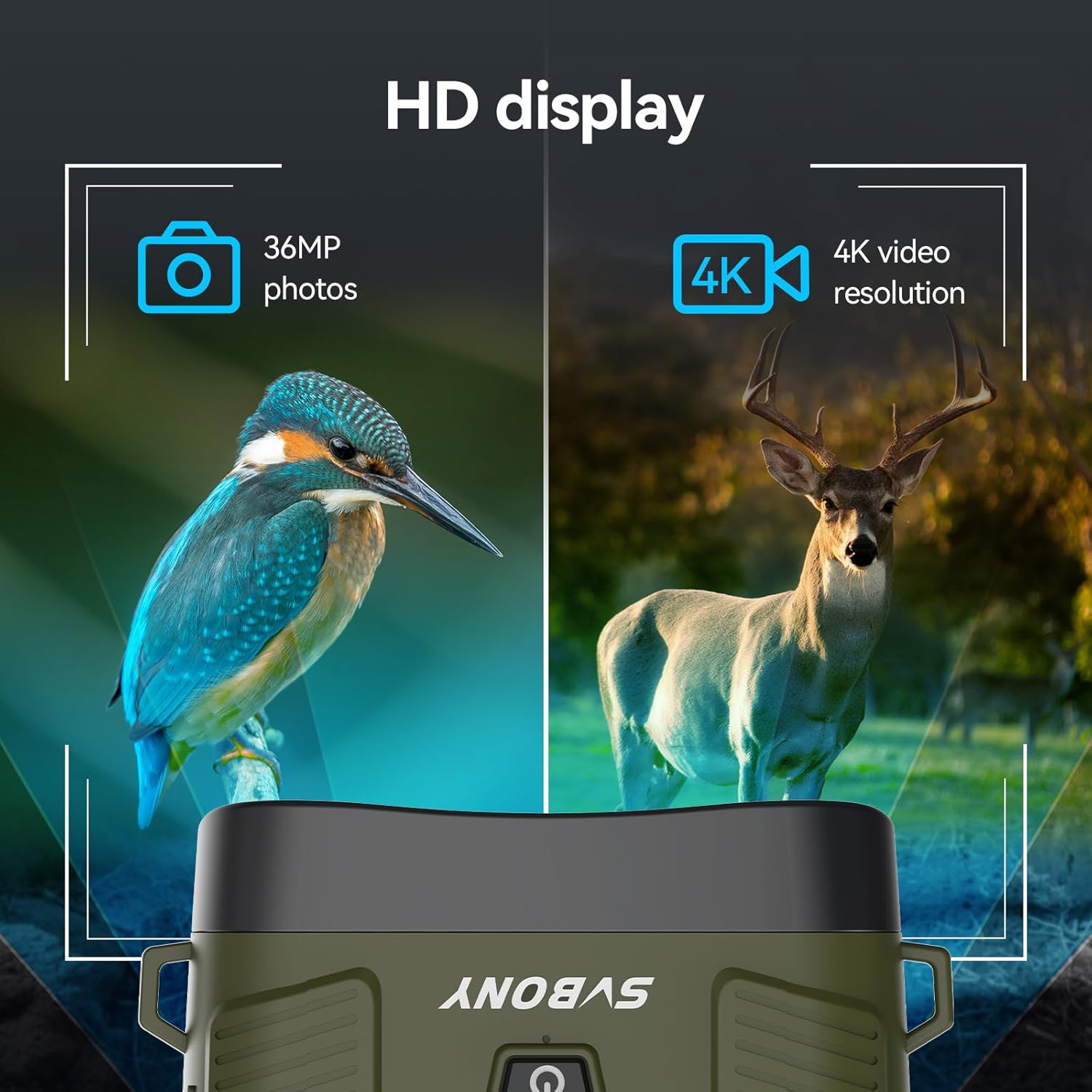
Capture 36MP photos and 4K HD videos.

Bateri boleh dicas semula 5000mAh tahan lama.

Adjustable 7-level 3W 850nm infrared illumination.
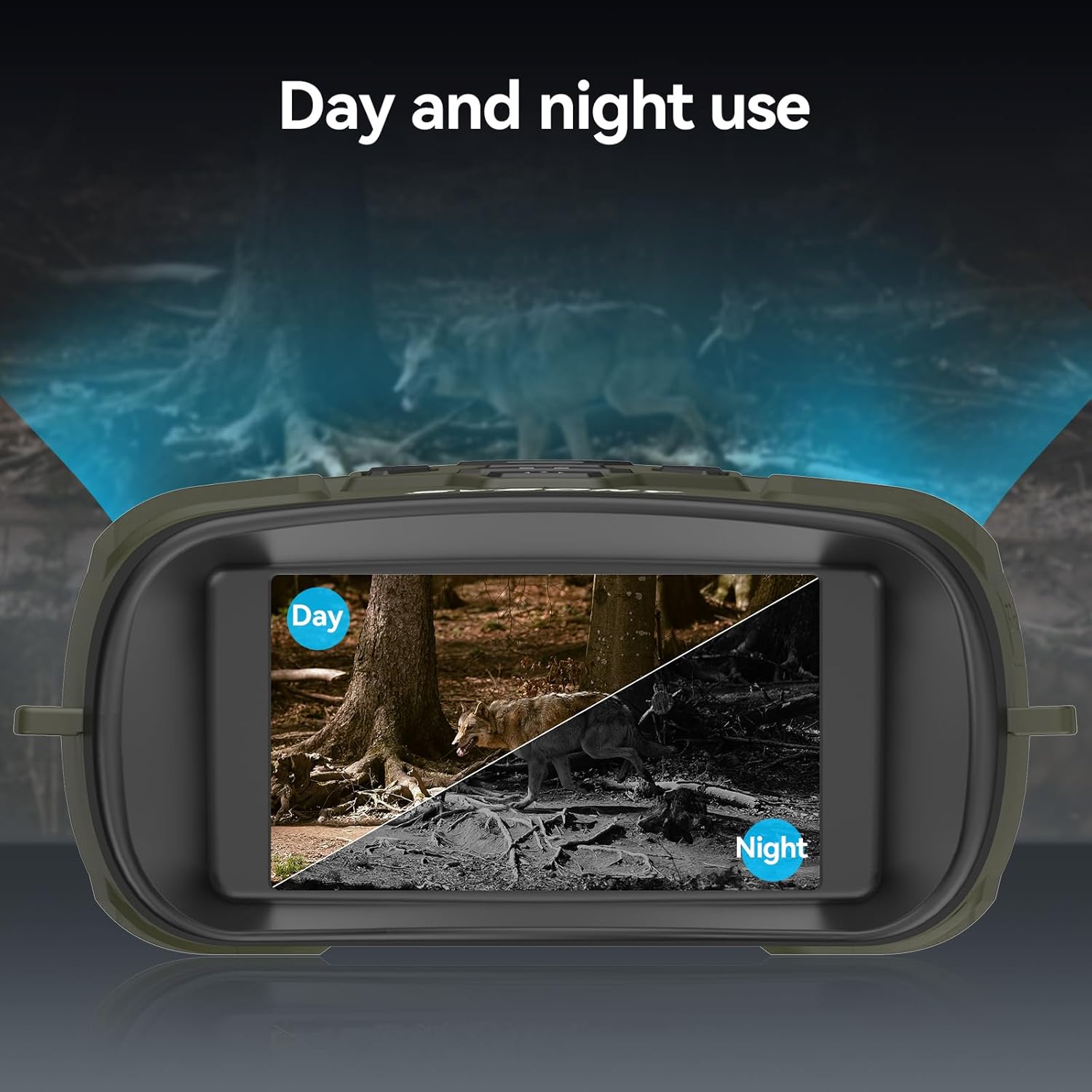
Versatile for both day and night use.

Bidang yang luas view with 10° lens angle and 25mm aperture.

Effective observation distance up to 300m (984ft).

Durable silicone material for water resistance.
Persediaan
1. Mengecas Peranti
Before first use, fully charge the built-in 5000mAh lithium battery. Connect the provided USB Type-C cable to the device's charging port and the other end to a compatible USB power source (e.g., wall adapter, power bank, computer USB port). The charging indicator will show the charging status.
2. Memasukkan Kad TF
Locate the TF card slot on the side of the device. Insert the included 32GB TF card (or an optional card up to 128GB) into the slot until it clicks into place. Ensure the card is inserted in the correct orientation to avoid damage.

Insert the TF card and connect the device for data transfer or charging.
3. Menghidupkan/Mematikan
To power on the device, press and hold the power button (usually marked with a power symbol) for a few seconds until the display illuminates. To power off, press and hold the power button again until the display turns off.
Arahan Operasi
1. Navigasi Menu
Use the 'MENU' button to access the device settings. Navigate through options using the directional buttons (up/down/left/right) and confirm selections with the 'OK' or 'MODE' button. Refer to the on-screen menu for specific settings like resolution, date/time, and auto-power off.
2. Adjusting IR Levels
In night mode, press the 'IR' button to cycle through the 7 infrared intensity levels (IR1 to IR7). Adjust the IR level based on ambient light conditions and observation distance for optimal clarity. Higher IR levels provide brighter illumination but consume more battery.
3. Zum Digital
Use the zoom in (+) and zoom out (-) buttons to adjust the digital magnification from 1X to 8X. For stable viewing at higher zoom levels, consider using a tripod.
4. Photo and Video Capture
Press the 'MODE' button to switch between photo and video modes. In photo mode, press the 'Capture' button (often marked with a camera icon) to take a picture. In video mode, press the 'Capture' button to start recording, and press it again to stop. Recorded files are saved to the TF card.
5. Pelarasan Kecerahan Paparan
Access the display settings through the menu to adjust the screen brightness. There are 15 levels of brightness. Lower brightness settings can help preserve your natural night vision and extend battery life.
6. Pelarasan Fokus
Rotate the focus wheel located on the objective lens barrels to achieve a sharp image. Adjust until the target appears clear on the display.

Adjust the focus wheel for a clear image.
7. Mod Siang dan Malam
The device automatically adapts to ambient light conditions. In sufficient light, it operates in full-color day mode. As light diminishes, it transitions to black-and-white night vision mode, utilizing the infrared illuminator.
Penyelenggaraan
1. Pembersihan
- Use the provided cleaning cloth to gently wipe the lenses. For stubborn smudges, use a lens cleaning solution specifically designed for optical surfaces.
- Clean the device body with a soft, damp kain. Elakkan bahan kimia yang keras atau bahan yang melelas.
2. Penjagaan Bateri
- Cas bateri dengan kerap, walaupun peranti tidak kerap digunakan, untuk mengekalkan kesihatan bateri.
- Elakkan daripada mencas bateri sepenuhnya untuk tempoh yang lama.
3. Penyimpanan
- Simpan teropong di tempat yang sejuk dan kering, jauh daripada cahaya matahari langsung dan suhu yang melampau.
- Use the included storage bag to protect the device from dust and scratches.
Menyelesaikan masalah
| Masalah | Kemungkinan Punca | Penyelesaian |
|---|---|---|
| Peranti tidak dihidupkan. | Bateri lemah; Butang kuasa tidak dipegang cukup lama. | Charge the battery; Press and hold the power button for several seconds. |
| Imej kabur. | Fokus yang tidak betul; Kanta kotor. | Adjust the focus wheel; Clean the lenses with the provided cloth. |
| Tidak boleh merakam foto/video. | TF card full or not inserted correctly; Incorrect mode. | Check TF card insertion and available space; Ensure device is in photo/video mode. |
| 36MP photos appear corrupted. | Potential firmware bug. | Try a lower resolution setting for photos. Check SVBONY's webtapak untuk kemas kini perisian tegar. |
| Paparan terlalu terang pada waktu malam. | Display brightness set too high. | Adjust the display brightness to a lower level via the menu settings. |
Spesifikasi
| Ciri | Perincian |
|---|---|
| Jenama | SVBONY |
| Model | SX31 |
| warna | hijau |
| Berat badan | 500 Gram |
| bahan | Getah |
| Pembesaran Maksimum | 8X (Digital Zoom) |
| Diameter Objektif | 25 Milimeter |
| Illuminator Inframerah | 3W 850nm, 7 levels adjustable |
| Paparan | 3.2-inch TFT HD, 15 levels brightness |
| Resolusi Foto | Sehingga 36MP |
| Resolusi Video | 4K, FHD, HD |
| Bateri | Litium 5000mAh terbina dalam |
| Penyimpanan | 32GB TF card included, supports up to 128GB |
| Nombor Model | FCAFDB24010501 |
Waranti dan Sokongan
For warranty information, technical support, or further inquiries, please refer to the official SVBONY webtapak atau hubungi perkhidmatan pelanggan mereka secara langsung. Anda juga boleh melawat SVBONY Store on Amazon for product updates and additional resources.


